KreatE
🟡 Updated this year⚠️ Install Order · 6 steps
Install in this order, then this mod last — most mods fail to load without their framework and dependencies in place.
🖼️ Gallery (12 images)


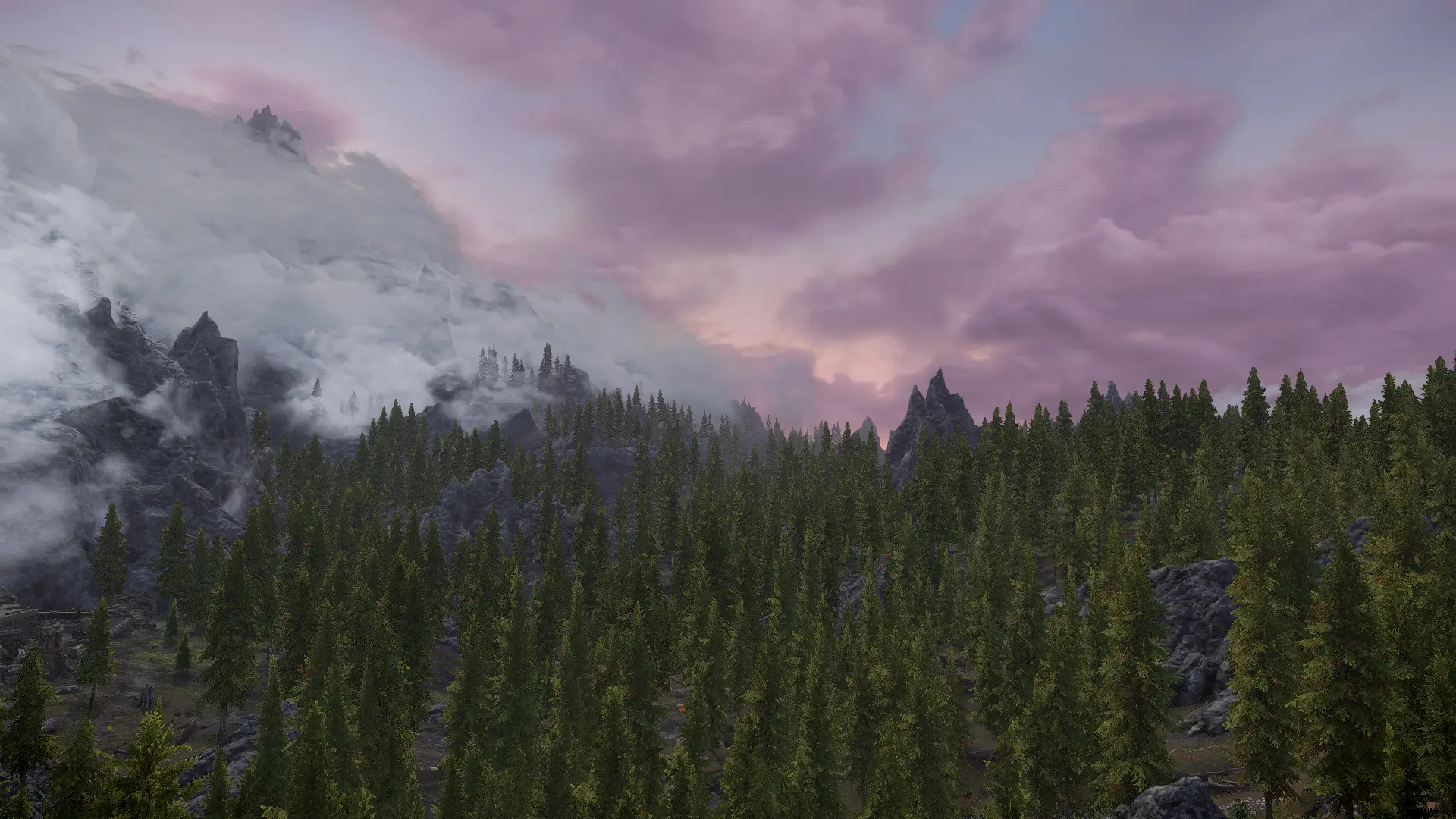


🔍 Analysis
- 👍 0.3% endorsement rate
- 🏆 #68 of 108 Visuals and Graphics mods in this game by downloads
📋 About This Mod
Kitsuunes (visual) real-time Editor (or short KreatE) gives you the power to adjust a plethora of parameters from within Skyrim and save them into or load them from presets. This process is non-destructive and leaves your esp/esm/esl files as is. You can also switch between different presets instantly from within the game.
Even if you don't plan on making presets with KreatE, you can use the built-in tools to preview edits or use the weather/time control features to make weather creation/patching easier than ever.
On top of adding the already powerful tweaking capabilities, KreatE includes an optional fix for the games buggy DALC (directional ambient lighting color) system for your weathers and cell lighting.
Requirements:- []Skyrim Script Extender (SKSE64)
[]Address Library for AE or SE depending on your game version
Make sure you have the latest Visual C++ Redistributable installed.
Installation:Download and install KreatE with a modmanager of your choice
The default key to open up the editors GUI is the END key. You can change that at any time by going into the settings window.
After you've opened up the GUI you'll be greeted with a welcome message that explains where to access all of the tools and how to use the GUI.
It's highly recommended to NOT use the console while KreatE is open. You won't be able to see most of your changes if you do that and KreatE already blocks all of your mouse and keyboard input by default when it's open.
The editor currently covers weathers, image spaces, volumetric lighting, cell lighting and lighting templates. Additionally it supplies you with the current status for those records (which ones are active and so on) and allows for easy, intuitive time and weather control.
For a more detailed walkthrough, open up the spoiler belowTip: If the pictures are too small you can right click and open them in a new tab!
The first step to begin tweaking the game is opening up the editor main menu. Do this by using the END key (or whatever you changed it to), going to the top left of your screen (first image), rolling down the dropdown menu and selecting the
KreatE is an SKSE plugin for Skyrim that enables real-time editing of visual aspects in-game via a non-destructive multi-preset system. With 4,702 endorsements and 1.5M downloads, it's a popular tool for modders and players seeking dynamic visual tweaks without permanent changes.
✨ Key Features
📊 Pros & Cons
✅ Pros
- Huge community trust (4,702 endorsements, 1.5M downloads)
- Non-destructive presets mean you can experiment without ruining your save
- Real-time editing saves you from constant reloads to tweak visuals
⚠️ Cons
- Requires SKSE, so you'll need to set that up first
- Last updated in August 2026, so check for compatibility with your Skyrim version
For Skyrim modders who want to fine-tune visuals on the fly without restarting the game. Perfect for screenshot enthusiasts and ENB tweakers who want a more interactive workflow. Skip if you're looking for a simple visual overhaul—this is a tool, not a content pack.
💡 Beginner Tips
- Make sure you have SKSE installed and launch Skyrim through its loader, not the default launcher.
- Use the preset system to save different visual setups for different areas or moods—experiment freely since it's non-destructive.
- Check the mod's forum or comments for user-created presets to get started quickly.
📊 Mod Details
- Game
- Skyrim Mods
- Author
- Kitsuune
- Version
- 1.5.1
- Downloads
- 1,452,621
- Endorsements
- 4,702
- Category
- Visuals and Graphics
- Created
- 2/6/2023
- Updated
- 8/9/2026
🧩 Commonly Used Together
Users add these mods to the same collections — a real compatibility signal, not an AI guess.
🔧 How to Install Skyrim Mods
Download from Nexus.
📖 Full step-by-step install guide for Skyrim →
Visit the official mod page for specific installation instructions for this mod.
🎮 Need cheat codes or console commands? Check ur gaming wiki for Skyrim commands, item IDs, and more.
Keep browsing — more Skyrim mods await