Immersive Equipment Displays
⚪ Last updated 2023This mod may not work until the author updates it. Check for an update, or see the rollback guide.
⚠️ Install Order · 6 steps
Install in this order, then this mod last — most mods fail to load without their framework and dependencies in place.
Preview
🔍 Analysis
- 👍 0.5% endorsement rate
- 🏆 #7 of 179 Immersion mods in this game by downloads
📋 About This Mod
-
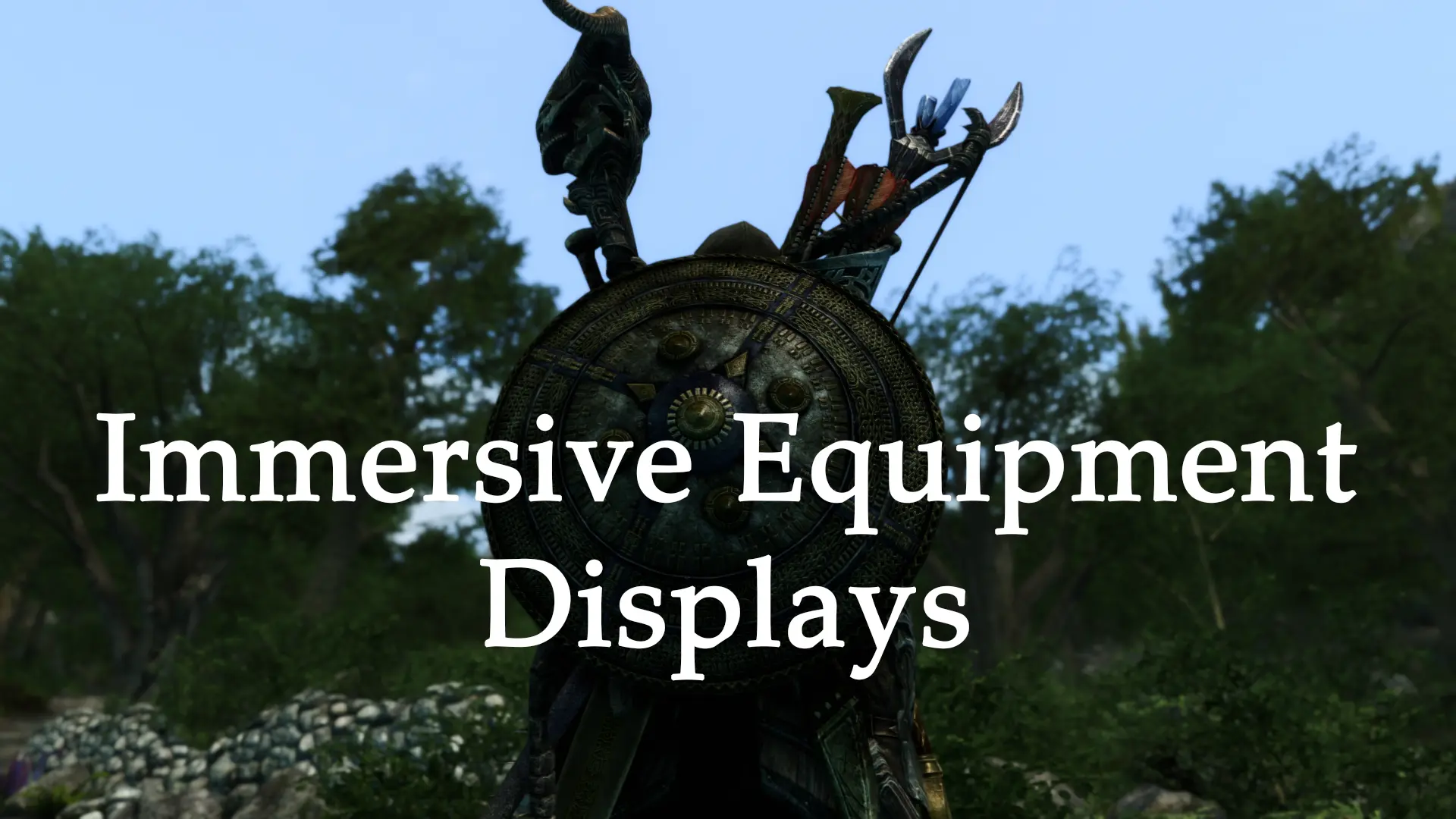
[]Display every piece of equipment on the player or NPCs, at once - one-hand/two-hand swords and axes, maces, daggers, staves, bows, crossbows, shields, torches and ammo.
[
]Display almost any item found in the game - misc, potions, scrolls, soul gems, ingredients, books, keys, even static objects - if it exists in your LO, you can make it into a display. Lights can be attached to displays (version 1. 7 and up)[]Highly configurable gear positioning system for equipped and displayed gear with conditional offsets to prevent clipping/gaps. Supports weight/armor adjusts for each node separately.
[]Built-in equipment physics (version 1. 7 and up, off by default).
[]In-game UI for setting up everything in real time - create custom item displays, reposition gear, tweak settings on equipment displays and more without ever leaving the game. Changes take effect immediately.
[]Import/export presets - never lose your setup when starting a new game and easily share it with the community.
[]Fine-tune your setup - each actor, npc and race can have an unique configuration set. For example you can change positions for certain npcs, setup the correct nodes for creature races so that displays show up, attach battering rams to chickens, etc..
[]Conditional equipment display overrides - apply different settings to displays when certain conditions are met. One of many uses for this feature is to move and neatly arrange gear on an equipped backpack.
[]Papyrus interface for modders
[]Support for translations (UI)
Installation
As of version 1. 7. 2, XPMSSE is no longer a requirement. The plugin will dynamically create the necessary nodes as needed. Vanilla and many other non-xp32 skeletons are now supported. The system that creates these nodes is fully configurable so modders can add support for their skeletons without having to reach out to me. As a bonus, most followers with custom, non-xp32 skeletons and mods that overhaul race skeletons are automatically supported due to this change and support for those that use unrecognized skeleton meshes can easily be added.
Any XP32-compatible skeleton remains supported, however I generally don't recommend using the bloaty XPMSSE scripts since they can negatively impact performance. IED includes gear positioning/scaling and style fitting animations (through OAR), if you only used the scripts for this purpose you can replace XPMSSE with one of the light variants or uninstall it completely. Otherwise, read the first two points in the compatibility section below.
Prerequisites:
[]SKSE64
[]Address Library for SKSE Plugins
[*]Simple Dual Sheath - Required to show equipped left hand weapons, staves and for the a
Immersive Equipment Displays is an SKSE64 plugin that lets you show unequipped gear and custom items on your character or NPCs. It works with any item without extra meshes, avoids body slots, and includes an in-game UI for real-time configuration. A top-tier immersion mod with massive community support.
✨ Key Features
📊 Pros & Cons
✅ Pros
- Huge community trust with 28,498 endorsements and 5.7M downloads.
- No mesh requirements means it's compatible with virtually any item mod.
- Real-time in-game UI makes tweaking display settings painless.
⚠️ Cons
- Requires SKSE64, so it's not for console players or those avoiding script extenders.
- Last updated in December 2023 — may need updates for newer Skyrim versions.
- No detailed documentation in the description, so you'll need to experiment with the UI.
For Skyrim players who want their character to actually show the gear they're carrying, like a backpack or a quiver, without cluttering inventory. Perfect for roleplayers and screenshot enthusiasts. Skip if you're on console or prefer minimal mod setups.
💡 Beginner Tips
- Make sure you have the latest SKSE64 for your Skyrim version, or the mod won't load.
- Use the in-game MCM-like UI to assign items to display slots — you can preview changes live.
- If you're using a mod manager, let it handle the plugin files to avoid manual placement errors.
📊 Mod Details
- Game
- Skyrim Mods
- Author
- SlavicPotato
- Version
- 1.7.4
- Downloads
- 5,654,823
- Endorsements
- 28,498
- Category
- Immersion
- Created
- 1/15/2022
- Updated
- 12/10/2023
🔗 Required By 13 Mods
These mods list this mod as a dependency.
🧩 Commonly Used Together
Users add these mods to the same collections — a real compatibility signal, not an AI guess.
🔧 How to Install Skyrim Mods
Download from Nexus.
📖 Full step-by-step install guide for Skyrim →
Visit the official mod page for specific installation instructions for this mod.
🎮 Need cheat codes or console commands? Check ur gaming wiki for Skyrim commands, item IDs, and more.
Keep browsing — more Skyrim mods await