Crafting ReCategorized
⚪ Last updated 2016⚠️ Install Order · 5 steps
Install in this order, then this mod last — most mods fail to load without their framework and dependencies in place.
Preview
🔍 Analysis
- 👍 5.7% endorsement rate — high engagement, a strong quality signal
- 🏆 #120 of 135 User Interface mods in this game by downloads
📋 About This Mod
XBOX ONE VERSION PS4 VERSION
This mod does NOT contain any scripts, uninstallation will NOT harm your game in any way.
This simple mod changes crafting categories at the forge. I made this because I thought it was tedious to find a particular piece of armour in the big mess under Iron, Daedric, etc...
New crafting categories are as follow. Keep in mind they will appear ingame if you have mods or DLC's (or the base game) that allow you to craft items in the eligible category. Example: staves, soul gems will only appear if you have a craftable staves/soul gems mod.
- []Boots []Headgear (hoods, helmets,...) []Gauntlets []Arrows []Shields []Greatswords []Staves []Soul gems []Maces []Ingredients []Bows []Body (including cuirasses, etc.) []Warhammers []War Axes [] Battle axes [] Daggers
- Swords
Put this mod at the bottom of your load order.
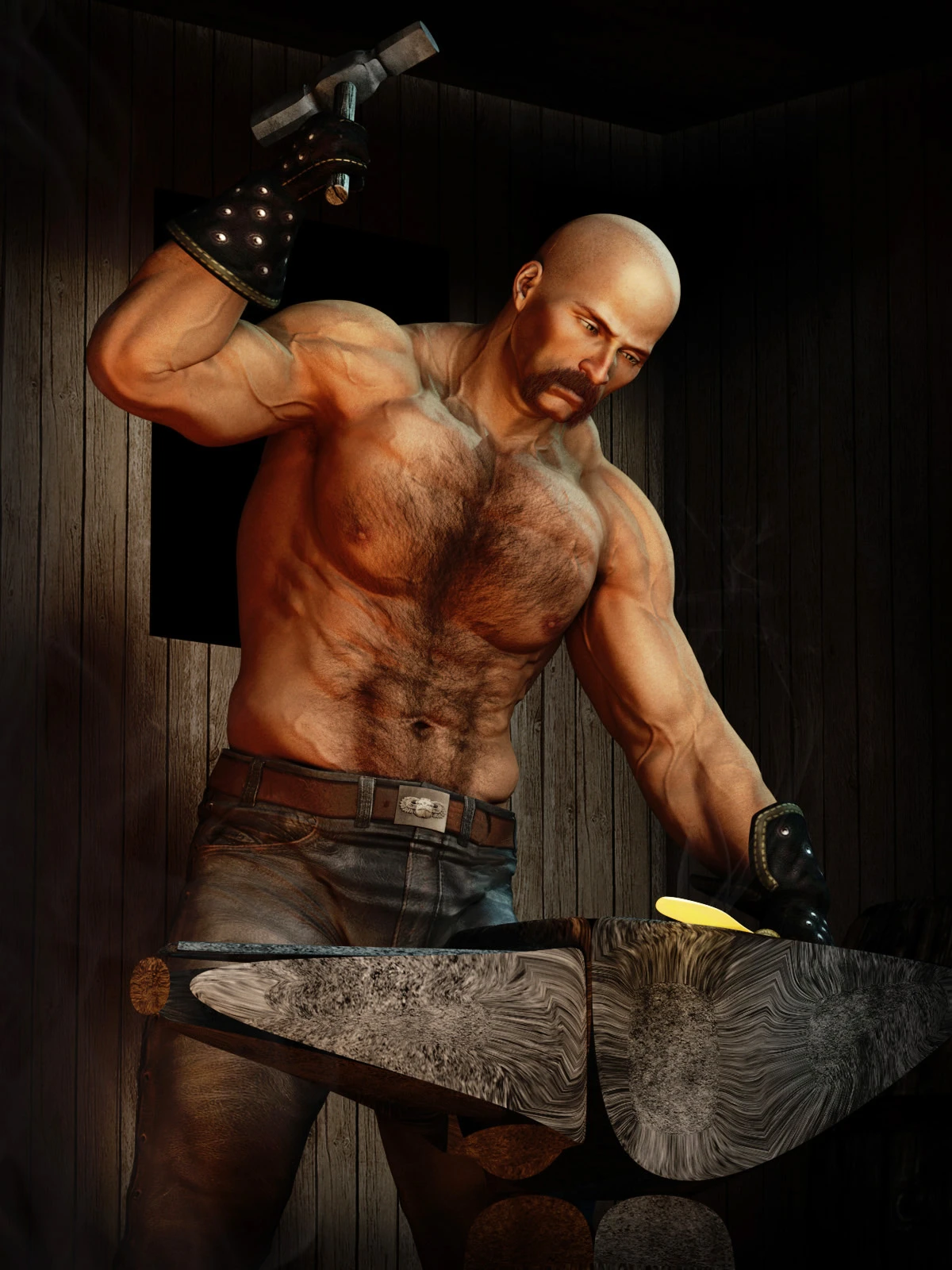
Crafting ReCategorized is a UI mod for Skyrim that reorganizes the crafting menu, changing categories from material-based to type-based (helmet, gauntlet, arrows). It simplifies finding items by type, with 307 endorsements and last updated in 2016.
✨ Key Features
📊 Pros & Cons
✅ Pros
- Community-approved with 307 endorsements.
- Streamlines crafting menu for faster item lookup.
- Simple, focused change that doesn't bloat the game.
⚠️ Cons
- Last updated in 2016, may not be compatible with newer Skyrim versions or mods.
- Potential conflicts with other UI overhaul mods that alter crafting menus.
- Limited to crafting menu only; no other UI improvements.
For Skyrim players who craft often and find the default material-based categories clunky. If you want a cleaner, type-based menu without extra features, this is for you. Skip if you use comprehensive UI overhauls that already change crafting menus.
💡 Beginner Tips
- If you use SkyUI, check compatibility before installing, as both modify the crafting menu.
- Load order matters: place this mod after other UI mods to ensure its changes apply.
- Test in a crafting station early to see if the new categories appear correctly.
📊 Mod Details
- Game
- Skyrim Mods
- Author
- Sagittarius22
- Version
- 1.0
- Downloads
- 5,361
- Endorsements
- 307
- Category
- User Interface
- Created
- 11/5/2016
- Updated
- 11/5/2016
🔧 How to Install Skyrim Mods
Download from Nexus.
📖 Full step-by-step install guide for Skyrim →
Visit the official mod page for specific installation instructions for this mod.
🎮 Need cheat codes or console commands? Check ur gaming wiki for Skyrim commands, item IDs, and more.
Keep browsing — more Skyrim mods await