Character Menu SE
🟡 Updated this year⚠️ Install Order · 5 steps
Install in this order, then this mod last — most mods fail to load without their framework and dependencies in place.
🖼️ Gallery (12 images)


🔍 Analysis
- 👍 0.8% endorsement rate
- 🏆 #14 of 154 User Interface mods in this game by downloads
📋 About This Mod
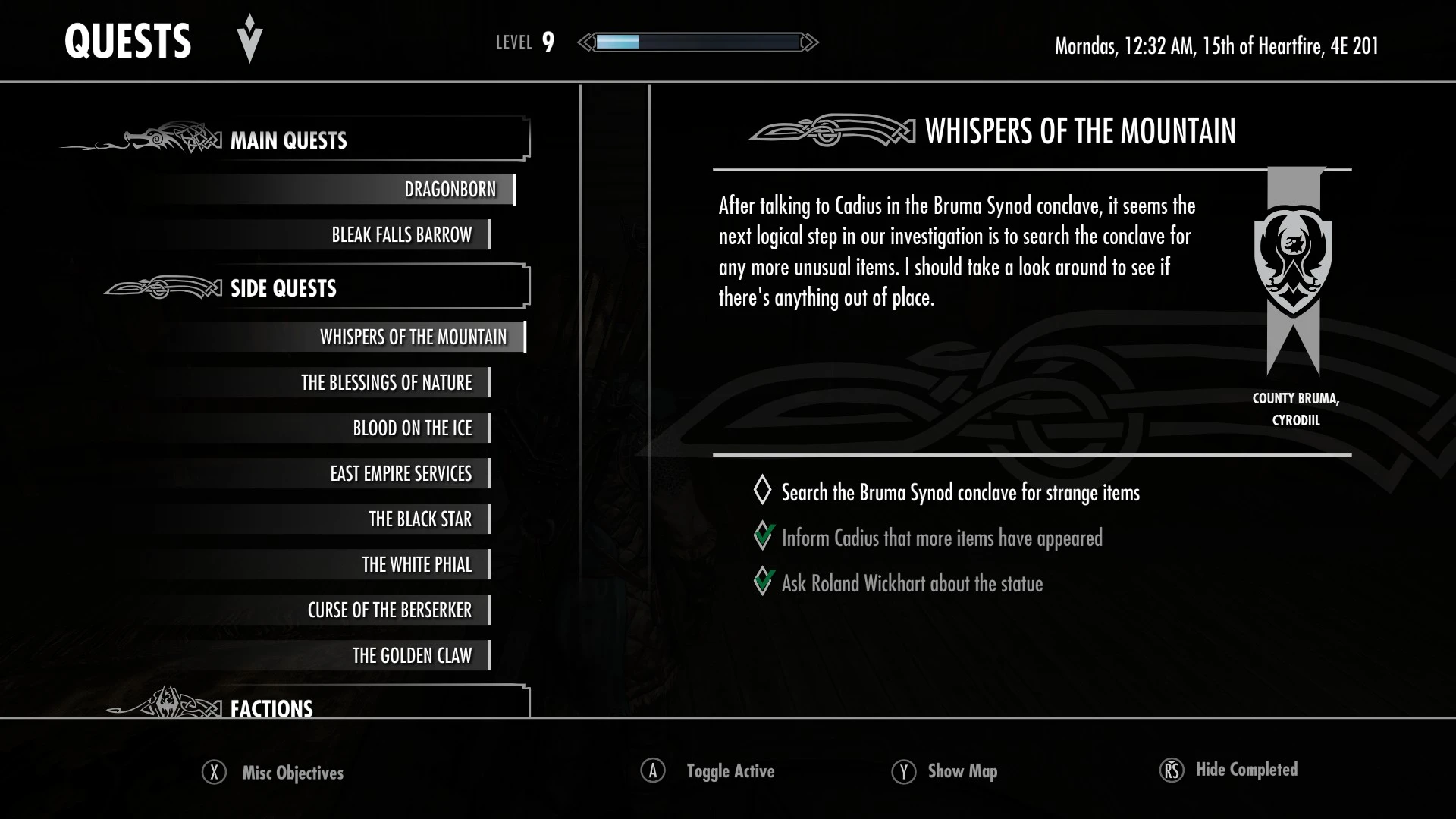
This mod adds a Character Menu to Skyrim, heavily inspired by the one from Oblivion Remastered. It lets you easily access your character's details, skills, factions and stats.
It also comes with its own class attribution system, bringing back the 21 classic Elder Scrolls classes in an unintrusive way, matching Skyrim leveling system's freedom. More details below!
To open the Character Menu, press N by default. This key can be changed in the INI file.
The Character Menu has 4 different tabs: Character, Skills, Factions, Stats. You can navigate between tabs by pressing Q/R or LB/RB with gamepad.
While in the menu, the whole world is frozen except for your character and a few other effects (fire, physics, ...). Which means you actually see your character idle while in the Character Menu, and all HDT-SMP elements like armor or hair will render with physics enabled.
The menu can be opened with weapons/spells unsheathed, while sitting, sneaking and even on a mount. Oh, and while in beast form too! Check the screenshots to see how this all looks in game. Please note that depending on the animations you use, some parts of your character could however end up a bit blurry. If that's the case, you always have the option to disable the blur effect in the INI file.
On all tabs, you can toggle the "Details" panel by pressing F or RS with gamepad. This panel will display additional information when available.
This concerns Race, Constellation and Class on the Character tab, and all Skills on the Skills tab.
At the bottom right, you have your character's base information: Magicka, Health, Stamina, Level and Experience. Below these, you also have your Gold, Armor Rating and Carry Weight. If you have Survival Mode enabled, your character's Warmth value will be displayed next to Gold.
Character Tab ("Details" on)
The Character tab displays all basic information about your character.
When details are shown, a small icon will be displayed above the race's description if the player is either a vampire, a werewolf or a werebear. The werebear state is detected from Tales of Skyrim - Berserkyr's "Berserker Curse".
This is also where you can find the class that was attributed to them. Skyrim has no real class system, so how does it work?
Well, the mod will check your character's 7 highest level skills and using a closest-match formula, will determine which class corresponds the most to your current playstyle. This means that during a single playthrough, your character coul
Character Menu SE is a Skyrim UI overhaul that adds a dedicated character menu inspired by Oblivion Remastered, letting you view your character's details, skills, factions, and stats. It also reintroduces the 21 classic Elder Scrolls classes with its own class attribution system. With 1,883 endorsements and 237,844 downloads, it's a popular choice for players seeking a more classic RPG feel.
✨ Key Features
📊 Pros & Cons
✅ Pros
- Huge community trust: 1,883 endorsements and 237k downloads show this mod is widely used and appreciated.
- Brings back the classic Elder Scrolls class system, a nostalgic feature many players miss.
- Integrates character info into a single menu, making it easier to manage your build without digging through multiple menus.
⚠️ Cons
- Description is cut off, so you won't know about potential compatibility issues or requirements until you check the mod page.
- No mention of whether it works with popular UI overhauls like SkyUI, so you might run into conflicts.
- Last updated in March 2026, but no info on whether it's compatible with the latest Skyrim patches or if it requires SKSE.
For Skyrim players who want a more classic RPG feel and miss the class system from older Elder Scrolls games. Also great for those who want a centralized menu to view character stats and factions. Skip if you're happy with the vanilla UI or prefer minimal UI changes.
💡 Beginner Tips
- If you use a mod manager like Vortex or Mod Organizer 2, install this mod through it to keep your load order clean.
- Check the mod page for any patches if you use other UI mods like SkyUI, as they might conflict.
- Since this mod adds a new menu, make sure to test it in-game after installing to see if it appears correctly.
📊 Mod Details
- Game
- Skyrim Mods
- Author
- JPSteel2
- Version
- 1.2.1
- Downloads
- 237,844
- Endorsements
- 1,883
- Category
- User Interface
- Created
- 2/21/2026
- Updated
- 3/28/2026
🧩 Commonly Used Together
Users add these mods to the same collections — a real compatibility signal, not an AI guess.
🔧 How to Install Skyrim Mods
Download from Nexus.
📖 Full step-by-step install guide for Skyrim →
Visit the official mod page for specific installation instructions for this mod.
🎮 Need cheat codes or console commands? Check ur gaming wiki for Skyrim commands, item IDs, and more.
Keep browsing — more Skyrim mods await