Skyrim Mod Combiner
⚪ Last updated 2018⚠️ Install Order · 3 steps
Install in this order, then this mod last — most mods fail to load without their framework and dependencies in place.
Preview
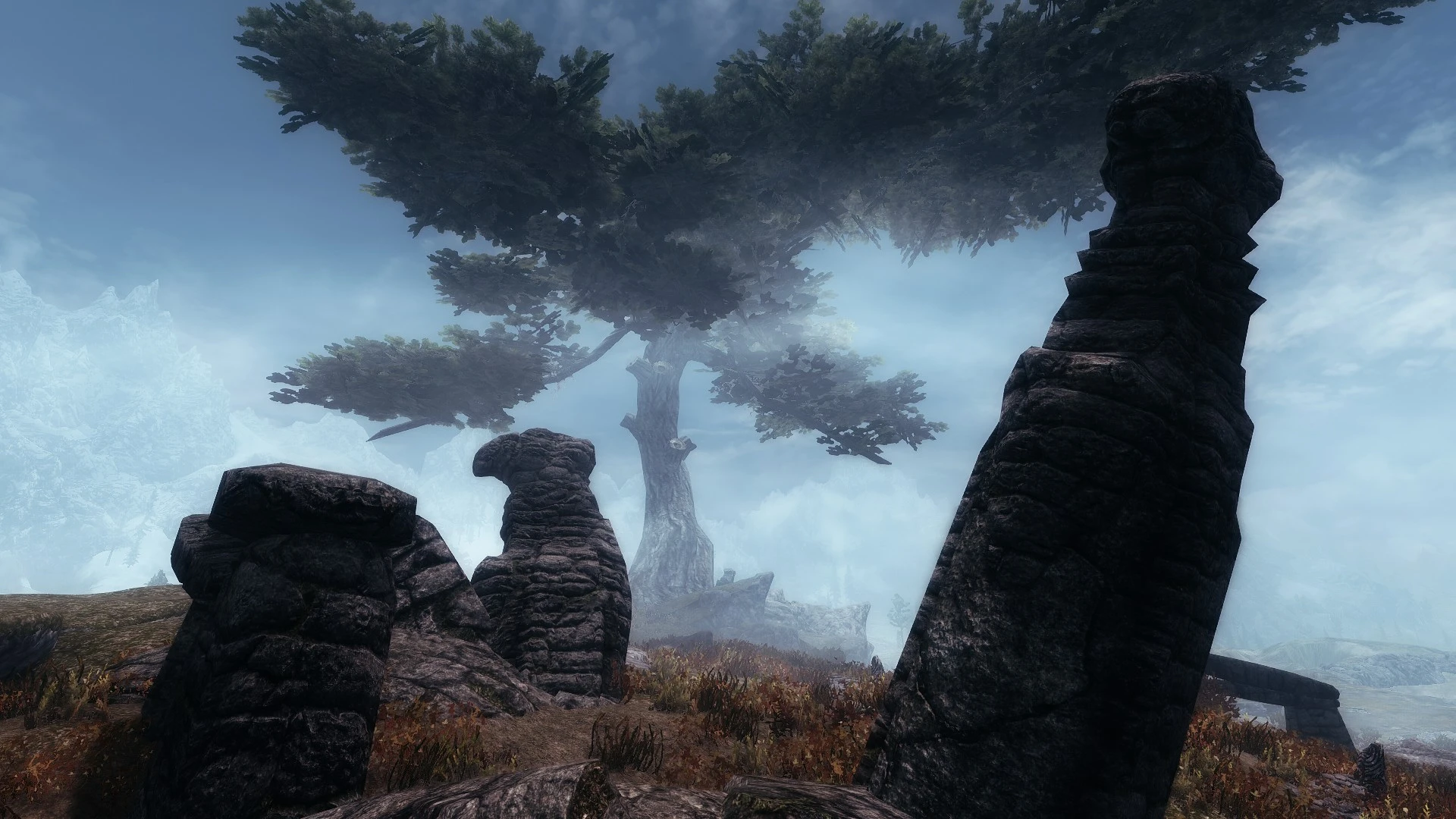
🔍 Analysis
- 👍 2.7% endorsement rate — high engagement, a strong quality signal
- 🏆 #57 of 85 Utilities mods in this game by downloads
📋 About This Mod
1. What is SMC and what it does
2. What it isn't
3. But why?
4. How does it do it?
5. How were textures selected?
6. Installation guide
7. Requirements & Recommendations
1. WHAT IS SMC AND WHAT IT DOES
Skyrim Mod Combiner (SMC) is a free, fast and light-weight mod combiner for Skyrim created by Drigger, it is designed to be as universal and user-friendly as possible. SMC was initially made as an extended GUI wrapper for a batch-file from the no longer supported Texture Pack Combiner (TPC) by Cestral, but uses its own updated batch-files now for compatibility with newer mods. SMC improves upon where Cestral left off, and its use has been recommend by him.
When you run SMC, it will hand-pick textures & models from all available mods and merge them into a new customized collection, where each and every file has been tested, compared and selected with careful consideration. So what you'll end up with is a stunningly beautiful Skyrim where the majority of the game's textures and low-poly meshes have been replaced.
You no longer have to extract archives or manually place mods in particular folders. However, with this installer, you can simply direct it to the downloaded archives for each mod. It will then extract and combine everything automatically, and can even compress it and place it in your NMM mods folder for you.
2. WHAT IT ISN'T
SMC is not a texture or model pack in itself. There are no textures or meshes supplied with it (except for a few extra files you can find in optional downloads section). Drigger had nothing to do with the making of any files from any mods used, as they are the work of other authors. SMC is merely a tool that combines them automatically for you. You will still have to download any mods you choose, but once you've done that, that's when SMC comes into play. Just remember to endorse every modder's work after you download them (they deserve it)!
3. BUT WHY?
Typically, if you wanted to install more than one texture pack, you would have to install them in a particular order. This was not only confusing, but also extremely inconvenient, and neither would you have any control over the fact that better textures could get overwritten by worse ones. Neither were there any control over different texture combinations. Some textures might look great individually, but when put together would create a totality that just looked unfitting or outright terrible. The only way to work
Skyrim Mod Combiner (SMC) is a free, fast, and lightweight utility that automatically merges textures and models from multiple mods into a customized collection. It's designed for Skyrim players who want to combine mods efficiently. With 3,647 endorsements and 135,593 downloads, it's a popular tool despite being last updated in 2018.
✨ Key Features
📊 Pros & Cons
✅ Pros
- Community favorite with 3,647 endorsements and over 135k downloads—clearly trusted by many modders.
- Saves time by automatically merging textures and models instead of doing it by hand.
- Lightweight and fast, so it won't bog down your system while you're modding.
⚠️ Cons
- Last updated in 2018—might not work with the latest Skyrim versions or newer mods.
- No detailed instructions or documentation provided, so you'll have to figure out setup on your own.
- Requires a mod manager for best results, which adds an extra step for newbies.
For Skyrim modders who juggle multiple texture and model mods and want a quick way to merge them into a cohesive package. Perfect for veterans who know their way around mod managers and want to streamline their load order. Skip if you're a beginner or play Skyrim Special Edition—this is aimed at classic Skyrim and may be outdated.
💡 Beginner Tips
- Use a mod manager like Mod Organizer 2 to handle the merged output—SMC works best when integrated with your existing mod setup.
- Since SMC is from 2018, check if your installed mods are compatible with its merging logic; newer mods might not be recognized.
- Run SMC after you've installed all your texture and model mods, so it can pick from the full pool.
📊 Mod Details
- Game
- Skyrim LE Mods
- Author
- drigger - Tikarah and ibeas7n
- Version
- 1.4.0.4
- Downloads
- 135,593
- Endorsements
- 3,647
- Category
- Utilities
- Created
- 2/24/2014
- Updated
- 5/2/2018
🔧 How to Install Skyrim LE Mods
Download from Nexus.
📖 Full step-by-step install guide for Skyrim LE →
Visit the official mod page for specific installation instructions for this mod.
🎮 Need cheat codes or console commands? Check ur gaming wiki for Skyrim LE commands, item IDs, and more.
Keep browsing — more Skyrim LE mods await