Kwanon ENB
⚪ Last updated 2022⚠️ Install Order · 3 steps
Install in this order, then this mod last — most mods fail to load without their framework and dependencies in place.
Preview
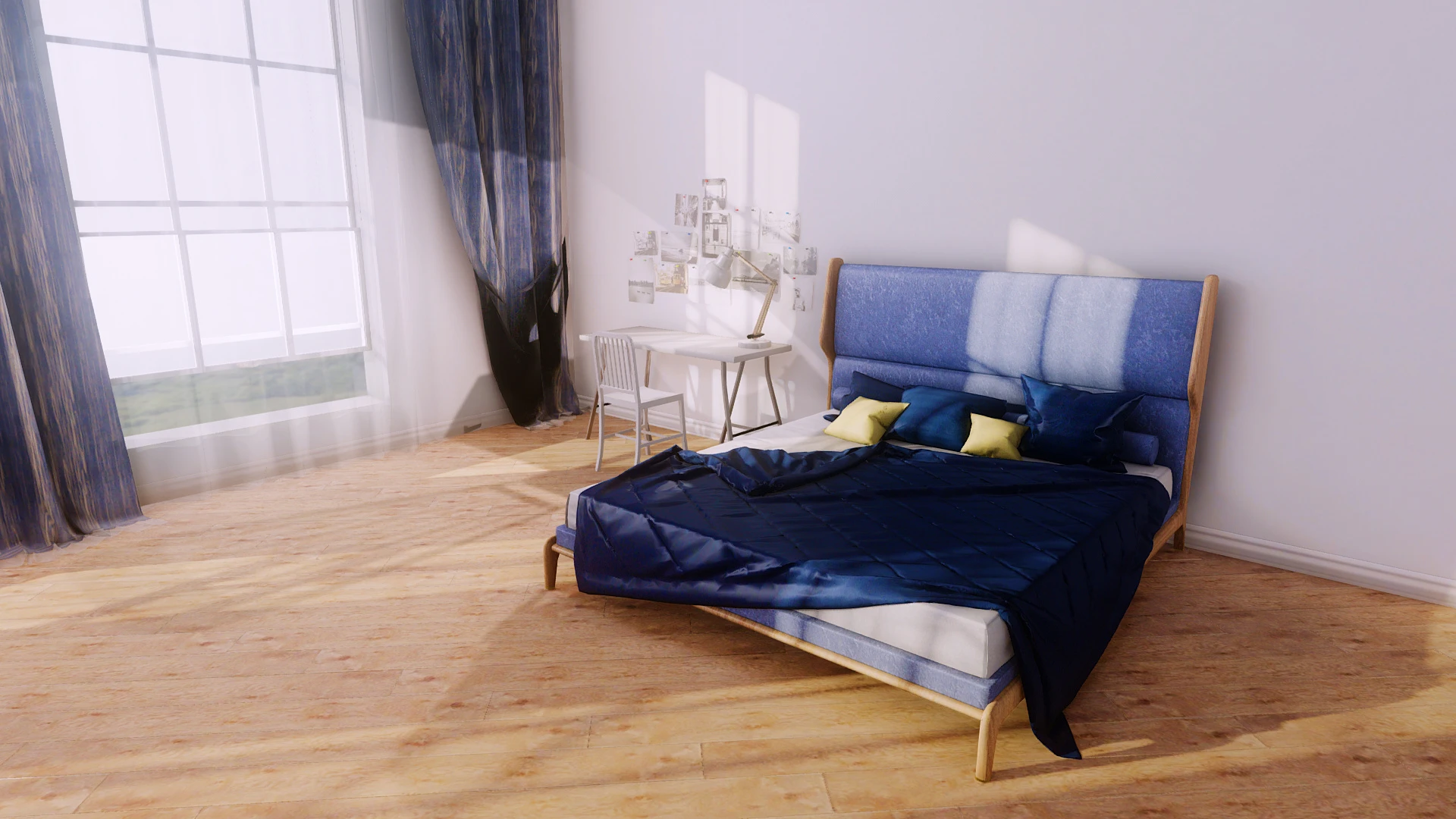
🔍 Analysis
- 👍 2.0% endorsement rate — high engagement, a strong quality signal
- 🏆 #25 of 35 ENB Preset mods in this game by downloads
📋 About This Mod
Quality Options
Bixie ENB: Performance
Kwanon ENB: Medium
Loxia ENB: Quality
Installation
1. Core Files
Copy the d3d9.dll, enbhost.exe and enblocal.ini from the "WrapperVersion" folder of ENBSeries for TES Skyrim to the Skyrim root directory where TESV.exe is located.
2. Preset
Copy the Data folder, enbseries folder and enbseries.ini from the preset to the Skyrim root directory.
Follow the instructions in the installer.
Create a new blank preset and add the data folder, enbseries folder and enbseries.ini to the file list.
3. Plugin
Place the enbhelper.dll into the enbseries folder.
Add the enbhelper.dll to the file list.
4. Required Settings
Edit or add the following settings in the SkyrimPrefs.ini located in "(Your Documents folder)\My Games\Skyrim".
If you use Mod Organizer, use the built-in ini editor.
SkyrimPrefs.ini
fGamma=1. 0000
iMultiSample=0
bTransparencyMultisampling=0
bFloatPointRenderTarget=1
bDrawShadows=1
bDrawLandShadows=1
bTreesReceiveShadows=1
bShadowsOnGrass=1
bDeferredShadows=1
iBlurDeferredShadowMask=3
Check the enblocal.ini settings are configured as follows.
enblocal.ini
UsePatchSpeedhackWithoutGraphics=false
UseDefferedRendering=true
The following are optional but recommended settings.
EnableEdgeAA=true
EnableSubPixelAA=true
RemoveBlur=true
5. Driver Antialiasing Settings
Set the Anti-Aliasing settings in your graphics driver control panel to "Application-Controlled/Use Application Settings" or "Off".
1. Copy the new Data folder, enbseries folder and enbseries.ini to the Skyrim root directory.
2. Place the enbhelper.dll into the enbseries folder.
3. If required, replace the d3d9.dll with the new version of ENBSeries.
1. Disable or remove th
Kwanon ENB is a popular ENB preset for Skyrim, offering working image space effects, compatibility with weather and quest mods, quality/performance options, and customization features like LUT filters and skin tone adjustments. With over 2,800 endorsements and 143k downloads, it's a well-established choice for players seeking visual enhancements.
✨ Key Features
📊 Pros & Cons
✅ Pros
- Community-approved with 2,821 endorsements and 143k downloads
- Includes working Night Eye and fade effects, which many ENBs break
- Offers both quality and performance options, so it works on a range of rigs
⚠️ Cons
- Last updated in January 2022 — may not be fully compatible with the latest Skyrim version or newer mods
- Requires ENB Series and likely other dependencies, but they aren't listed here
For Skyrim players who want a polished ENB preset with reliable image space effects and broad mod compatibility. If you're after a customizable look with performance options, this is a solid pick. Skip if you prefer a more modern, actively maintained ENB.
💡 Beginner Tips
- Make sure you have the latest ENB Series binaries installed, as this preset depends on them.
- Use a mod manager like Mod Organizer 2 to keep your ENB files organized and easy to remove.
- Check the mod's posts or comments for user-provided compatibility patches for popular weather mods.
📊 Mod Details
- Game
- Skyrim LE Mods
- Author
- HHaleyy
- Version
- 0467.3
- Downloads
- 143,894
- Endorsements
- 2,821
- Category
- ENB Preset
- Created
- 7/15/2017
- Updated
- 1/15/2022
🔧 How to Install Skyrim LE Mods
Download from Nexus.
📖 Full step-by-step install guide for Skyrim LE →
Visit the official mod page for specific installation instructions for this mod.
🎮 Need cheat codes or console commands? Check ur gaming wiki for Skyrim LE commands, item IDs, and more.
Keep browsing — more Skyrim LE mods await