PC Head Tracking and Voice Type
⚪ Last updated 2019⚠️ Install Order · 3 steps
Install in this order, then this mod last — most mods fail to load without their framework and dependencies in place.
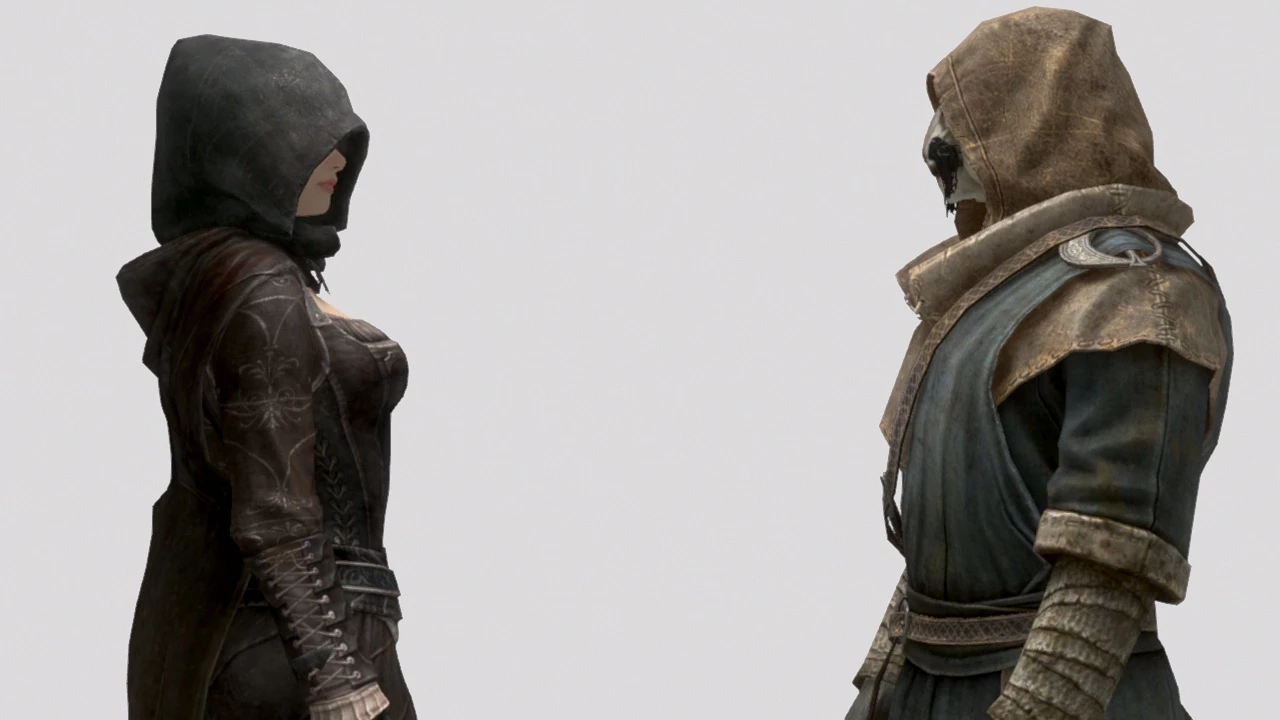
Preview
🔍 Analysis
- 👍 3.7% endorsement rate — high engagement, a strong quality signal
- 🏆 #49 of 147 Immersion mods in this game by downloads
📋 About This Mod
xl20hZAMQHMhjTs6bUuNDQ
Description
Head Tracking Options
If enabled, the player character moves their head to look at something or someone.
You can choose either one or both of the following methods for detecting head tracking targets.
-
[]Crosshair Detection: Detects the current crosshair target unless it is a furniture object (chairs, beds etc) or behind the player.
[
]Speaker Detection: Detects a nearby actor that is speaking within the specified radius unless the actors is in Ghost state (immune to any attacks or spell effects).This function will automatically be disabled while weapons are drawn, first person perspective, and riding mounts.
The behavior is smooth and does not cause periodic twitching/bobbling of the head.
It is also customizable with options to your preferences, such as 'Exception Filter (excludes inanimate objects or inanimate actors)', 'Tracking Distance', 'Tracking Interval' and 'Fix Spine (moves only the head and keeps the spine unaffected)' etc.
-
[]Fixes a vanilla bug that disallows High Elf vampires to use head tracking animations.
Facial Expression Options
Allows the player to make a facial expression when the head tracking is active.
The expressions can be set for each relationship ranks, so you can set it depending on your character's personality.
This option also enables eye tracking animations.
Greeting Options
Allows the player to greet someone when the greeting hotkey is pressed.
- [
Voice Type Options
You can set the supported voice types for each female and male character with the Voice Type Menu.
Also you can obtain voice types from crosshair targets with the Voice Type Selector.
By default, it is set to not work for unsupported voice types.
With the Unrestricted Mode enabled, it can obtain any voice type from any actor with no restriction.
This is useful for voice types that are not listed in the menu.
For example, if you wish to use Draugr Voice, enable the Unrestricted Mode and use the voice type selector to a Draugr.
It works also for characters in DLCs.
Presets for some unsupported voice types can be downloaded from the Optional Fil
-
[]Fixes a vanilla bug that disallows High Elf vampires to use head tracking animations.
PC Head Tracking and Voice Type is an immersion mod that adds head and eye tracking animations, voice type selection, and a custom voice function, all individually toggleable for performance and stability. With 13,892 endorsements and 371,784 downloads, it's a popular choice for players seeking deeper roleplay immersion.
✨ Key Features
📊 Pros & Cons
✅ Pros
- Huge community trust (13,892 endorsements) — this is a proven mod.
- Performance-conscious design means you can enable only what you need.
- Custom voice function opens up roleplay possibilities beyond preset voices.
⚠️ Cons
- Last updated in 2019 — may be outdated for current game versions.
For roleplayers who want their character to feel more alive with head tracking and custom voices. Also for modders who want to integrate voice features into their setups. Skip if you prefer gameplay over immersion tweaks.
💡 Beginner Tips
- Check if your game version is compatible with the mod's 2019 update before installing.
- Use a mod manager to easily toggle the individual options on and off.
- Test the head tracking in third-person view to see the animations clearly.
📊 Mod Details
- Game
- Skyrim LE Mods
- Author
- HHaleyy
- Version
- 4.8
- Downloads
- 371,784
- Endorsements
- 13,892
- Category
- Immersion
- Created
- 12/19/2015
- Updated
- 4/17/2019
🔗 Required By 1 Mod
These mods list this mod as a dependency.
🔧 How to Install Skyrim LE Mods
Download from Nexus.
📖 Full step-by-step install guide for Skyrim LE →
Visit the official mod page for specific installation instructions for this mod.
🎮 Need cheat codes or console commands? Check ur gaming wiki for Skyrim LE commands, item IDs, and more.
Keep browsing — more Skyrim LE mods await