3ds Max Nif Importer-Exporter
⚪ Last updated 2015⚠️ Install Order · 3 steps
Install in this order, then this mod last — most mods fail to load without their framework and dependencies in place.
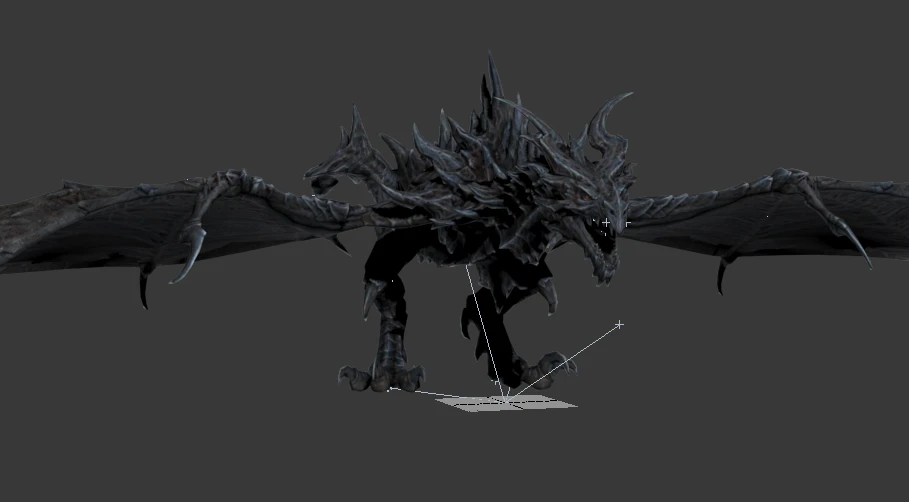
Preview
🔍 Analysis
- 👍 3.6% endorsement rate — high engagement, a strong quality signal
- 🏆 #60 of 85 Utilities mods in this game by downloads
📋 About This Mod
Unofficial 3ds Max Nif Importer-Exporter
This is a fork of the niftools.org 3ds max nif importer-exporter. I am only building and releasing as a courtesy to the community and do not plan on maintaining it much as the multi-year gap in releases should indicate.
The plugin currently consists of an exporter, importer and a miscellaneous properties (Collision, Dismemberment, Furniture Markers) for 3ds Max and gmax for read and writing Gamebryo/Netimmerse related files and specifically targeted at Skyrim.
A wiki for the 3ds Max plugins is available at: http://www.niftools.org/wiki/index.php/3ds_Max
While all versions have been compiled, only 3ds Max 2015 and 3ds Max 2016 have received any testing and that will continue to be the case as I do not intend to install the old versions at this time.
Requirements
3D Studio Max 2015, 2016 (Partially Tested) 3D Studio Max 5, 6, 7, 8, 9, 2008, 2009, 2010, 2011, 2012, 2013, 2014, gmax 1. 2 (Untested)
Installation
Installer: The installer will configure the plugins for any max releases it detects on your machine. It will also optionally configure texture and mesh paths for various games that we know their settings for as a convenience.
If you insist on using the zip version then manually copy files to correct locations: Copy NifPlugins.dlu, to your 3dsmax\plugins directory.
Copy MaxNifTools.ini to the correct plugcfg directory: Windows XP: %APPDATA%\Autodesk\3dsMax\<version>\enu\plugcfg Windows Vista and Greater: %USERPROFILE%\AppData\Local\Autodesk\3dsMax\<version>\enu\en-US\plugcfg %USERPROFILE%\AppData\Local\Autodesk\3dsMax\<version> - 64bit\enu\en-US\plugcfg
gmax notes: NifPlugins.dlu goes in gmax\plugin folder MaxNifTools.ini goes in gmax\plugCFG folder winmm.dll goes in gmax folder where gmax.exe is located. Do not place it in the windows system folder.
Exporter: Export files using "File | Export | Netimmerse/Gamebryo (. NIF, . KF)".
Importer: Import files using "File | Import | Netimmerse/Gamebryo (. NIF, . KF)"
Source code: git://github.com/figment/max_nif_plugin.git git://github.com/figment/niflib.git git://github.com/figment/nifdocsys.git git://github.com/figment/nifxml.git
A fork of the official niftools.org 3ds Max importer/exporter, this utility plugin adds collision, dismemberment, and furniture marker properties for 3ds Max and gmax. With 4,484 endorsements and 124,310 downloads, it's a well-established tool for modders working with NIF files, though it hasn't been updated since 2015.
✨ Key Features
📊 Pros & Cons
✅ Pros
- Community-approved with 4,484 endorsements and 124,310 downloads
- Essential for modders who need to edit NIF files in 3ds Max
- Adds useful properties like collision and dismemberment that vanilla tools lack
⚠️ Cons
- Last updated in 2015 — may not work with newer 3ds Max versions
- Requires 3ds Max or gmax, which are paid software
For modders who create or edit NIF models for Bethesda games and use 3ds Max or gmax. If you're a modder needing collision or dismemberment properties, this is a must-have. Skip if you don't work with NIF files or use a different modeling tool.
💡 Beginner Tips
- Make sure your 3ds Max version is compatible with the plugin, as it's from 2015 and may not support newer releases.
- Back up your NIF files before using the importer/exporter to avoid accidental data loss.
- Check the niftools.org forums for community updates or patches if you run into issues with newer 3ds Max versions.
📊 Mod Details
- Game
- Skyrim LE Mods
- Author
- figment
- Version
- 3.8.0.a3
- Downloads
- 124,310
- Endorsements
- 4,484
- Category
- Utilities
- Created
- 1/8/2012
- Updated
- 11/7/2015
🔧 How to Install Skyrim LE Mods
Download from Nexus.
📖 Full step-by-step install guide for Skyrim LE →
Visit the official mod page for specific installation instructions for this mod.
🎮 Need cheat codes or console commands? Check ur gaming wiki for Skyrim LE commands, item IDs, and more.
Keep browsing — more Skyrim LE mods await