GanjaGrave's Graffiti Replacement Mod
🟠 Updated over a year agoPreview
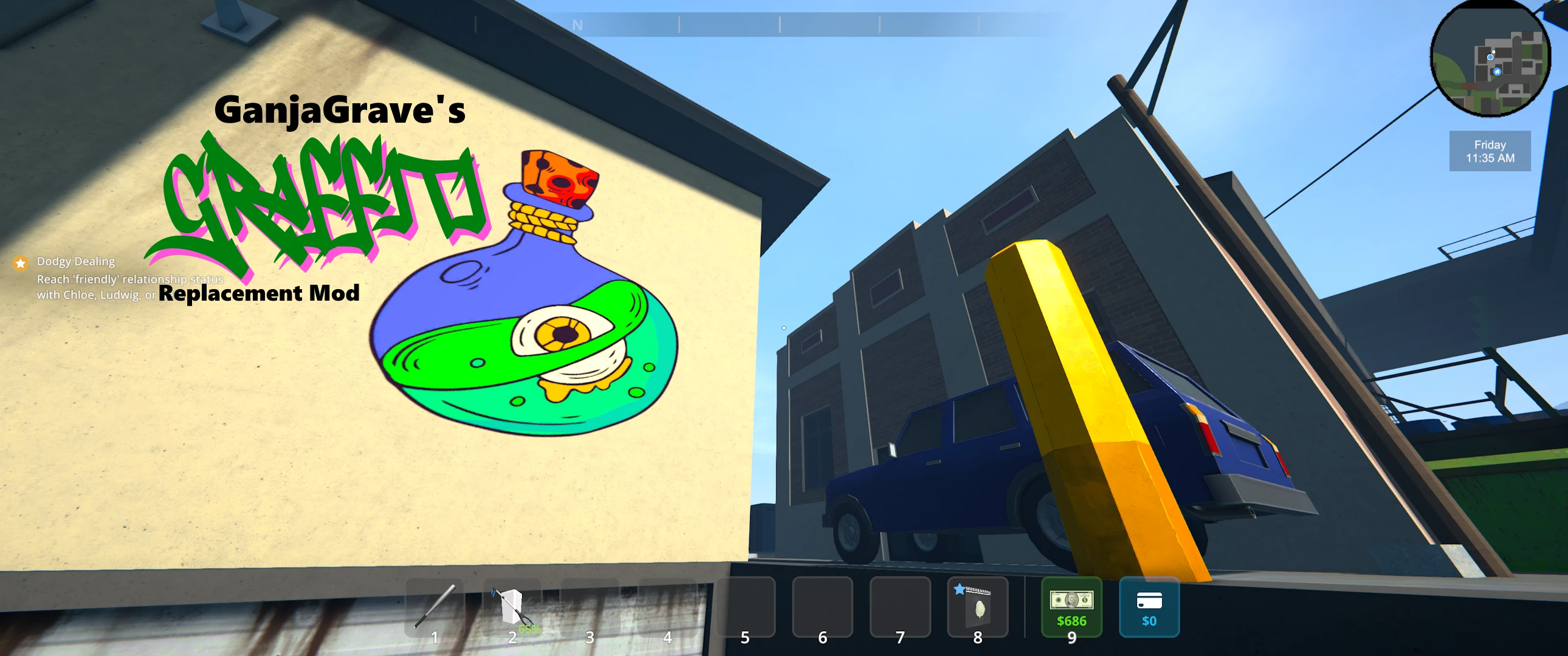
🔍 Analysis
- 👍 1.2% endorsement rate — high engagement, a strong quality signal
- 🏆 #24 of 77 Visuals mods in this game by downloads
📋 About This Mod
Replaces in-game graffiti textures with custom artwork for a more personalized or themed experience. Easy to install and customize. MelonLoader required.
Graffiti Packs from Other Users:
- Lore Friendly Graffiti Pack by RAVEPMW (Supports v1. 0. 0 and v1. 1. 1)
Check out my other mods:
- GanjaGrave's Graffiti Activation Mod
- GanjaGrave's Canvas Art Mod
Versions:
- v1. 1. 1
- Learned that I had to seperate the Graffiti images in the zip from the main file.
- MUST DOWNLOAD the Optional File along with your main file.
- v1. 1. 0
- Added images into a .zip file for storage considerations and future work to release 'packs' feature.
- Mod will read into the .zip file for the images it needs.
- Customization:
- Navigate to /UserData/GraffitiMod/ and rename the .zip to .zip.bak (creating a backup)
- Place your images into a .zip folder and name it GraffitiModDefault.zip
- Start the game.
Graffiti Replacement Mod lets you fully customize the in-game graffiti by replacing default textures with your own custom PNG images. Whether you're aiming for a thematic overhaul, some meme-worthy designs, or just a fresh look for the environment, this mod gives you full control over how the graffiti appears in-game.
🔧 Features:
-
[]Replaces 45 graffiti textures with custom images.
[
]Easy plug-and-play: Place a .zip into a folder to replace graffiti images in the game[]Maintains the original placement and UVs — only the artwork changes
[]Perfect for immersion mods, personal flair, or content creators
-
[]Download and Install MelonLoader
[
]Download BOTH Main Files.[]Unzip GraffitiReplacementModv1. 1. 1.zip into your Schedule I folder.
[]Go to /Schedule I/UserData/ and create a folder called "GraffitiMod"
[]Place the ZIPPED GraffitiModDefault.zip file into the newly created Folder. (DO NOT UNZIP!)
[]Start the Game
📦 Installation for v1. 0. 0
-
[]Download v1. 0. 0 from Old Files
[
]Unzip GraffitiReplacementMod.zip into your Schedule I Folder.[]Start the game!
🎨 Customization - Want your own graffiti in-game? It's easy:
(Steps for v1. 1. 1 - for v1. 0. 0 follow the same steps, but the files live loosey within the /GraffitiMod/ folder.)
[]Navigate to the /Schedule I/UserData/GraffitiMod/ folder created in the installation step.
[]Make a backup of the GraffitiModDefault.zip by renameing to GraffitiModDefault.zip.bak
[]Place your created Graffiti images into a zip folder naming is GraffitiModDefault.zip
-
[]Download v1. 0. 0 from Old Files
📊 Mod Details
- Game
- Schedule1 Mods
- Author
- GanjaGrave
- Version
- v1.1.1
- Downloads
- 2,926
- Endorsements
- 35
- Category
- Visuals
- Created
- 4/11/2025
- Updated
- 4/11/2025
🔧 How to Install Schedule I Mods
Download from Nexus Mods.
📖 Full step-by-step install guide for Schedule I →
Visit the official mod page for specific installation instructions for this mod.
🎮 Need cheat codes or console commands? Check ur gaming wiki for Schedule I commands, item IDs, and more.
Keep browsing — more Schedule I mods await