LiteFX - Lightweight ReShade
⚪ Last updated 2021Preview
🔍 Analysis
- 👍 4.7% endorsement rate — high engagement, a strong quality signal
- 🏆 #15 of 55 Visuals and Graphics mods in this game by downloads
📋 About This Mod
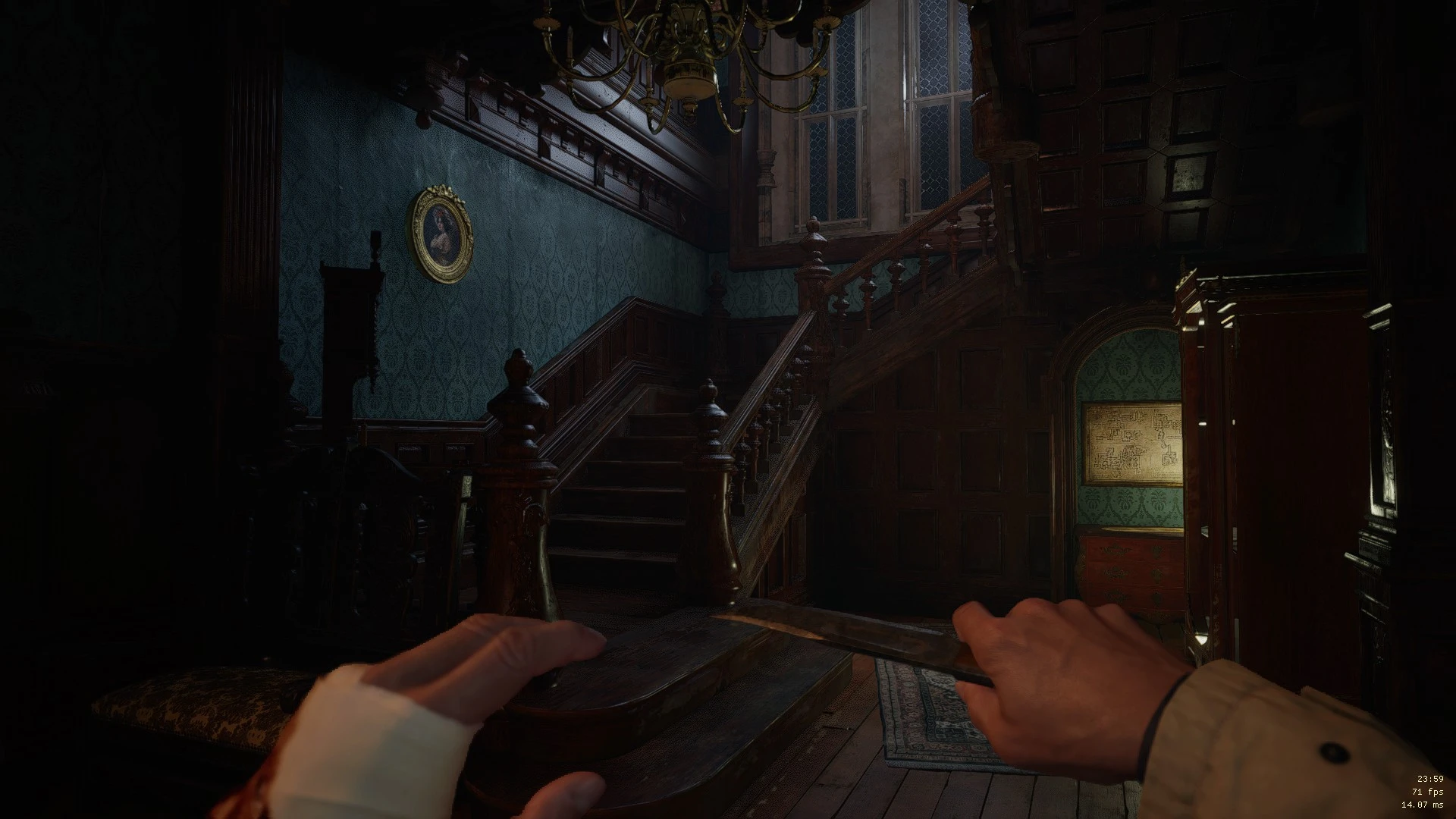
An optimized preset that enhances graphics with a custom shader while not destroying your frames.
Village is quite demanding so i made a lightweight preset that makes the game have deep and natural contrast, enhanced colors, warmer and more vibrant lightning at very low fps cost. About 1-3 fps in my testing. This allows you to run the game at max settings with ReShade without sacrificing ~10 frames. It also allows you to run it on low-end hardware.
It uses triangular dithering to prevent color banding issues surrounding certain light sources in dark areas. Vibrance is used to intelligently saturate areas that are less saturated. Tonemapping is used to enhance the lightning and color pallete.
Installation:
Drag and drop all files in the zip file into " YOURDISK\YOURLIBRARY\steamapps\common\Resident Evil Village BIOHAZARD VILLAGE " where the re8.exe file is.
Launch the game and you should see ReShade loading in the top left corner. Go into the game settings and disable Film Noise and enable FidelityFX CAS for a clean and sharp image.
It's highly recommended that you calibrate your brightness with the option ingame while the ReShade is turned on aswell.
END - Toggle effect on/off
HOME - Open editor (turn off performance mode when editing and turn on when done)
Q: ReShade isn't loading?
A: Try installing reshade from reshade.me: api: dx12, no shaders. Follow install instructions and drag everything from the zip into the game root folder except dxgi.dll.
Q: It's demanding?
A: Try pressing HOME ingame to bring up the menu and enable "performance mode" in the corner.
Q: It looks the same?
A: Try pressing HOME ingame to bring up the menu and at the top load "ReShadePreset.ini", tick the checkbox next to "Lite" and press END to view on/off results.
Q: It's too bright/dark?
A: Calibrate your brightness properly ingame. Otherwise you can press HOME and disable performance mode and edit the "H" variable. Higher is darker and lower is brighter. After that enable performance mode again.
📊 Mod Details
- Game
- Residentevilvillage Mods
- Author
- Veri
- Version
- v1.02
- Downloads
- 2,692
- Endorsements
- 126
- Category
- Visuals and Graphics
- Created
- 6/16/2021
- Updated
- 6/17/2021
🔧 How to Install Residentevilvillage Mods
Download from Nexus Mods.
📖 Full step-by-step install guide for Residentevilvillage →
Visit the official mod page for specific installation instructions for this mod.
🎮 Need cheat codes or console commands? Check ur gaming wiki for Residentevilvillage commands, item IDs, and more.
Keep browsing — more Residentevilvillage mods await