Dlacerda's SIMPLE and SUBTLE Reshade
🟠 Updated over a year agoPreview
🔍 Analysis
- 🏆 #47 of 55 Visuals and Graphics mods in this game by downloads
📋 About This Mod
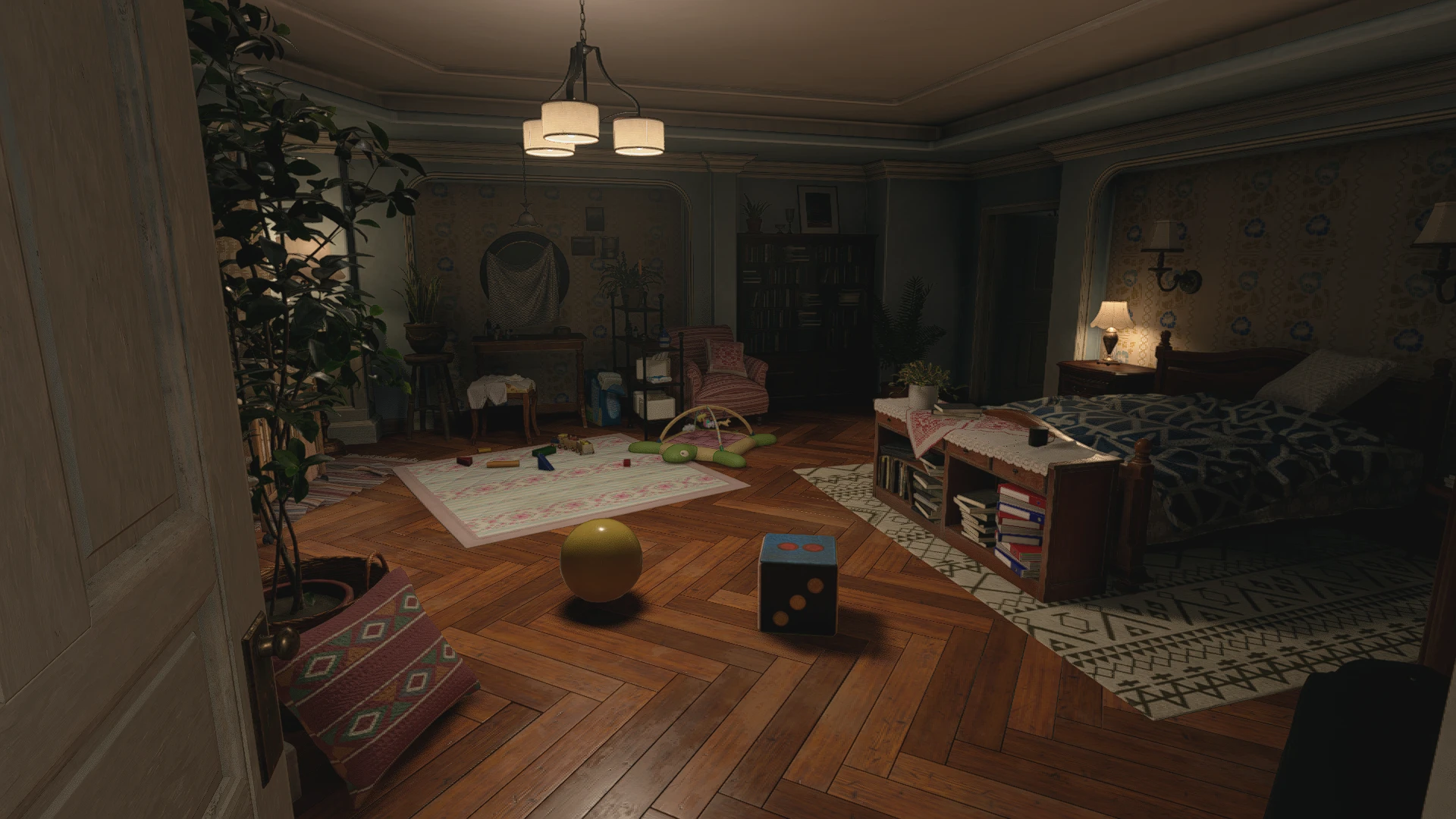
A very SIMPLE and SUBTLE ReShade Preset(it's just the .ini file).It focus a bit on color and makes the game look crispier without changing it's tone.For those who want just a little bit of "pop" in their game's visual quality.Feel free to
You will need the latest version of ReShade.
https://reshade.me
1 - Download latest version of ReShade and launch it
2 - Select the re8. exe
3 - Select the game's API: DirectX 12
4 - Select Next and click okay to install
5 - Close ReShade
Now unzip the file you downloaded from this page, and copy and paste the Preset .ini "Dlacerda's SIMPLE and SUBTLE Reshade" to the game's folder where re8 .exe is. (ex: )\Steam\steamapps\common\Resident Evil Village BIOHAZARD VILLAGE)
To open the ReShade menu in-game press the Home key. Select the Preset "Dlacerda's SIMPLE and SUBTLE Reshade" in the Home tab.
You can choose your On and Off toggle key in the Settings.
📊 Mod Details
- Game
- Residentevilvillage Mods
- Author
- DLacerda
- Version
- V1
- Downloads
- 367
- Endorsements
- 12
- Category
- Visuals and Graphics
- Created
- 10/3/2024
- Updated
- 10/3/2024
🔧 How to Install Residentevilvillage Mods
Download from Nexus Mods.
📖 Full step-by-step install guide for Residentevilvillage →
Visit the official mod page for specific installation instructions for this mod.
🎮 Need cheat codes or console commands? Check ur gaming wiki for Residentevilvillage commands, item IDs, and more.
Keep browsing — more Residentevilvillage mods await