Timido - APHO2 (Honkai Impact 3)
⚪ Last updated 2023🖼️ Gallery (2 images)
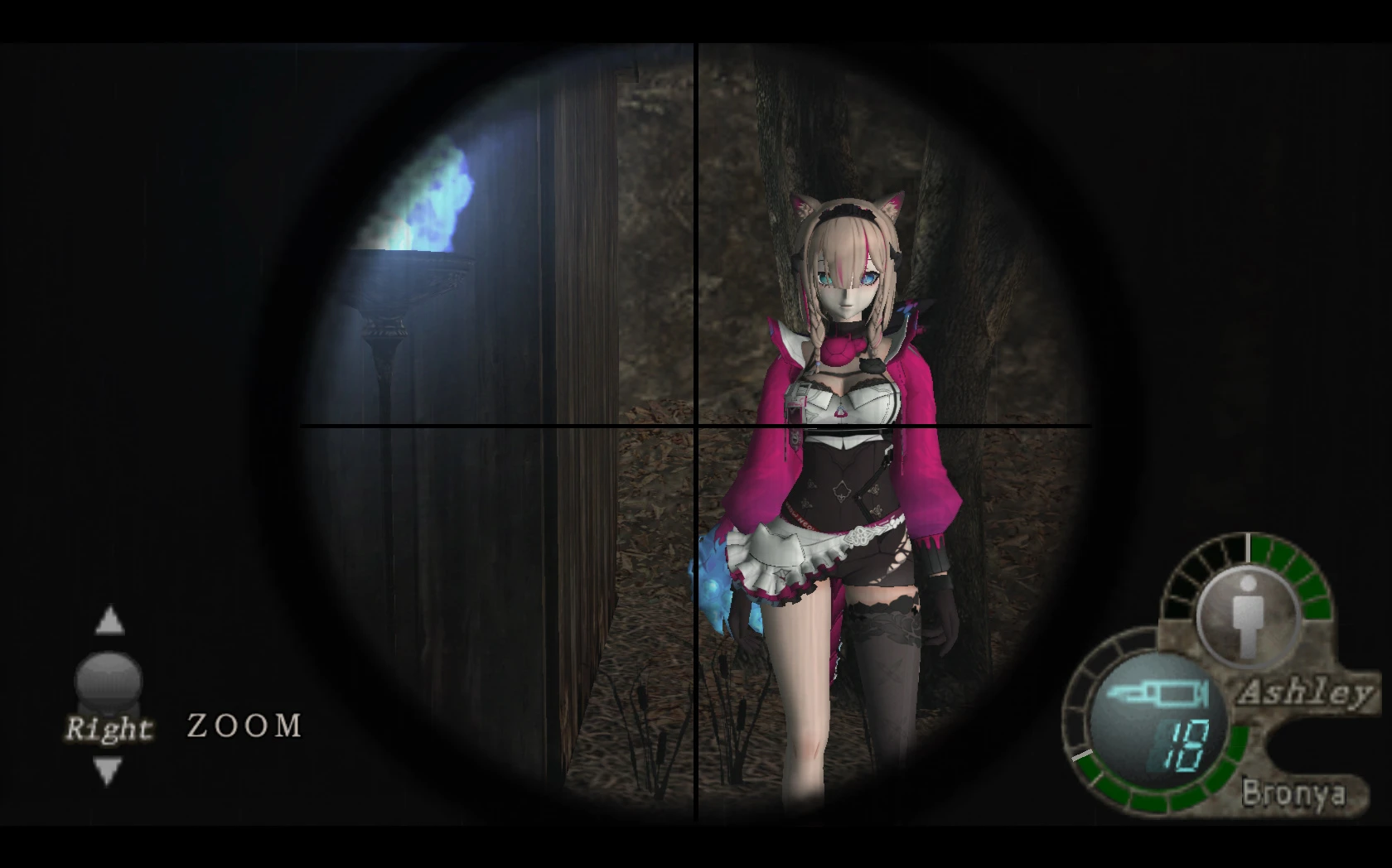
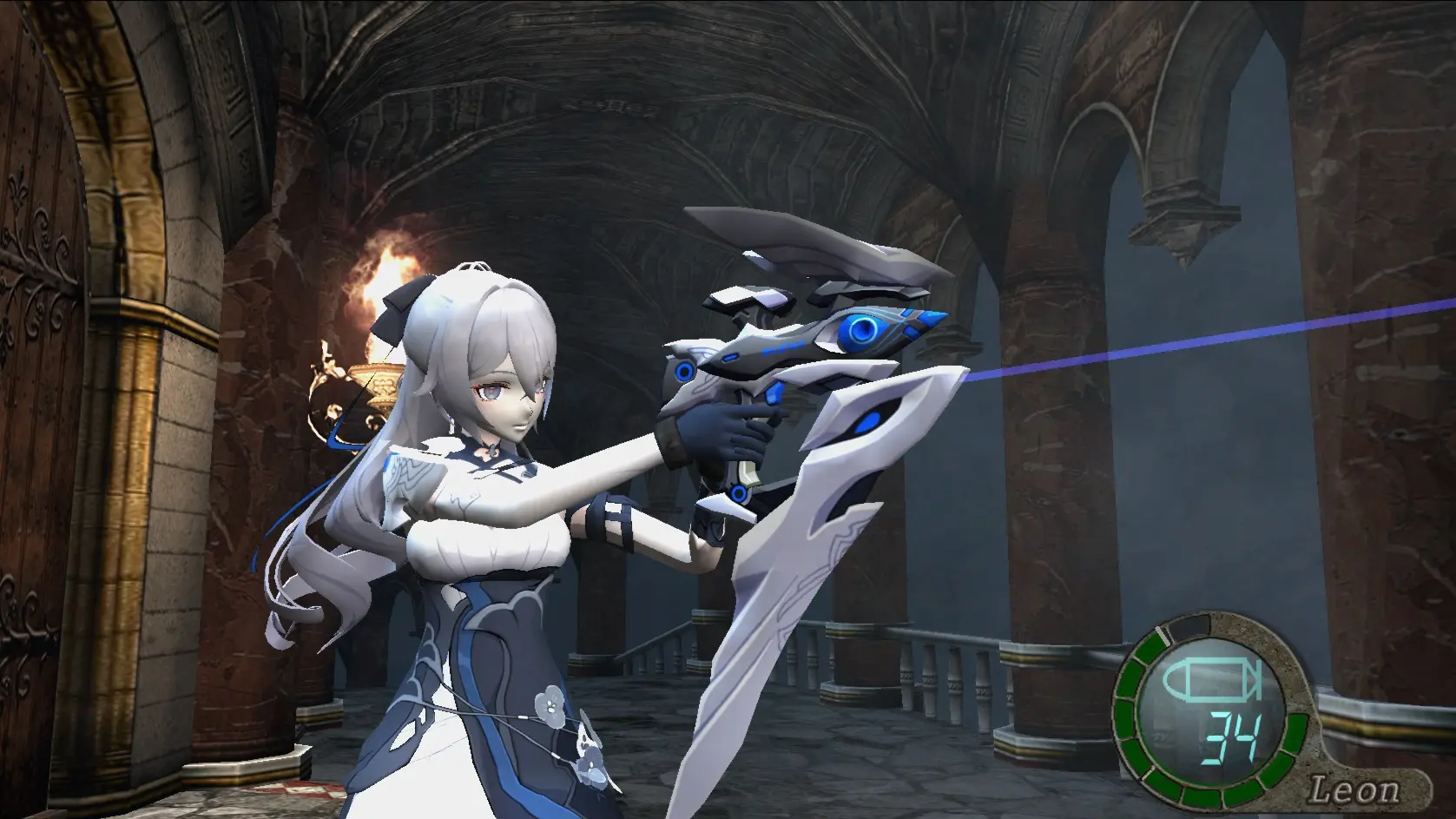
🔍 Analysis
- 🏆 #84 of 177 Characters mods in this game by downloads
📋 About This Mod
To apply this mod simply put these folders (ogg & xfile) to your RE4 directory which has "game.exe" in it.
Confirm to replace and done.
*This only works for the Ubisoft version / the old RE4 (2007) not Ultimate HD Edition
BVlTGgsZrfA
Timido - APHO2 replaces Ashley's normal costume with Timido in Honkai Impact 3's APHO2 mode. A simple character skin swap for players who prefer Timido's look. With 20 endorsements and 467 downloads, it's a niche but functional cosmetic mod.
✨ Key Features
📊 Pros & Cons
✅ Pros
- Gives Ashley a fresh look with Timido's design.
- Easy to install for a quick cosmetic change.
- Lightweight mod with no extra bloat.
⚠️ Cons
- Only affects the normal costume, not other variants.
- Limited to APHO2 mode, so no effect elsewhere.
- Compatibility risk with future game updates.
This is for Honkai Impact 3 players who enjoy APHO2 and want to see Timido instead of Ashley in that mode. It's also for fans of Timido who want her model in more places. If you're not into cosmetic swaps or don't play APHO2, this mod isn't for you.
💡 Beginner Tips
- Make sure you have APHO2 unlocked in the game before installing.
- If the mod doesn't show up, verify the file path matches your game's mod folder.
- Check for updates after game patches to ensure the mod still works.
📊 Mod Details
- Game
- Resident Evil 4 Mods
- Author
- defexter
- Version
- 1.0
- Downloads
- 467
- Endorsements
- 20
- Category
- Characters
- Created
- 4/20/2023
- Updated
- 4/20/2023
🔧 How to Install RE4 Mods
Use Fluffy Mod Manager. Drop mods into /Mods/ folder.
📖 Full step-by-step install guide for RE4 →
Visit the official mod page for specific installation instructions for this mod.
🎮 Need cheat codes or console commands? Check ur gaming wiki for RE4 commands, item IDs, and more.
Keep browsing — more RE4 mods await