Realistic Cartridges
⚪ Last updated 2021⚠️ Install Order · 1 step
Install in this order, then this mod last — most mods fail to load without their framework and dependencies in place.
🖼️ Gallery (10 images)
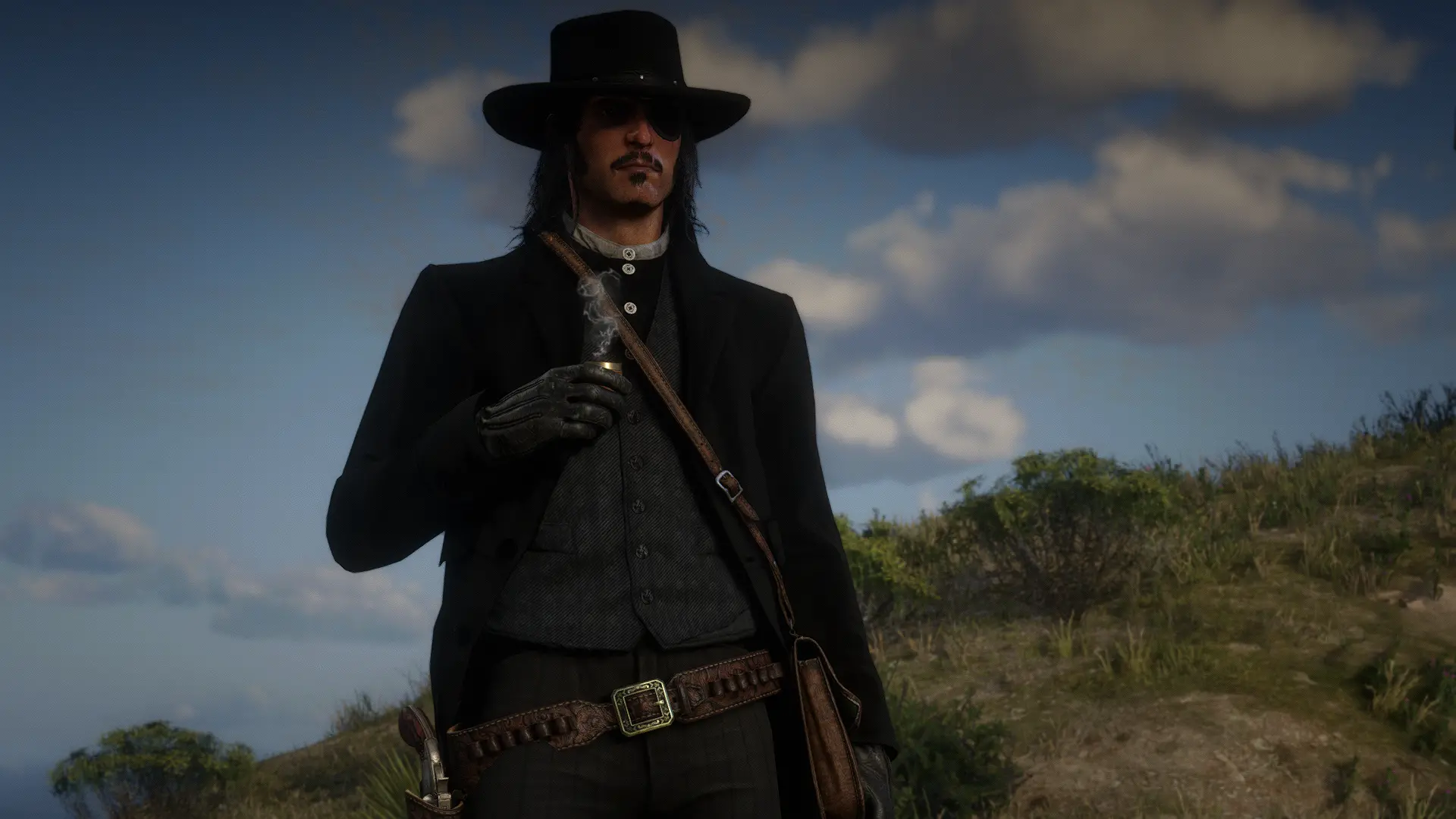
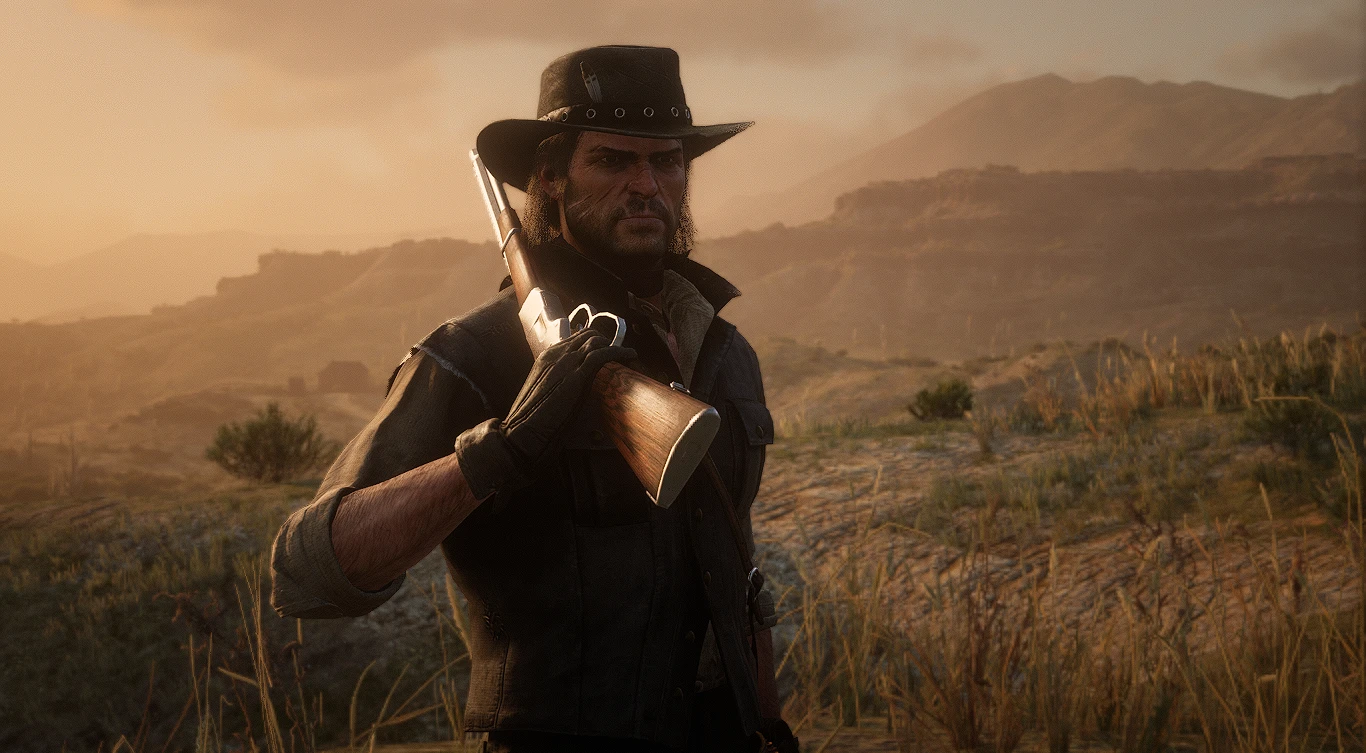
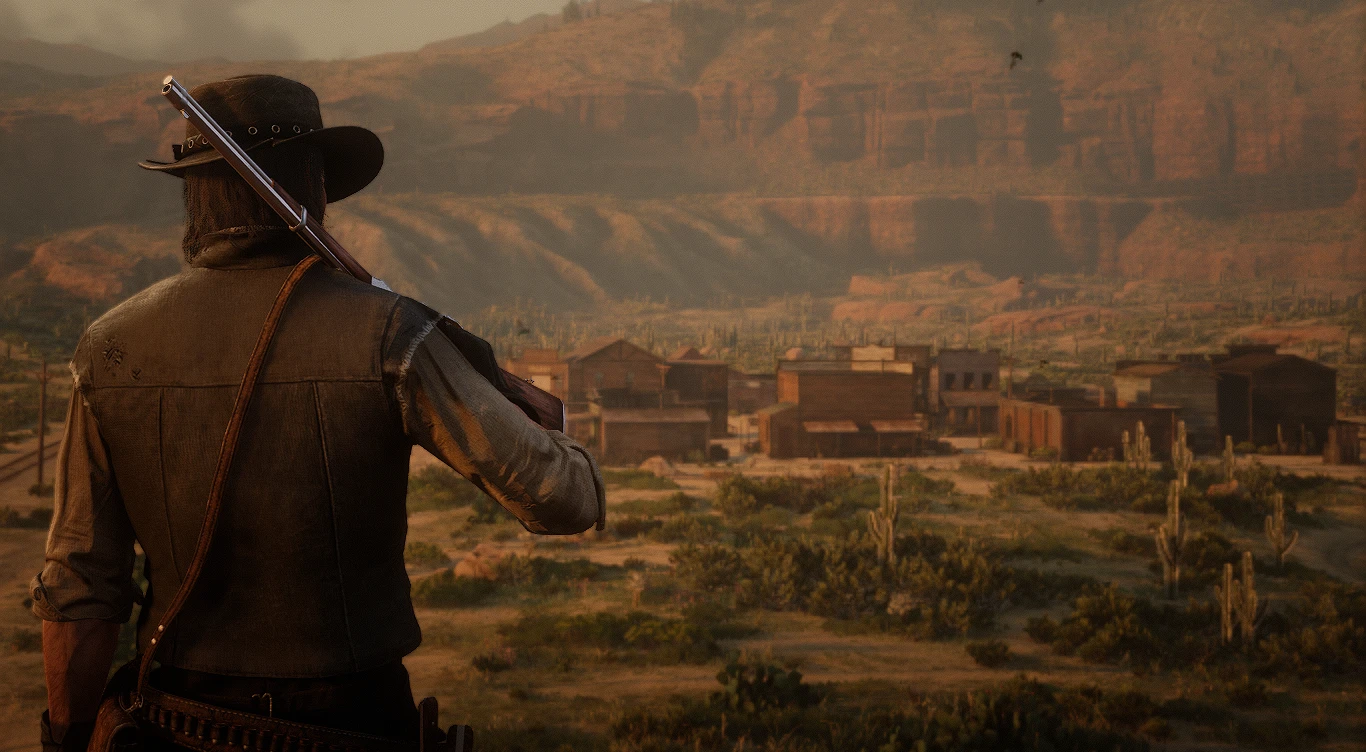
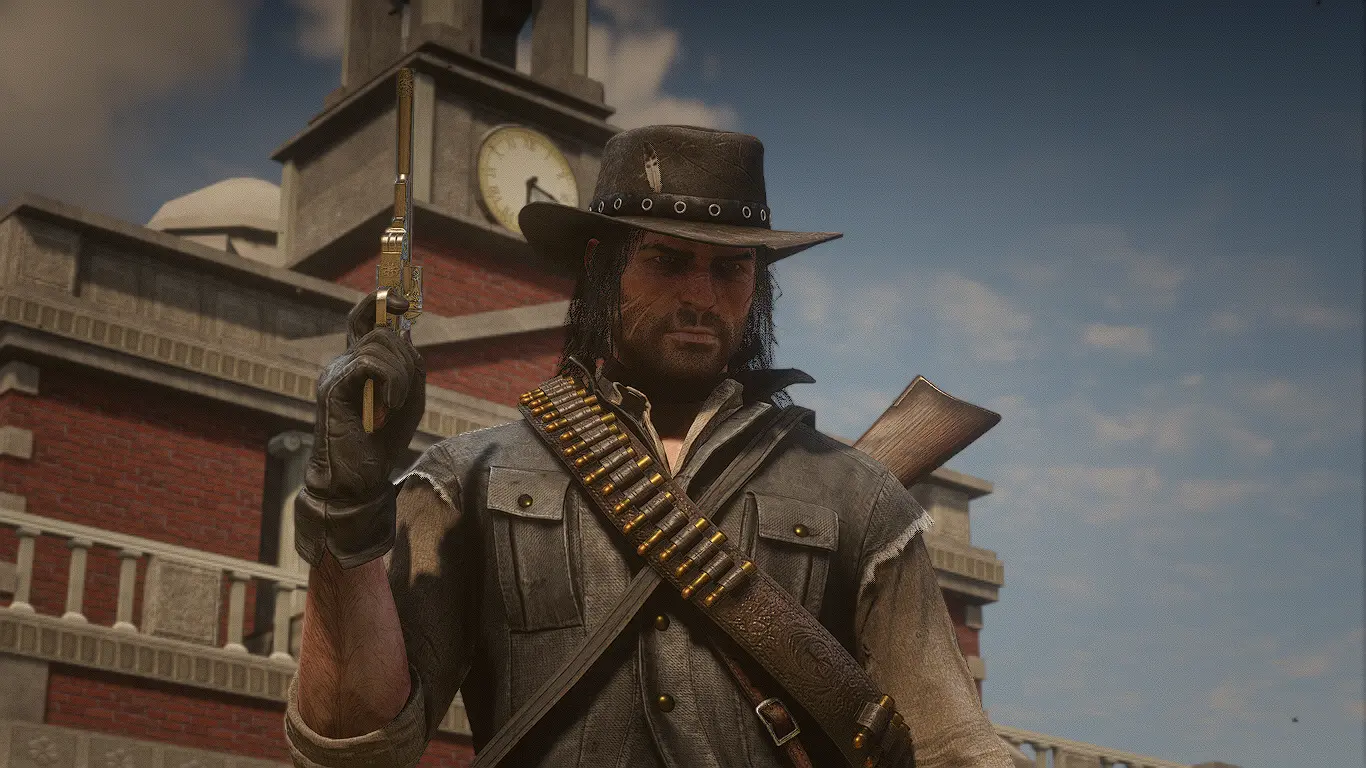



🔍 Analysis
- 👍 2.7% endorsement rate — high engagement, a strong quality signal
- 🏆 #41 of 175 Models and Textures mods in this game by downloads
📋 About This Mod
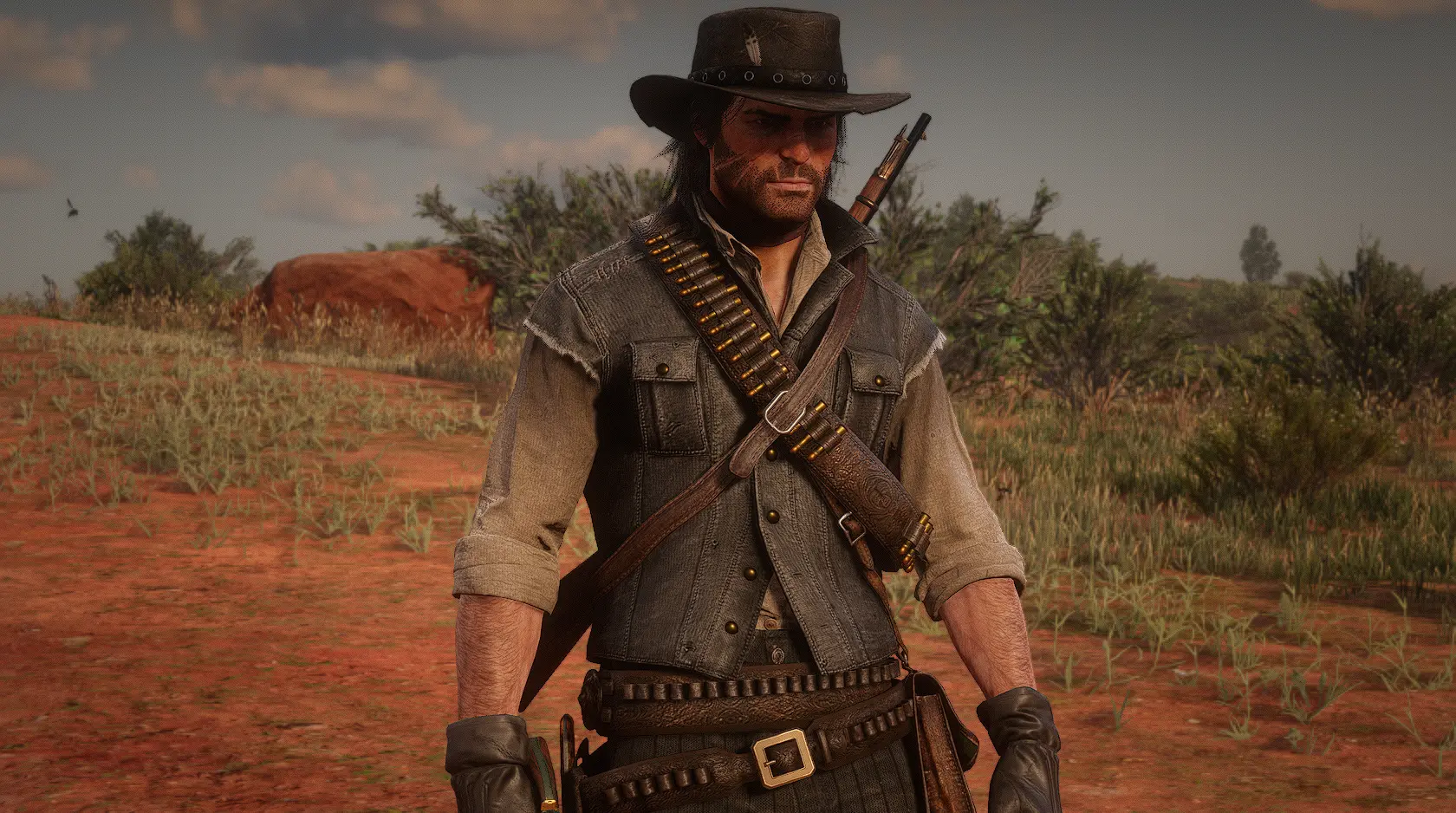
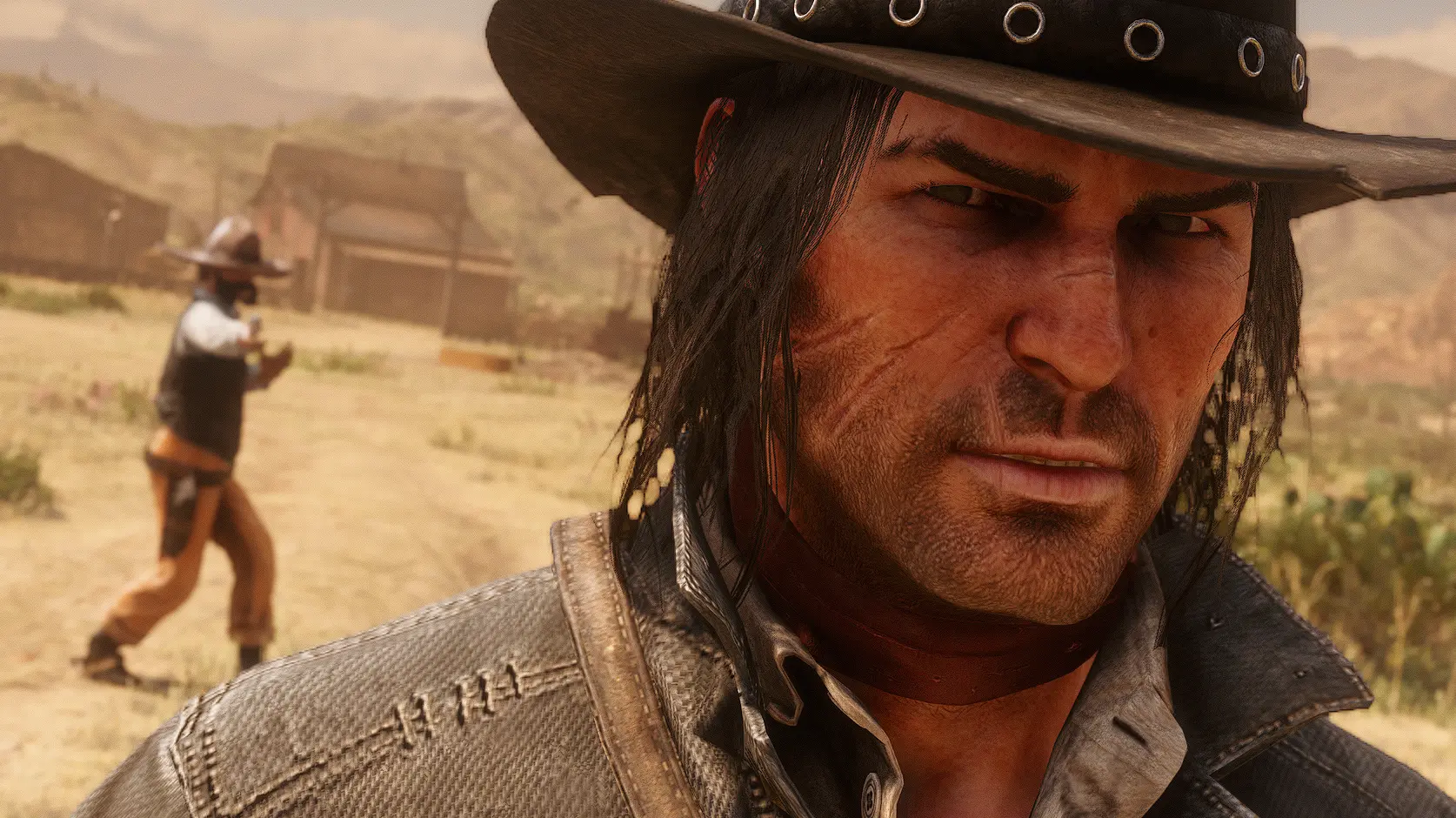
I always thought the bandolier and gunbelt ammo in RDR2 looked awful, it was way too bright, and the red was way too red, making it look unrealistic and cartoony.
I tried to make a mod to remove the red from the cartridges but it also looked off because it was still too bright.
When i was looking through the npc files, i found a cartridge texture for cs_johnmarston that looked 100x more realistic than the player one, and the color looked much better.
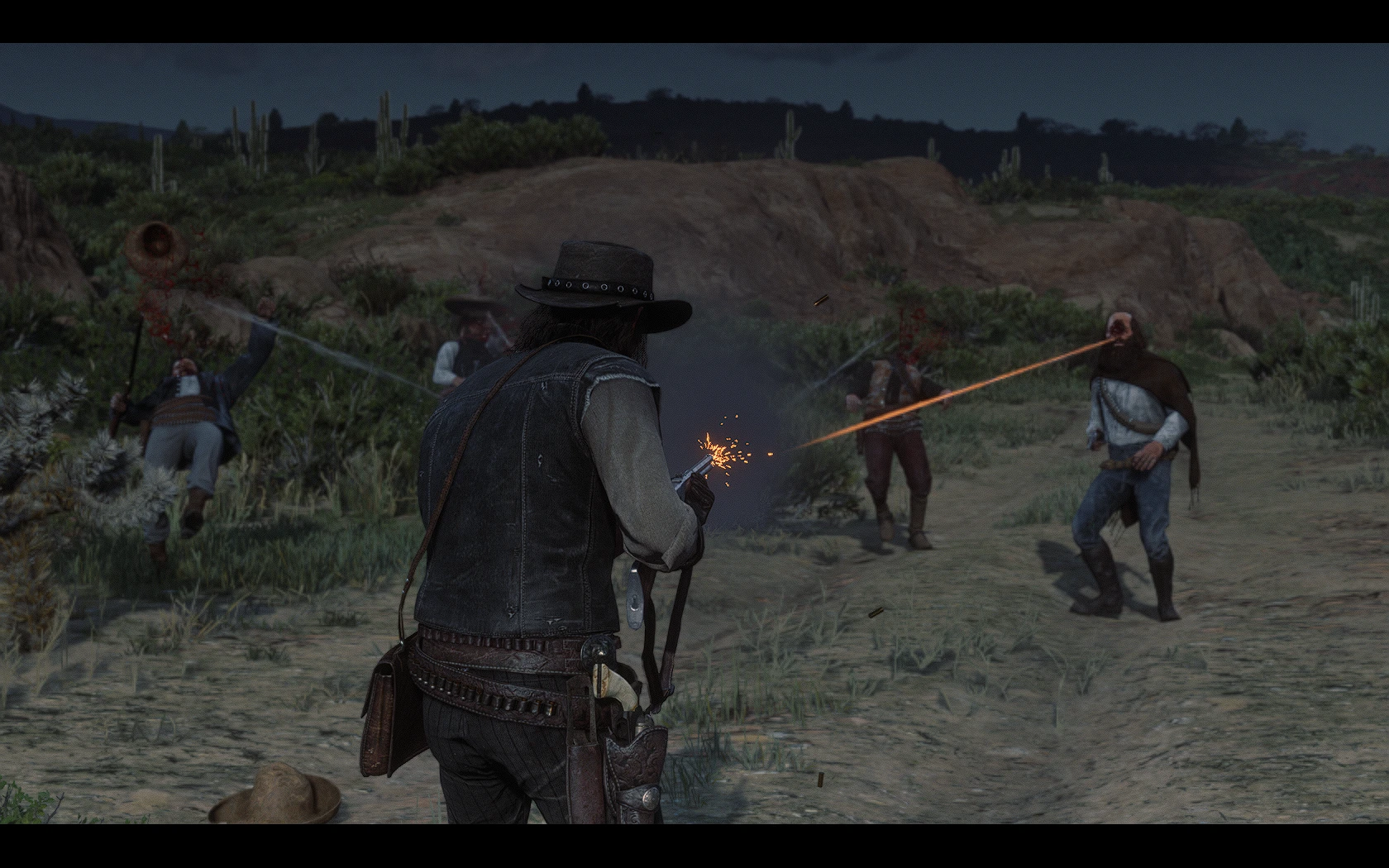
This mod applies the realistic npc ammo texture to the player ammo.
Requires Lenny's Mod Loader latest build.
To install just put the LML folder in your RDR2 directory.
Mods used in the screenshots:
Realistic Cartridges is a simple texture mod for Red Dead Redemption 2 that replaces the default cartridge textures with more realistic ones. It has 924 endorsements and 34,781 downloads, indicating popularity. Last updated in July 2021, it remains a straightforward visual enhancement for immersion-focused players.
✨ Key Features
📊 Pros & Cons
✅ Pros
- Easy visual upgrade that makes ammo look way better in first person.
- Small file size and simple install—no bloat or extra dependencies.
- Proven track record with nearly 1k endorsements and 35k downloads.
⚠️ Cons
- Only affects cartridges—don't expect changes to other ammo types or weapons.
- Texture mods can conflict with other visual overhauls that touch ammo models.
- Last updated in 2021, so it may not be tested with the latest game patches.
If you're a RDR2 player who obsesses over small details and wants your revolver rounds to look like actual brass, this is for you. It's also great for immersion builders who want every visual element to feel authentic. If you don't care about ammo aesthetics, you can skip it.
💡 Beginner Tips
- Drop the files into your RDR2 mod folder (usually LML or Scripts) and make sure you have a mod loader like Lenny's Mod Loader installed.
- If you use other texture mods, install this one last to avoid overwriting conflicts.
- Test in first-person view while aiming to see the new cartridge textures clearly.
📊 Mod Details
- Game
- RDR2 Mods
- Author
- GuiCORLEONEx794
- Version
- 1.0
- Downloads
- 34,781
- Endorsements
- 924
- Category
- Models and Textures
- Created
- 7/1/2021
- Updated
- 7/1/2021
🔧 How to Install RDR2 Mods
Install Script Hook RDR2 first. Most mods go in game directory.
📖 Full step-by-step install guide for RDR2 →
Visit the official mod page for specific installation instructions for this mod.
🎮 Need cheat codes or console commands? Check ur gaming wiki for RDR2 commands, item IDs, and more.
Keep browsing — more RDR2 mods await