Halo's Reshade Preset
⚪ Last updated 2021This mod may not work until the author updates it. Check for an update, or see the rollback guide.
Preview
🔍 Analysis
- 👍 1.6% endorsement rate — high engagement, a strong quality signal
- 🏆 #4 of 10 Visuals and Graphics mods in this game by downloads
📋 About This Mod
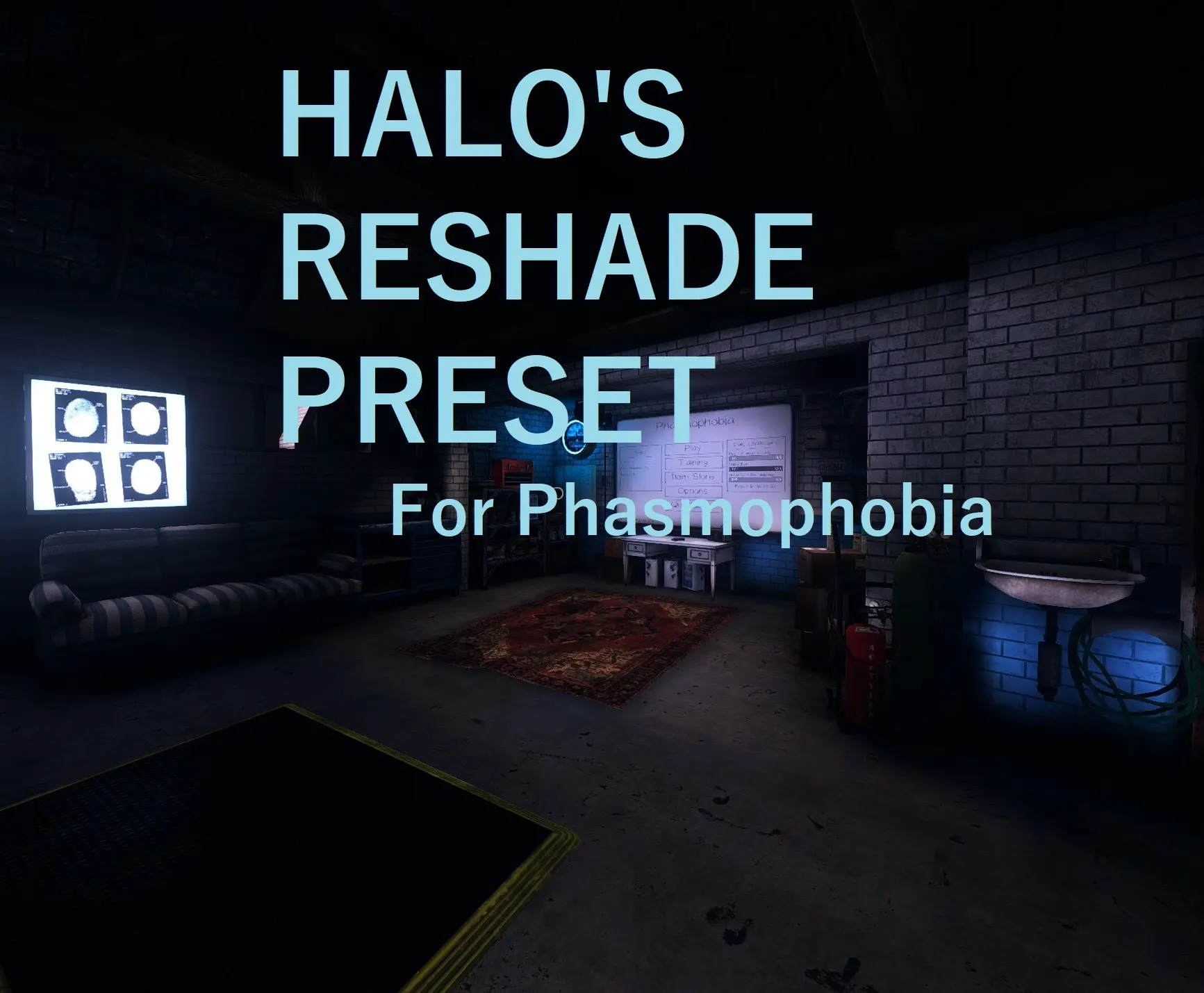
my preset focuses on fixing the shortcomings of the Unity engine that Phasmophobia uses. most of the game looks flat and lifeless with a poor bloom effect. to some, it fits the genre of game but, to me, it made the game harder and harder to play.
walking around a prison doesnt feel as spooky when most of the screen is covered by gray and a slight white light. my preset adds color and darkness, (personally) making the game much more immersive
no lens flares, no chromatic abberation, no film grain. however, you can customize it to be what you want it to be :)
FOR KNOWN ISSUES, PLEASE CHECK THE BUGS TAB! THANK YOU :)
-----------------------------------------------------------------------------------------------------------------------------------------------------------------------------------------
every single unique download of this reshade preset gives a "donation point" to Child's Play, a charity dedicated to improving the lives of hospitalized children through video games and technology.
alongside Child's Play, a donation will go towards Nexus's Ukraine Relief Effort, a donation drive dedicated to bringing aid to those suffering from an absolutely brainless invasion by Putin.
if you do not want to download, that is okay. please don't feel like you have to download just because of these donations. if you would rather donate with actual money, please go here
A ReShade preset for Halo that sharpens, adds vibrancy, and darkens the game. With 70 endorsements and 4,410 downloads, it's a niche visual tweak for players wanting a moodier look. Last updated in 2021, it may require manual installation.
✨ Key Features
📊 Pros & Cons
✅ Pros
- Community-tested with 70 endorsements and 4,410 downloads — a solid niche pick.
- Simple visual upgrade: sharper, more vibrant, and darker — exactly what it says.
- Lightweight tweak that doesn't overhaul the game, just enhances the look.
⚠️ Cons
- Last updated in 2021 — may not work with the latest game patches or ReShade versions.
- Only one preset, so if you don't like the dark vibe, you're out of luck.
For Halo players who want a quick visual boost without heavy mods. If you like darker, more vibrant scenes, this is for you. Skip if you prefer the original look or want more customization options.
💡 Beginner Tips
- Make sure you have ReShade installed and know where your game's executable is located.
- Place the preset file in the same folder as your ReShade files, then select it in-game via the ReShade menu.
- If the game uses anti-cheat, check if ReShade is allowed to avoid issues.
📊 Mod Details
- Game
- Phasmophobia Mods
- Author
- SirPootington
- Version
- 1.0.0
- Downloads
- 4,410
- Endorsements
- 70
- Category
- Visuals and Graphics
- Created
- 6/19/2021
- Updated
- 9/22/2021
🔧 How to Install Phasmophobia Mods
Download from Nexus Mods.
📖 Full step-by-step install guide for Phasmophobia →
Visit the official mod page for specific installation instructions for this mod.
🎮 Need cheat codes or console commands? Check ur gaming wiki for Phasmophobia commands, item IDs, and more.
Keep browsing — more Phasmophobia mods await