Ultra Weather
🟡 Updated this year⚠️ Install Order · 1 step
Install in this order, then this mod last — most mods fail to load without their framework and dependencies in place.
Preview
🔍 Analysis
- 👍 0.0% endorsement rate
- ✅ Updated 253 days after the latest game patch — actively maintained
- 🏆 #18 of 75 UE4SS mods in this game by downloads
📋 About This Mod
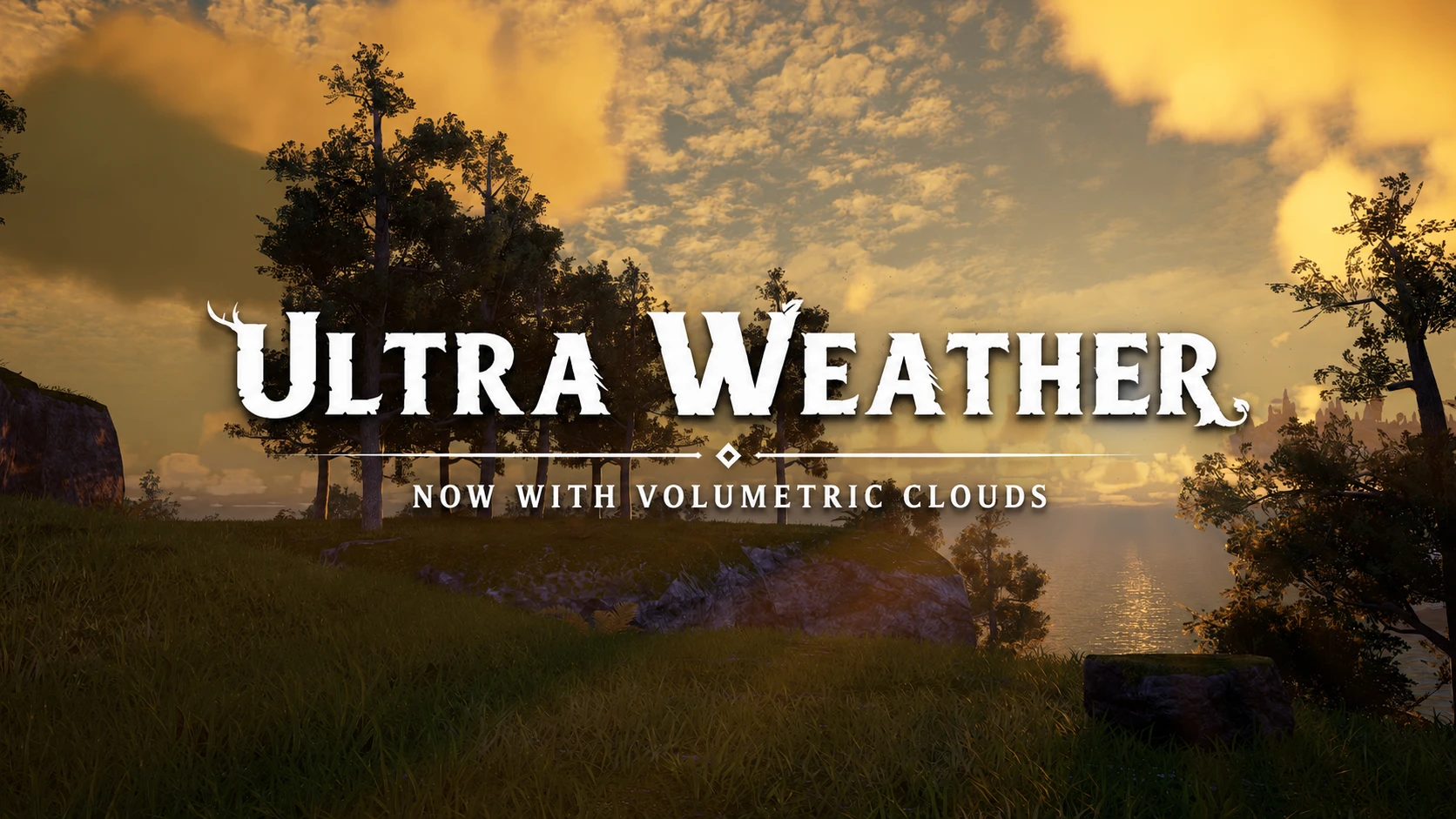
Ultra Weather 1.0.1 Enables the volumetric clouds Palworld ships disabled, rebuilds every time-of-day sky preset on a corrected atmosphere, and blends fog colour across the day. Three modes: full custom skies, light tweaks to the game's own vanilla presets, or clouds only. F8 to reload in-game. Hotkeys F8 = Reload Mod This mod is designed to complement Ultra Graphics. The two mods were developed and tuned together: Ultra Graphics focuses on lighting, shadows, and Lumen, while Ultra Weather handles weather effects and atmosphere. Each mod works perfectly well on its own, but together they deliver the intended visual experience. Main Features Volumetric clouds - Palworld ships the cloud component missing and the cloud path switched off. Ultra Weather creates it, hands it to the plugin, and raises the sampling quality from the low values the game left behind. Sun cloud shadows come with it, driven from the active preset. Rebuilt time-of-day presets - Five slots across the day, each with its own cloud coverage, fog, haze, star map and light temperature, crossfading into the next. The atmosphere is corrected towards physical values, which fixes the green cast the stock sky picks up at sunrise and sunset. Fog tint interpolation - Palworld's fog runs in cubemap mode, so the color fields in the presets do nothing. Ultra Weather interpolates the fog tint against time of day instead, using the same crossfade model as the sky. It is set per mode, so you can have it on the custom sky and off on the stock one. Background clouds tuned per time of day - The painted sky-sphere layers are kept alongside the volumetric ones, filling the horizon past the point where volumetric tracing stops. Intensity, tint and layer mix are set per preset. Three modes Set Mode near the top of config.lua, from the lightest touch to the heaviest. Change it, press F8, and whatever the previous mode wrote is undone first. CloudsOnly - clouds, and only clouds. The schedule, lighting, fog, atmosphere and s
Ultra Weather 1. 0. 1 Enables the volumetric clouds Palworld ships disabled, rebuilds every time-of-day sky preset on a corrected atmosphere, and blends fog colour across the day. Three modes: full custom skies, light tweaks to the game's own vanilla presets, or clouds only. F8 to reload in-game. Hotkeys F8 = Reload Mod This mod is designed to complement Ultra Graphics. The two mods were developed and tuned together: Ultra Graphics focuses on lighting, shadows, and Lumen, while Ultra Weather handles weather effects and atmosphere. Each mod works perfectly well on its own, but together they deliver the intended visual experience. Main Features Volumetric clouds - Palworld ships the cloud component missing and the cloud path switched off. Ultra Weather creates it, hands it to the plugin, and raises the sampling quality from the low values the game left behind. Sun cloud shadows come with it, driven from the active preset. Rebuilt time-of-day presets - Five slots across the day, each with its own cloud coverage, fog, haze, star map and light temperature, crossfading into the next. The atmosphere is corrected towards physical values, which fixes the green cast the stock sky picks up at sunrise and sunset. Fog tint interpolation - Palworld's fog runs in cubemap mode, so the color fields in the presets do nothing. Ultra Weather interpolates the fog tint against time of day instead, using the same crossfade model as the sky. It is set per mode, so you can have it on the custom sky and off on the stock one. Background clouds tuned per time of day - The painted sky-sphere layers are kept alongside the volumetric ones, filling the horizon past the point where volumetric tracing stops. Intensity, tint and layer mix are set per preset. Three modes Set Mode near the top of config.lua, from the lightest touch to the heaviest. Change it, press F8, and whatever the previous mode wrote is undone first. CloudsOnly - clouds, and only clouds. The schedule, lighting, fog, atmosphere and s
📊 Mod Details
- Game
- Palworld Mods
- Author
- 76561197969809200
- Version
- N/A
- Downloads
- 11,661
- Endorsements
- 0
- Category
- UE4SS
- Created
- 8/2/2026
- Updated
- 8/2/2026
🔧 How to Install Palworld Mods
Subscribe on Steam Workshop. Mods auto-download and install. Launch the game to activate.
📖 Full step-by-step install guide for Palworld →
Visit the official mod page for specific installation instructions for this mod.
🎮 Need cheat codes or console commands? Check ur gaming wiki for Palworld commands, item IDs, and more.
Keep browsing — more Palworld mods await