Ultra Graphics
🟡 Updated this year⚠️ Install Order · 1 step
Install in this order, then this mod last — most mods fail to load without their framework and dependencies in place.
Preview
🔍 Analysis
- 👍 0.0% endorsement rate
- ✅ Updated 254 days after the latest game patch — actively maintained
- 🏆 #13 of 75 UE4SS mods in this game by downloads
📋 About This Mod
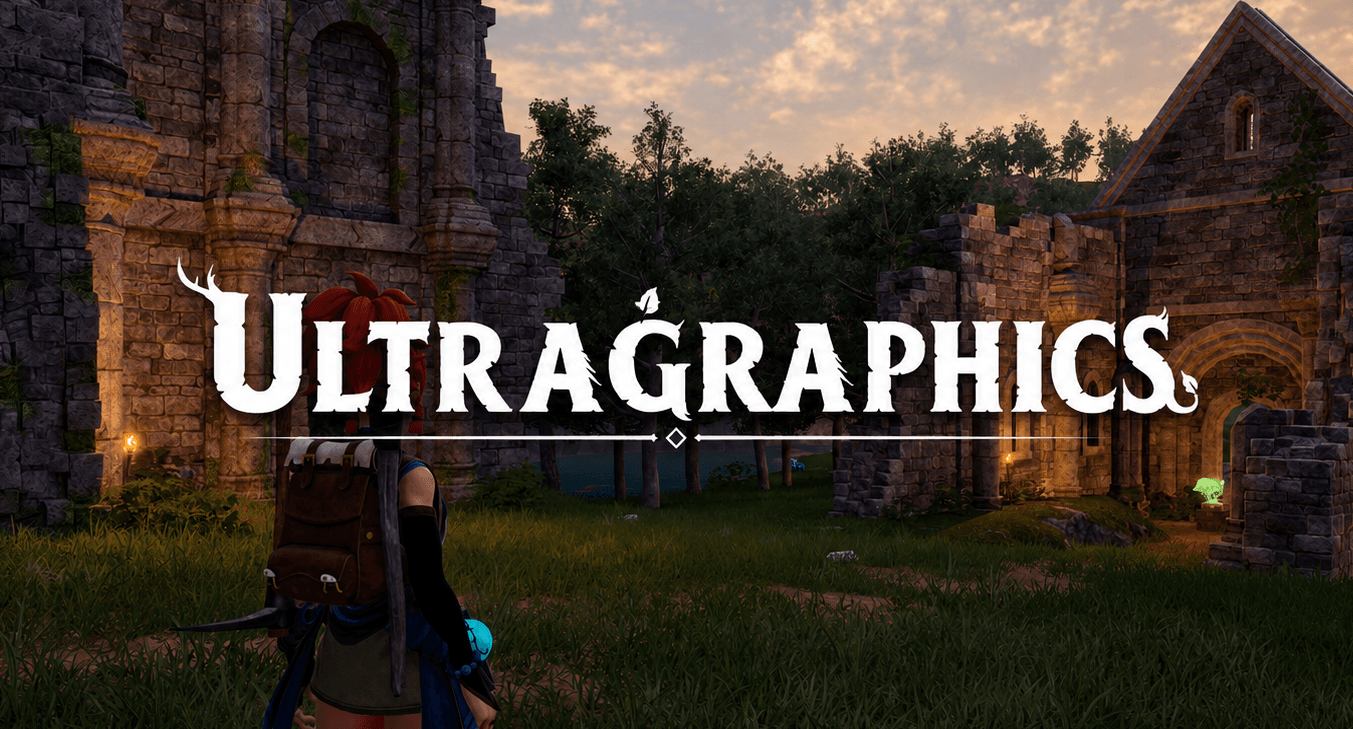
Ultra Graphics 1.2.2 Enhances visuals with Lumen global illumination and reflection, extended view distance, dynamic shadows, and revamped lighting. Existing light sources are refined, while new lights are added to objects, skills and projectiles that previously had none, creating more realistic illumination throughout the world. Hotkeys F8 = Reload Mod F9 = Toggle Lumen F10 = Toggle Performance Mode This mod is designed to complement Ultra Weather. The two mods were developed and tuned together: Ultra Graphics focuses on lighting, shadows, and Lumen, while Ultra Weather handles weather effects and atmosphere. Each mod works perfectly well on its own, but together they deliver the intended visual experience. Main Features Lumen global illumination and reflection (software Lumen, no ray tracing hardware needed) Adds dynamic shadows for light sources (not all yet, work in progress) Adds lights to things that previously had none: kitchen, furnaces, batteries, generators, lanterns, dungeons, pals, pal skills, pal spheres, fast travel towers, weapon muzzle flashes, projectiles and more. Increased distance-field shadow range from 25 000 to 100 000 Increased World Partition default loading range from 25 600 to 51 200 to reduce aggressive LOD transitions (or even more if you want, enable in config.lua) Increased view distance from 1 to 4 (you will notice this for grass) Improved shadow quality (choose quality under CVars section in config.lua) Maintaining documentation in multiple places is time-consuming, so the Nexus Mods page is the primary source for the latest information, changelogs, and images. Both Steam and Nexus Mods will always have the latest version of the mod. For more images and the changelogs, visit the Nexus Mods page Click here to view the Nexus Mods page For the full configuration guide, visit GitHub Click here to view the configuration guide
Ultra Graphics 1. 2. 2 Enhances visuals with Lumen global illumination and reflection, extended view distance, dynamic shadows, and revamped lighting. Existing light sources are refined, while new lights are added to objects, skills and projectiles that previously had none, creating more realistic illumination throughout the world. Hotkeys F8 = Reload Mod F9 = Toggle Lumen F10 = Toggle Performance Mode This mod is designed to complement Ultra Weather. The two mods were developed and tuned together: Ultra Graphics focuses on lighting, shadows, and Lumen, while Ultra Weather handles weather effects and atmosphere. Each mod works perfectly well on its own, but together they deliver the intended visual experience. Main Features Lumen global illumination and reflection (software Lumen, no ray tracing hardware needed) Adds dynamic shadows for light sources (not all yet, work in progress) Adds lights to things that previously had none: kitchen, furnaces, batteries, generators, lanterns, dungeons, pals, pal skills, pal spheres, fast travel towers, weapon muzzle flashes, projectiles and more. Increased distance-field shadow range from 25 000 to 100 000 Increased World Partition default loading range from 25 600 to 51 200 to reduce aggressive LOD transitions (or even more if you want, enable in config.lua) Increased view distance from 1 to 4 (you will notice this for grass) Improved shadow quality (choose quality under CVars section in config.lua) Maintaining documentation in multiple places is time-consuming, so the Nexus Mods page is the primary source for the latest information, changelogs, and images. Both Steam and Nexus Mods will always have the latest version of the mod. For more images and the changelogs, visit the Nexus Mods page Click here to view the Nexus Mods page For the full configuration guide, visit GitHub Click here to view the configuration guide
📊 Mod Details
- Game
- Palworld Mods
- Author
- 76561197969809200
- Version
- N/A
- Downloads
- 20,853
- Endorsements
- 0
- Category
- UE4SS
- Created
- 7/24/2026
- Updated
- 8/3/2026
🔧 How to Install Palworld Mods
Subscribe on Steam Workshop. Mods auto-download and install. Launch the game to activate.
📖 Full step-by-step install guide for Palworld →
Visit the official mod page for specific installation instructions for this mod.
🎮 Need cheat codes or console commands? Check ur gaming wiki for Palworld commands, item IDs, and more.
Keep browsing — more Palworld mods await