True 3D Sound for Headphones (HRTF mod)
⚪ Last updated 2018⚠️ Install Order · 2 steps
Install in this order, then this mod last — most mods fail to load without their framework and dependencies in place.
Preview
🔍 Analysis
- 👍 3.3% endorsement rate — high engagement, a strong quality signal
- 🏆 #15 of 66 Audio, Sound and Music mods in this game by downloads
📋 About This Mod
Installation
YOU MUST INSTALL THIS MOD MANUALLY, NOT WITH A MOD MANAGER! Before installing the latest version, make sure you delete the older dsound.dll and OpenAL32.dll/dsoal_aldrv.dll files or your game won't launch.
-
[]Extract the files to the \Oblivion installation directory.
[
]Make sure your speaker config is set to 44100Hz, or else you won't hear the HRTF.[]Launch the game; you should immediately notice the spatialized sound.
OpenAL Soft will configure itself to match your speaker settings automatically. Make sure you disable any virtual surround sound programs (Windows Sonic, Dolby Atmos, SBX Pro Studio etc.) in order for this mod to work.
td7p6ehSrXo
ewzwJGV6jLE
Uninstalling
- []Remove "dsound.dll", "dsoal-aldrv.dll", and "alsoft.ini" from the \Oblivion directory.
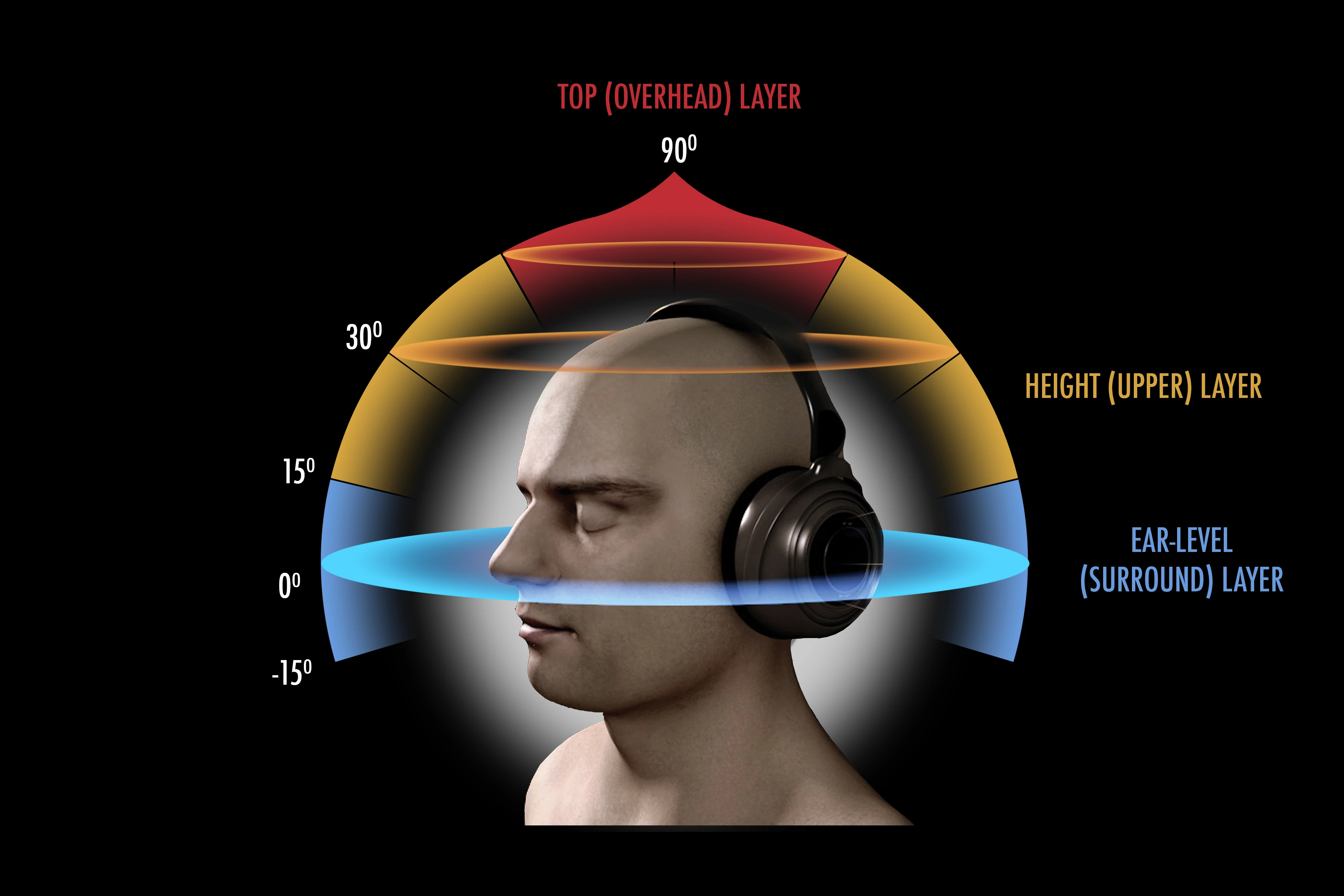
True 3D Sound for Headphones (HRTF mod) adds full 360-degree positional audio to Oblivion, letting you hear sounds in front, behind, above, or below. Optionally supports up to 7.0 speaker setups. A niche audio enhancement for immersive players, with 309 endorsements and last updated in 2018.
✨ Key Features
📊 Pros & Cons
✅ Pros
- Community-trusted audio mod with 309 endorsements and over 9,400 downloads.
- Adds a genuinely useful feature—directional audio—that most games lack.
- Simple concept: pop it in and hear enemies from any direction.
⚠️ Cons
- Last updated in 2018—might not work with the latest Oblivion patches or mod setups.
- Requires a compatible sound card or software to get the full HRTF effect.
For Oblivion players who want a more immersive audio experience, especially those using headphones. If you're tired of flat sound and want to pinpoint enemy locations, this is for you. Skip if you're fine with vanilla audio or prefer gameplay over audio tweaks.
💡 Beginner Tips
- Make sure your Windows sound settings are set to stereo or headphones for best results.
- Test with a sound that moves around you, like a spell or ambient noise, to verify the effect.
- If you use a mod manager, install manually by dropping files into your Oblivion Data folder.
📊 Mod Details
- Game
- Oblivion Mods
- Author
- kcat
- Version
- 1.0
- Downloads
- 9,423
- Endorsements
- 309
- Category
- Audio, Sound and Music
- Created
- 11/2/2018
- Updated
- 11/2/2018
🔧 How to Install Oblivion Mods
Download from Nexus.
📖 Full step-by-step install guide for Oblivion →
Visit the official mod page for specific installation instructions for this mod.
🎮 Need cheat codes or console commands? Check ur gaming wiki for Oblivion commands, item IDs, and more.
Keep browsing — more Oblivion mods await