LINK
⚪ Last updated 2020⚠️ Install Order · 2 steps
Install in this order, then this mod last — most mods fail to load without their framework and dependencies in place.
Preview
🔍 Analysis
- 👍 1.7% endorsement rate — high engagement, a strong quality signal
- 🏆 #13 of 86 Utilities mods in this game by downloads
📋 About This Mod
Version: 1. 4
Date: 29/6/2020
Language: English
Category: Utilities
Requirements: Oblivion Script Extender (OBSE), MenuQue
Recommended: DarNified UI, ConScribe, Oblivion Mod Manager (OBMM)
Author: Maskar
Source: http://www.nexusmods.com/oblivion/mods/50144
Description
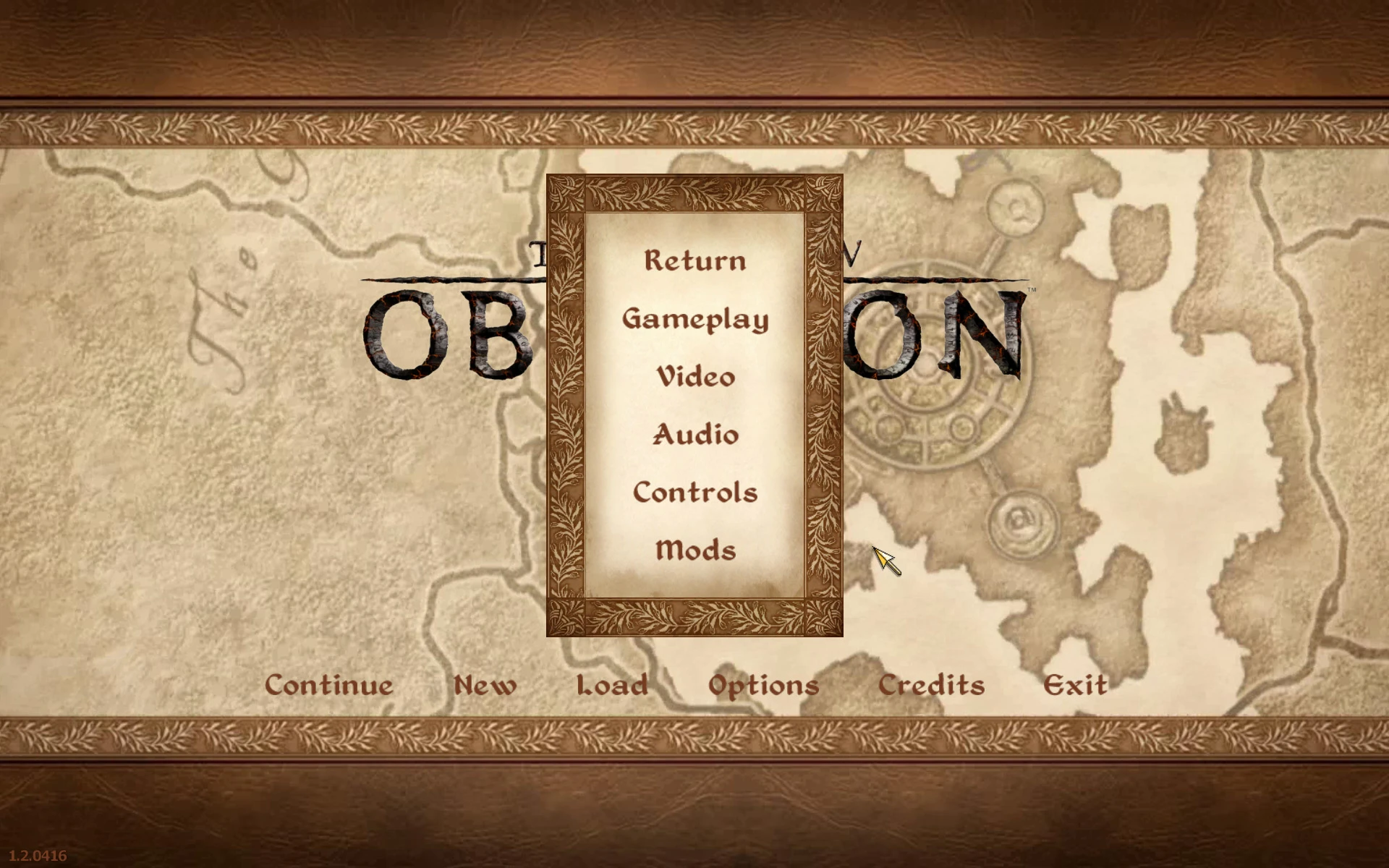
LINK adds the ability to configure mods in-game, through a configuration menu, making configuring mods faster and more user friendly.
Any mod with LINK support automatically gains the ability to be configured with the configuration menu, when LINK is installed. Adding LINK support to new and existing mods is relatively easy. Note however that mods with LINK support still work as normal when LINK is not installed. Have a look at the included pdf readme for further details.
Compatibility and requirements
This mod requires OBSE (version 21 or higher) and MenuQue to function properly. ConScribe is recommended to easily export/import settings.
Currently DarNified UI, DarkUI'd DarN, Dark Transparent UI and NorthernUI are automatically supported. Any other UIs, like BTmod and Major Jim's UI, will use the new vanilla UI menus.
Install
- []Extract the files to a temporary location
[
]Copy files to (install folder)\Oblivion\Data\[]Start Oblivion Launcher, click 'Data Files', place a checkmark beside the .esp file
[]Optionally edit the .ini file to customize it to your preferences
Uninstall
- []Start Oblivion Launcher, click Data Files, uncheck the .esp file
[
]Delete the LINK files in the Data folderHistory
Version 1. 4 (29/6/2020)
- []Added ability to export settings of all configurable mods (requires ConScribe)
[
]Added ability to import settings of all configurable mods (does not require ConScribe)Version 1. 3 (20/6/2020)
- []Added support for NorthernUI
[
]Added ability to sort mods by name or index by clicking "Mods" in mods menu[]Added ability to toggle all settings by clicking mod name in config menu
[]Added ability to toggle settings of category by clicking category name in config menu
[]Removed Oblivion.esm as master file
Version 1. 2 (31/5/2020)
- []Added setting type to configure keys and mouse buttons
[]Updated UI detection
[]Added option to only show image for configurable mods in mods menu
Version 1. 1 (26/5/2020)
- []Added support for filenames including a percentage sign (%)
[
]Added ability to put cfg files in the ini or cfg folder[]Updated documentation
Version 1. 0 (25/5/2020)
- []Initial release
- []Added support for filenames including a percentage sign (%)
- []Added setting type to configure keys and mouse buttons
- []Added support for NorthernUI
- []Added ability to export settings of all configurable mods (requires ConScribe)
- []Start Oblivion Launcher, click Data Files, uncheck the .esp file
LINK is a utility mod that adds an in-game configuration menu, allowing players to adjust mod settings without editing files. It has 3,588 endorsements and 209,575 downloads, last updated in June 2020. Ideal for modders and players who want a more user-friendly way to manage mod configurations.
✨ Key Features
📊 Pros & Cons
✅ Pros
- Community-approved with 3,588 endorsements and over 200k downloads.
- Streamlines mod setup—no more digging through config files.
- Saves time when tweaking multiple mods.
⚠️ Cons
- Last updated in 2020—may not work with newer game versions or mods.
- Requires mods to be built with LINK support to benefit.
- No detailed documentation or feature list provided by the author.
For modders and players who frequently tweak mod settings and want a centralized in-game menu. Skip if you rarely change mod configs or prefer manual file editing.
💡 Beginner Tips
- Check if your installed mods explicitly support LINK; otherwise, it won't affect them.
- Since it's from 2020, test with your current game version to ensure compatibility.
- Use a mod manager to install and manage LINK alongside your other mods.
📊 Mod Details
- Game
- Oblivion Mods
- Author
- Maskar
- Version
- 1.4
- Downloads
- 209,575
- Endorsements
- 3,588
- Category
- Utilities
- Created
- 5/24/2020
- Updated
- 6/28/2020
🔗 Required By 1 Mod
These mods list this mod as a dependency.
🧩 Commonly Used Together
Users add these mods to the same collections — a real compatibility signal, not an AI guess.
🔧 How to Install Oblivion Mods
Download from Nexus.
📖 Full step-by-step install guide for Oblivion →
Visit the official mod page for specific installation instructions for this mod.
🎮 Need cheat codes or console commands? Check ur gaming wiki for Oblivion commands, item IDs, and more.
Keep browsing — more Oblivion mods await