Gecko's Ayleid Ruins Textures V2 - Parallax
⚪ Last updated 2015⚠️ Install Order · 2 steps
Install in this order, then this mod last — most mods fail to load without their framework and dependencies in place.
Preview
🔍 Analysis
- 👍 1.1% endorsement rate — high engagement, a strong quality signal
- 🏆 #52 of 485 Models And Textures mods in this game by downloads
📋 About This Mod
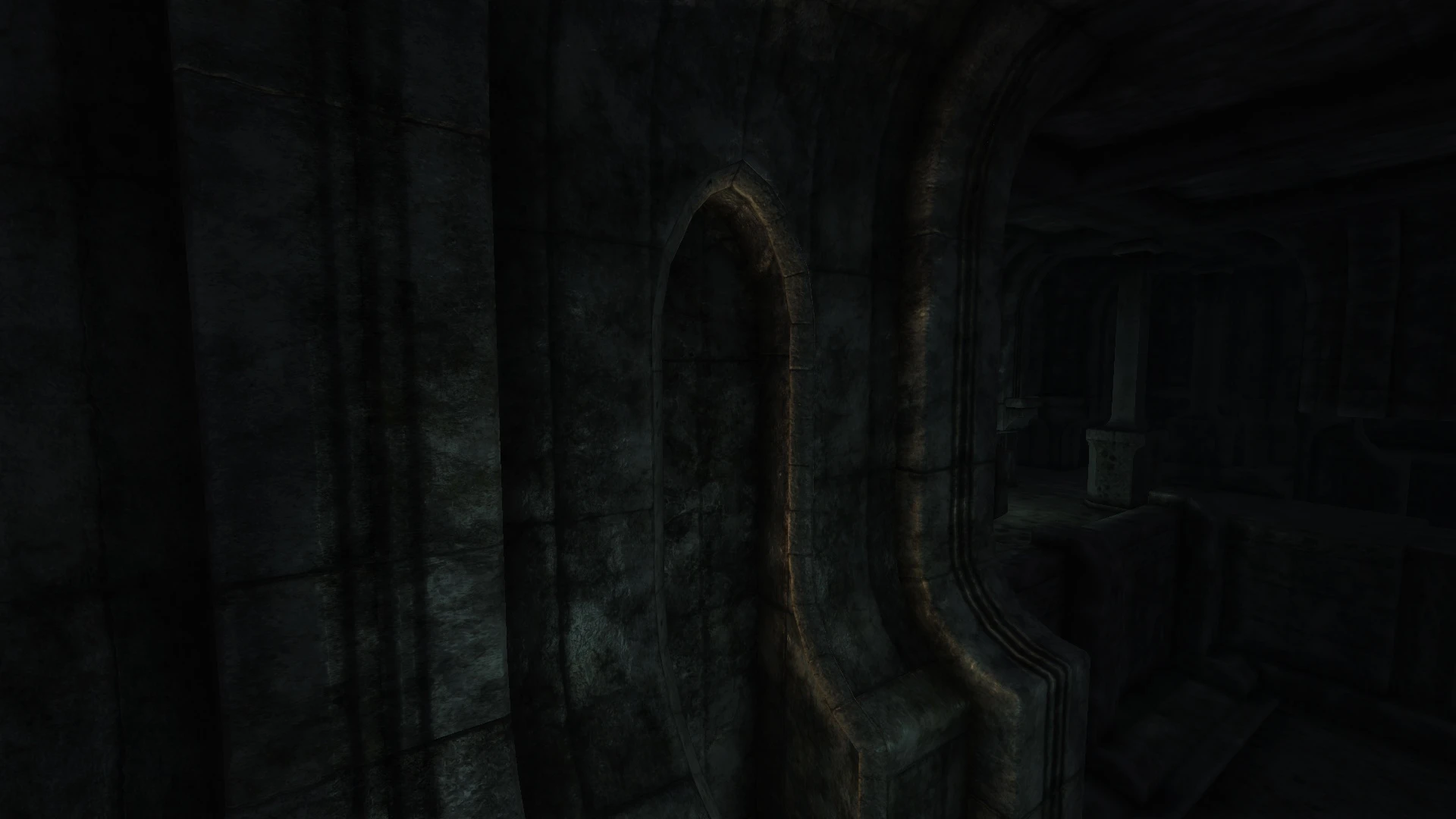
Major revision of my previous Ayleid 2K retexture. Several textures have been redone from scratch, and now support parallax! Tries to strike a balance between "flashiness" and staying true to the original feel and tone.
The main archive contains both the textures as well as the modified meshes for enabling parallax support. If you don't want the parallax effect, you can simply download the alternate archive without the meshes.
SKYRIM MODS -------------------------------- Immersive Sounds Compendium 2. 0
OBLIVION MODS -------------------------------- GOSH - Gecko's Oblivion Sound overHaul 2. 1 Gecko's Imperial Dungeon Textures Gecko's Ayleid Ruins Textures Gecko's Fort Interior Textures
Gecko's Ayleid Ruins Textures V2 - Parallax is a texture overhaul for Oblivion's Ayleid ruins, adding parallax effects for depth. With 2,842 endorsements and 250,835 downloads, it's a popular visual upgrade. Last updated in 2015, it remains a go-to for players seeking enhanced dungeon aesthetics.
✨ Key Features
📊 Pros & Cons
✅ Pros
- Community favorite with 2,842 endorsements and a quarter-million downloads.
- Parallax effect adds real depth to Ayleid ruins, making them pop.
- Simple texture replacer—no gameplay changes, just visual goodness.
⚠️ Cons
- Last updated in 2015—might have compatibility issues with newer mods or patches.
- Parallax requires specific settings or mods to work properly, which isn't explained.
- No detailed description of what textures are changed or how to install.
For Oblivion players who want to freshen up the ancient ruins without overhauling the whole game. If you're into visual upgrades and don't mind a bit of setup, this is for you. Skip if you prefer gameplay mods or don't care about texture depth.
💡 Beginner Tips
- Check if your mod manager supports parallax textures; otherwise, you may need to manually place files.
- Ensure your graphics settings have parallax enabled in the game's ini or via a mod like OBGE.
- Load order matters—place this after other texture mods to avoid conflicts.
📊 Mod Details
- Game
- Oblivion Mods
- Author
- lazygecko
- Version
- 2
- Downloads
- 250,835
- Endorsements
- 2,842
- Category
- Models And Textures
- Created
- 12/3/2015
- Updated
- 12/3/2015
🔧 How to Install Oblivion Mods
Download from Nexus.
📖 Full step-by-step install guide for Oblivion →
Visit the official mod page for specific installation instructions for this mod.
🎮 Need cheat codes or console commands? Check ur gaming wiki for Oblivion commands, item IDs, and more.
Keep browsing — more Oblivion mods await