Darnified UI FOMOD Conversion
⚪ Last updated 2020⚠️ Install Order · 2 steps
Install in this order, then this mod last — most mods fail to load without their framework and dependencies in place.
Preview
🔍 Analysis
- 👍 3.7% endorsement rate — high engagement, a strong quality signal
- 🏆 #15 of 52 Patches mods in this game by downloads
📋 About This Mod
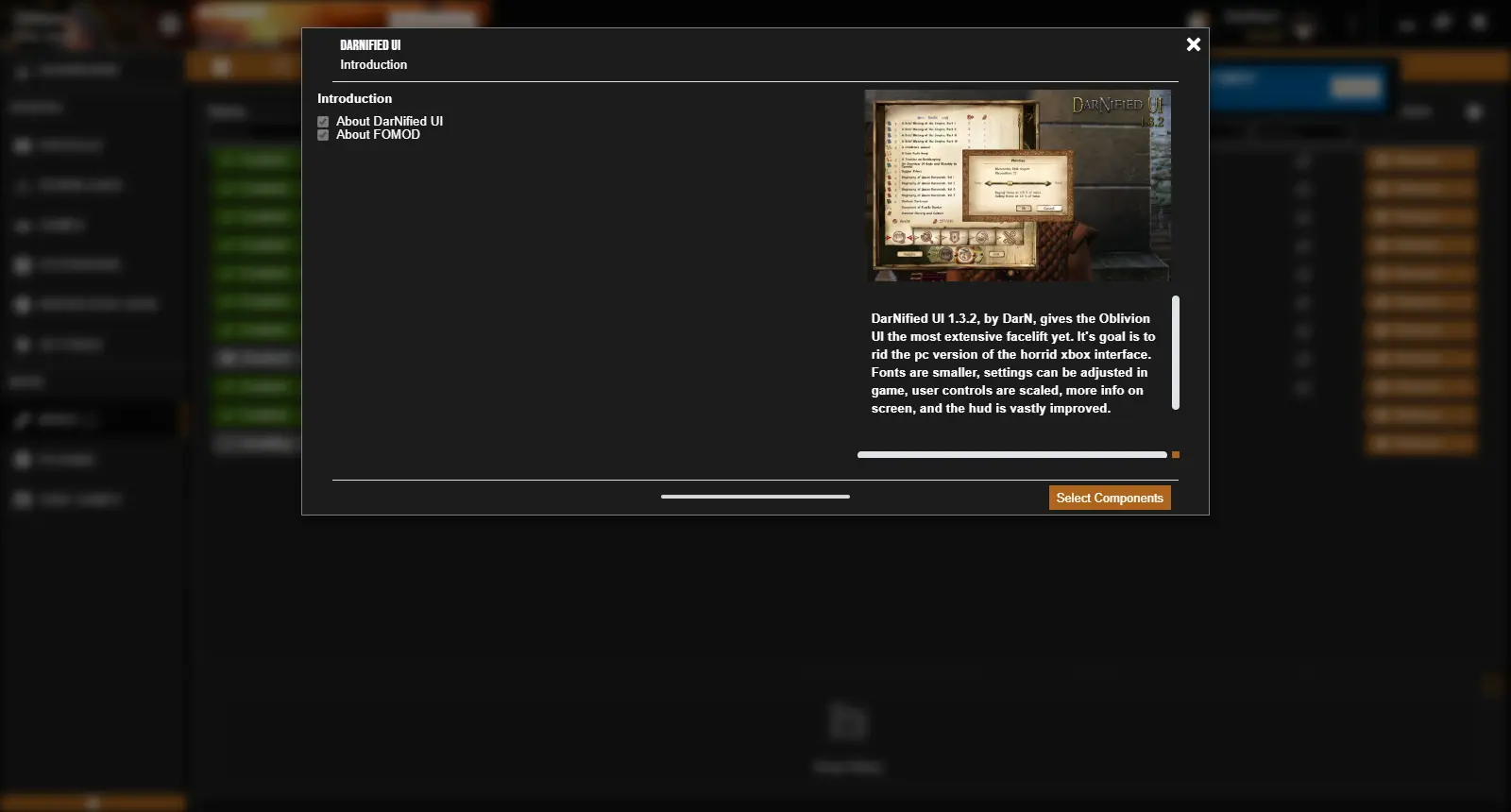
This FOMOD conversion should provide all of the features and options provided by DarNified UI's original OMOD installer.
INI changes made by the original installer are provided as INI tweaks which can be installed manually or via Wrye Bash. Tweaks to restore original settings are also included, so be sure to use them before uninstalling.
The included compatibility option for KCAS/AF is untested, but should be functional. It does, however, require that Oblivion XP not be installed, as I noticed that the original OMOD installer would make no changes to the install if this option is enabled while Oblivion XP is active.
To be in-line with the license of DarNified UI, this addon doesn't include DarNified UI's actual content, and requires you to download the archived version of the original mod and merge it with this archive's content. Don't worry, though, it's really pretty easy.
Instructions:
-
[]Extract this archive to a location on your hard drive.
[
]Download the DarNified UI 132 7z Archive (https://www.nexusmods.com/oblivion/mods/10763)[]Extract the DarNified UI archive's contents to this archive's "DarNified UI 132 FOMOD" folder, merging files if asked.
[] Compress the contents of your newly merged "DarNified UI 132 FOMOD" folder.
Congrats, you're done! You can now install the archive with your favorite FOMOD-compatible mod manager.
Darnified UI FOMOD Conversion is a patch that lets you install the classic DarNified UI mod using FOMOD-compatible mod installers. It requires a tiny bit of extra work, but it's a handy utility for modders who prefer FOMOD installers. With 343 endorsements and 9,359 downloads, it's a niche but well-received tool.
✨ Key Features
📊 Pros & Cons
✅ Pros
- Solid community trust with 343 endorsements and 9,359 downloads.
- Solves a real pain point for modders who prefer FOMOD installers.
- Lightweight patch that doesn't bloat your load order.
⚠️ Cons
- Last updated in 2020 — may be outdated for current game versions.
- Requires extra manual work despite the FOMOD convenience.
- No detailed instructions provided — you'll need to figure out the setup yourself.
For modders who use FOMOD-compatible installers and want to integrate DarNified UI into their setup. Skip if you're fine with manual installation or don't use FOMOD installers.
💡 Beginner Tips
- Make sure your mod manager supports FOMOD installers (e.g., Vortex or MO2).
- Read the original DarNified UI mod page to understand what the UI overhaul does before installing.
- If you're on a newer game version, check for compatibility patches or updates.
📊 Mod Details
- Game
- Oblivion Mods
- Author
- Paynamia
- Version
- 1.0
- Downloads
- 9,359
- Endorsements
- 343
- Category
- Patches
- Created
- 6/10/2020
- Updated
- 6/10/2020
🔧 How to Install Oblivion Mods
Download from Nexus.
📖 Full step-by-step install guide for Oblivion →
Visit the official mod page for specific installation instructions for this mod.
🎮 Need cheat codes or console commands? Check ur gaming wiki for Oblivion commands, item IDs, and more.
Keep browsing — more Oblivion mods await