Simple Dot Crosshair
⚪ Last updated 2017⚠️ Install Order · 5 steps
Install in this order, then this mod last — most mods fail to load without their framework and dependencies in place.
Preview
🔍 Analysis
- 👍 2.9% endorsement rate — high engagement, a strong quality signal
- 🏆 #92 of 98 User Interfaces mods in this game by downloads
📋 About This Mod
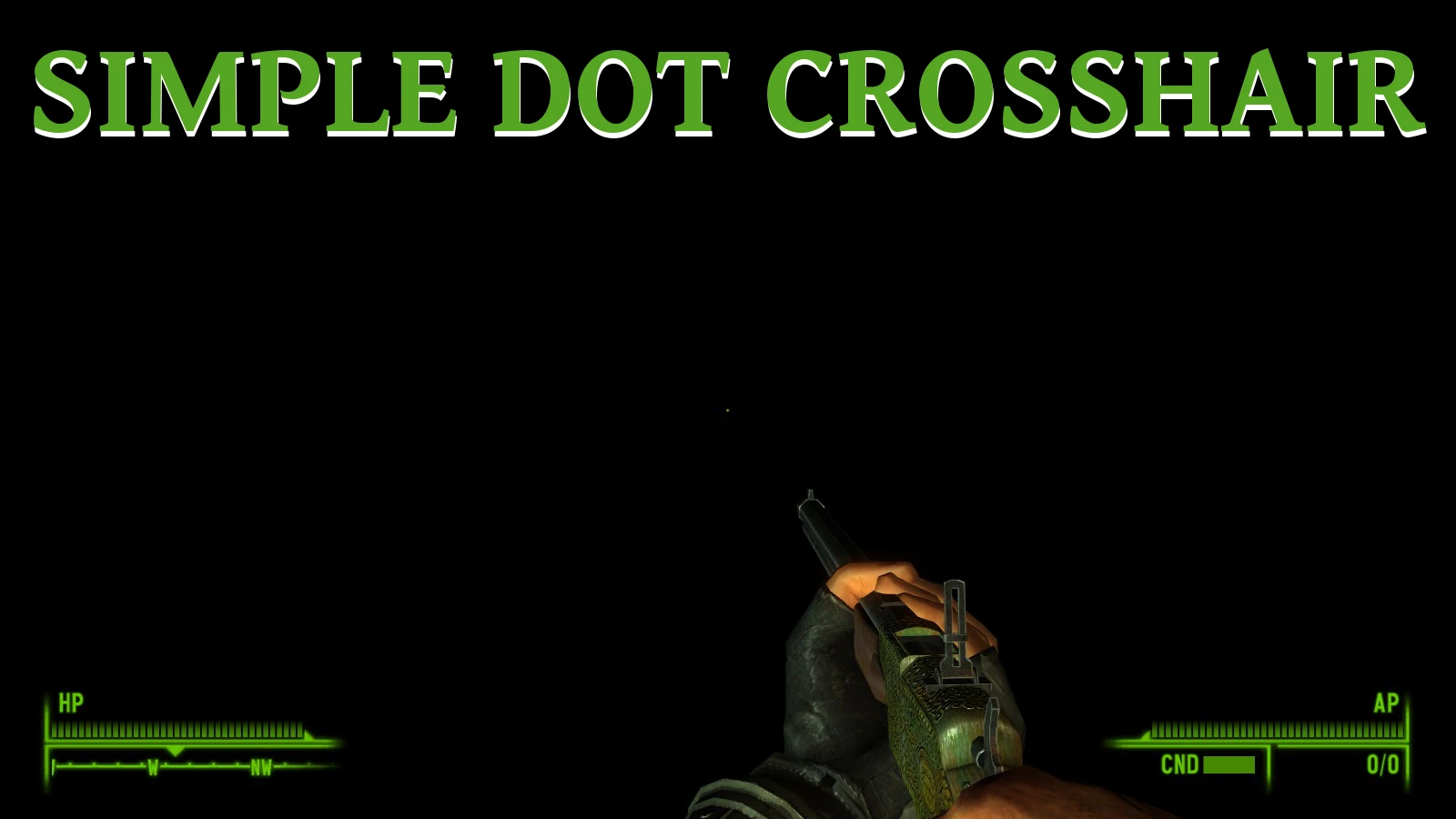
I never really liked the default crosshair in Fallout: New Vegas. It can get in the way when I'm trying to see small items, and it can even make it hard to accurately shoot at distant enemies. I made this simple dot crosshair to replace the default one in my game, and I am sharing it in case anybody else would like to use it.
This works great with DarNifiedUI and MTUI, though DarNifiedUI may require some additional editing of the 'DUINVSETTINGS.xml' file to center the crosshair depending on your chosen HUD/crosshair scale.
Just drag and drop the data folder I've included into your New Vegas directory, and you're good to go!
- --10/20/2017---
- Due to a couple requests in the comments, I've provided a version that retains the vanilla crosshair brackets that show when you are interacting with something. See pictures if you don't know what I mean by "brackets".
Simple Dot Crosshair replaces the default crosshair with a simple dot. It is a minimal UI tweak for players who prefer a cleaner, less intrusive aiming reticle. With 414 endorsements and over 14,000 downloads, it has a modest following, though it hasn't been updated since 2017.
✨ Key Features
📊 Pros & Cons
✅ Pros
- Does exactly what it says—no bloat, just a dot.
- Solid track record: 414 endorsements and 14k downloads.
- Lightweight and likely compatible with most setups.
⚠️ Cons
- Last updated in 2017—may not work with the latest game version.
- No screenshots or detailed description, so you're flying blind.
- Only one feature; if you want custom crosshair styles, look elsewhere.
For players who find the default crosshair too bulky and want a clean, minimal dot. Perfect for FPS purists who prefer a distraction-free HUD. Skip if you need customizable crosshairs or are on a newer game version.
💡 Beginner Tips
- Check if the mod is compatible with your game version before installing—it's from 2017.
- If you're using a mod manager, preview the file structure to ensure it overwrites the correct crosshair file.
- Make a backup of your original crosshair file so you can revert if you don't like the dot.
📊 Mod Details
- Game
- New Vegas Mods
- Author
- JoshKillin
- Version
- 1.1
- Downloads
- 14,471
- Endorsements
- 414
- Category
- User Interfaces
- Created
- 2/23/2017
- Updated
- 10/20/2017
🔧 How to Install New Vegas Mods
Download from Nexus.
📖 Full step-by-step install guide for New Vegas →
Visit the official mod page for specific installation instructions for this mod.
🎮 Need cheat codes or console commands? Check ur gaming wiki for New Vegas commands, item IDs, and more.
Keep browsing — more New Vegas mods await