Immersive HUD - iHUD
⚪ Last updated 2011⚠️ Install Order · 5 steps
Install in this order, then this mod last — most mods fail to load without their framework and dependencies in place.
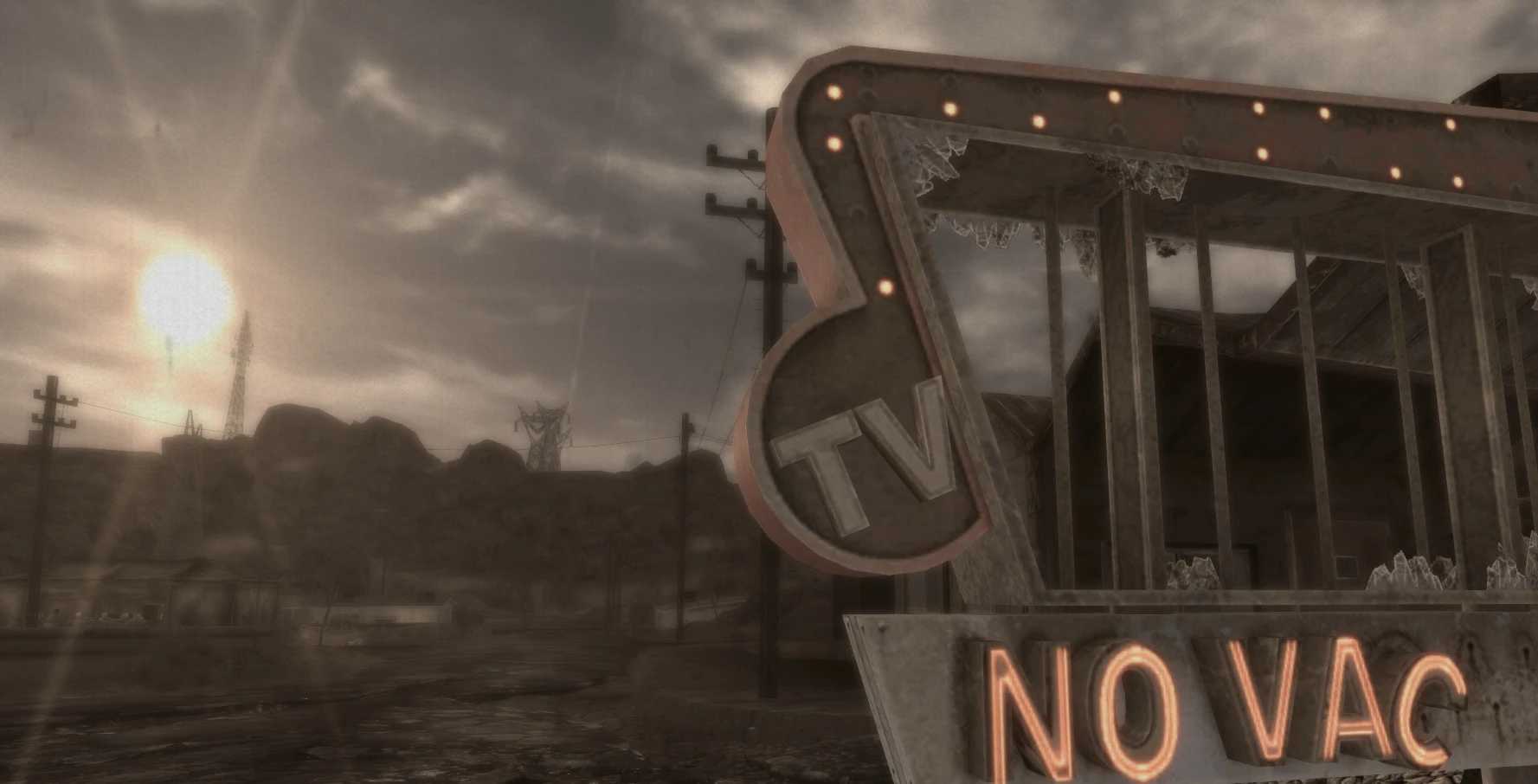
Preview
🔍 Analysis
- 👍 3.9% endorsement rate — high engagement, a strong quality signal
- 🏆 #70 of 173 User Interfaces mods in this game by downloads
📋 About This Mod
THIS MOD IS NO LONGER SUPPORTED Please use One HUD (oHUD) instead.
Installation I have made a full installation tutorial for installing several of my HUD mods together that can be found here: Modding Fallout NV Tutorial - Part 1 - User Interface.
What is iHUD? The aim of iHUD is to provide the immersive feel you get from having no HUD, whilst keeping the usefulness of having one. It takes the permanantly visible HUD elements such as HP, AP, radar etc, and hides them when not needed. Hence the motto:
HUD when you need. HIDE when you don't.
H5jB8TaesqADdfJME1nhGA
I recommend using this with Adjustable HUD - aHUD which adds extra functinality to iHUD allowing you to show compass without HP etc. Customise your HUD.
File of the month: Mar 2011 A big shoutout and thankyou to everyone who voted for this file. I appreciate it :)
So how does iHUD work? By default, your HUD will be blank after you load your game, and once the usual quest update messages fade away your screen will be clear and uncluttered. Great for those screenshots and immersive gameplay moments. But you need to see your HUD for some reason? No problem. Just press the 'i' key, and your HUD will appear. Press it again, and it is gone.
But that is not all. The Immersive HUD attempts to make even this task easier for you by automatically switching the HUD elements on and off as needed. For example the crosshair will appear when you draw your weapon. The HitPpoint area will appear when you drop below half health etc.
And once they appear, do you have to make them go? Not at all. They will disapear after a short delay (6 seconds default).
Now I realise not everyone has identical needs, and so iHUD provides a host of custom options. This mod has a fully funtional MCM menu, allowing you to change every setting to your own personal needs. You can even change the activation key to another, or even a mouse button.
What it is not It is not a HUD remover! Nothing is removed whatsoever. It is just temporarily hidden.
Language addons 1. Spanish.
Requirements This mod requires The Mod Configuration Menu (MCM) for full functionality. This mod NEEDS NVSE!
Will it work with MTUI and Darnified UI? YES. Both of those UI are automatically handled.
What about HUD elements added by other mods? I have tried to cover all that I could find, but contact me if you find a mod that you feel needs iHUDification.
For general HUD health and management I al
Immersive HUD - iHUD is a Skyrim mod that dynamically hides the HUD when not needed, offering both functionality and immersion. With over 10,000 endorsements and 262,000 downloads, it's a popular choice for players seeking a cleaner interface without losing essential information.
✨ Key Features
📊 Pros & Cons
✅ Pros
- Massive community trust: 10,165 endorsements and 262k downloads show this is a go-to HUD mod.
- Simple concept, executed well: hide HUD when you don't need it, show when you do—perfect for immersion without losing functionality.
- Lightweight and unobtrusive: doesn't clutter your screen, letting you soak in the world.
⚠️ Cons
- Last updated in 2011—likely incompatible with Skyrim Special Edition or Anniversary Edition without patches.
- May require SKSE or other mods to work with modern setups, but the description doesn't mention dependencies.
For Skyrim players who want a more immersive experience without sacrificing HUD functionality. Perfect for roleplayers and explorers who hate seeing health bars when nothing's happening. Skip if you prefer a fully customizable HUD with tons of options—this is a simple, focused mod.
💡 Beginner Tips
- Since this mod is from 2011, check if you're playing the original Skyrim (Legendary Edition) or if there's a patch for Special Edition.
- Test the HUD behavior in different situations (combat, dialogue, exploration) to see when it appears and disappears.
- If you use other UI mods, load order matters—place iHUD after them to avoid conflicts.
📊 Mod Details
- Game
- New Vegas Mods
- Author
- Gopher
- Version
- 3.4
- Downloads
- 262,186
- Endorsements
- 10,165
- Category
- User Interfaces
- Created
- 2/15/2011
- Updated
- 10/16/2011
🔧 How to Install New Vegas Mods
Download from Nexus.
📖 Full step-by-step install guide for New Vegas →
Visit the official mod page for specific installation instructions for this mod.
🎮 Need cheat codes or console commands? Check ur gaming wiki for New Vegas commands, item IDs, and more.
Keep browsing — more New Vegas mods await