FPS Limiter
⚪ Last updated 2011⚠️ Install Order · 5 steps
Install in this order, then this mod last — most mods fail to load without their framework and dependencies in place.
Preview
🔍 Analysis
- 👍 2.5% endorsement rate — high engagement, a strong quality signal
- 🏆 #28 of 122 Miscellaneous mods in this game by downloads
📋 About This Mod
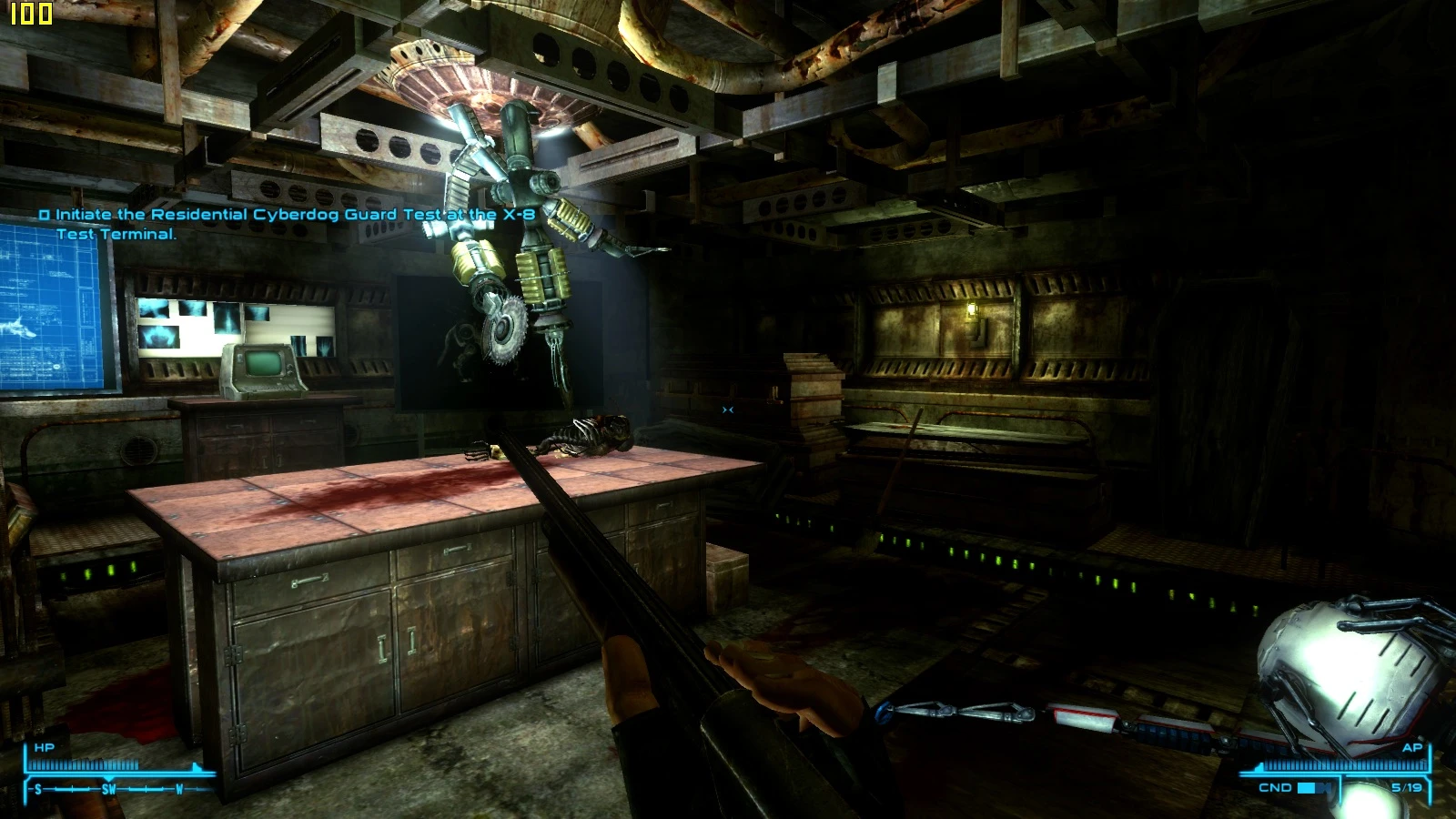
THIS IS COMPATIBLE WITH FALLOUT 3 & NV, AND POSSIBLY EVER OTHER GAME THAT RUNS D3D9/DX9\" NVSR IS NOW WORKING WITH THE LATEST VERSION OF FNV, GO CHECK IT OUT* Since NVSR was never updated I had to find a way to limit my FPS as I kept going over 100 FPS which then lead to the physics going goofy, and I can\'t stand VSync one bit. I have here a D3D9.dll file that can limit your FPS to any value of your choosing, and it\'s ENBSeries compatible! (Enhanced Shaders) Normal Installation: 1. Just drop D3D9.dll & AntiLag.cfg into your Fallout: New Vegas folder, edit AntiLag.cfg to change your desired FPS limit. 2. Play! Running ENBSeries like me? but afraid it wont work? READ BELOW! 1. Rename the FPS Limiter\'s D3D9.dll to D3D9FL.dll (So it doesnt overwrite the ENBSeries one), now drop it into your Fallout: New Vegas folder. 2. Now open up ENBSeries.ini and edit \"ProxyLibrary=PathToDLL\" edit it so it leads straight to \"D3D9FL.dll\", also remember to have \"EnableProxyLibrary=1\" & \"InitProxyFunctions=1\" set to \"1\", or it won\'t load the additional DLL. (Refer to images, if confused) Example: EnableProxyLibrary=1 InitProxyFunctions=1 ProxyLibrary=\"S:\\Games\\Bethesda Softworks\\Fallout New Vegas\\D3D9FL.dll\" 3. That\'s it, ENBSeries will now additionally load that DLL into the game, now go play! Credits to Kegetys for his/her work!
FPS Limiter by Kegetys is a lightweight utility that caps your framerate to any value you choose. With 1,080 endorsements and 43,241 downloads, it's a proven tool for players who want to reduce GPU load or stabilize performance. Last updated in 2011, it remains a simple, no-frills solution for older games.
✨ Key Features
📊 Pros & Cons
✅ Pros
- Community-trusted with 1,080 endorsements and 43k downloads.
- Dead simple—set a cap and forget it.
- Works for any game that suffers from uncapped framerates.
⚠️ Cons
- Last updated in 2011—may not work with modern games or Windows versions.
- No documentation or instructions provided by the author.
- Only does one thing; if you need more advanced frame pacing, look elsewhere.
For players with older GPUs who want to reduce heat and noise, or for those who need to cap FPS to avoid physics glitches in older games. Skip if you're on modern hardware and need advanced frame limiting features.
💡 Beginner Tips
- If you're using Windows 10 or 11, you might need to run it in compatibility mode for older Windows versions.
- Test different FPS values to find the sweet spot between smoothness and system load.
- Use it alongside a frame rate monitor to verify the cap is working.
📊 Mod Details
- Game
- New Vegas Mods
- Author
- Kegetys
- Version
- v1.01
- Downloads
- 43,241
- Endorsements
- 1,080
- Category
- Miscellaneous
- Created
- 9/5/2011
- Updated
- 9/5/2011
🔧 How to Install New Vegas Mods
Download from Nexus.
📖 Full step-by-step install guide for New Vegas →
Visit the official mod page for specific installation instructions for this mod.
🎮 Need cheat codes or console commands? Check ur gaming wiki for New Vegas commands, item IDs, and more.
Keep browsing — more New Vegas mods await