FatigueHUD - Fatigue Indicator (ESPless)
🟡 Updated this year⚠️ Install Order · 5 steps
Install in this order, then this mod last — most mods fail to load without their framework and dependencies in place.
Preview
🔍 Analysis
- 👍 4.0% endorsement rate — high engagement, a strong quality signal
- 🏆 #16 of 74 User Interfaces mods in this game by downloads
📋 About This Mod
Description
With FatigueHUD, gone are the days of guessing whether or not the Powder Ganger you're bashing with boxing gloves is one-to-two knuckle-sandwiches away from laying knocked out cold on the desert before you.
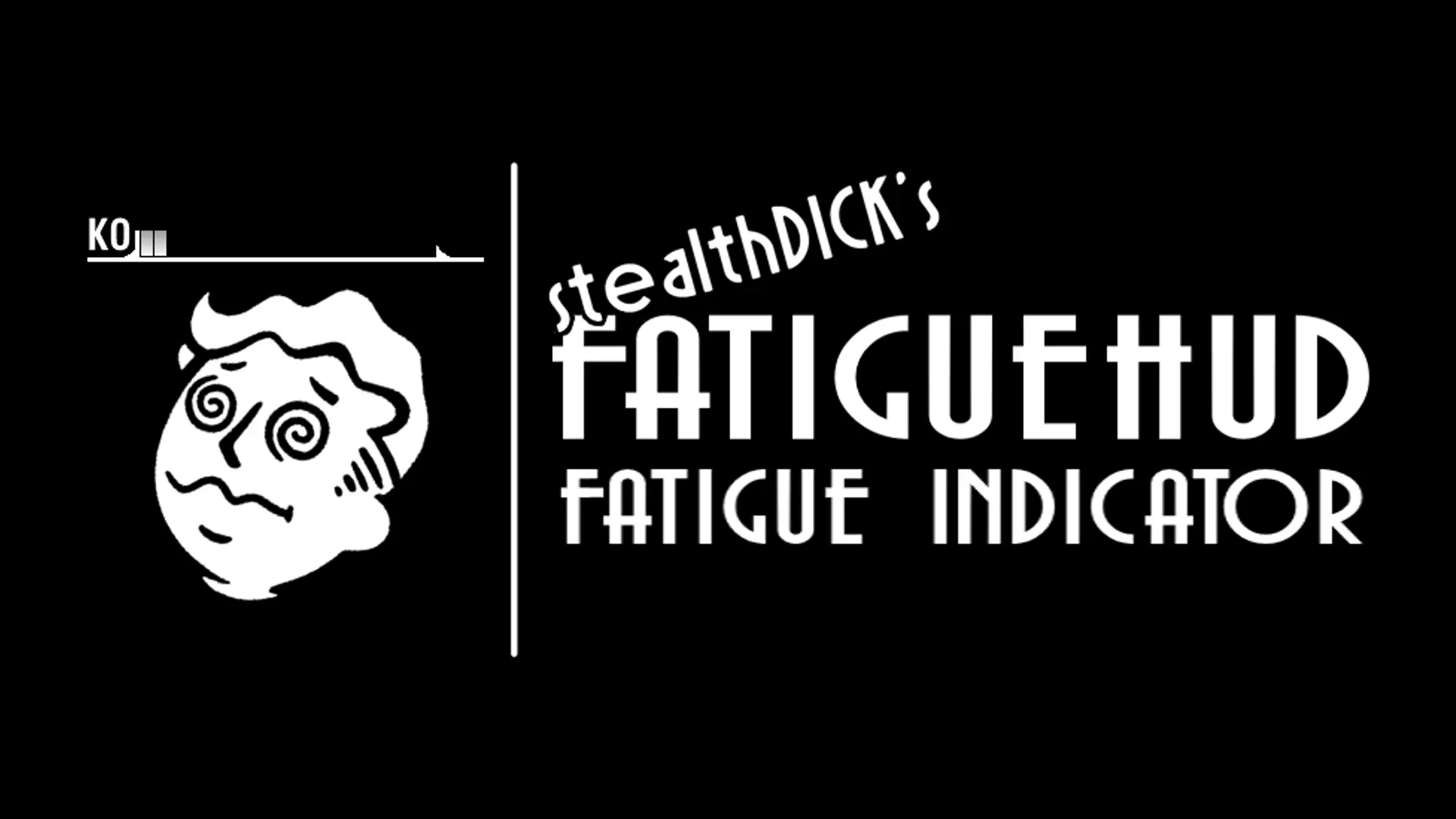
FatigueHUD adds a nifty new UI meter to your HUD that ticks down the more you inflict fatigue damage on your foes. I tried to keep is as non-intrusive as possible to keep with the feel that the vanilla game's HUD offered.
This mod works right out the box (assuming you have all the required NVSE plugins) and does not require any other mod that makes changes to Fatigue/Non-Lethal play - though I do recommend my Fatigue Overhaul - Non-Lethal and Pacifism Redone mod to make the most out of knocking people out and stealing their caps.
This mod adds a new HUD component above the enemy health bar, if you prefer a fatigue element that floats above your target - check out Habitable Enemy Health by NaughtiIus.
Requirements
-
[]JIP LN NVSE Plugin[/]
[]xNVSE[/]
[]ShowOff xNVSE[/]
[]UIO - User Interface Organizer[/]
[]MCM Extender (if you want to adjust the UI positions)[/]
Features
-
[]New UI element to display current target's fatigue[/]
[]Adjustable HUD positioning via MCM or INI[/]
[]ESP-less[/]
Note on making changes:
Many mods alter the appearance of HUD elements. I aimed to maintain a vanilla feel with this mod. However, if you wish to attempt retexturing the single interface texture included, or making changes to the XML file to better suit your needs, feel free to do so. If you decide to upload your modifications, please ensure proper credit is provided.
-
[]New UI element to display current target's fatigue[/]
FatigueHUD adds a non-intrusive HUD meter to track enemy fatigue in real-time, designed to blend with the vanilla feel. It works out-of-the-box without ESP, making it a lightweight UI enhancement for players who want better combat awareness.
✨ Key Features
📊 Pros & Cons
✅ Pros
- Community-approved with 192 endorsements and nearly 5k downloads
- Lightweight and non-intrusive—keeps the game's vanilla aesthetic intact
- ESP-less means it's fair for multiplayer or competitive play
⚠️ Cons
- Last updated July 2026—could be outdated if the game patches frequently
For players who want a subtle combat edge by tracking enemy fatigue without breaking immersion. Great for those who prefer minimal UI mods that don't clutter the screen. Skip if you're looking for a full-featured HUD overhaul or gameplay changes.
💡 Beginner Tips
- Check if the game has an anti-cheat that might flag HUD mods—disable it if needed.
- Test the mod in a single-player session first to see how the fatigue meter behaves.
- Look for a config file or in-game settings to adjust the HUD position if it overlaps with other UI elements.
📊 Mod Details
- Game
- New Vegas Mods
- Author
- StealthDick
- Version
- 0.4
- Downloads
- 4,804
- Endorsements
- 192
- Category
- User Interfaces
- Created
- 4/18/2024
- Updated
- 7/30/2026
🔧 How to Install New Vegas Mods
Download from Nexus.
📖 Full step-by-step install guide for New Vegas →
Visit the official mod page for specific installation instructions for this mod.
🎮 Need cheat codes or console commands? Check ur gaming wiki for New Vegas commands, item IDs, and more.
Keep browsing — more New Vegas mods await