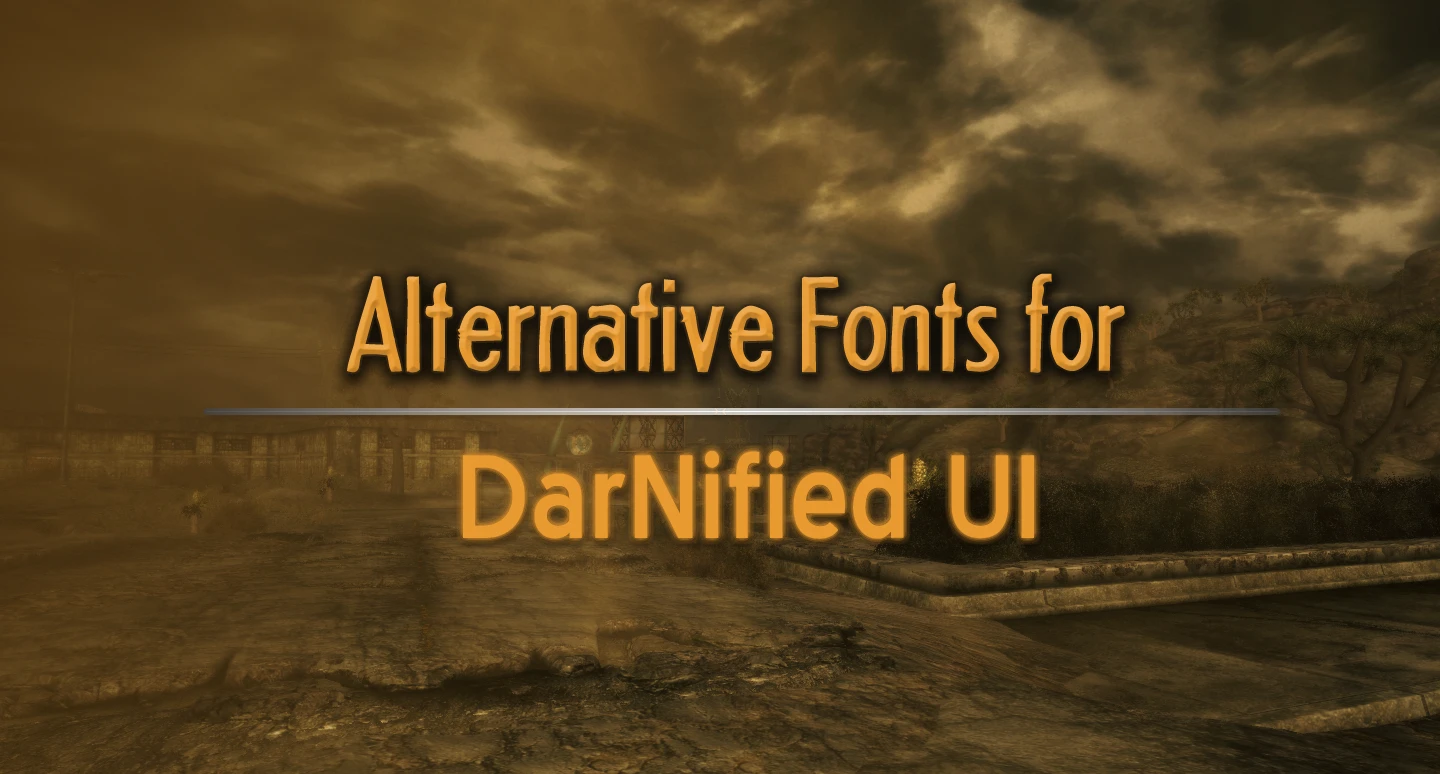
Alternative fonts for DarNified UI
⚪ Last updated 2011⚠️ Install Order · 6 steps
Install in this order, then this mod last — most mods fail to load without their framework and dependencies in place.
Preview
🔍 Analysis
- 👍 3.6% endorsement rate — high engagement, a strong quality signal
- 🏆 #34 of 98 User Interfaces mods in this game by downloads
📋 About This Mod
What's this?
If you've been playing the game for a while... perhaps it's time to try something new! A small, yet drastic change, that sends shock-waves through your gameplay experience! What is this change? Why, it's changing the font, silly!
Included in this package are two different fonts in a variety of sizes. They are designed to work best in the DarNified UI - which you should probably have if you're not playing this game on a console or small screen. If you are, you probably don't need this! Thanks for the interest! Unfortunately, you can't really have it, either. Sorry!
How do I install the fonts?
Before we begin, make sure you have DarNified UI installed. >> Looking for DarNified UI? You can find it here. <<
Do you know where your INI is? Traditionally, font settings are located in Fallout.ini. However, if you're using Mod Organizer, you'll want to set font settings in the INI settings associated with the mod file, which it will then virtually apply to your Fallout.ini. Also, note the difference between FalloutPrefs.ini and Fallout.ini.
A good tool for organizing your INIs is BethINI. But you'll still need to manually edit them to use this mod. Read on!
Firstly, there is Headline! It's kinda like the sort of font you'd see in the game world - the old-fashioned, round-yet-narrow sorta font. It's slightly smaller than the default DarNified dialogue font, but it's still pretty readable.
To use it, change the following settings in your INI file;
sFontFile_4=Textures\Fonts\DarN_Sui_Generis_Otl_10.fnt
sFontFile_6=Textures\Fonts\DarN_Sui_Generis_Otl_13.fnt
...to match the appropriate lines below;
sFontFile_4=Textures\Fonts\r_Headline_Otl_21.fnt
sFontFile_6=Textures\Fonts\r_Headline_Otl_24.fnt
Secondly, there is Blue Highway! I like it better than the font originally used in the game and the one in the DarNified UI! It's roundish, and yet seems to fit so well. It's also quite readable!
To use it, change the following settings in your INI file to match the appropriate lines below;
sFontFile_1=Textures\Fonts\DarN_FranKleinBold_14.fnt
sFontFile_2=Textures\Fonts\DarN_FranKleinBold_16.fnt
...to match the appropriate lines below;
sFontFile_1=Textures\Fonts\r_BlueHighway_18.fnt
sFontFile_2=Textures\Fonts\r_BlueHighway_20.fnt
There, you should be done! Have fun!
Anything else to add?
I made this mod a while ago, so new variants might be a bit impossible to make. Sorry!
Alternative fonts for DarNified UI is a compact cosmetic mod for Fallout 3 and New Vegas, offering classier font options to replace the default futuristic PipBoy typeface. With 1,312 endorsements and 36,148 downloads, it's a community favorite for players seeking a more elegant UI aesthetic.
✨ Key Features
📊 Pros & Cons
✅ Pros
- Community-approved (1,312 endorsements) — clearly a go-to for UI font tweaks.
- Tiny download size, so it won't bloat your load order or slow things down.
- Gives your PipBoy a classy vibe without messing with gameplay.
⚠️ Cons
- Last updated in 2011 — might not play nice with newer mod setups or game patches.
- Requires DarNified UI as a base, so it's useless if you don't already run that mod.
- Only changes fonts — if you want a full UI overhaul, this won't cut it.
For Fallout players who already use DarNified UI and want to ditch the generic futuristic font for something more refined. Perfect for role-players who want a classier PipBoy aesthetic. Skip if you're looking for gameplay changes or a complete UI replacement.
💡 Beginner Tips
- Make sure you have DarNified UI installed first, then just drop the font files into your Data folder.
- If you're using a mod manager, load this after DarNified UI to ensure the fonts override correctly.
- Test in-game by opening your PipBoy — if the font looks off, double-check that the files are in the right directory.
📊 Mod Details
- Game
- New Vegas Mods
- Author
- roxahris
- Version
- OnePointOh
- Downloads
- 36,148
- Endorsements
- 1,312
- Category
- User Interfaces
- Created
- 2/21/2011
- Updated
- 2/21/2011
🔧 How to Install New Vegas Mods
Download from Nexus.
📖 Full step-by-step install guide for New Vegas →
Visit the official mod page for specific installation instructions for this mod.
🎮 Need cheat codes or console commands? Check ur gaming wiki for New Vegas commands, item IDs, and more.
Keep browsing — more New Vegas mods await