TESPCD Plugin Conflict Detector
⚪ Last updated 2008⚠️ Install Order · 2 steps
Install in this order, then this mod last — most mods fail to load without their framework and dependencies in place.
Preview
🔍 Analysis
- 👍 1.8% endorsement rate — high engagement, a strong quality signal
- 🏆 #18 of 49 Utilities mods in this game by downloads
📋 About This Mod
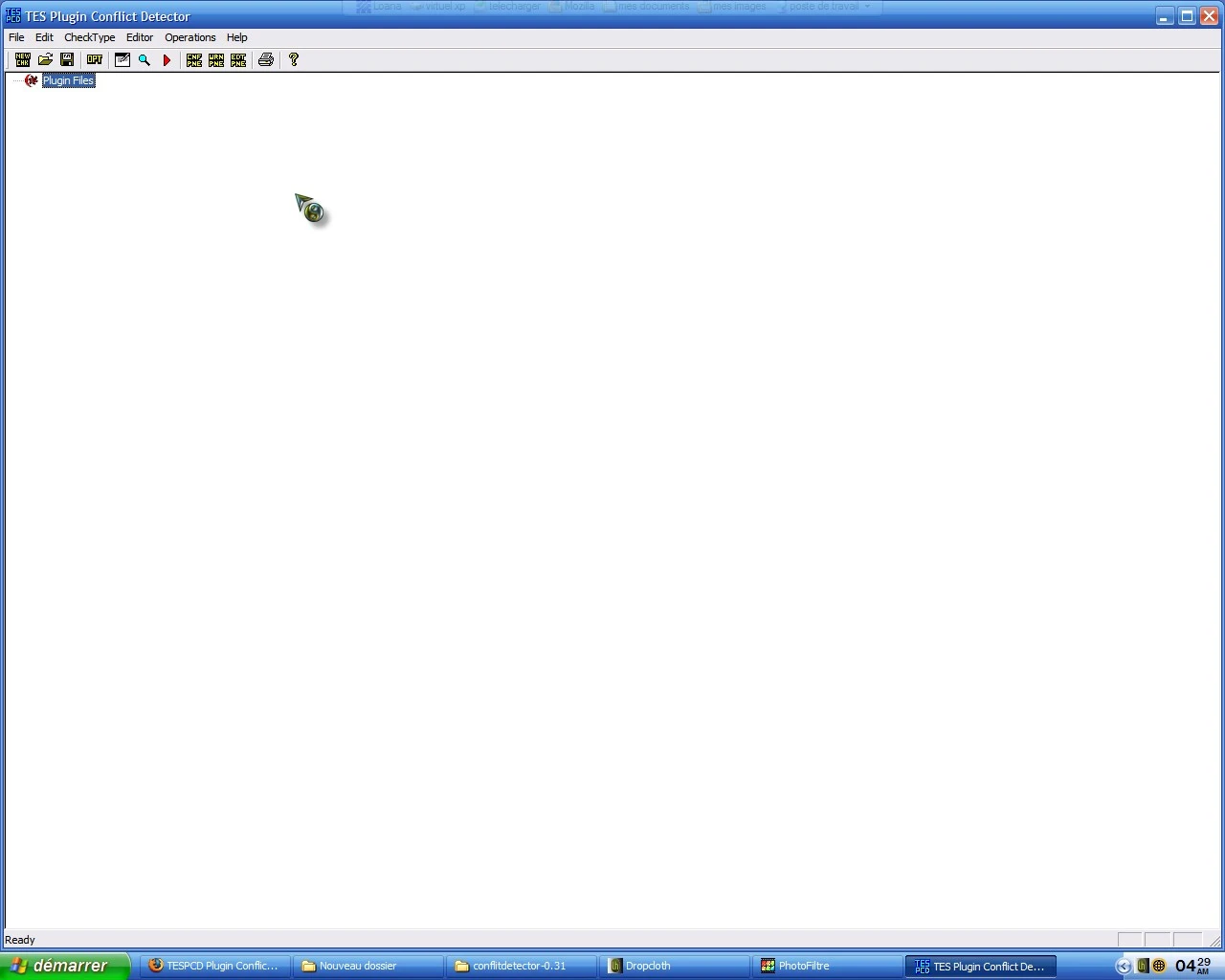
Updated Info: Looking in the Utilities, I noticed there is another copy of this program. I believe the other version of this program is an older version. Unfortanetly, \"Unknown\" did not leave a version number to check, but by judging by size of the program, usually the newer one is larger. Of course, I leave this to your discretion. To all downloaders: It appears the author of this particular mod utility did not offer a readme with this particular mod, so i will elaberate and copy some info from a message board discussing how to use this mod. This wonderful mod cleans conflicts between mods automatically. The mod itself was made by Ely Soto. Note: This is a directional use copied from the Planet Elder Scrolls Forums on how to use this program effectively: Starweaver (blue) poet-dragon from sister skies Posts: 224 #1 Dec 17, 03 - 4:48 AM I was just going to write a brief little response to the TESPCD thread, but, it was just easy and obvious to write and it may help someone. This is basically a first draft, so, I appologize for any confusions :). - I think most of us know how to use The TES Plugin Conflict Detector (TESPCD) or another program to rip out dirty objects and overflowing dirty GSMTs. This is how to take \"cleaning\" one step farther, using the first utility that actually surpasses TESAME at what TESAME does -- and this is actually a side-feature of TESPCD! Open a plugin in the conflict detector -- for this example just load one, but I do this with the full list loaded. Hit the start-check arrow, just to get the unclean entry warnings, and nuke those. (To delete an object from a file, you select the filename in the row with the object, and select delete. This is because often there\'s two files you might want to delete the same object from ;). Hit Editor / View Data File, and choose the file you\'re working with. If you only have one file open you could also use \"View All ESP data,\" but if you have 50 plugins loaded like I do at the moment, it will take forever just to create you a big useless mess. Anyway; you now have a screen that lists every object in the file, just like TESAME. But. But this one shows you weather the object overrides something in a master file or not. That is why this rocks. Ok, for example, take Seyda Neen Docks 5. 0, the one that includes several other mods. You\'ll notice that there are a number of CONT entries that have overwritten the master file. They obviously change something because you\'ve already fragged all the unclean entries. You look at them in the little windows you get from doubleclicking the filenames on that row. You find out that the author added 1000 gold to the chest, and get suspicious. If the change doesn\'t matter to you, you could just zap the entry from the module, and whatever references the author made will go back to being the standard one from the ESM. If you want to delve further, load the file in TES CS as t
TESPCD Plugin Conflict Detector is a utility mod for detecting plugin conflicts in Bethesda games. With 506 endorsements and 27,604 downloads, it has a solid user base despite being last updated in 2008. The author is unknown, and the description is incomplete, but the tool remains a niche resource for modders.
✨ Key Features
📊 Pros & Cons
✅ Pros
- Solid track record with 506 endorsements and over 27k downloads.
- Fills a niche need for conflict detection in modded setups.
- Still available after all these years—shows it's been useful to many.
⚠️ Cons
- Last updated in 2008—likely outdated for modern game versions.
- No version number or detailed instructions provided by the author.
- Description is incomplete, leaving users to figure out specifics on their own.
For modders who play older Bethesda titles and need a simple tool to spot plugin conflicts. If you're on a modern game version, this might be too dated. Skip if you want a actively maintained utility with clear documentation.
💡 Beginner Tips
- Since this is a utility, run it after installing mods to check for conflicts.
- If you're using a modern Bethesda game, test it on a backup save first to ensure compatibility.
- Look for the other version mentioned in the description—might be newer.
📊 Mod Details
- Game
- Morrowind Mods
- Author
- Unknown
- Version
- 0.31
- Downloads
- 27,604
- Endorsements
- 506
- Category
- Utilities
- Created
- 5/3/2006
- Updated
- 1/7/2008
🔧 How to Install Morrowind Mods
Download from Nexus.
📖 Full step-by-step install guide for Morrowind →
Visit the official mod page for specific installation instructions for this mod.
🎮 Need cheat codes or console commands? Check ur gaming wiki for Morrowind commands, item IDs, and more.
Keep browsing — more Morrowind mods await