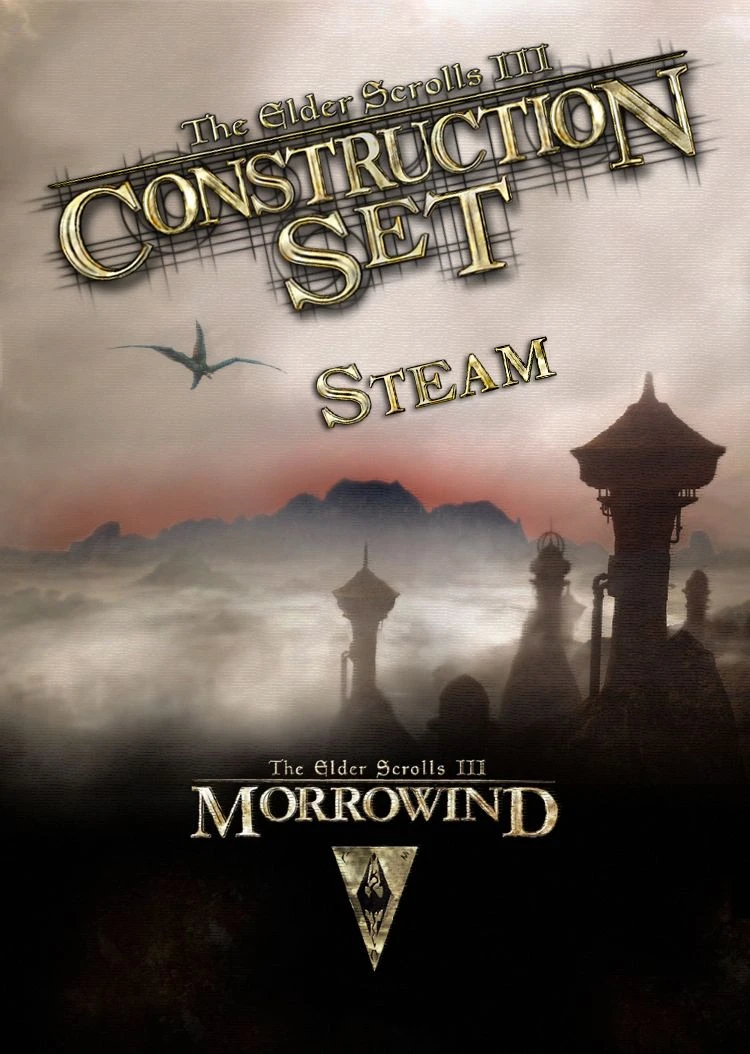
TES Construction Set Fix - Morrowind Steam GOTY - GOG - Bethesda.net _ English - French (TESCS)
⚪ Last updated 2024⚠️ Install Order · 2 steps
Install in this order, then this mod last — most mods fail to load without their framework and dependencies in place.
Preview
🔍 Analysis
- 👍 4.7% endorsement rate — high engagement, a strong quality signal
- 🏆 #11 of 49 Utilities mods in this game by downloads
📋 About This Mod
**************************************************************************************************
| TES: Construction Set fixed for Morrowind Steam GOTY v1. 6. 1820, GOG & Bethesda.net Launcher |
*************************************************************************************************
It works with: STEAM version, GOG version and BETHESDA. NET version
THIS IS THE FULL VERSION OF THE TES: CONSTRUCTION SET.
You don't need anything except the game of course.
This mod now works with the official Bloodmoon extension, and the Tribunal one too.
It contains the latest updated TES: Construction Set version from the English Game Of The Year (v1. 6. 1820).
INSTALLATION:
Extract the .zip file.
Then place its files: Data Files, TES Construction Set.exe, etc., into the main Morrowind directory.
Usually in C:\Program Files (x86)\Steam\Steamapps\Common\Morrowind\
Check the Readme (.txt file) for more details.
Some points to remember to be able to use MODs:
-
[] You need to redate the BSA files. Simply running the Morrowind Code Patch once will do this for you. Or change the BSA's date with this utility: FileDate Changer, you will need to redate Morrowind.bsa to 2001, and the BSA from the expansions to 2002.
Then right-click on the .bsa files (located in Morrowind\Data Files\) and mark them as read-only to lock the dates. Once the dates are locked non-.esm/.esp mods should work. (If you don't read-only the files then Steam will overwrite the date causing problems in the future).
- If you use MGE - MGE XE: You need to disable the Steam Overlay option. Open Steam, right click on the Morrowind game in your list of games, click on Properties, and then uncheck the Enable the Steam Overlay.
Only when they are marked with a "X" you can go on by clicking "OK". (credit to 8leshij)
Source: Morrowind Modding the Game - Beginner's Guide
This mod is a fixed version for this one available here: http://morrowind.nexusmods.com/mods/29388.
My mod doesn't require the original mod.
F. A. Q :
1) Whenever I open it, it doesn't matter which data files I ask it to load, but it starts giving me a sea of errors such as "cannot find sound file..." "unable to find Region..." "following string is different for topic...", etc. Any idea what's causing this and ho
This utility fixes the TES Construction Set for Morrowind GOTY on Steam, GOG, and Bethesda.net by adding missing files, enabling modders to use the editor. With 4,530 endorsements and 95,869 downloads, it's a trusted fix for a common issue.
✨ Key Features
📊 Pros & Cons
✅ Pros
- Community-approved with 4,530 endorsements and nearly 96k downloads
- Solves a real headache for modders on Steam, GOG, and Bethesda.net
- Actively maintained—last updated July 2024
⚠️ Cons
- Only fixes the Construction Set, not the game itself
- May require manual file placement, which could confuse less technical users
For Morrowind modders who use the Steam, GOG, or Bethesda.net versions and need the Construction Set working. Skip if you're a pure player who never touches the editor.
💡 Beginner Tips
- Make sure your Morrowind is updated to v1.6.1820 on Steam before applying the fix
- If you use a mod manager, you can still install this manually—just drop the files into your Morrowind directory
- Back up your original Construction Set files before replacing them, just in case
📊 Mod Details
- Game
- Morrowind Mods
- Author
- papill6n
- Version
- 1.6.1820
- Downloads
- 95,869
- Endorsements
- 4,530
- Category
- Utilities
- Created
- 7/29/2012
- Updated
- 7/29/2024
🔧 How to Install Morrowind Mods
Download from Nexus.
📖 Full step-by-step install guide for Morrowind →
Visit the official mod page for specific installation instructions for this mod.
🎮 Need cheat codes or console commands? Check ur gaming wiki for Morrowind commands, item IDs, and more.
Keep browsing — more Morrowind mods await