Nifskope basic editing tutorial
⚪ Last updated 2021⚠️ Install Order · 2 steps
Install in this order, then this mod last — most mods fail to load without their framework and dependencies in place.
Preview
🔍 Analysis
- 🏆 #11 of 55 Modders Resources and Tutorials mods in this game by downloads
📋 About This Mod
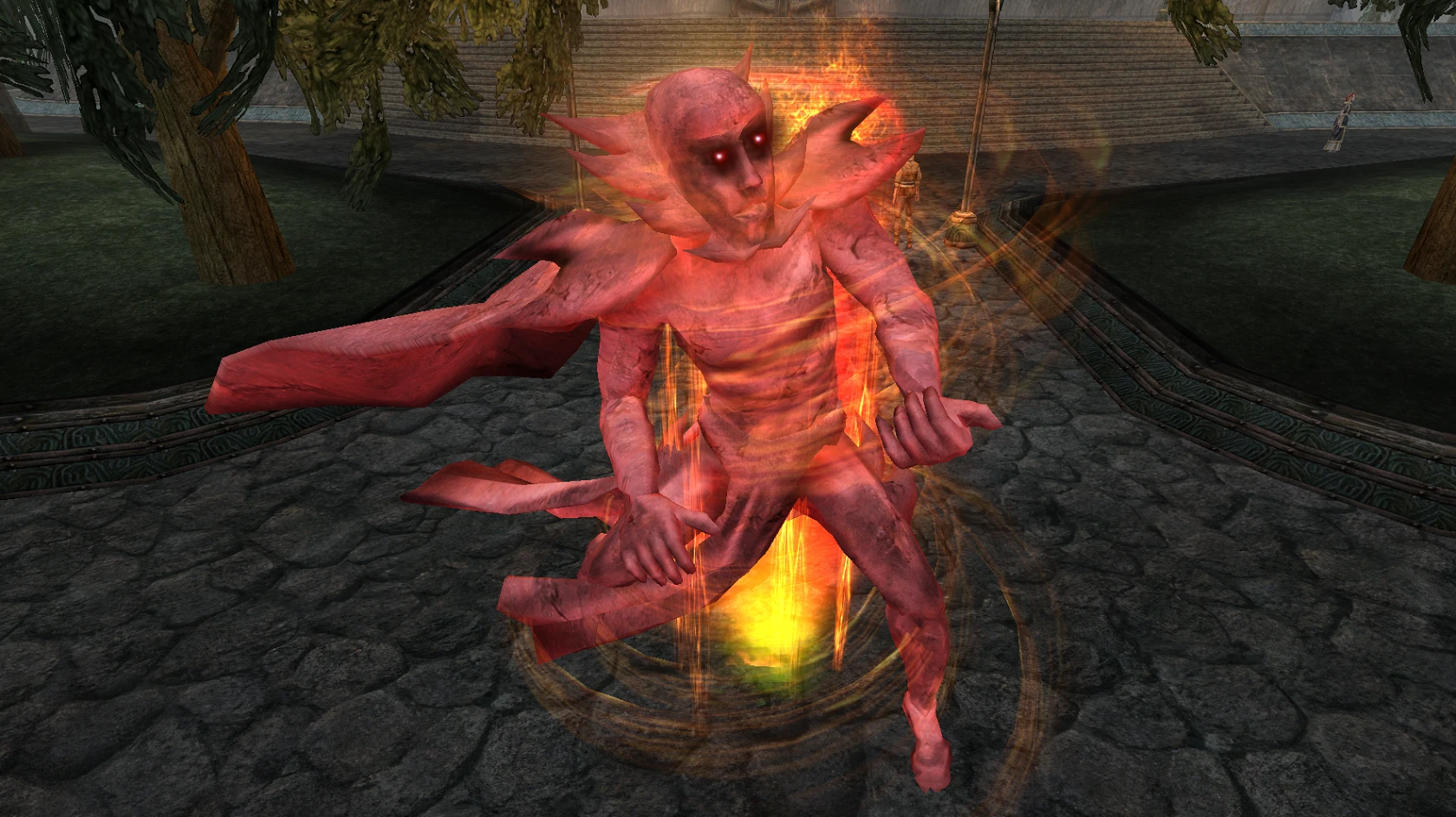
Brief video tutorial of mesh/property/controller editing in Nifskope
Nifskope Editing Guide
This is brief video, showing Nifskope editing, adding/modifying basic things.
Using Nifskope 2. 0 with Livemesh editing script by Greatness7 (needed files in mod package)
Areas i cover in the video:
-using livemesh edit script
-editing and rearranging Nodes
-using BillboardNode
-mesh adjusting tools (stretch, combine, moving, scaling)
-editing texture UV, setting up UV channels, basic .dds texture knowledge , adding dark texture, vertex color..)
-adding animated texture (NiFlipController)
-adding controllers (NiKeyframeController, NiUvcontroller, NiAlphaController, NiMaterialColorController)
-adding properties (NiMaterialProperty, NiAlphaProperty, NiTexturingProperty, NzbufferProperty, NiStencilProperty)
-adding particle and quick info about particle system and properties
-using VFX meshes for interesting effects
Video : EXPAND DESCRIPTION FOR TIME LINKS (so u can watch only the part u need)
oMwhDCfSIaA
How to use pack:
0. Download Nifskope 2. 0, and install MWSE for Morrowind
1. Extract .rar somewhere, than put meshes, textures, mwse folder in MW data files folder
2. - Put "nif.xml" file in your Nifskope 2. 0 install folder (its needed so Nifskope doesn't crash, and shows data correctly)
3. - 'Livemeshedit script': This is an MWSE script made by Greatness7
with this, you can quickly spawn the NIF you're editing ingame to see how it looks,
and when you save the NIF in Nifskope, the new result will be automatically refreshed ingame as well!
-To use the script, just put the "main.lua" file in Morrowind/Data Files/MWSE/mods/LiveMeshEdit folder.
-Open "main.lua" file with text editor, and in the 2nd row, type the file location of the mesh you want to edit.
Example : if NIF you're editing is "C:\Games\Morrowind\Data Files\Meshes\kurp\meshbank\13_pointgravity.nif"
So in "main.lua"'s 2nd row, you'll only need to type this: local mesh = "kurp\\meshbank\\13_pointgravity.nif"
Other guides :
TR modding/modeling guide: https://www.tamriel-rebuilt.org/content/tr-modders-guide
Particle guide: https://www.nexusmod
📊 Mod Details
- Game
- Morrowind Mods
- Author
- Kurpulio
- Version
- 1.0
- Downloads
- 301
- Endorsements
- 29
- Category
- Modders Resources and Tutorials
- Created
- 7/28/2021
- Updated
- 7/28/2021
🔧 How to Install Morrowind Mods
Download from Nexus.
📖 Full step-by-step install guide for Morrowind →
Visit the official mod page for specific installation instructions for this mod.
🎮 Need cheat codes or console commands? Check ur gaming wiki for Morrowind commands, item IDs, and more.
Keep browsing — more Morrowind mods await