Mod Text Importer
⚪ Last updated 2008⚠️ Install Order · 2 steps
Install in this order, then this mod last — most mods fail to load without their framework and dependencies in place.
Preview
🔍 Analysis
- 🏆 #15 of 49 Utilities mods in this game by downloads
📋 About This Mod
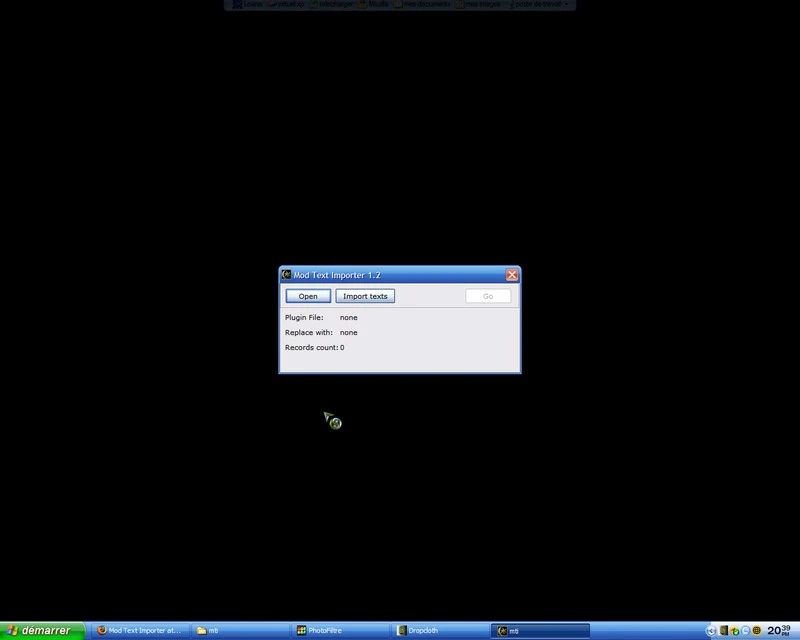
Mod Text Importer version 1. 2 by Vasiliy ---------------------------------------- (sorry for my bad english) This program is for replacing the text in the some records in the morrowind mods. The main usage is for import translated text back to the mod. It process following records: - book text (BOOK - TEXT) - script text (SCPT - SCTX) - dialog text (INFO - BNAM) - zodiac description (BSGN - DESC) - class description (CLAS - DESC) - race description (RACE - DESC) - skill description (SKIL - DESC) The main difference from the Mod Text Merger - the MTI can import large multiline texts. ATTANTION!!!!!!!!!!!!!!!!! After import of script text you MUST recompile it in the TESCS! MTI can\'t do it - it just replace text, leave compiled scripts unchanged. How it work: it load mod and textual file of importing. In the mod it scan all records, detect record\'s ID, then such ID search in the import file, and if located, then replace original text to text specified in the import file. The text replaced in various subrecrds - it is depended from the record type. The results writes to the file \'_out.es?\' to the same directory as original mod. The import file format is very simple. It is textual file. Each text block start with mark - line \"RECORD_TYPE:RECORD_ID\". And continuous up to next mark. Lines from the beginning of the file and to the first mark is ignored - you may place here your own comments. Also ignored lines with at least more than 10 symbols \'-\'. This lines will interpreted as the end of the text block. Example: BOOK:1234567890 bla-bla-bla ... ------------------------ BOOK:2345678901 ... This files can be generated by my other programm - Mod Info. Load mod, do searches in master files, then use one of the export\'s commands. The algorithm. -------------- First step - load mod into the memory, scan it and create records\'s ID list. The second - load import file. In this file the program check the consistency of the import file. If any troubles founded, program writes this into a log and disable the \"Go\" button. In this case you need correct import file and reload it again. Third step - import texts into the mod and save result to output file. The processing start from first record and walk up to the end in the order, as it located in original mod. For each record ID the programm do search same ID in the import table. If type and ID was located, then in this record writes the text (in apropriate subrecord). If type and ID not located, then the record will saved to the output without changes. PS: for the program there is not matter - is the input file is the mod, or master file... History ------- 1. 0 - initial version 1. 1 - fix bug with import of class description 1. 2 - fix CR LF troubles (now 0x0D , 0x0A) --------------------------------------------------------------
📊 Mod Details
- Game
- Morrowind Mods
- Author
- Vasiliy
- Version
- 1dot2
- Downloads
- 247
- Endorsements
- 10
- Category
- Utilities
- Created
- 2/18/2006
- Updated
- 1/7/2008
🔧 How to Install Morrowind Mods
Download from Nexus.
📖 Full step-by-step install guide for Morrowind →
Visit the official mod page for specific installation instructions for this mod.
🎮 Need cheat codes or console commands? Check ur gaming wiki for Morrowind commands, item IDs, and more.
Keep browsing — more Morrowind mods await