MGE XE - Suggested Settings for High End PCs
⚪ Last updated 2018⚠️ Install Order · 2 steps
Install in this order, then this mod last — most mods fail to load without their framework and dependencies in place.
Preview
🔍 Analysis
- 👍 4.3% endorsement rate — high engagement, a strong quality signal
- 🏆 #36 of 49 Utilities mods in this game by downloads
📋 About This Mod
This is a small guide to modifying your MGE XE values to balance performance and visuals for the best experience possible. I've spent a while playing around with the numbers until I finally found something suitable long term, that doesn't kill my frame rate but still gives me a pretty high quality graphics setup. This guide is meant for players with higher end hardware, (I have an i7700 and gtx1060, myself) but there may be aspects of it that are helpful to players with much lower quality hardware as well.
Please note, these are only my personal suggestions based on my own hardware specifications. Performance may vary for others depending on their hardware, but this guide should give a general idea of how to utilize your processing power for the game in more efficient ways if you use MGE XE.
Lastly, I am not responsible for any damage caused to your game install, etc. These are only my suggestions to get the best bang for your buck, but as mentioned, performance and such will vary person to person. Of course, changing these settings should cause no real damage to your game and you can always reset them (they are just game settings, after all) but I will leave this here as a precaution regardless.
* Please be sure to generate distant land with MGE XE version 9. 10. Versions past 9. 10 have some issues with distant land generation, but if you wish to use functions from newer betas, install those files over your 9. 10 AFTER you've generated your distant land. If you need to regenerate it, just replace 9. 10 files and do it over, then re-replace with newer betas again.
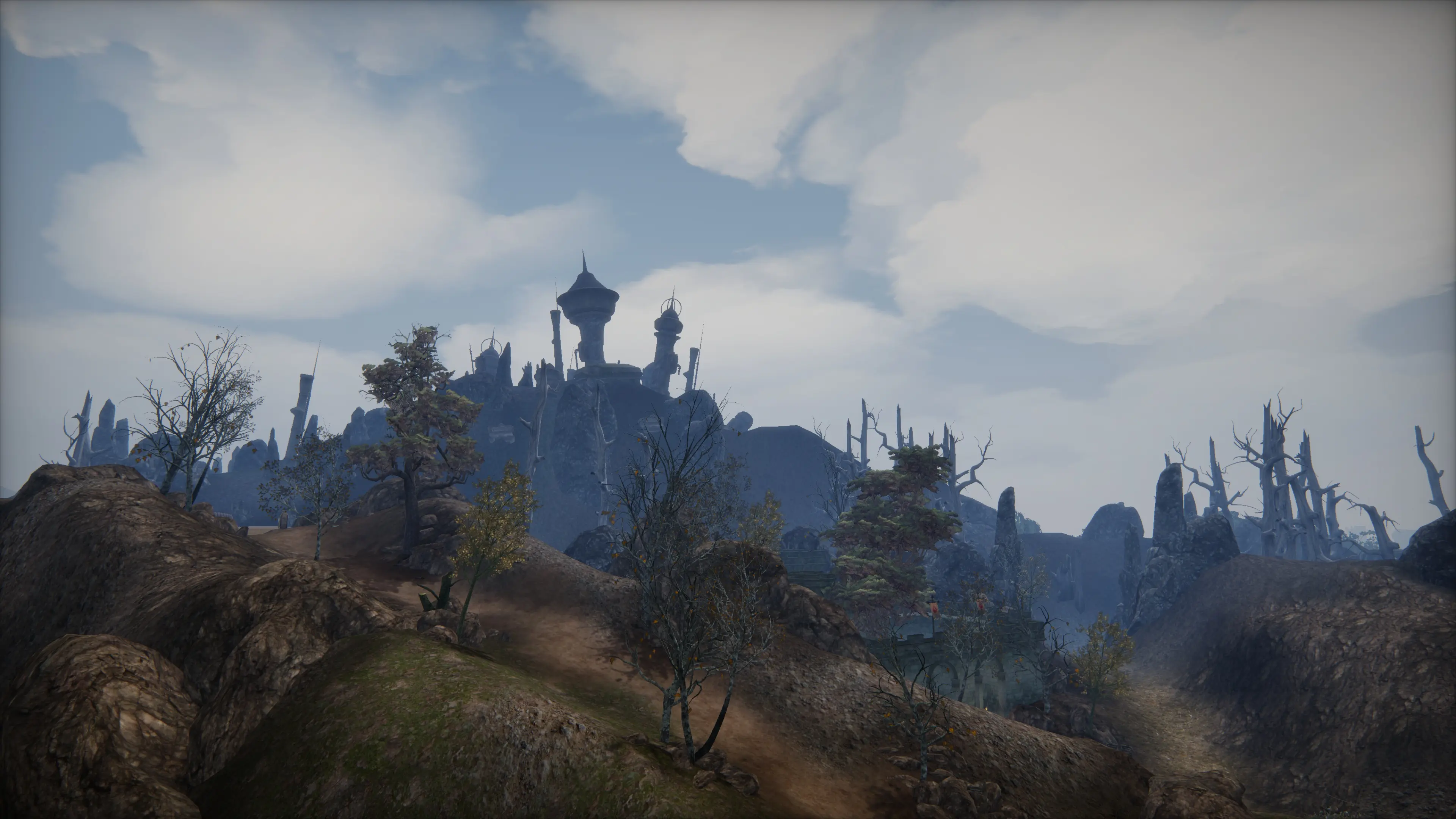
V1. 1: Added a new 'Alternate Settings' .txt. These settings are based around using a distance based DoF shader I found somewhere. 7 Screenshots are uploaded using these settings, look closely at the distant land with a subtle blur, and the effect is quite nice.
MGE XE - Suggested Settings for High End PCs is a utility mod by Vraptor27 that provides optimized MGE XE settings for Morrowind players with high-end hardware. Based on extensive experimentation, it aims to improve the game's visuals and performance. With 330 endorsements and 7,703 downloads, it's a community-trusted configuration guide.
✨ Key Features
📊 Pros & Cons
✅ Pros
- Community-approved with 330 endorsements and over 7,700 downloads
- Saves you hours of trial-and-error tweaking MGE XE settings
- Tailored for high-end rigs, so you can push the visuals without worrying about performance
⚠️ Cons
- Last updated in 2018, so it may not cover newer MGE XE versions or features
- No detailed instructions or screenshots in the description, so you'll need to know your way around MGE XE
- Only useful if you have a high-end PC—low-end users should look elsewhere
For Morrowind players with powerful hardware who want to get the best visuals out of MGE XE without spending hours tweaking settings. If you're on a mid-range or older PC, these settings might tank your framerate, so skip unless you've got the specs.
💡 Beginner Tips
- Make sure you have MGE XE installed and working before applying these settings.
- Back up your current MGE XE settings so you can revert if the new ones don't work for you.
- Test the settings in a demanding area like Balmora or Seyda Neen to see if your rig can handle them.
📊 Mod Details
- Game
- Morrowind Mods
- Author
- Vraptor27
- Version
- 1.0
- Downloads
- 7,703
- Endorsements
- 330
- Category
- Utilities
- Created
- 2/1/2018
- Updated
- 2/11/2018
🔧 How to Install Morrowind Mods
Download from Nexus.
📖 Full step-by-step install guide for Morrowind →
Visit the official mod page for specific installation instructions for this mod.
🎮 Need cheat codes or console commands? Check ur gaming wiki for Morrowind commands, item IDs, and more.
Keep browsing — more Morrowind mods await