Get rid of shadows artifacts in openmw
⚪ Last updated 2023⚠️ Install Order · 2 steps
Install in this order, then this mod last — most mods fail to load without their framework and dependencies in place.
Preview
🔍 Analysis
- 🏆 #14 of 49 Utilities mods in this game by downloads
📋 About This Mod
Guide on settings for openmw
Note of service: I addressed the issue in gitlab of openmw and they are working on it; however, at the moment I'm keeping this article on. Maybe I'll hid it in the future when the problem is fully solved.
Openmw team solved the problem and released a new dev build.
They were also so kind to update me on this: assistance 10/10.
The tweaks below should not be required anymore, but for now I'm leaving this page on, to be informative and to give my thanks to the team that solved the problem.
Have a good game to you all.
This is not really a mod but a little guide to get rid of shadows artifacts in openmw (if you like me experienced the same issues). In addition, in the download session you can download the settings I used to overcome this problem.
Why I put this article here? Because I found it difficult to understand and resolve the problem and I hope to help others with this.
So, let's get straight to the point:
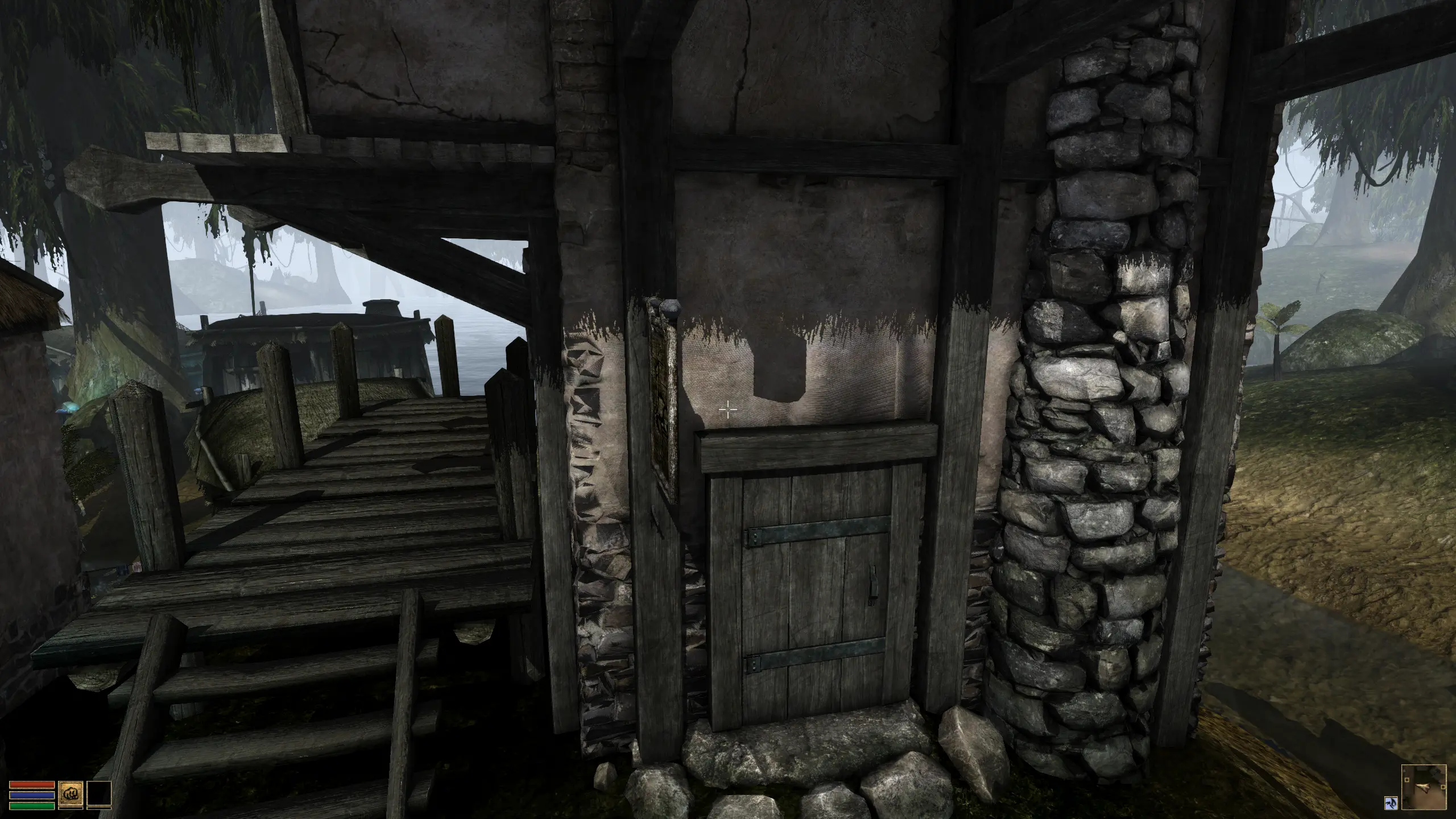
recently I decided to use openmw 0. 49 dev instead of 0. 48 stable release, but as soon as I launched a game session I encountered some graphical issues; namely: some flickering shadows over the buildings, trees and other vertical meshes.
Initially I thought that this was a problem of how dev version handled normal\specular maps of some textures, but the more I examined the problem, the more I discovered that this wasn't true at all... or.. maybe partially true cause, previously to the change, I did not encounter such difficulty with the stable release at all.
after some headaches and some research, I found that this was a some sort of common problem with previous releases and with this article (https://forum.openmw.org/viewtopic.php?t=5857&start=20 ) I managed to overcome the problem with some tweaks on settings.
Why default settings of 0. 48 do not suffice to 0. 49 anymore I cannot tell..
But what I was experimenting? I delved into it and discovered that the issues that I was noticing are a variety of shadows artifacts that occurs in rendering and gaming, this article (https://learn.microsoft.com/en-us/windows/win32/dxtecharts/common-techniques-to-improve-shadow-depth-maps ) was a pleasant and unexpected surprise for me to deepen my knowledge.
So I discovered that other than flickering shadows I was watching at Shadow Acne artifact on some plane surfaces.
The resolution forum of openmw (a necromancy thread at this day) ends with a user thanking the others for his resolution of the problem with these settings:
enable shadows = true
number of shadow maps = 4
allow shadow map overlap = true
split point uniform logarithmic ratio = 0. 5
split point bias = 0. 0
enable debug hud = false
enable debug overlay = false
compute tight scene bounds = true
shadow map resol
📊 Mod Details
- Game
- Morrowind Mods
- Author
- notme
- Version
- 1.2
- Downloads
- 249
- Endorsements
- 7
- Category
- Utilities
- Created
- 12/21/2023
- Updated
- 12/21/2023
🔧 How to Install Morrowind Mods
Download from Nexus.
📖 Full step-by-step install guide for Morrowind →
Visit the official mod page for specific installation instructions for this mod.
🎮 Need cheat codes or console commands? Check ur gaming wiki for Morrowind commands, item IDs, and more.
Keep browsing — more Morrowind mods await