Simple and Clean
⚪ Last updated 2018Preview
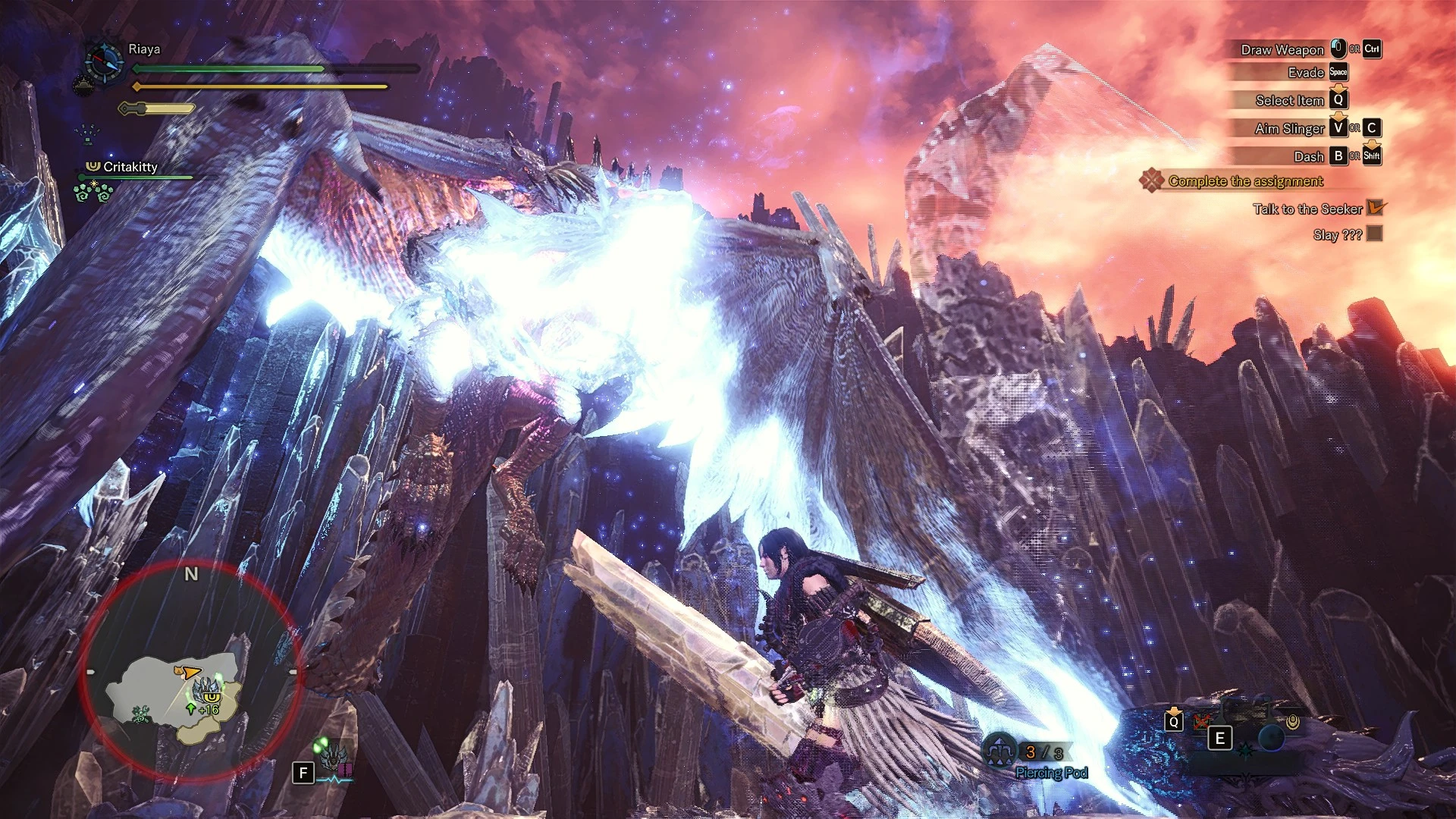
🔍 Analysis
- 👍 5.2% endorsement rate — high engagement, a strong quality signal
- 🏆 #177 of 180 Visuals and Graphics mods in this game by downloads
📋 About This Mod
A Simple & Clean ReShade made for Monster Hunter World to make it cleaner, and have more depth
My "Simple & Clean" series. Where I work to make the game look "better" with sharper visuals, but not destroying the general look and feel of the game itself.
TheRiaya Simple & Clean ReShade Video (upscaled to 4k for a high quality video comparison)
zCl1fi5Yk4o
Installation
1: Download reshade 3. 4. 1 at https://reshade.me
2: Launch file, click "select game" and find your MonsterHunterWorld.exe and select it, then select Direct3D 10+ in ReShade
3: install shaders listed below
4: Launch game, use shift f2 to bring up ReShade, go through the tutorial and select the "Simple and Clean" ReShade preset.
5: Enjoy! :)
Shaders used
(Order is IMPORTANT)
colourfulness
adaptivesharpen
ambientlight
liftgammagain
Frame Rate
There is a bit frame drop when using this. Around 15-20% depending on the area. Image below for example
Uninstall
Go into your Monster Hunter World folder
delete the reshade-shaders folder, dxgi.dll, dxgi.log and TheRiaya Simple and Clean.ini
📊 Mod Details
- Game
- Monsterhunterworld Mods
- Author
- TheRiaya
- Version
- 1.0
- Downloads
- 2,597
- Endorsements
- 136
- Category
- Visuals and Graphics
- Created
- 8/31/2018
- Updated
- 8/31/2018
🔧 How to Install Monster Hunter: World Mods
Download from Nexus Mods.
📖 Full step-by-step install guide for Monster Hunter: World →
Visit the official mod page for specific installation instructions for this mod.
🎮 Need cheat codes or console commands? Check ur gaming wiki for Monster Hunter: World commands, item IDs, and more.
Keep browsing — more Monster Hunter: World mods await