Project Two-Bee
⚪ Last updated 2018Preview
🔍 Analysis
- 👍 0.0% endorsement rate
- 🏆 #26 of 183 Characters mods in this game by downloads
📋 About This Mod
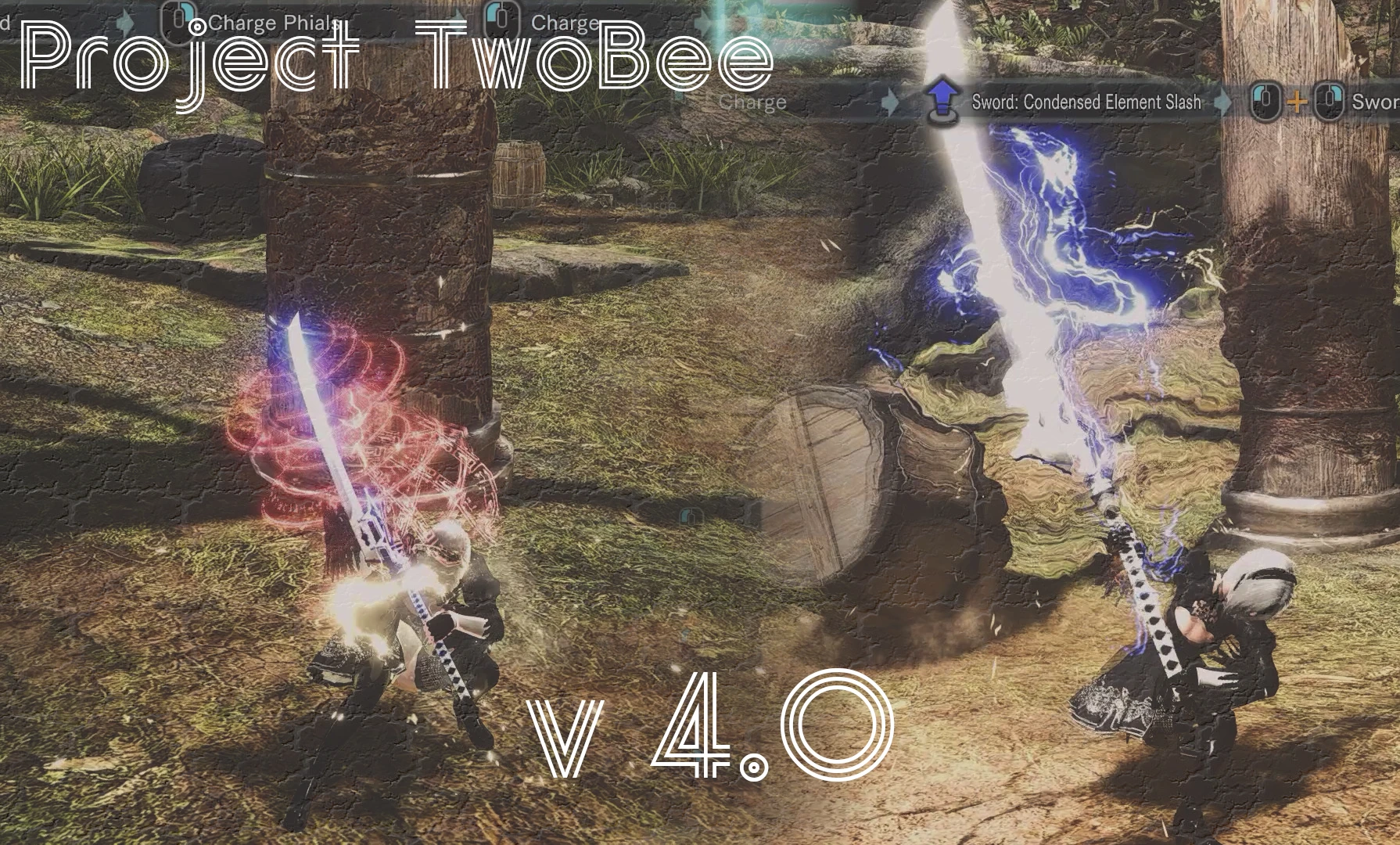
Greatsword/S-Axe/C-Axe released.Your hunter looks change to a Girl who legendary hunter called Two-Bee.
v 4. 0 Weapons Known Issue
- Placement of weapon at the weapon rack
I couldn't find way to change those :X
- Weapon position to sheathe are different
I can't change sheathe / unsheathe animation now.
sheathe / unsheathe animation will be strange if I change those.
v 4. 0 Armors
To avoid possibility of miss edit on mrl3 binary, textures are separated from mod3/mrl3 folder.
Harvest are same as v3. 8. You don't need to download if you use Harvest.
3HjyB5ayj-Y
--- Introduction ---
Do you know the legendary hunter called Two-Bee?
She is said to have two mighty long swords
Now, let's transform you into Two-Bee now using this Mod!
--- Detal ---
Hair Styel
Page 1/5 Top-Left hair style change.
Face Texture
Replace face texture with mole.
Replace harvest armor.
replace Reaver "Cruelty" and Reaver "Calamity" (Deviljho) / swo009
replace Berserker Sword and Anguish (Deviljho) / two009
replace Axe of Thanatos and Axe of Demons (Black Diablos) / saxe007
replace Dante's Devil Sword (Dante) / caxe009
Diablos Tyrannis II and Taroth Strongarm Horn included (c_axe.wp_dat)
-----------------------------------------------------------------------------------------------------------
By enriching editing software, we limited the types of weapons attached
Instead of limiting, an example of how to change is uploaded to the image
(It takes time and effort to decompress, the necessary files are included in this Mod)
-----------------------------------------------------------------------------------------------------------
Recommended software to edit weapon model
Monster Hunter World Melee Weapons Editor and Weapons Model Selector
Both presented by by Aradi147
-----------------------------------------------------------------------------------------------------------
example to edit model "Divine Slasher"
1. download and execute Editor.
2. Open file "tachi.wp_dat" located "nativePC\common\equip". (already exist if you install my mod, You don't need to exract and unpack chunk.bin or something else)
3. Select "Divine Slasher" at "Weapon Name" section.
4. Select "Deviljho" at "Unique Model" section (ex)
5. Click "save" and exit.
important note
You have to finish this "wp_dat" editng before start MHW.
--------------
📊 Mod Details
- Game
- Monsterhunterworld Mods
- Author
- Uhllica
- Version
- 4.0
- Downloads
- 67,145
- Endorsements
- 5
- Category
- Characters
- Created
- 10/11/2018
- Updated
- 11/13/2018
🔧 How to Install Monster Hunter: World Mods
Download from Nexus Mods.
📖 Full step-by-step install guide for Monster Hunter: World →
Visit the official mod page for specific installation instructions for this mod.
🎮 Need cheat codes or console commands? Check ur gaming wiki for Monster Hunter: World commands, item IDs, and more.
Keep browsing — more Monster Hunter: World mods await