Automatic Steamworks - 100 Percent Success Rate
⚪ Last updated 2021Preview
🔍 Analysis
- 👍 3.1% endorsement rate — high engagement, a strong quality signal
- 🏆 #5 of 116 Utilities mods in this game by downloads
📋 About This Mod
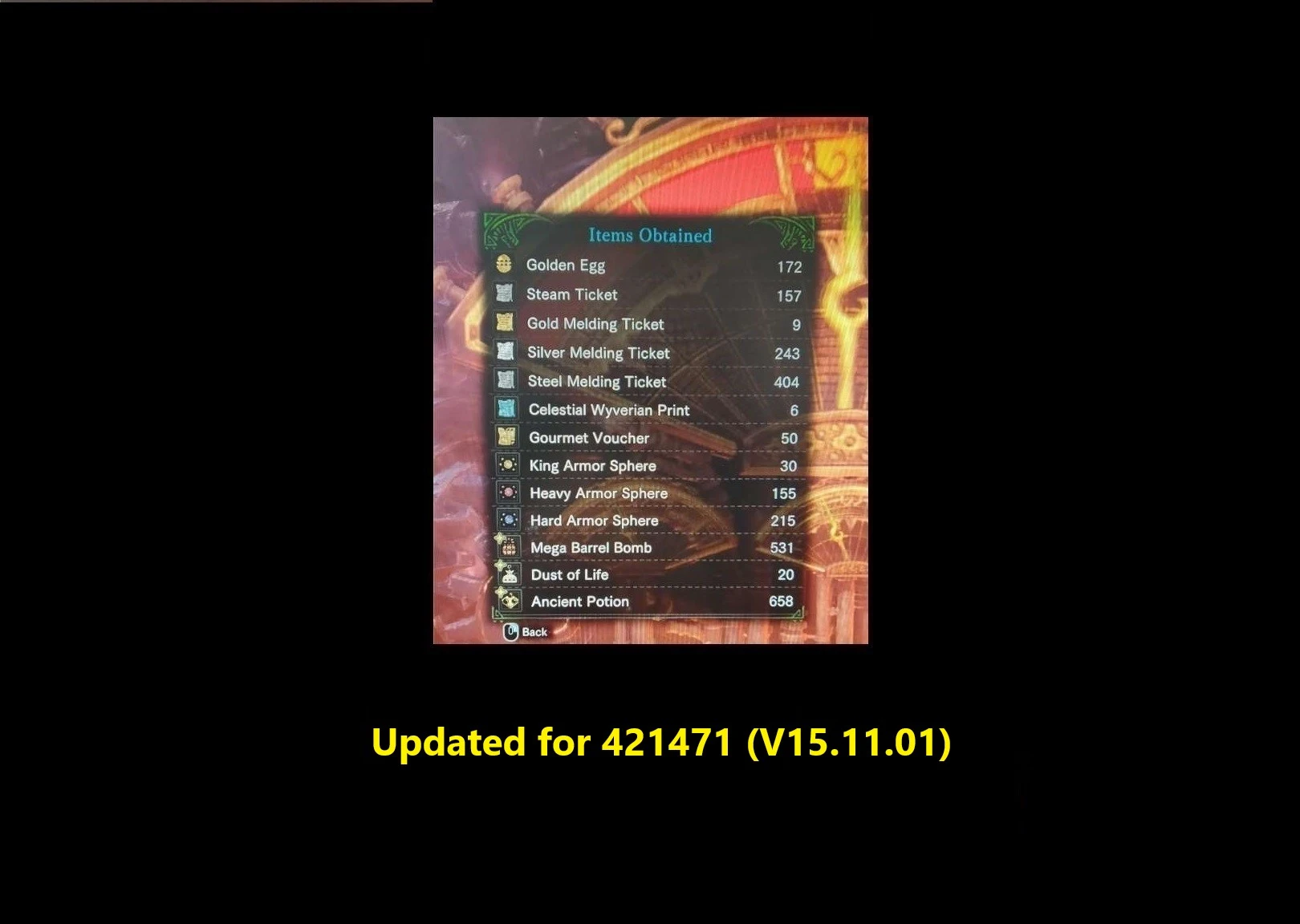
*100% Success Rate* Reads the game memory for the "expected" order of the Steamworks Mini game and then plays that sequence. Auto-Restarts the Game if you have fuel.
Supported version: 421471 (v15. 11. 01) - v19. 0 - full support
Functionality
Reads game memory and finds the "expected" key pattern that the Steamworks needs and then Types that pattern.
Restarts automatically when the Steamworks game is over IF if you have enough fuel and skips animations if setup correctly (presses X - the default animation cancel keyboard button)
Stops automatically if you are out of fuel or you press the stop button.
Random Pattern clicking if the app is out of date - checks game version against internal version - This provides random results of course, but better than nothing until app is updated.
Smart RANDOM run clicking sequence randomly while preserving the other functionality.
Introduced a menu to chose what type of run you want.
[New]
Possibility to choose:
- Configurable value ShouldConsumeAllFuel added to AutoSteamApp.exe.config option was added to setup using ALL the fuel or Only the Natural Fuel
- Default value is true
[New]
Do a smart RANDOM run:
- New functionality to do a RANDOM run - this will give random results, as no memory reading is happening.
- The other functions of the application will still work (fuel checking, automatic stop and restart etc).
- Random Run will be available even if the app is up to date.
Make sure you replace the old AutoSteamApp.exe.config file with the new one or app will crash!
How to install it
1. Download the .zip
2. Extract it wherever you like (i.e: Desktop)
3. Installation Done.
How to use it
0. Game must be started, press "start" on your Steamworks minigame
1. Execute AutoSteamApp.exe as Administrator
2. Switch to the game window
3. Press "Home" for the app to consume ALL the fuel
4. Press "F1" for the app to consume ONLY Natural fuel
5. Press "End" for the app to stop typing or wait for the fuel tank to be empty
Configurable Parts - AutoSteamApp.exe.config
1. Combo delay - time to wait between 3-key press sequence - useful to sync with animations (larger value might result in better results)
2. ShouldConsumeAllFuel - set this to false if you want only the Natural Fuel to be used. Otherwise set to true - default value true
3. Enable/Disable logging - keep it disabled unless something looks fishy or malfunctions (or you wanna sniff the logs)
4. Change between AZERTY(QZD) or QUERTY(AWD) - based on your keyboard, pick one - default is QUERTY[/
📊 Mod Details
- Game
- Monsterhunterworld Mods
- Author
- tzup
- Version
- 19.0
- Downloads
- 387,995
- Endorsements
- 12,069
- Category
- Utilities
- Created
- 2/15/2020
- Updated
- 6/5/2021
🔧 How to Install Monster Hunter: World Mods
Download from Nexus Mods.
📖 Full step-by-step install guide for Monster Hunter: World →
Visit the official mod page for specific installation instructions for this mod.
🎮 Need cheat codes or console commands? Check ur gaming wiki for Monster Hunter: World commands, item IDs, and more.
Keep browsing — more Monster Hunter: World mods await