Odachi Samurai Long Sword (Post-Iceborne)
⚪ Last updated 2020⚠️ Install Order · 1 step
Install in this order, then this mod last — most mods fail to load without their framework and dependencies in place.
🖼️ Gallery (10 images)




🔍 Analysis
- 👍 1.7% endorsement rate — high engagement, a strong quality signal
- 🏆 #27 of 143 Weapons mods in this game by downloads
📋 About This Mod
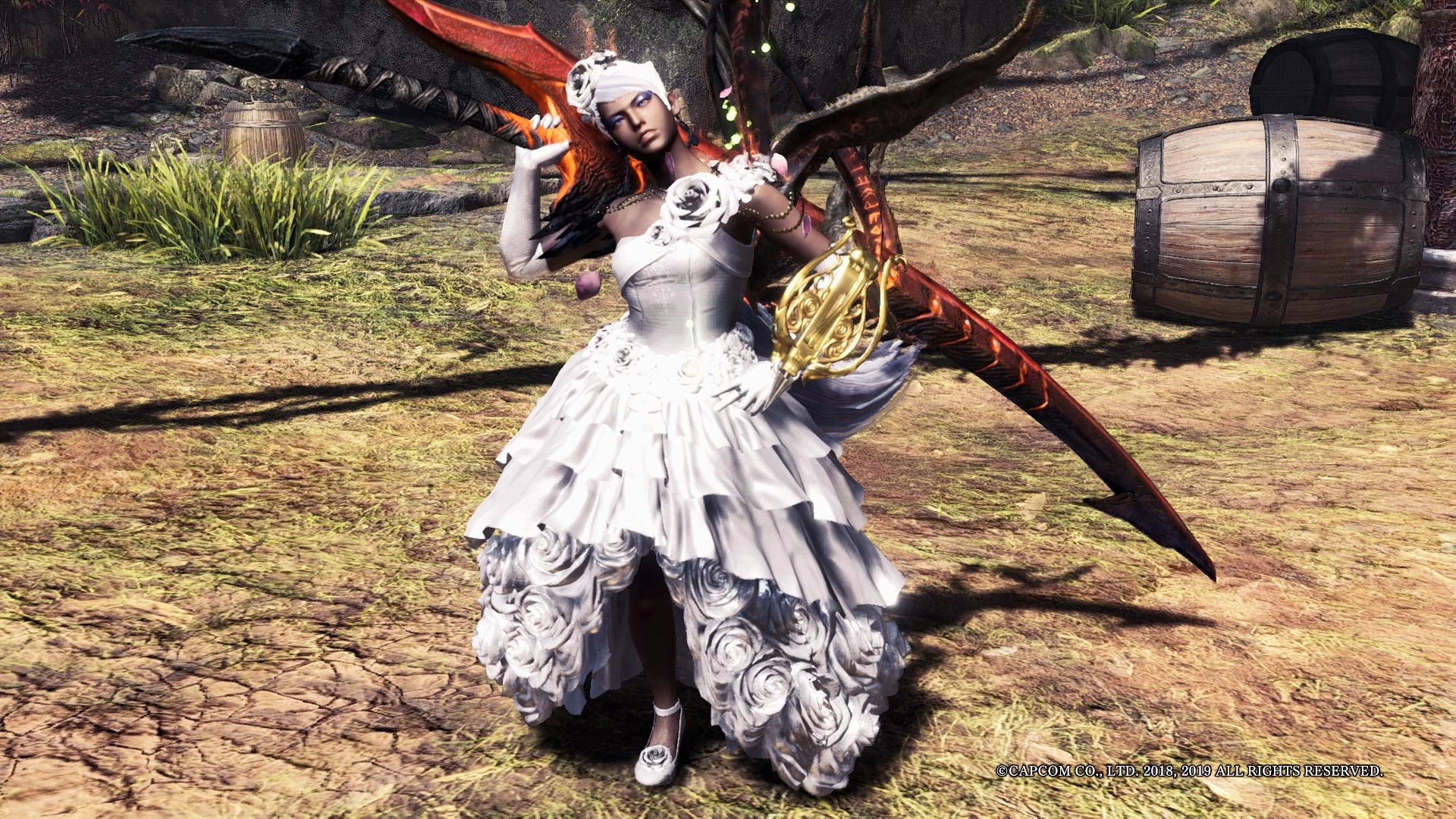
Resembles Sephiroth's Masamune. Optional circular guard, worn textures and invisible scabbard. Supports all currently Long Swords. For post-Iceborne.
Modified from the Felyne Samurai Sword and Divine Slasher scabbard.
日本語の説明はこの下です。
- Redid the bones and materials. Effects should now work properly on it.
- Added a black blade texture option.
Notes
:- Included batch files to copy the files to all current weapon folders. Makes it much easier to handle.
- Parts optional is to hide the monster skin/parts that are attached to weapons.
- More screenshots at old link here.
Installation:
1. Unzip the main archive (with folders) into Steam\Steamapps\common\Monster Hunter World\
2. Ensure you have "mod_wp_*" folder (needed for textures) and "Emblem" folder (needed to hide the Emblem).
3. Unzip the optionals of your choosing into the same location (overwrite).
4. Run the batch file "override_all.bat", and if you downloaded the parts optional, "hide_all.bat" inside the parts folder.
5. You can delete weapon folders that you don't need. I don't know which folders are which weapons, but you can experiment by removing folders and checking the results in-game. Note that unlike before Iceborne, it seems that sometimes removing/changing folders does not always update in realtime.
Uninstallation:
If you want to revert to the original, simply delete the mod files in these folders:
NativePC\wp\swo\
Credits:
I would like to emphasize that none of this would've been possible without the hard work of the people listed here.
- All modding contributors, especially the ones who are figuring out how to get into the new chunk archives
- AsteriskAmpersand for various things
- Vuze for WorldChunkTool, and Jodo for MHWNoChunk
- daemon1's raw texture converter (correct offset values are usually around 100 to 118)
- FineNerd's MHWTexConvert for converting DDS to BC7
- MT Framework tools by Predator for importing as reference
- CrazyT's BlenderMhwModelImporter
- JodoZT's Better MHW Texture Converter.
Special thanks to the people reporting problems, and helping others out in the forum.
日本語:
セフィロスの正宗に似てると思います。丸い鍔、ぼろぼろなテクスチャ、鞘隠すのオプションがあります。現在全太刀とアイスボーン対応です。
元々武者ネコノ太刀αと天上天下鞘のモデルの改造です。
・ボーンとマテリアルをやり直しました。これでエフェクトは正しく表示されるはずです。
・黒色ブレードのオプションを追加しました。
Adds a Sephiroth-inspired Odachi long sword for Monster Hunter: World Iceborne, featuring optional circular guard, worn textures, and invisible scabbard. A cosmetic weapon mod with 641 endorsements, last updated in February 2020.
✨ Key Features
📊 Pros & Cons
✅ Pros
- Community favorite with 641 endorsements and over 37k downloads.
- Multiple visual options (guard, textures, scabbard) let you tailor the look.
- Perfect for FF7 fans wanting Sephiroth's iconic blade in Monster Hunter.
⚠️ Cons
- Last updated in 2020 — may not be compatible with the latest game patches.
- Cosmetic only; no gameplay or stat changes.
- Requires Iceborne expansion, so base-game players are out of luck.
For Monster Hunter: World Iceborne players who are Final Fantasy VII fans and want Sephiroth's Masamune as a stylish long sword. Also for hunters who enjoy cosmetic weapon mods with customization options. Skip if you're on the base game or want gameplay-altering weapons.
💡 Beginner Tips
- Make sure you have the Iceborne expansion installed, as this mod is specifically for post-Iceborne content.
- If you're using a mod manager like Vortex, you can preview the weapon model before installing to see if you like the options.
- Check the mod's files to see if there are multiple variants; you may need to choose which option (circular guard, worn textures, invisible scabbard) you want.
📊 Mod Details
- Game
- Monster Hunter World Mods
- Author
- UberGrainy
- Version
- 1.0
- Downloads
- 37,253
- Endorsements
- 639
- Category
- Weapons
- Created
- 1/20/2020
- Updated
- 2/14/2020
🧩 Commonly Used Together
Users add these mods to the same collections — a real compatibility signal, not an AI guess.
🔧 How to Install MHW Mods
Install Stracker\
📖 Full step-by-step install guide for MHW →
Visit the official mod page for specific installation instructions for this mod.
🎮 Need cheat codes or console commands? Check ur gaming wiki for MHW commands, item IDs, and more.
Keep browsing — more MHW mods await