Timer & Clock
🟡 Updated this year🖼️ Gallery (5 images)



🔍 Analysis
- 👍 0.5% endorsement rate
- 🏆 #13 of 82 paper mods in this game by downloads
📋 About This Mod
# M-Timer & Clock Add a timer to your HUD to stop times or display the current time (ingame or real). You have full control over your timer with design customization or even automated actions like time stops on certain events (like killing the Ender Dragon) and rules like automatically set the gamemode to spectator after deaths. You can also give players the opportunity to opt in or out to the global timer and let them use their own customized timer, only visible for them! ## Access & customize the Timer All commands (except config commands) can be used with `/timer` for global timer or with `/ptimer` for personal timer -> `/timer resume` resumes global timer & `/ptimer pause` pauses your personal timer | Command | Permission | Short Description | |:-:|:-:|:-:| | /timer ... | `mutils.command.timer` | Parent command for global timer | | /ptimer ... | `mutils.command.ptimer` | Parent command for personal timers | | ... **resume** | *Parent Permission* | Resumes the timer | | ... **pause** | *Parent Permission* | Pauses the timer | | ... **setup** | *Parent Permission* | Modify timer settings & design | | ... **reset** | *Parent Permission* | Resets the time to zero | | /timer **language** | `mutils.command.timer-config` | Switch between languages | | /timer **config** | `mutils.command.timer-config` | Reload/ Reset/ Save your configuration | !(https://cdn.modrinth.com/data/kTmEpjUi/images/d5841d206994834ce297824cdde799875e6e0c3e.gif) ## Create & Share Designs The timer provides a complete design creator inside an easy to use GUI. Custom designs support: - Separate idle and running state design - Placeholder for time values to change your syntax - Separate prefix, suffix and hide rule for every placeholder - Custom animations like gradients (https://webui.adventure.kyroi.net) styling is supported! All designs are saved in a separate json file.<br> You can share your best designs in our global designs library for everyone to use or browse for designs you like to use yourself (Does not work in BETA!). > !(https://cdn-raw.modrinth.com/data/kTmEpjUi/images/4811eff64f2b513797faa3e52607688b466f4b22.webp) > !(https://cdn-raw.modrinth.com/data/kTmEpjUi/images/a579978b2e8f191376ef6a98a51fa6eacb687b23.webp) > !(https://cdn-raw.modrinth.com/data/kTmEpjUi/images/8c2b9473f8294acbb678759e3f3f76faffba1c9c.webp) ## DataPack Version We provide a data pack version of MTimer! This version is very simple and compact. You can still choose between multiple designs but can not create new ones. **(https://modrinth.com/mod/mtimer)** to visit it! ## Support & FAQ Check out our official FAQ and tutorials if you need help at (https://mutils.de/timer). If you have any problems or unanswered questions join our (https://dc.mutils.de/) to contact us and share your experience with other users! ## API Usage <details><summary>API - Overview & Usage</summary> MTimer implements a public API that can be used by developers to manipulate or inject into the timer. The API is written in Kotlin like MTimer and is located at Maven Central, so no extra repo is needed. The API contains java docs. ``` dependencies { implementation("de.miraculixx:timer-api:1.1.2") } ``` To receive more information about the API visit the official GitHub Repository:<br> -> **(https://github.com/MUtils-MC/MTimer-API)**<br> -> (https://github.com/MUtils-MC/MTimer-API) </details> ## Privacy M-Timer communicates with the (https://mutils.net) servers for: - version checking (normally only on startup) - public design library access (only on manual access) (disabled in BETA) While communicating the server IP is shared but not saved on our servers. Uploading/ downloading from the public design library requires account authentication
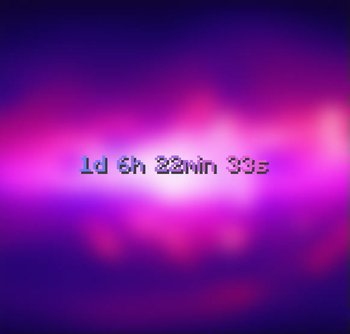
# M-Timer & Clock Add a timer to your HUD to stop times or display the current time (ingame or real). You have full control over your timer with design customization or even automated actions like time stops on certain events (like killing the Ender Dragon) and rules like automatically set the gamemode to spectator after deaths.
You can also give players the opportunity to opt in or out to the global timer and let them use their own customized timer, only visible for them!
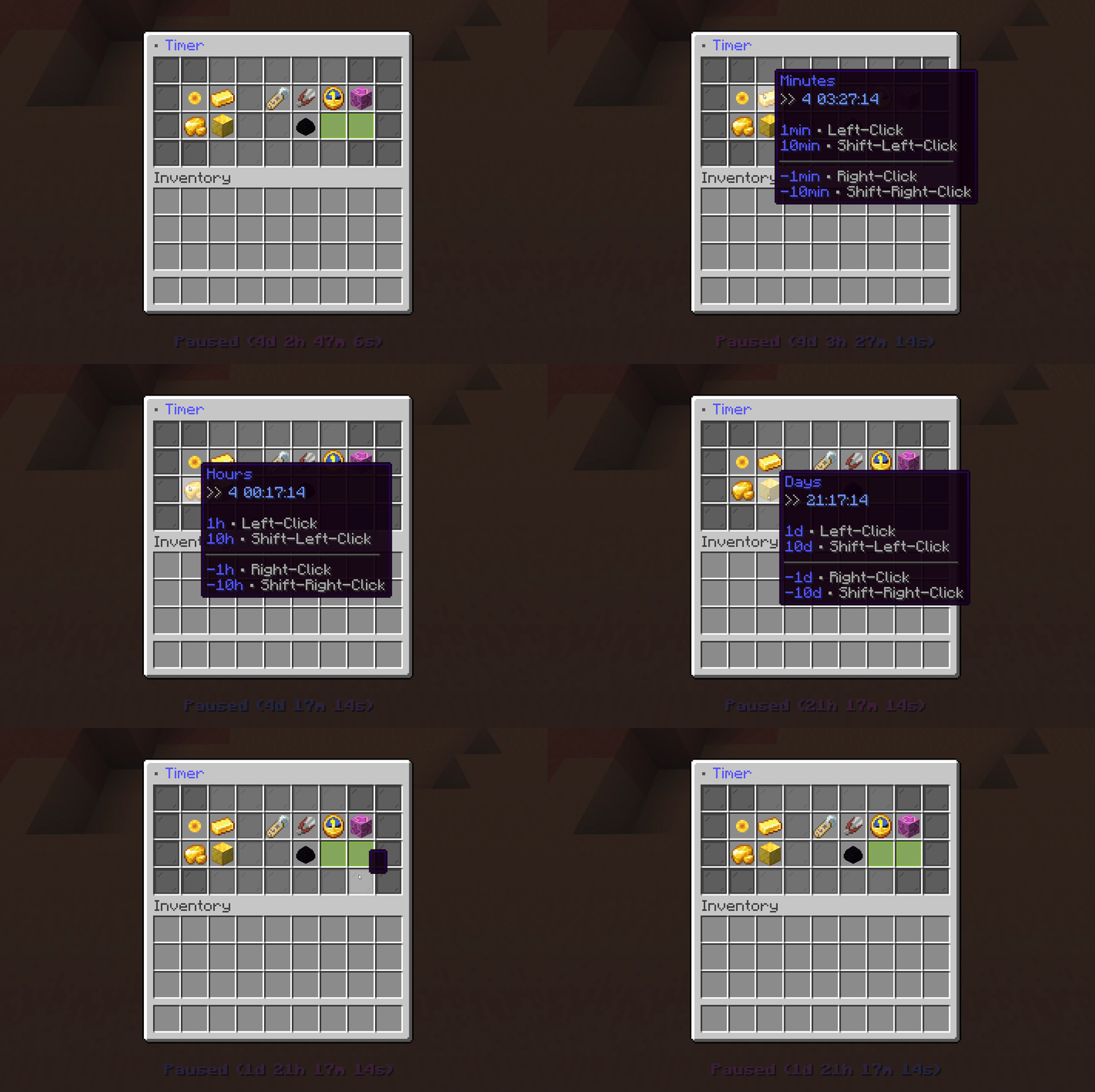
## Access & customize the Timer All commands (except config commands) can be used with `/timer` for global timer or with `/ptimer` for personal timer -> `/timer resume` resumes global timer & `/ptimer pause` pauses your personal timer
| Command | Permission | Short Description | |:-:|:-:|:-:| | /timer ... | `mutils.command.timer` | Parent command for global timer | | /ptimer ... | `mutils.command.ptimer` | Parent command for personal timers | | ... resume | Parent Permission | Resumes the timer | | ... pause | Parent Permission | Pauses the timer | | ... setup | Parent Permission | Modify timer settings & design | | ... reset | Parent Permission | Resets the time to zero | | /timer language | `mutils.command.timer-config` | Switch between languages | | /timer config | `mutils.command.timer-config` | Reload/ Reset/ Save your configuration |
!(https://cdn.modrinth.com/data/kTmEpjUi/images/d5841d206994834ce297824cdde799875e6e0c3e.gif)
## Create & Share Designs The timer provides a complete design creator inside an easy to use GUI. Custom designs support: - Separate idle and running state design - Placeholder for time values to change your syntax - Separate prefix, suffix and hide rule for every placeholder - Custom animations like gradients
(https://webui.adventure.kyroi.net) styling is supported! All designs are saved in a separate json file.
You can share your best designs in our global designs library for everyone to use or browse for designs you like to use yourself (Does not work in BETA!).
> !(https://cdn-raw.modrinth.com/data/kTmEpjUi/images/4811eff64f2b513797faa3e52607688b466f4b22.webp) > !(https://cdn-raw.modrinth.com/data/kTmEpjUi/images/a579978b2e8f191376ef6a98a51fa6eacb687b23.webp) > !(https://cdn-raw.modrinth.com/data/kTmEpjUi/images/8c2b9473f8294acbb678759e3f3f76faffba1c9c.webp)
## DataPack Version We provide a data pack version of MTimer! This version is very simple and compact. You can still choose between multiple designs but can not create new ones.
(https://modrinth.com/mod/mtimer)** to visit it!
## Support & FAQ Check out our official FAQ and tutorials if you need help at (https://mutils.de/timer).
If you have any problems or unanswered questions join our (https://dc.mutils.de/) to contact us and share your experience with other users!
## API Usage
API - Overview & Usage
MTimer implements a public API that can be used by developers to manipulate or inject into the timer. The API is written in Kotlin like MTimer and is located at Maven Central, so no extra repo is needed. The API contains java docs.
``` dependencies { implementation("de.miraculixx:timer-api:1. 1. 2") } ``` To receive more information about the API visit the official GitHub Repository:
-> (https://github.com/MUtils-MC/MTimer-API)**
- > (https://github.com/MUtils-MC/MTimer-API)
## Privacy M-Timer communicates with the (https://mutils.net) servers for: - version checking (normally only on startup) - public design library access (only on manual access) (disabled in BETA)
While communicating the server IP is shared but not saved on our servers. Uploading/ downloading from the public design library requires account authentication
📊 Mod Details
- Game
- Minecraft Plugins
- Author
- Miraculixx
- Version
- 135
- Downloads
- 9,312
- Endorsements
- 42
- Category
- paper
- Created
- 3/26/2023
- Updated
- 8/21/2026
- Game Versions
- 26.1, 26.1.1, 26.1.2, 26.2
- Tags
- social, utility
🔧 How to Install Minecraft Plugins Mods
Download from Modrinth. Use Prism Launcher or drop into your mods folder.
📖 Full step-by-step install guide for Minecraft Plugins →
Visit the official mod page for specific installation instructions for this mod.
🎮 Need cheat codes or console commands? Check ur gaming wiki for Minecraft Plugins commands, item IDs, and more.
❓ Frequently Asked Questions
Which Minecraft Plugins versions does Timer & Clock support?
The author lists 26.1, 26.1.1, 26.1.2, 26.2. Other versions may work but are untested by the author.
What is the latest version of Timer & Clock?
Version 135, published 2026-08-21 with 9,312 downloads recorded at the source.
Keep browsing — more Minecraft Plugins mods await