ShockAirHeads
🟡 Updated this year🖼️ Gallery (4 images)
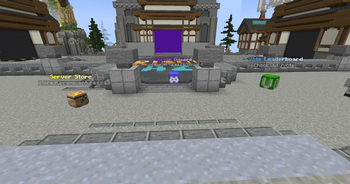
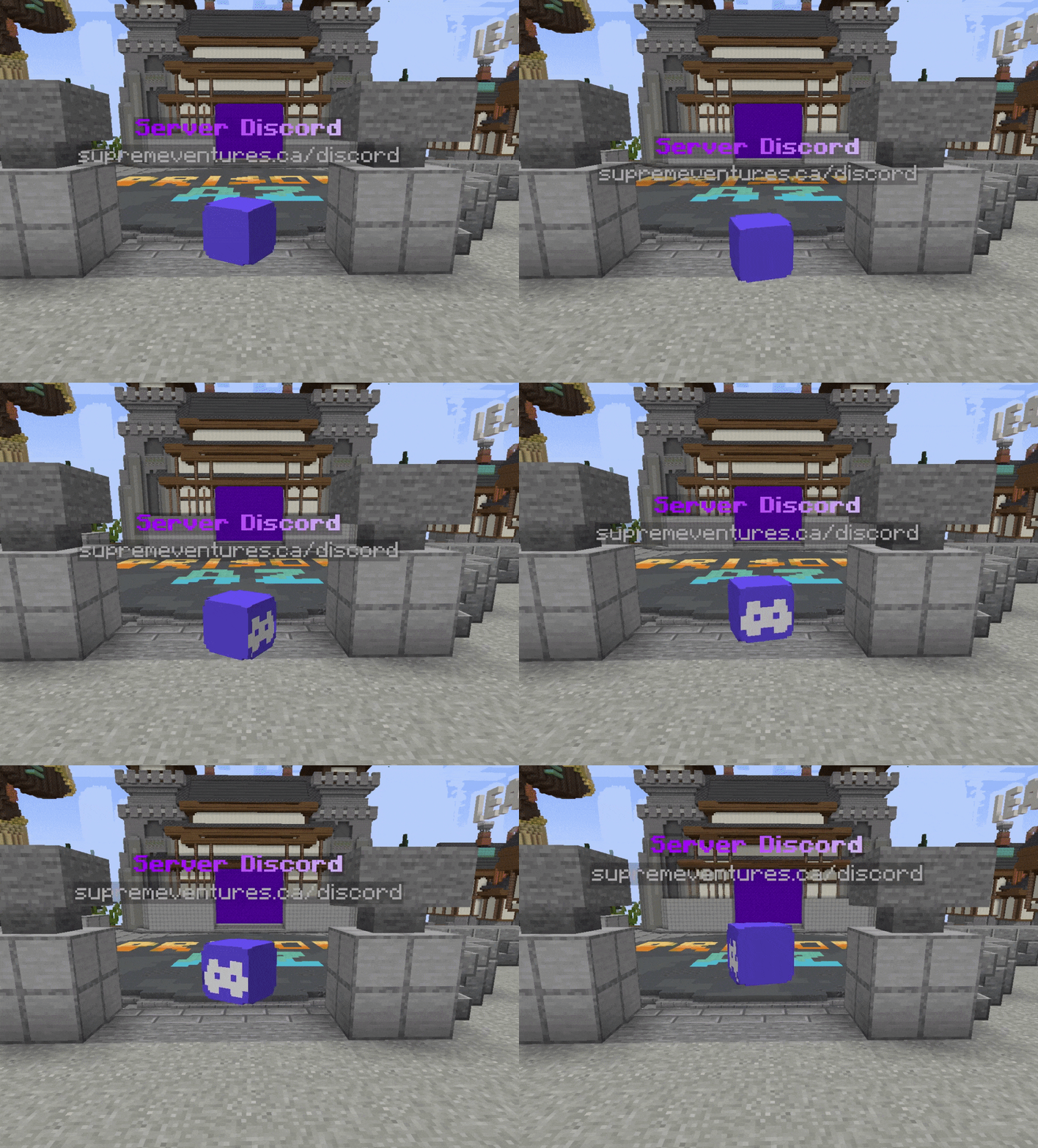
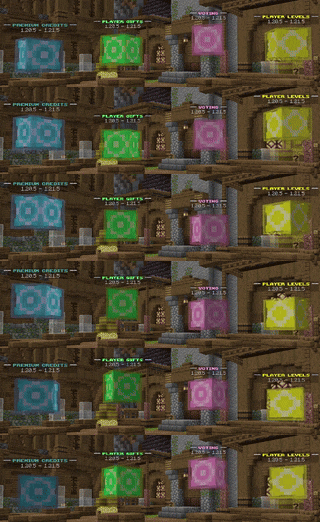
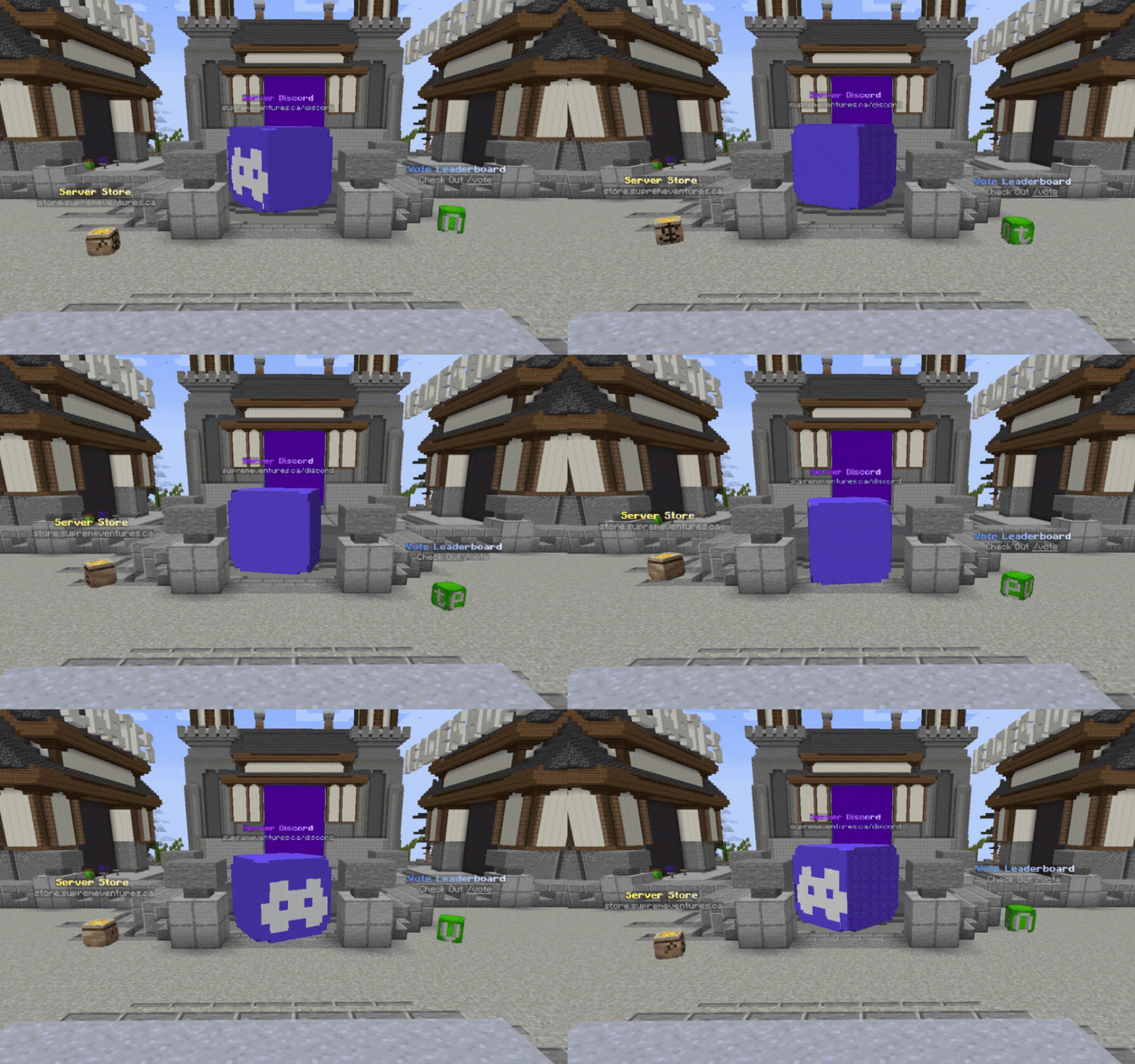
🔍 Analysis
- 👍 0.5% endorsement rate
- 🏆 #44 of 143 paper mods in this game by downloads
📋 About This Mod
Create points of interest for players to interact with, completely themed to match your server & the role the AirHead plays. Create as many as you like, customizing each one down to the letter. It runs completely standalone and is open source.
**This plugin requires (https://github.com/retrooper/packetevents)!**
[!(https://cdn.modrinth.com/data/ypKwglHB/images/8fa9541c60d0d4797f29afe4eb51c7ffaf745ca8.gif)](https://cdn.modrinth.com/data/ypKwglHB/images/8fa9541c60d0d4797f29afe4eb51c7ffaf745ca8.gif)
## Key Features - 1. 20. 5 - 1. 21. 8 Supported - Create unlimited unique AirHeads, put them everywhere! - Configure each AirHeads animation, appearance, and behavior. - Lightweight & fast. No real entities bogging down your server. - Powerful developer API for spawning AirHeads wherever & whenever you want. - Internal Holograms using new 1. 20+ TextDisplay entities (Background color, Billboard Display, etc) - Scale heads up to 10x normal size, and down to 5% of normal size. - Sends messages, play sounds, dispatch console commands or execute commands as the player. - Add block-overlays to the AirHead, to add another layer of depth to your AirHeads. - Velocity Send-To-Server support
Config
```yml
airheads:
levels:
# The location the AirHead will spawn at.
location:
world: test_world
x: -438. 0
y: -38. 0
z: 293. 0
yaw: 0. 0 # Used if rotation is disabled
pitch: 0. 0 # Used if rotation is disabled
hologram-text-display-settings:
# How the hologram rotates with the player.
# Options:
# FIXED - Hologram doesn't rotate at all.
# VERTICAL - Hologram rotates with the player, but only on the Y axis.
# HORIZONTAL - Hologram rotates with the player, but only on the X axis.
# CENTERED - Hologram rotates with the player on all axes.
billboard-constraints: VERTICAL
# How text is auto aligned in the hologram.
# Options:
# LEFT - Text is aligned to the left.
# CENTERED - Text is aligned to the center.
# RIGHT - Text is aligned to the right.
text-alignment: CENTERED
hologram-text:
- <#ADBED1>
📊 Mod Details
- Game
- Minecraft Plugins
- Author
- savage.jar
- Version
- 2.1.7
- Downloads
- 641
- Endorsements
- 3
- Category
- paper
- Created
- 3/29/2025
- Updated
- 4/20/2026
- Game Versions
- 1.2.1, 1.2.2, 1.2.3, 1.2.4, 1.2.5
- Tags
- utility
🔧 How to Install Minecraft Plugins Mods
Download from Modrinth. Use Prism Launcher or drop into your mods folder.
📖 Full step-by-step install guide for Minecraft Plugins →
Visit the official mod page for specific installation instructions for this mod.
🎮 Need cheat codes or console commands? Check ur gaming wiki for Minecraft Plugins commands, item IDs, and more.
❓ Frequently Asked Questions
Which Minecraft Plugins versions does ShockAirHeads support?
The author lists 1.2.1, 1.2.2, 1.2.3, 1.2.4, 1.2.5, 1.20. Other versions may work but are untested by the author.
What is the latest version of ShockAirHeads?
Version 2.1.7, published 2026-04-20 with 641 downloads recorded at the source.
Keep browsing — more Minecraft Plugins mods await