Nek's Command Maker (Server Edition)
🟡 Updated this year🖼️ Gallery (5 images)
🔍 Analysis
- 👍 0.5% endorsement rate
- 🏆 #499 of 1560 bukkit mods in this game by downloads
📋 About This Mod
For some reason the icon is not loading This is the **server edition** of Command Maker. Click (https://modrinth.com/mod/command-maker-client) to see the Client Edition. ( visit (https://commandmakerwiki.lucasgeitgey.com/downloadClient.html) for CMDMaker Client Edition Download Page if you got a 404 error for the other link.) --- If for some dumb reason you think curseforge is better than modrinth (its not) then you can find it here: ( I do not upload as often on CurseForge): <br> https://www.curseforge.com/minecraft/mc-mods/neks-command-maker-server-side-edition --- # 📦 Nek's Command Maker Server Edition A lightweight Minecraft mod that lets you define custom commands using aliases or a gui, perfect for server scripting, modpacks, or ritual triggers. No external files, no dependencies beyond Fabric API. --- Luckperm Support added in v3.0.0!!! --- ## How to download and install https://commandmakerwiki.lucasgeitgey.com/install-video.html --- ### 🔧 Features - Add commands dynamically via in-game chat - Reload config without restarting - Fully JSON-driven and vanilla-compatible - GUI: !(https://cdn.modrinth.com/data/cached_images/752ea6d5ae1a0e9d514dab027eea76740bba1190_0.webp) --- ### 📝 Usage Use `/addcommand` to manage your custom commands: ```bash /addcommand add <alias> <command> ``` Adds a new alias that runs the specified command. ```bash /addcommand del <alias> ``` Deletes the alias and its associated command. ```bash /addcommand reload ``` Reloads the config file and updates all aliases. Visit the (https://diamondstar-mods.github.io/Minecraft-Command-Maker/) for more information. --- ### 📁 Config Format Commands are stored in a simple JSON file (modid_alieses.json) like: ```json { "crashme": "kill @s", "greet": "say Hello, world!" } ``` ### 🧪 Example ```bash /addcommand add crashme kill @s /addcommand add greet say Hello, world! ``` Then just run `/crashme` or `/greet` in chat! --- ## Telemetry Data Every time you start the game with the mod, a HTTP request is sent to commandmakerwiki.lucasgeitgey.com /redirects/telemetry.html. to Opt-Out, set 'send-telementry' to 'false' in telemetry.yml. The data sent is a HTTP GET request, to see how many people use the mod.<br> _Note: Telementry Data has been removed in 2.3.5_ --- ## Downloading Functions You can use /cmd downloadfunction to download functions. You can see the function list, and request to add new ones (https://github.com/Diamondstar-Mods/Minecraft-Command-Maker/tree/26.1/docs/cdn/functions) --- 🛠️ This is my first time making a Minecraft mod, so there may be bugs or quirks. If you find any issues, feel free to report them! --- **If you would like to make a feature request, please visit (https://github.com/Diamondstar-Mods/Minecraft-Command-Maker/discussions/1).**<br> <br> **If you would like to make a bug report, please visit (https://github.com/Diamondstar-Mods/Minecraft-Command-Maker/issues/new).**<br> <br> **If you would like to otherwise make a comment please visit (https://github.com/Diamondstar-Mods/Minecraft-Command-Maker/discussions/4)**<br> <br> (https://github.com/Diamondstar-Mods/Minecraft-Command-Maker/actions/workflows/build.yml/badge.svg)](https://github.com/Diamondstar-Mods/Minecraft-Command-Maker/actions/workflows/build.yml)
For some reason the icon is not loading
This is the server edition of Command Maker. Click (https://modrinth.com/mod/command-maker-client) to see the Client Edition. ( visit (https://commandmakerwiki.lucasgeitgey.com/downloadClient.html) for CMDMaker Client Edition Download Page if you got a 404 error for the other link.)
If for some dumb reason you think curseforge is better than modrinth (its not) then you can find it here: ( I do not upload as often on CurseForge):
https://www.curseforge.com/minecraft/mc-mods/neks-command-maker-server-side-edition
# 📦 Nek's Command Maker Server Edition
A lightweight Minecraft mod that lets you define custom commands using aliases or a gui, perfect for server scripting, modpacks, or ritual triggers. No external files, no dependencies beyond Fabric API.
- --
- Luckperm Support added in v3. 0. 0!!!
- --
- ## How to download and install
https://commandmakerwiki.lucasgeitgey.com/install-video.html
- --
- ### 🔧 Features
- Add commands dynamically via in-game chat
- Reload config without restarting
- Fully JSON-driven and vanilla-compatible
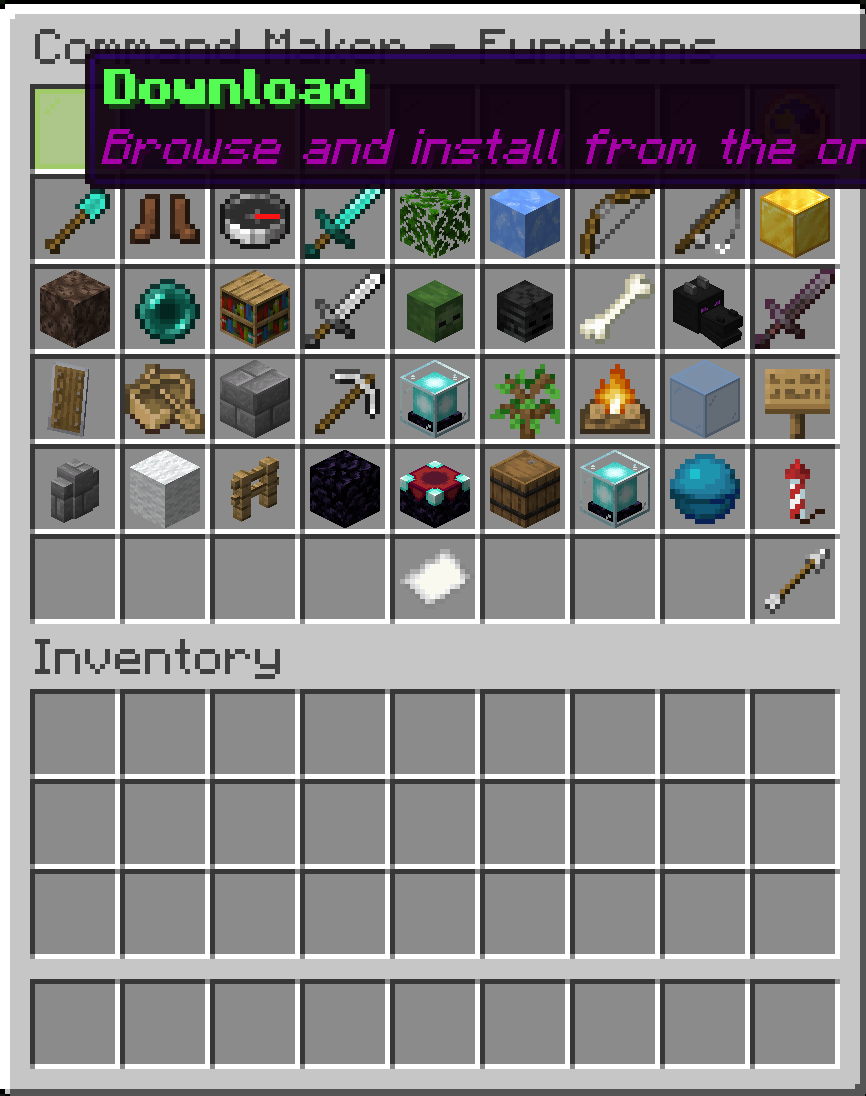
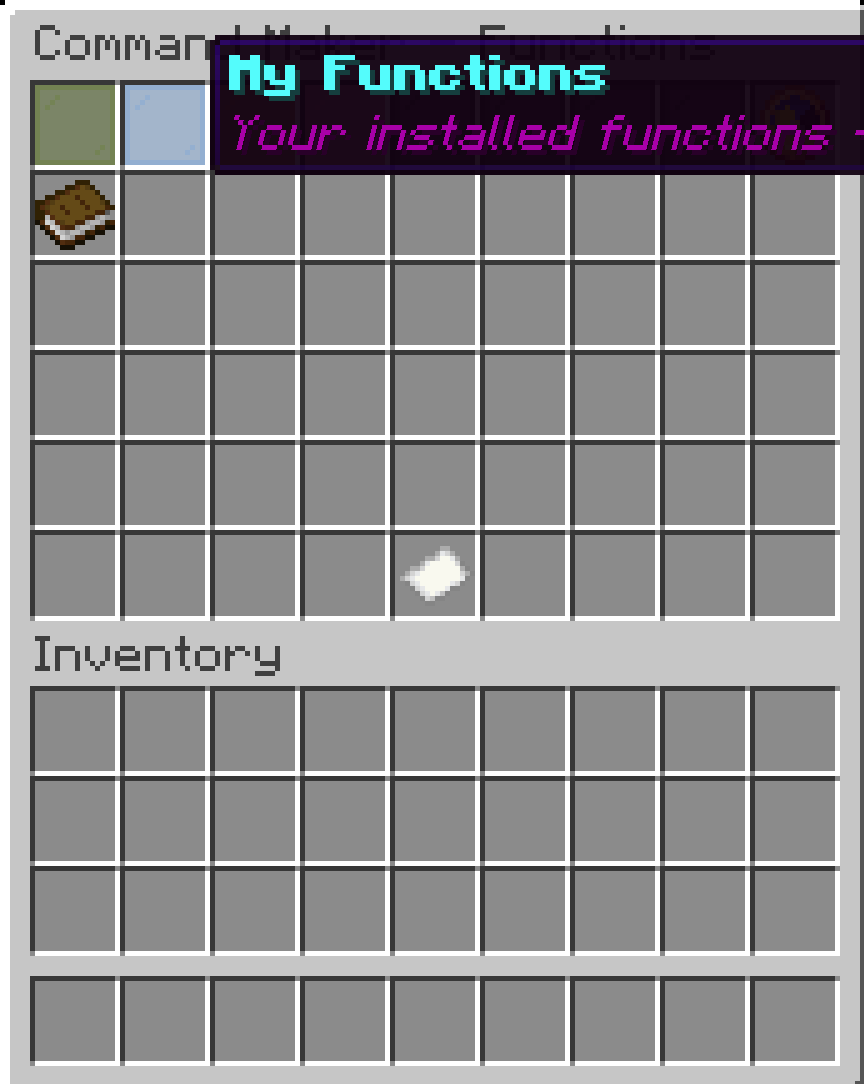
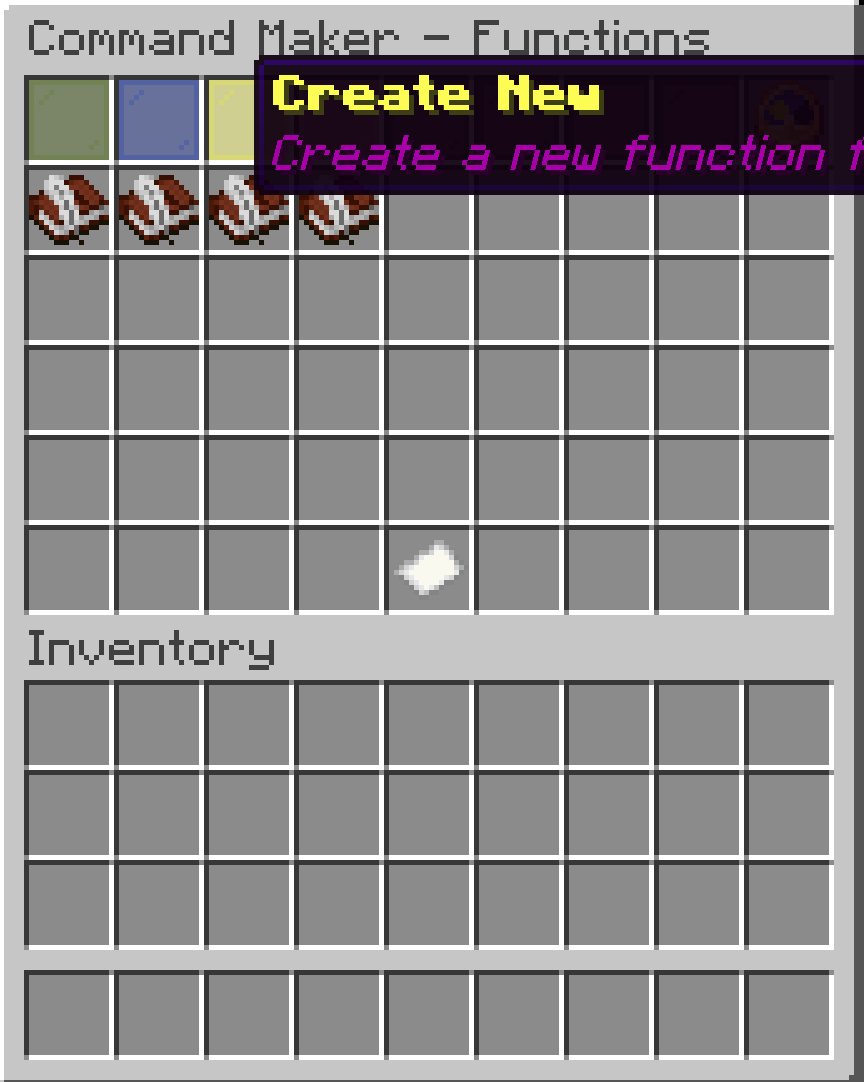
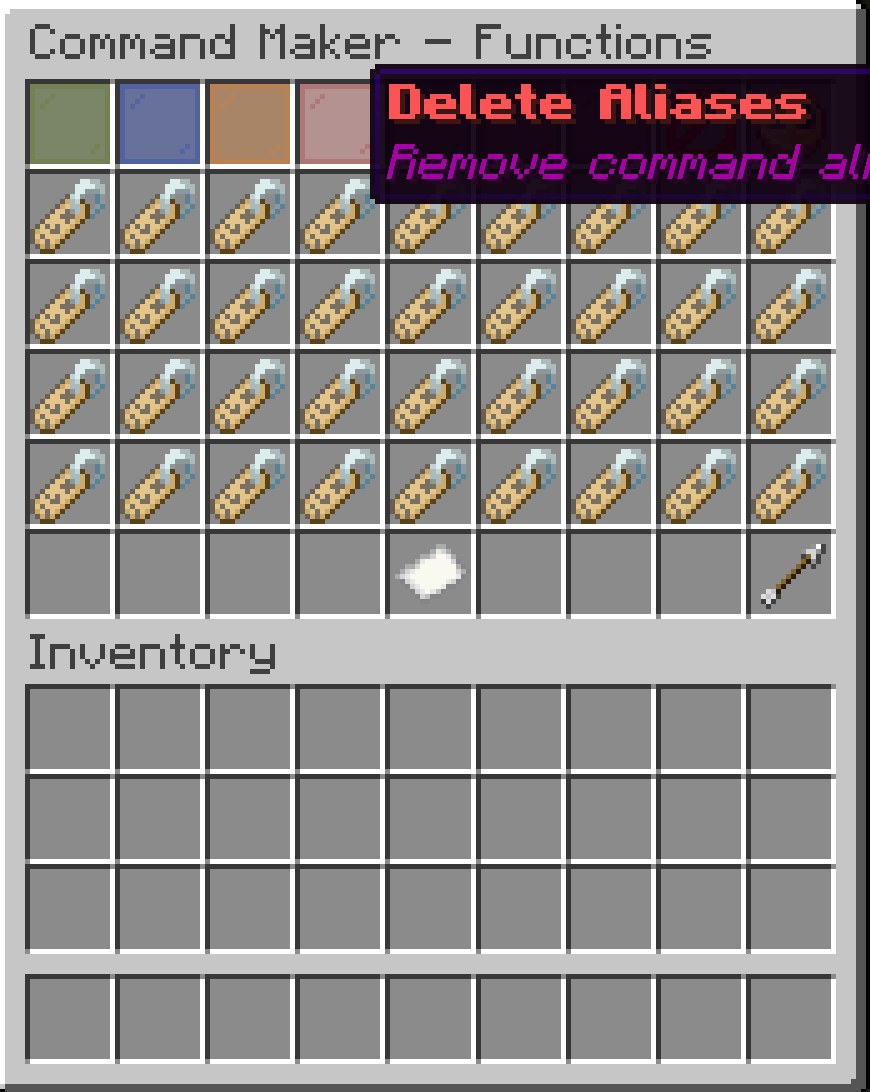
- GUI:
- !(https://cdn.modrinth.com/data/cached_images/752ea6d5ae1a0e9d514dab027eea76740bba1190_0.webp)
- --
- ### 📝 Usage
Use `/addcommand` to manage your custom commands:
```bash
/addcommand add
```bash
/addcommand del
```bash /addcommand reload ``` Reloads the config file and updates all aliases. Visit the [wiki](https://diamondstar-mods.github.io/Minecraft-Command-Maker/) for more information. --- ### 📁 Config Format
Commands are stored in a simple JSON file (modid_alieses.json) like:
```json { "crashme": "kill @s", "greet": "say Hello, world!" } ```
### 🧪 Example
```bash /addcommand add crashme kill @s /addcommand add greet say Hello, world! ```
Then just run `/crashme` or `/greet` in chat! --- ## Telemetry Data
Every time you start the game with the mod, a HTTP request is sent to commandmakerwiki.lucasgeitgey.com /redirects/telemetry.html. to Opt-Out, set 'send-telementry' to 'false' in telemetry.yml. The data sent is a HTTP GET request, to see how many people use the mod.
_Note: Telementry Data has been removed in 2. 3. 5_
- --
- ## Downloading Functions
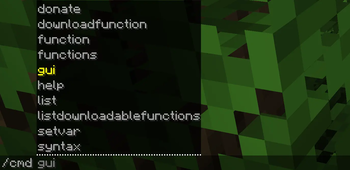
You can use /cmd downloadfunction to download functions. You can see the function list, and request to add new ones (https://github.com/Diamondstar-Mods/Minecraft-Command-Maker/tree/26. 1/docs/cdn/functions)
🛠️ This is my first time making a Minecraft mod, so there may be bugs or quirks. If you find any issues, feel free to report them!
- --
- If you would like to make a feature request, please visit (https://github.com/Diamondstar-Mods/Minecraft-Command-Maker/discussions/1).**
If you would like to make a bug report, please visit (https://github.com/Diamondstar-Mods/Minecraft-Command-Maker/issues/new).**
**If you would like to otherwise make a comment please visit (https://github.com/Diamondstar-Mods/Minecraft-Command-Maker/discussions/4)**
[!(https://github.com/Diamondstar-Mods/Minecraft-Command-Maker/actions/workflows/build.yml/badge.svg)](https://github.com/Diamondstar-Mods/Minecraft-Command-Maker/actions/workflows/build.yml)
📊 Mod Details
- Game
- Minecraft Plugins
- Author
- Nekky9180
- Version
- 4.0.0-rc.1
- Downloads
- 5,471
- Endorsements
- 29
- Category
- bukkit
- Created
- 8/19/2025
- Updated
- 8/6/2026
- Game Versions
- 1.21, 1.21.1, 1.21.2, 1.21.3, 1.21.4
- Tags
- management, optimization, utility
🔧 How to Install Minecraft Plugins Mods
Download from Modrinth. Use Prism Launcher or drop into your mods folder.
📖 Full step-by-step install guide for Minecraft Plugins →
Visit the official mod page for specific installation instructions for this mod.
🎮 Need cheat codes or console commands? Check ur gaming wiki for Minecraft Plugins commands, item IDs, and more.
❓ Frequently Asked Questions
Which Minecraft Plugins versions does Nek's Command Maker (Server Edition) support?
The author lists 1.21, 1.21.1, 1.21.2, 1.21.3, 1.21.4, 1.21.5. Other versions may work but are untested by the author.
What is the latest version of Nek's Command Maker (Server Edition)?
Version 4.0.0-rc.1, published 2026-08-06 with 5,471 downloads recorded at the source.
Keep browsing — more Minecraft Plugins mods await