Scholar
🟡 Updated this year⚠️ Install Order · 2 steps
Install in this order, then this mod last — most mods fail to load without their framework and dependencies in place.
🖼️ Gallery (3 images)
🔍 Analysis
- 👍 0.0% endorsement rate
- 🏆 #517 of 1284 fabric mods in this game by downloads
📋 About This Mod
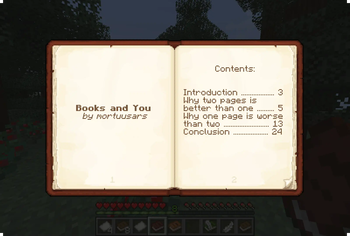
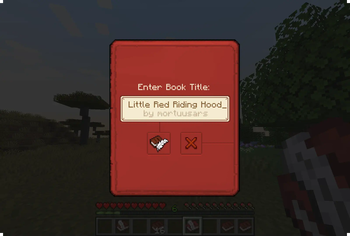
<br> <div align="center"> <img alt="Books and You" align="center" src="https://raw.githubusercontent.com/mortuusars/resources/main/media/scholar/main.png" width=200/> </div> <br> <div align="center"> #### Improving Minecraft book experience, two pages at a time <br> <img alt="Screens" align="center" width=1000 src="https://raw.githubusercontent.com/mortuusars/resources/main/media/scholar/page_screens.png" /> <br><br> (https://www.youtube.com/watch?v=iZ4xf3k8h7g) <br><br> <img alt="Books and You" align="center" src="https://raw.githubusercontent.com/mortuusars/resources/main/media/scholar/books_and_you.gif" width=600/> <br><br> </div> <details> <summary>Description in text form</summary> <h3>Better Screens</h3> Vanilla book editing, viewing and signing screens have been replaced with new, completely redesigned ones, which add many new features and improvements: - View and edit two pages at once (almost like a real book!) - Formatting and other editing tools - Editing books on a Lectern - Custom book author and more... <h3>Formatting</h3> No more struggles with § symbols, just select the text you want to format and the formatting toolbar will show up - Easy application with mouse or keyboard shortcuts - Uses vanilla system under the hood <h3>Import / Export</h3> Text from Writable and Written books can be saved to a file and loaded from it - Exported as human-readable .txt - Formatting is preserved by default, can be excluded if desired <h3>Colorful Books</h3> Books can be dyed into any color, like a leather armor - Color is shown on the item, in GUIs, on a Lectern and on a Chiseled Bookshelf <h3>Block Tooltips</h3> Looking at a Lectern or a Chiseled Bookshelf slot will show a tooltip with the book item stored on it <h3>Reading</h3> Fancy animation for players using a book in hand - Book and Quill makes it a writing animation instead, adding a feather to the hand <h3>Literate Mobs</h3> With a 5% chance, Zombies, Husks and Skeletons will spawn holding a Book and they will read it occasionally - Book has a 50% chance to drop when the mob dies </details> <div align="center"> #### Enjoying the mod? Your support would allow me to continue working on it and on other mods! (https://www.patreon.com/mortuusars/membership)(https://www.paypal.com/donate/?hosted_button_id=4VPMCBCLZVUEA) (https://www.patreon.com/mortuusars/posts/rewards-129739244) <h1> </h1> (https://discord.gg/FzHKGDW2et) </div>

#### Improving Minecraft book experience, two pages at a time
[ ](https://www.youtube.com/watch?v=iZ4xf3k8h7g)
Description in text form
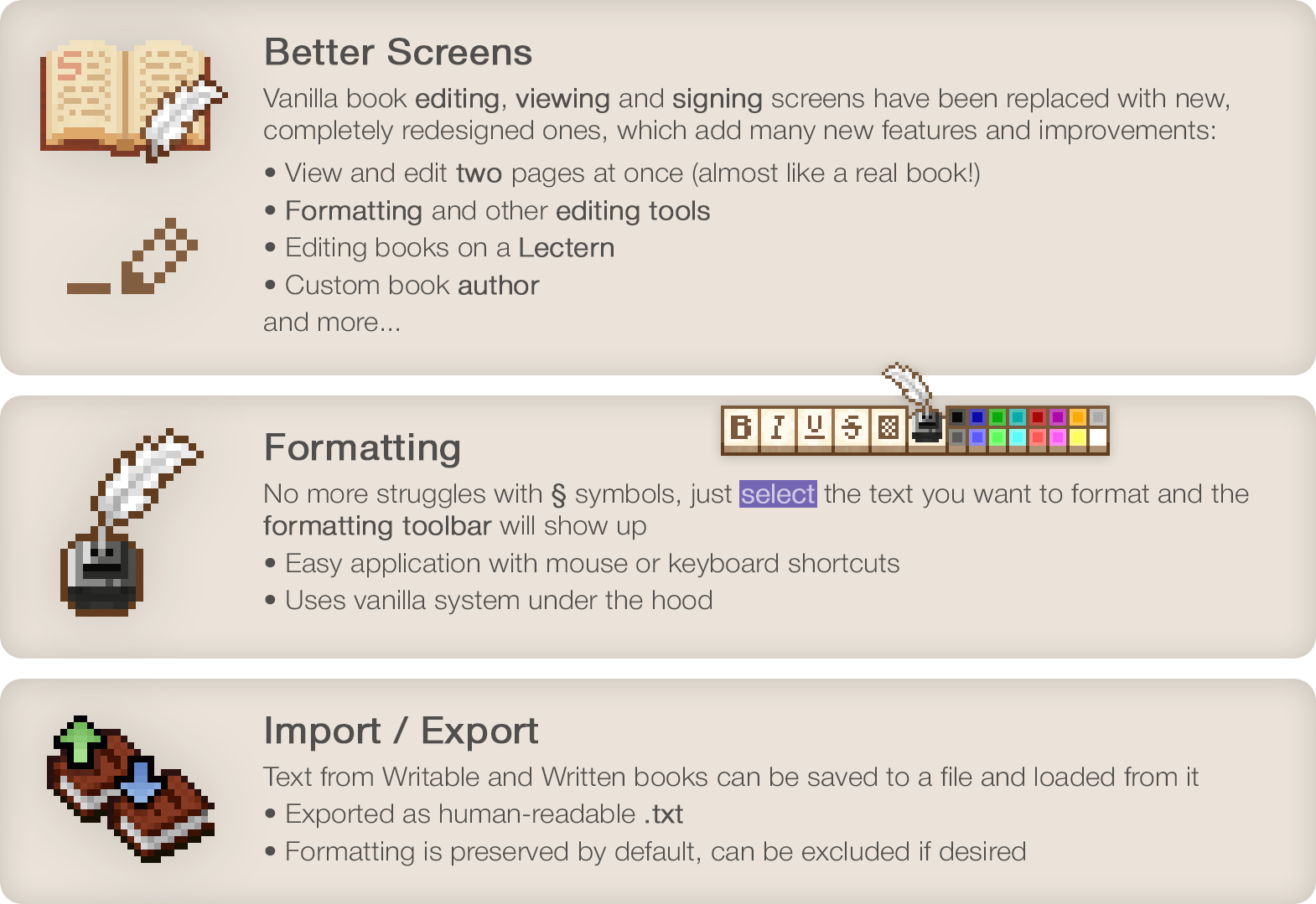
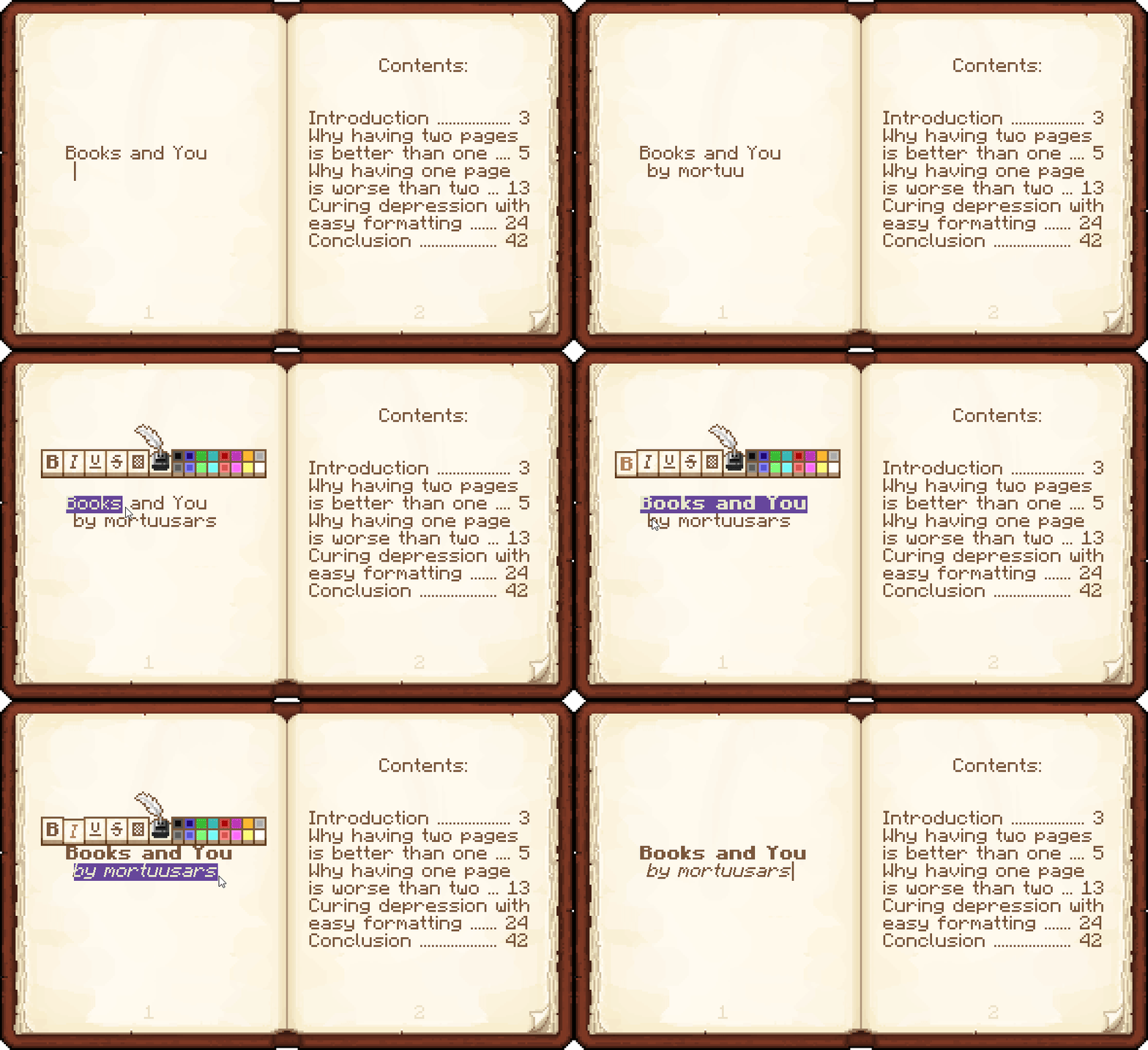
Better Screens
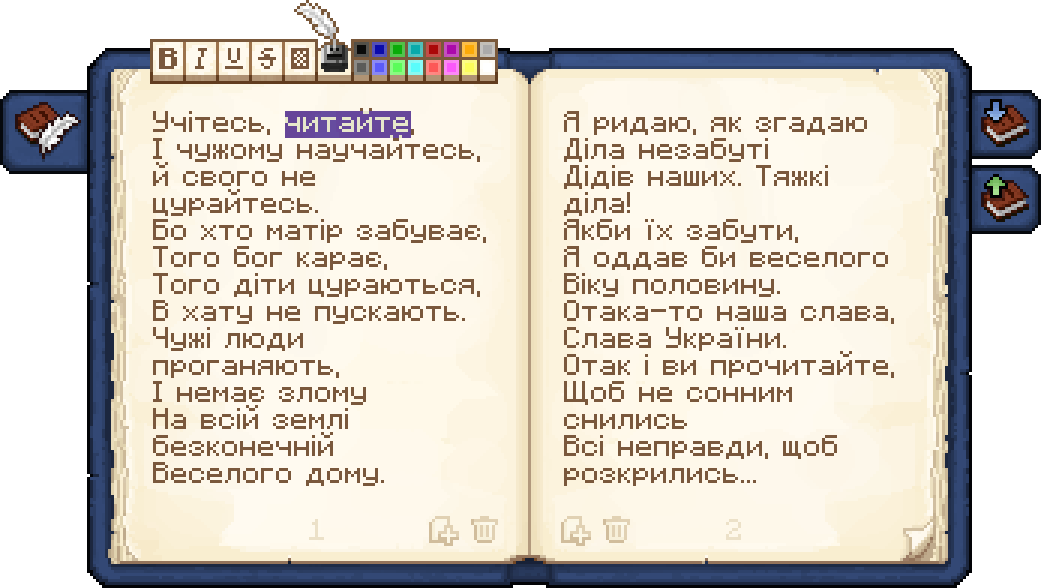
Vanilla book editing, viewing and signing screens have been replaced with new, completely redesigned ones, which add many new features and improvements:
- View and edit two pages at once (almost like a real book!)
- Formatting and other editing tools
- Editing books on a Lectern
- Custom book author
- and more...
Formatting
No more struggles with § symbols, just select the text you want to format and the formatting toolbar will show up - Easy application with mouse or keyboard shortcuts - Uses vanilla system under the hood
Import / Export
Text from Writable and Written books can be saved to a file and loaded from it - Exported as human-readable .txt - Formatting is preserved by default, can be excluded if desired
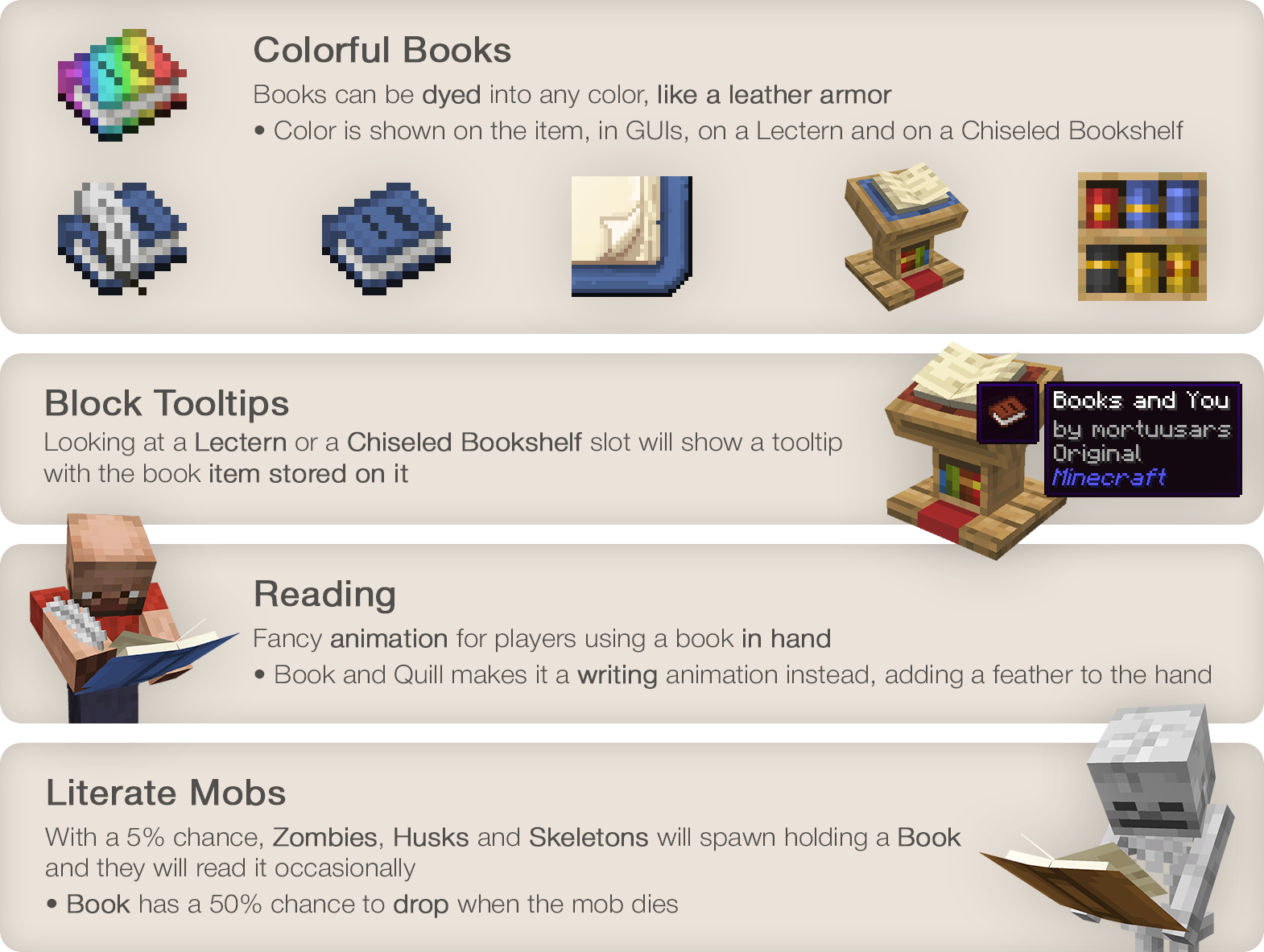
Colorful Books
Books can be dyed into any color, like a leather armor - Color is shown on the item, in GUIs, on a Lectern and on a Chiseled Bookshelf
Block Tooltips
Looking at a Lectern or a Chiseled Bookshelf slot will show a tooltip with the book item stored on it
Reading
Fancy animation for players using a book in hand - Book and Quill makes it a writing animation instead, adding a feather to the hand
Literate Mobs
With a 5% chance, Zombies, Husks and Skeletons will spawn holding a Book and they will read it occasionally - Book has a 50% chance to drop when the mob dies
#### Enjoying the mod? Your support would allow me to continue working on it and on other mods!
[ ](https://www.patreon.com/mortuusars/membership)[
 ](https://www.paypal.com/donate/?hosted_button_id=4VPMCBCLZVUEA)
[
](https://www.paypal.com/donate/?hosted_button_id=4VPMCBCLZVUEA)
[ ](https://www.patreon.com/mortuusars/posts/rewards-129739244)
[ ](https://discord.gg/FzHKGDW2et)
📊 Mod Details
- Game
- Minecraft Mods
- Author
- mortuusars
- Version
- 1.2.5.1
- Downloads
- 2,456,673
- Endorsements
- 778
- Category
- fabric
- Created
- 3/29/2024
- Updated
- 8/10/2026
- Game Versions
- 1.20.1
- Tags
- utility
🔗 Required By 1 Mod
These mods list this mod as a dependency.
🔧 How to Install Minecraft Mods Mods
Download from Modrinth. Use Prism Launcher or drop into your mods folder.
📖 Full step-by-step install guide for Minecraft Mods →
Visit the official mod page for specific installation instructions for this mod.
🎮 Need cheat codes or console commands? Check ur gaming wiki for Minecraft Mods commands, item IDs, and more.
❓ Frequently Asked Questions
Which Minecraft Mods versions does Scholar support?
The author lists 1.20.1. Other versions may work but are untested by the author.
What is the latest version of Scholar?
Version 1.2.5.1, published 2026-08-10 with 2.5M downloads recorded at the source.
Keep browsing — more Minecraft Mods mods await