ClientsideEssentials StationAPI
🟠 Updated over a year ago⚠️ Install Order · 2 steps
Install in this order, then this mod last — most mods fail to load without their framework and dependencies in place.
🖼️ Gallery (3 images)
🔍 Analysis
- 👍 0.1% endorsement rate
- 🏆 #15 of 15 babric mods in this game by downloads
📋 About This Mod
# ClientsideEssentials StationAPI Edition for Minecraft Beta 1. 7. 3
A b1. 7. 3 mod with StationAPI that fixes some common graphical issues, adds some missing sounds, adds a basic score mechanic, and adds extra keybindings if MojangFixStationAPI/MojangFix is installed. All changes are configurable with (https://modrinth.com/mod/glass-config-api). - Incompatible with (https://modrinth.com/mod/unitweaks) (UniTweaks does the same thing and more than this mod) - Incompatible with (https://modrinth.com/mod/finalbeta-stationapi-edition) (FinalBeta does the same thing and less than this mod, speaking of clientside only here, checkout (https://modrinth.com/mod/gameplayessentials-stationapi) for what's lacking in this mod)
## Changes to Score
Moved to new Scoring/Achievement mod below: - (https://modrinth.com/mod/whatareyouscoring-stationapi)
## Graphical Fixes
- Render bow correctly when held by player and skeletons
- Fix items rendering underneath container text
- Fix death screen displaying &e0 instead of coloring score as yellow
- Fix minecart flickering when riding on rails
- Fix leg armor rendering in vehicles
- Fix un-named slabs crashing the game
## Graphical Additions
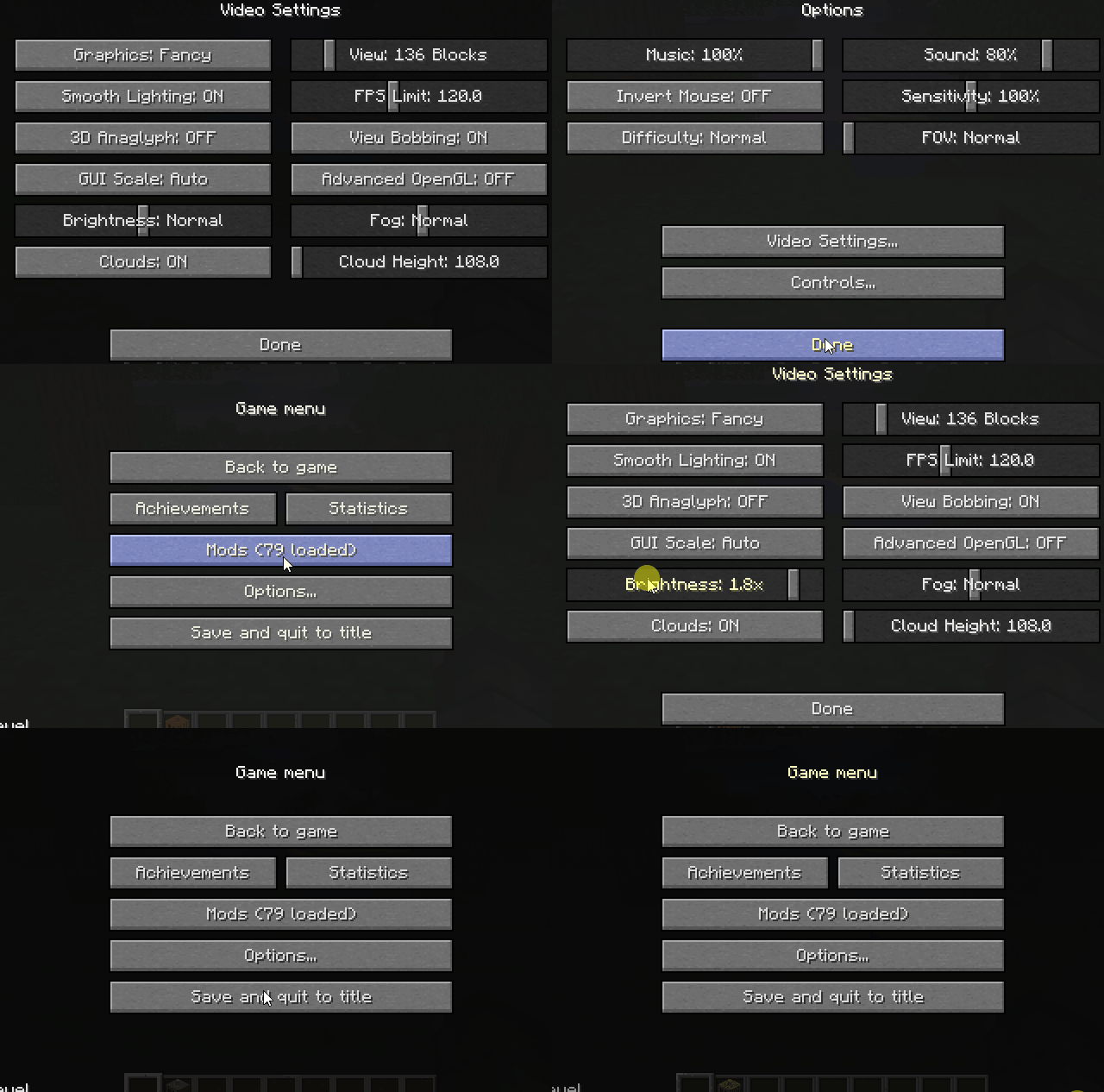
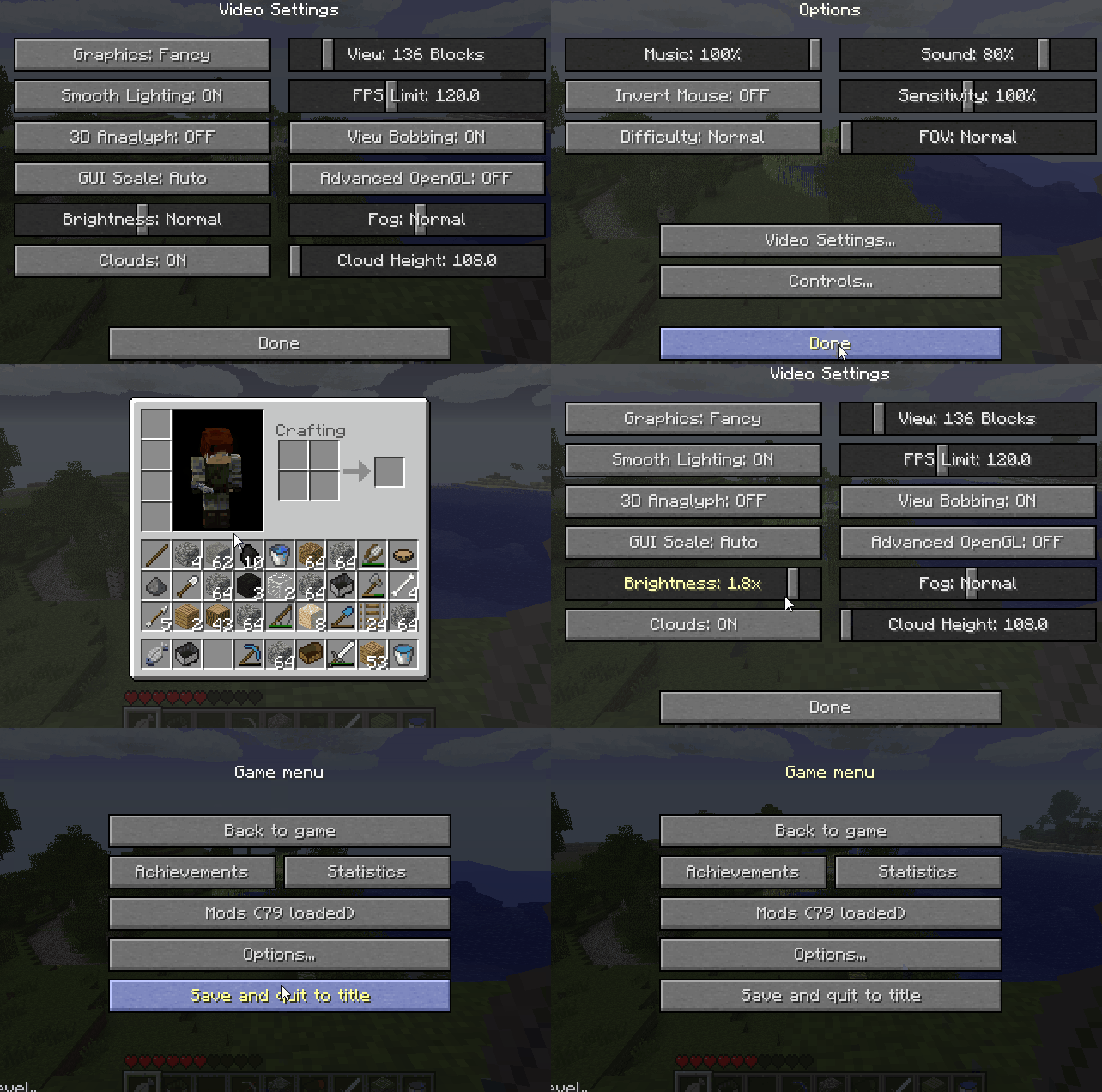
- Ability to change brightness (AKA gamma) in options
- Ability to change FPS limit in options
- Ability to change FOV in options
- - Added `LCtrl` to zoom in on things quickly
- - Install (https://modrinth.com/mod/mojangfix-stationapi-edition)/MojangFix to change this keybinding
- Ability to change cloud height in options
- Ability to show/hide clouds in options
- Ability to change fog density in options
- Ability to disable particles
- Ability to disable id tags in debug screen
- - Tags are disabled by default, re-enable using the mod's config
- Add total hours of play time to debug screen
- Add light level to debug screen
- - Calculated at player's eye level
- Add biome type to debug screen
- Add day count to debug screen
- Add slime chunk to debug screen
## Sound Additions
- Add chest open sound
- Add chest close sound
- Add food eat sound
- Add food burp sound
- - Plays when a food heals you above max health
- Add item break sound
- Add sheep shear sound
- Add minecart rolling sound
## Keybinding Additions - Add keybinding for dismounting a vehicle (default: `LShift`)
All other additional keybindings are only added if (https://modrinth.com/mod/mojangfix-stationapi-edition)/MojangFix is installed. - Add keybinding for hiding player HUD (default: `F1`) - Add keybinding for taking a screenshot (default: `F2`) - Add keybinding for toggling debug HUD (default: `F3`) - Add keybinding for togglien third-person mode (default: `F5`) - Add keybinding for toggling cinematic camera mode (default: `F6`) - Add keybinding for toggling fullscreen mode (default: `F11`) - Add keybinding for zooming in/out (default: `LCtrl`) - Add keybinding for hotbar slot 1 (default: `1`) - Add keybinding for hotbar slot 2 (default: `2`) - Add keybinding for hotbar slot 3 (default: `3`) - Add keybinding for hotbar slot 4 (default: `4`) - Add keybinding for hotbar slot 5 (default: `5`) - Add keybinding for hotbar slot 6 (default: `6`) - Add keybinding for hotbar slot 7 (default: `7`) - Add keybinding for hotbar slot 8 (default: `8`) - Add keybinding for hotbar slot 9 (default: `9`)
## Installation using Prism Launcher
1. Download an instance of Babric for Prism Launcher: https://github.com/Glass-Series/babric-prism-instance 2. Install Java 17 and set the instance to use it: https://adoptium.net/temurin/releases/ 3. Add GlassConfigAPI 3. 0. 2+ to the mod folder for the instance: https://modrinth.com/mod/glass-config-api 4. Add Glass Networking to the mod folder for the instance: https://modrinth.com/mod/glass-networking 5. Add StationAPI to the mod folder for the instance: https://modrinth.com/mod/stationapi 6. (Optional) Add Mod Menu to the mod folder for the instance: https://modrinth.com/mod/modmenu-beta 7. Add this mod to the mod folder for the instance: https://github.com/telvarost/BetaTweaks-StationAPI/releases 8. Run and enjoy! 👍
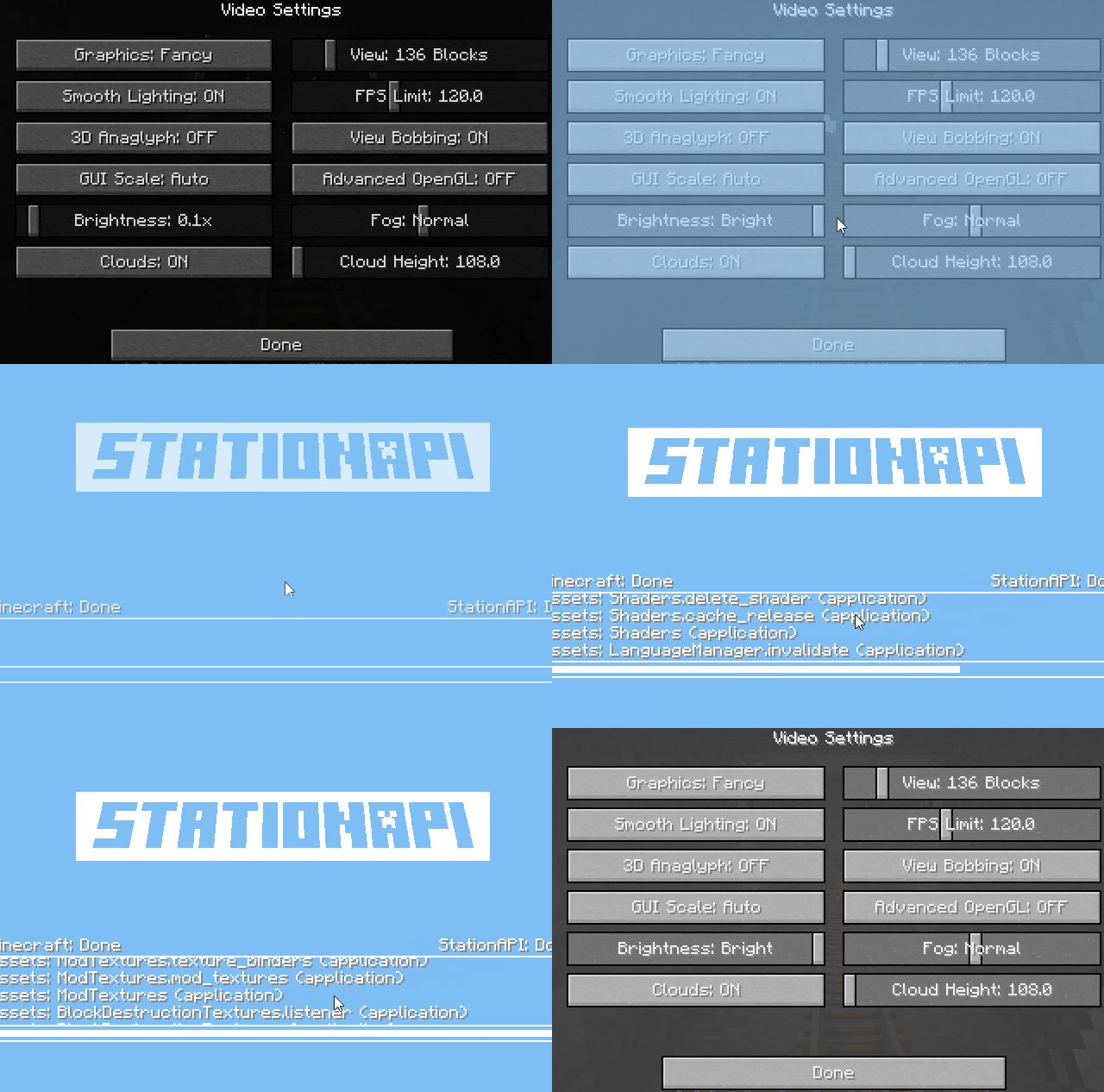
Q. Why is minecraft so small and part of my screen white? A. You probably have screen scaling on or are using a high DPI screen. There are 5 possible ways to fix this: The best option is to install Gambac: (https://modrinth.com/mod/gambac) You could also pass the following string in as a java argument in the settings tab `-Dsun.java2d.uiScale=1. 0` You could also install ClientsideEssentials mod or UniTweaks and use their screen scaling fix from GCAPI config options (fix may produce small artifacts with this option) You could also change the DPI settings for Prism Launcher to system Or, you could change your screen scaling to 100%
## Feedback
Got any suggestions on what should be added next? Feel
📊 Mod Details
- Game
- Minecraft Mods
- Author
- Telvarost
- Version
- 2.4.2
- Downloads
- 6,668
- Endorsements
- 10
- Category
- babric
- Created
- 3/23/2024
- Updated
- 5/2/2025
- Game Versions
- b1.7.3
- Tags
- utility
🔧 How to Install Minecraft Mods Mods
Download from Modrinth. Use Prism Launcher or drop into your mods folder.
📖 Full step-by-step install guide for Minecraft Mods →
Visit the official mod page for specific installation instructions for this mod.
🎮 Need cheat codes or console commands? Check ur gaming wiki for Minecraft Mods commands, item IDs, and more.
❓ Frequently Asked Questions
Which Minecraft Mods versions does ClientsideEssentials StationAPI support?
The author lists b1.7.3. Other versions may work but are untested by the author.
What is the latest version of ClientsideEssentials StationAPI?
Version 2.4.2, published 2025-05-02 with 6,668 downloads recorded at the source.
Keep browsing — more Minecraft Mods mods await