Suppress Popups (Disable Tutorials - Announcement Notifications - Saving Icon)
⚪ Last updated 2018Preview
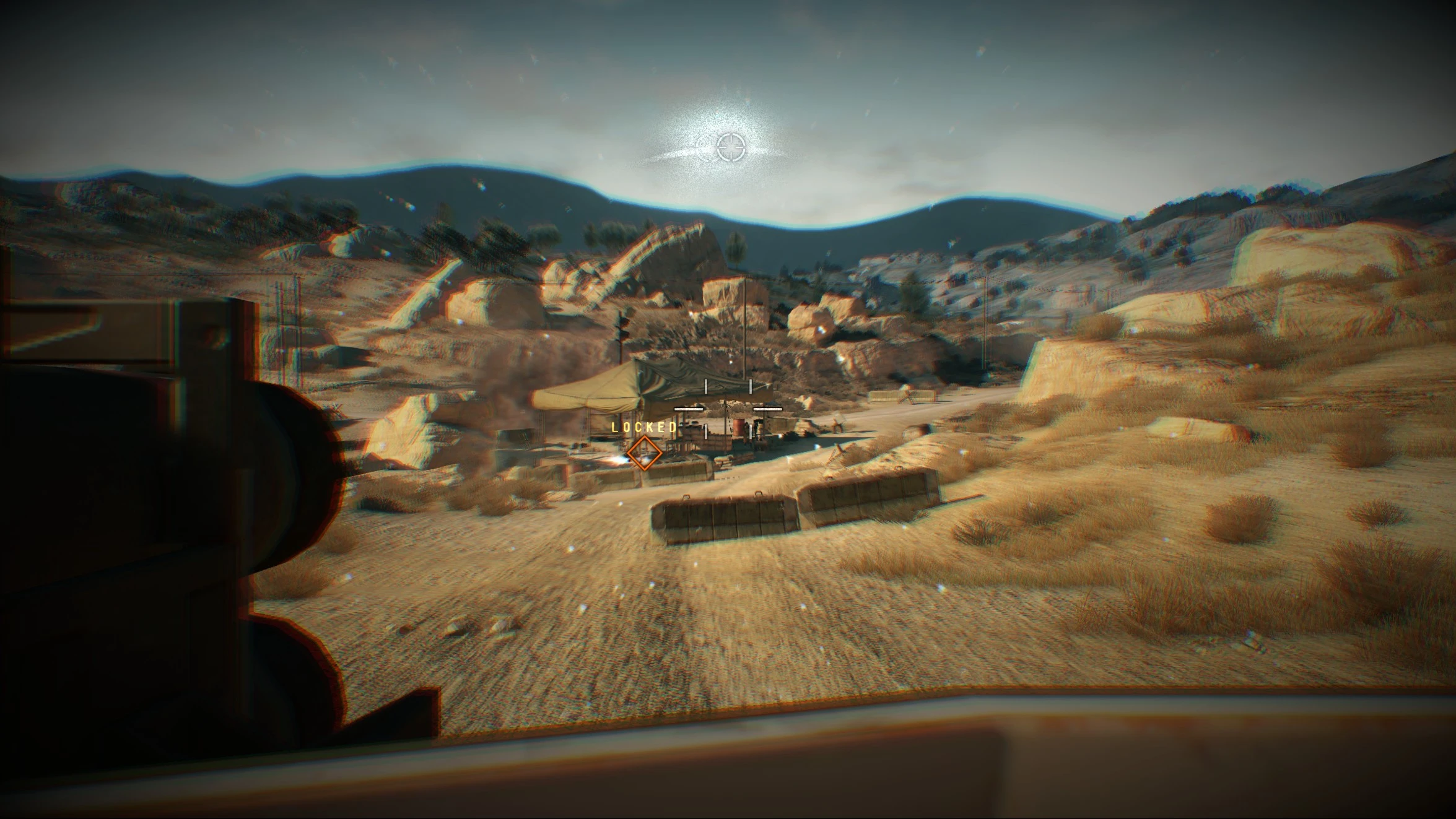
🔍 Analysis
- 👍 4.7% endorsement rate — high engagement, a strong quality signal
- 🏆 #6 of 60 User Interface mods in this game by downloads
📋 About This Mod
Note from the author:
This isn’t related to this mod (at all), but there's something happening in the world that's become increasingly important to me in the past two years. I want to use my mods as a platform to share that topic. Unfortunately I can't voice it on NexusMods, because it might go against flimsy and easily weaponizable policy guidelines relating to sociopolitical issues. So I have to vaguely gesture to it instead. Here's a song recommendation.
Anyways, back to videogame mods.
Suppress Popups
This is a collection of mods that allow the user to disable a variety of in-game Audio and Visual notifications. These mods only affect the notifications, so it will not turn off any game functionalities (such as GMP updates, saving the game or getting spotted by helicopters).
Included Mods:
- []Disable Tutorials
- Also disables a number of radio tips (such as Ocelot's radio calls when you are spotted by an enemy sniper or helicopter).
- []Essential Notifications Only
- Some of the remaining notifications have been abbreviated, to minimize text-clutter.
- Most of the FOB's Infiltration Point notifications have been removed, except those that notify the defender of the infiltrator's actions.
- The remaining Heroism and Infiltration point notifications will no longer indicate how many points were gained/lost (Ex: Quiet Near Death).
- Hide Saving Icon
Also, If you want to get rid of ALL the notifications, I highly recommend using "Mute iDroid Notifications" by CoopeZz. That mod taught me how to fix the problems with this mod.
This mod has been updated for Game Version 1. 0. 14. 0. These mods can be installed individually, if you only want one or two of them. They can be installed via SnakeBite Mod Manager -
Suppress Popups is a collection of mods that disables various in-game audio and visual notifications, including tutorials, announcement popups, and the saving icon. With 228 endorsements and 4,804 downloads, it's a niche utility for players who want a cleaner UI. Last updated in 2018, it may be outdated for current game versions.
✨ Key Features
📊 Pros & Cons
✅ Pros
- Community-trusted with 228 endorsements and nearly 5k downloads
- Targets annoying UI elements that many players find intrusive
- Simple concept—just removes popups, no bloat
⚠️ Cons
- Last updated in 2018—may not work with current game patches
- Only covers three specific notification types; other popups remain
For players who are tired of tutorial popups and constant notifications cluttering their screen. If you're a veteran who knows the game inside out, this mod cleans up the UI. Skip if you want broader UI overhauls—this only targets specific popups.
💡 Beginner Tips
- Check if the mod is compatible with your current game version before installing, since it's from 2018.
- If you use a mod manager, install through it to easily enable/disable individual popup removals.
- Test in a saved game to see which popups are actually disabled—some may be tied to settings.
📊 Mod Details
- Game
- Metalgearsolidvtpp Mods
- Author
- Morbidslinky
- Version
- 1.4
- Downloads
- 4,804
- Endorsements
- 228
- Category
- User Interface
- Created
- 5/20/2016
- Updated
- 11/4/2018
🔧 How to Install Metal Gear Solid V: The P Mods
Download from Nexus Mods.
📖 Full step-by-step install guide for Metal Gear Solid V: The P →
Visit the official mod page for specific installation instructions for this mod.
🎮 Need cheat codes or console commands? Check ur gaming wiki for Metal Gear Solid V: The P commands, item IDs, and more.
Keep browsing — more Metal Gear Solid V: The P mods await