Sharp Flames Reshade
⚪ Last updated 2018⚠️ Install Order · 1 step
Install in this order, then this mod last — most mods fail to load without their framework and dependencies in place.
Preview
🔍 Analysis
- 👍 6.6% endorsement rate — high engagement, a strong quality signal
- 🏆 #13 of 30 Visuals and Graphics mods in this game by downloads
📋 About This Mod
There are 2 presets to chose from, both have the same colour changes just different sharpening techniques
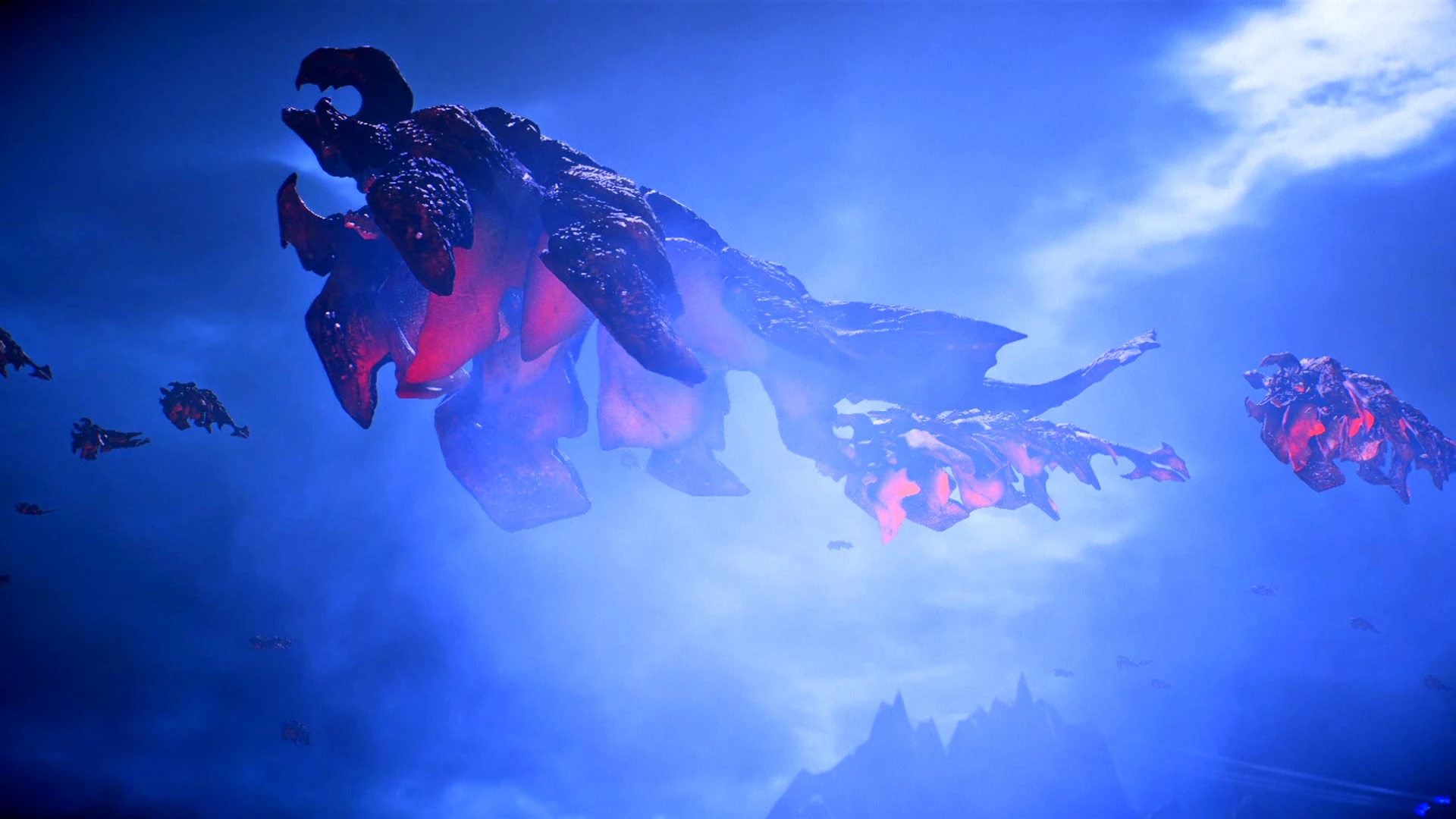
Sharp Flames: Makes images crisper and colours brighter
Sharper Flames: Makes images very sharp, changing facial textures, while also making colours brighter.
Instructions For Download
Step 1: Download reshade 3. 4. 0 from The Reshade Website follow their instructions
Step 2: Download and extract the reshade files of your choice
Step 3: place the ini file in your Mass Effect Andromeda Folder. For me this is "OS (C:)/Program Files (x86)/Bioware/Mass Effect Andromeda"
Step 4: Load the game
Step 5: click "shift + F2" for the menu
Step 6: select the reshade of your choice
Trouble Shooting
Make sure you don't have any overlays running, such as origin in-game or fraps.
Make sure you have the correct reshade version (3. 4. 0)
Rename the file "dxgi.dll" to "d3dll.dll" (I have to do this myself for reshades to work)
Extra Information:
There is no Depth of field because I abhor blurry things, including distances and menus.
Taking pictures and toggling reshade on and off do not work, this is a known issue with reshade and mass effect Andromeda
I used MSI afterburner to take pictures (and only to take pictures)
My graphics settings are a mix of low and medium except for texture quality, HBAO filtering, texture filtering, and mesh quality.
Images are now set to auto accept so please upload them, they make me happy :)
If you want to edit this feel free just ask before you upload it (I'll say yes I just want to know first)
Credits
Feel free to ask about any mods in the background. I would be happy to link them for you.
Thanks to Crosire for the reshade release.
A ReShade preset pack that sharpens image details and boosts color saturation for a bolder, more vivid look. With 86 endorsements and 1,310 downloads, it's a niche visual enhancement for players wanting crisper graphics without heavy performance cost.
✨ Key Features
📊 Pros & Cons
✅ Pros
- Community-tested with 86 endorsements and over 1,300 downloads
- Simple preset installation—just drop files into your ReShade folder
- Lightweight visual boost that doesn't require a new GPU
⚠️ Cons
- Last updated in 2018—may not be compatible with the latest ReShade versions
- No screenshots or before/after comparisons provided by the author
- Presets are subjective; color and sharpness preferences vary widely
For players who want a quick visual upgrade with sharper details and more saturated colors. Skip if you prefer natural, muted tones or if you're on an older GPU that struggles with post-processing.
💡 Beginner Tips
- Make sure ReShade is installed and running before adding these presets.
- Use the ReShade in-game overlay to tweak sharpness and saturation to your liking.
- If the game crashes, try disabling depth buffer effects in ReShade settings.
📊 Mod Details
- Game
- Masseffectandromeda Mods
- Author
- DragonPyromania
- Version
- 1.0
- Downloads
- 1,310
- Endorsements
- 86
- Category
- Visuals and Graphics
- Created
- 9/11/2018
- Updated
- 9/11/2018
🔧 How to Install Mass Effect Andromeda Mods
Download from Nexus Mods.
📖 Full step-by-step install guide for Mass Effect Andromeda →
Visit the official mod page for specific installation instructions for this mod.
🎮 Need cheat codes or console commands? Check ur gaming wiki for Mass Effect Andromeda commands, item IDs, and more.
Keep browsing — more Mass Effect Andromeda mods await