LE3 sprint realistic. mouse smoothing and acceleration off. skips dialogues without selecting respon
⚪ Last updated 2023Preview
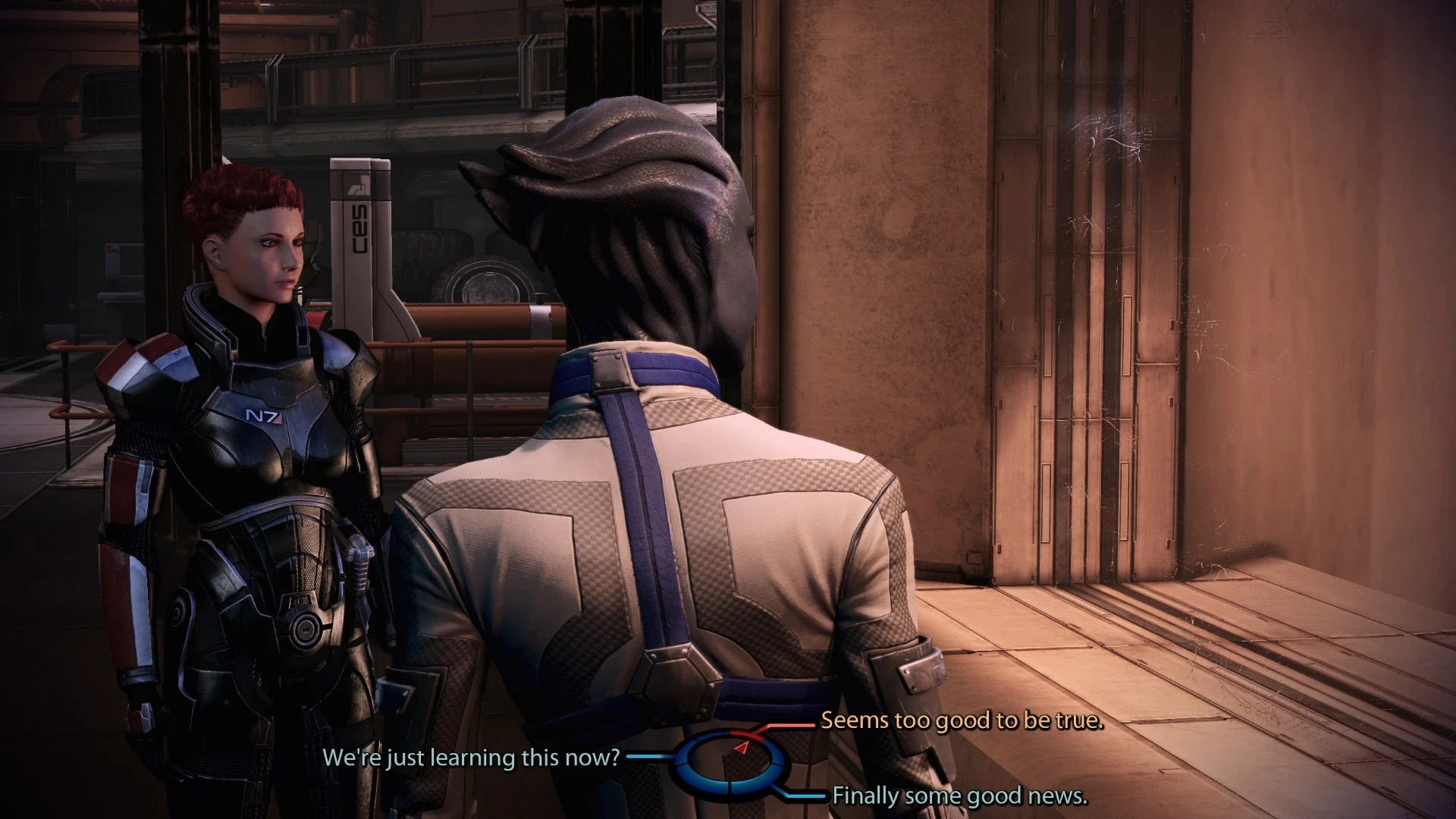
🔍 Analysis
- 👍 2.8% endorsement rate — high engagement, a strong quality signal
- 🏆 #168 of 389 Gameplay mods in this game by downloads
📋 About This Mod
OVERVIEW
In short these are mods: realistic sprinting, disabled mouse smoothing and acceleration, SpaceBar and Escape button skips dialogues without selecting response, enhanced interactable objects highlight distance, additional buttons (choose keys you want and you can quite easily change their function if you want )
REALESE UPDATES, version 1:50:
Mod now in DLC form. You don't need install everything now. I made everything as separate mods and you can configure additional keys. See below description for details. Also added new mod - Realistic Sprinting (for people what don't like unlimited sprint ).
One thing must have been discontinued in version 1. 50 because DLC mods not load instantly when starting game so this change below cannot work:
- when starting game it will boot faster (skipping unnecessary video file -if you have good computer this video only would show for more or less half second so it is totally pointless because it's hard to observe it with such short time but just making boot of game somewhat slower )
MODS DESCRIPTIONS:
- disabled mouse smoothing and acceleration
- spacebar not anymore selecting dialogue option (no more accidental clicking response ). added Escape hotkey to skip dialogues also without selecting response.
- enhanced interactable objects highlight distance (10x further or 5x or 2,5x )
- Realistic Sprinting - Shepard tiring when Sprinting (for people what want more realistic approach than infinite sprinting ). Multiple versions - so when installing this choose version what you prefer (if you don't like it, you can uninstall and then check another version if you want ).
- additional buttons are in optional download section - you can install one or more as you wish. Also now you can change function for them just go to your location of game for example for me it looks like that: C:\Program Files\EA Games\Mass Effect Legendary Edition\Game\ME3\Binaries and find there name of key you installed and open it (just click on it 2 times with left mouse button - it is text file so notepad app will open it ) and then delete text what is inside and add new text then close and click yes to save change. Examples of commands what you can use:
Shot it making screenshot (you will find it in C:\Users\<computer_name>\Documents\BioWare\Mass Effect Legendary Edition\ScreenShots )
ShowHUD (hide/show HUD )
Show Scaleform (hide/show HUD and other elements of interface and subtitles. This gives more than above command but have some drawback especially in LE1- if you ever go to menu when this command is enabled then you must close game manually by ctrl+alt+del, in LE2 if you go into terminal it will be blank but in this case you just need click this key again and interface will be back )
A collection of separate gameplay tweaks for Mass Effect: Legendary Edition, including realistic sprinting, mouse smoothing/acceleration removal, dialogue skipping, and enhanced object highlight distance. Modular design lets you install only the changes you want. 124 endorsements and 4,365 downloads, last updated June 2023.
✨ Key Features
📊 Pros & Cons
✅ Pros
- Modular approach means you can pick and choose – no bloat if you only want one fix
- Community-tested with 124 endorsements and 4,365 downloads
- Addresses common annoyances like mouse acceleration and dialogue skipping
⚠️ Cons
- Last updated in June 2023 – may not be compatible with the latest game patches
- No detailed install instructions provided beyond the description
- Some features (like new buttons for screenshot) are mentioned but not explained in depth
For Mass Effect: Legendary Edition players who want to fine-tune the feel of the game – especially those bothered by mouse acceleration or want faster dialogue skipping. Also great for players who want to tweak sprinting and object highlight distance without installing a full overhaul. Skip if you're looking for content additions or story changes – this is purely quality-of-life.
💡 Beginner Tips
- Since it's a pack of separate mods, install only the ones you need to avoid unnecessary changes.
- If you're using a mod manager, load order shouldn't matter much, but keep this mod active after any major overhauls.
- Test the dialogue skip feature in a safe save – it might skip important choices if you're not careful.
📊 Mod Details
- Game
- Mass Effect Mods
- Author
- rokus
- Version
- 1.51
- Downloads
- 4,365
- Endorsements
- 124
- Category
- Gameplay
- Created
- 6/28/2022
- Updated
- 6/28/2023
🔧 How to Install Mass Effect Mods
Download from Nexus.
📖 Full step-by-step install guide for Mass Effect →
Visit the official mod page for specific installation instructions for this mod.
🎮 Need cheat codes or console commands? Check ur gaming wiki for Mass Effect commands, item IDs, and more.
Keep browsing — more Mass Effect mods await