🧩 KSP Mod Load Order

Recommended install order for KSP Mods mods. Install foundations first, overhauls next, visuals last — this minimizes conflicts and crashes. Order derived from mod category + community endorsements, not opinion.

🎨 Visuals, Graphics & Audio

1.
Uhmatt's Part Colors

Models and Textures · 683 dl · ⭐ 10

2.
KSP Oldschool City Lights

Visuals and Graphics · 807 dl · ⭐ 6

3.
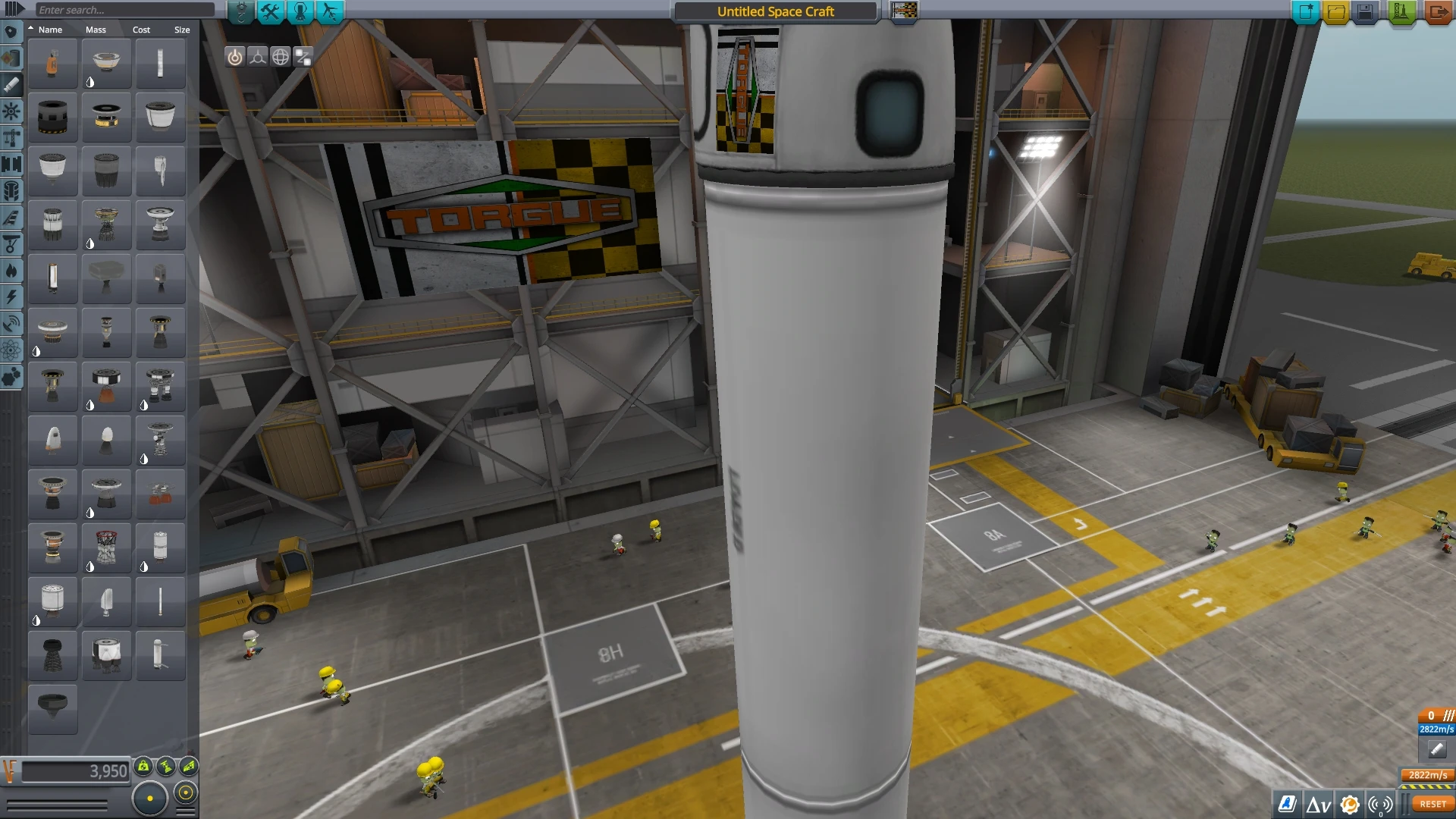
Borderlands - TORGUE flag

Models and Textures · 159 dl · ⭐ 4

4.
Enhanced Kerbal Space Program

Visuals and Graphics · 1,094 dl · ⭐ 2

📦 Other Mods

5.
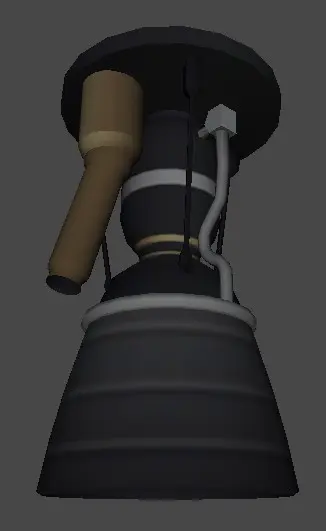
BT Engine Pack

Vehicles · 2,938 dl · ⭐ 78

6.
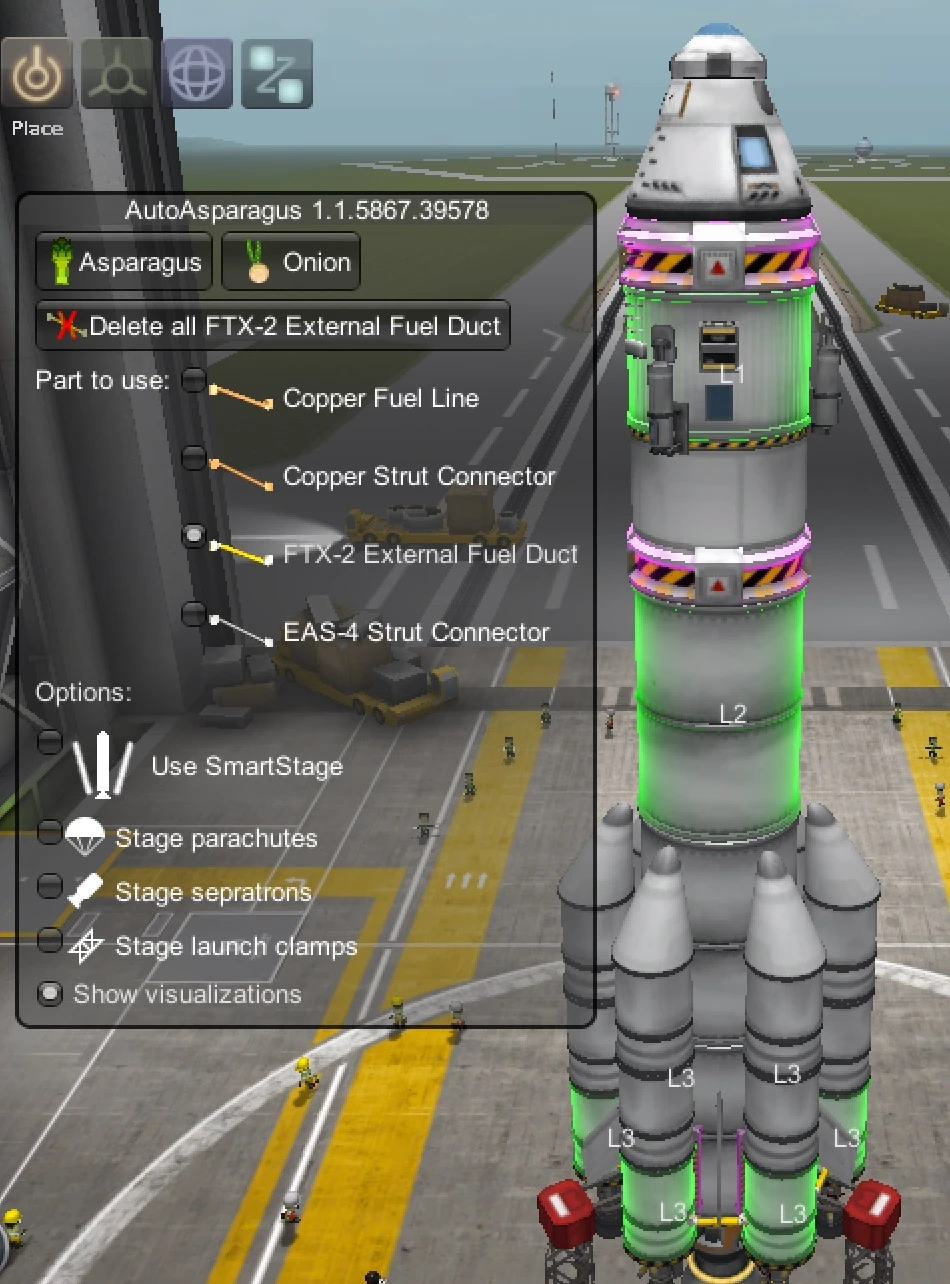
AutoAsparagus

Miscellaneous · 3,232 dl · ⭐ 69

7.
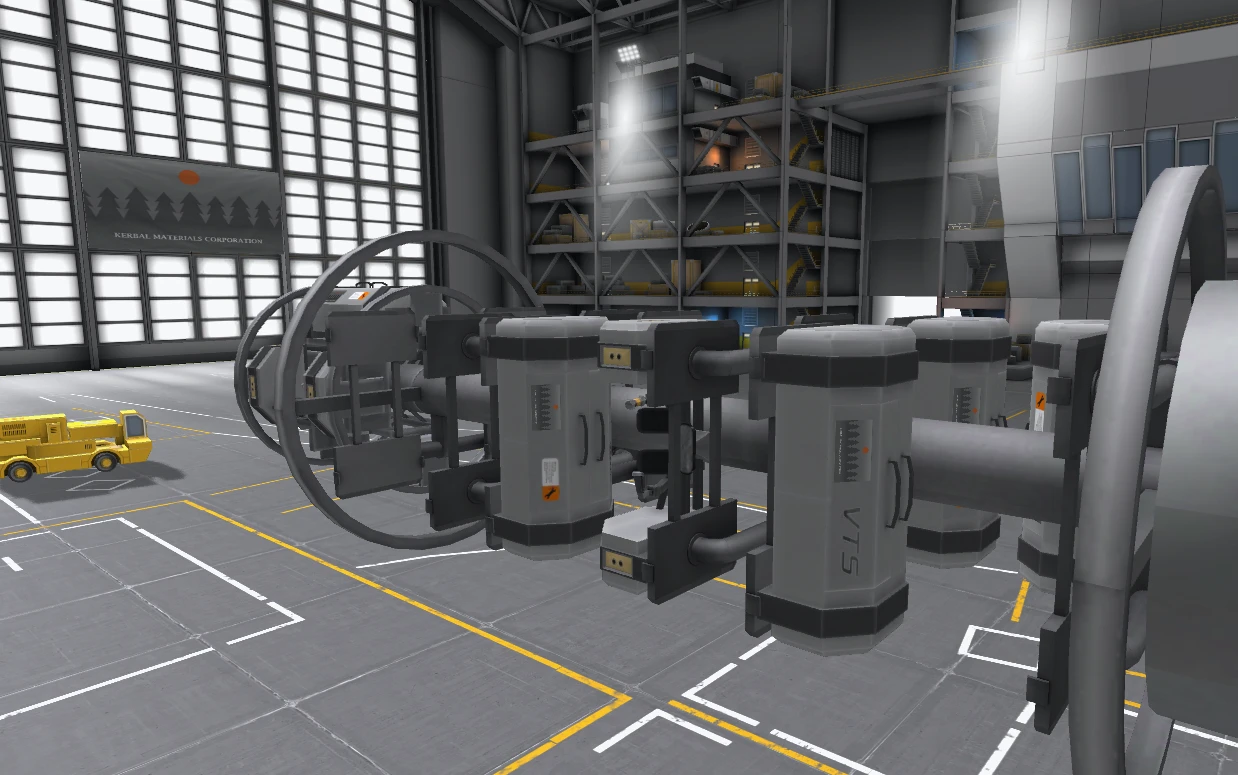
Versatile Toolbox System

Vehicles · 2,112 dl · ⭐ 55

8.
Physics Delta Time Adjuster

Utilities · 50 dl · ⭐ 0

9.
Custom Biomes

Planets · 1,813 dl · ⭐ 47

10.
ITS (Interplanetary Transport System)

Vehicles · 1,253 dl · ⭐ 35

11.
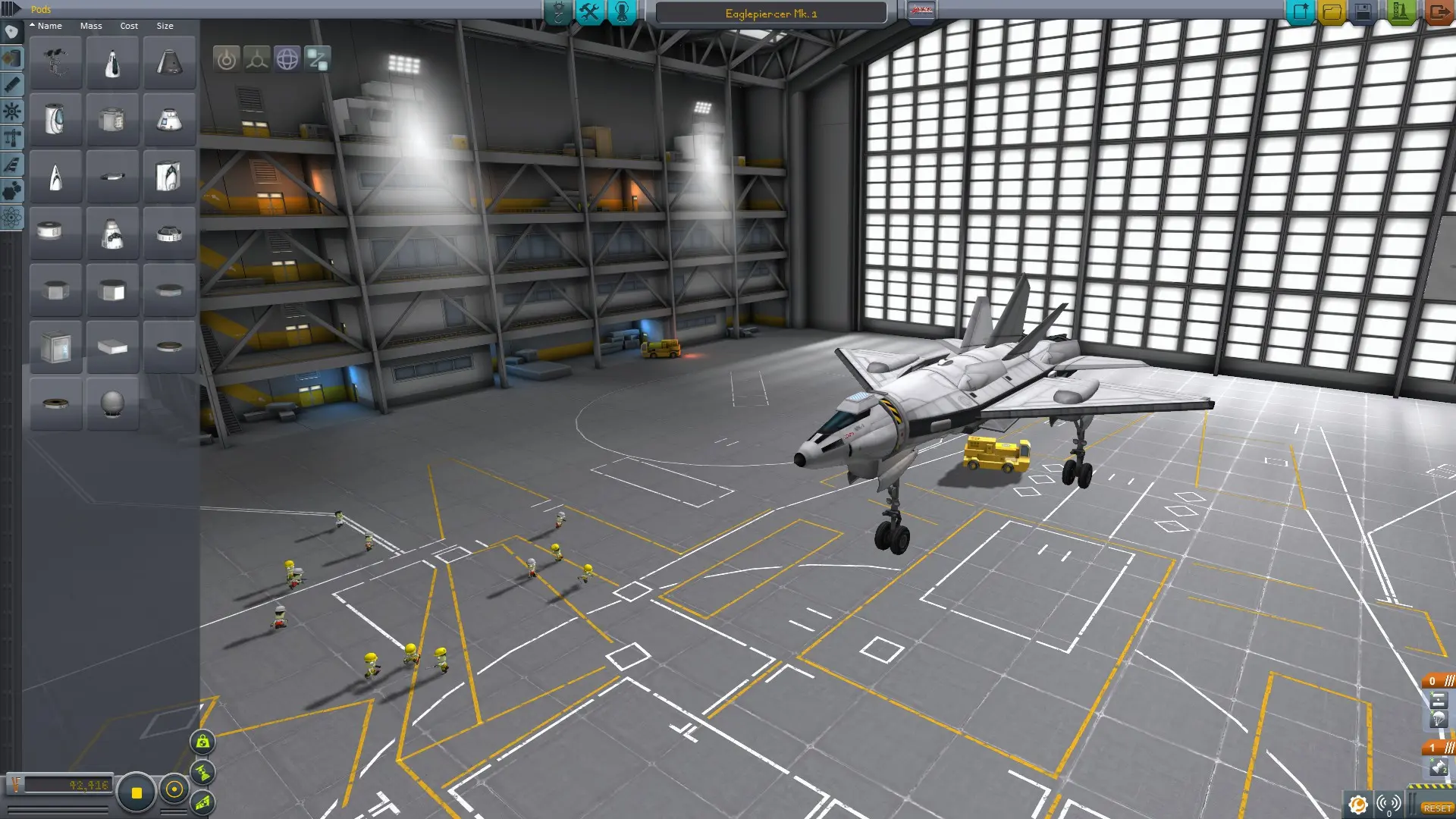
Eaglepiercer Mk. I

Vehicles · 676 dl · ⭐ 25

12.
Elite Dangerous Flags

Miscellaneous · 285 dl · ⭐ 22

13.
Fire Ball Super Plane

Vehicles · 247 dl · ⭐ 12

14.
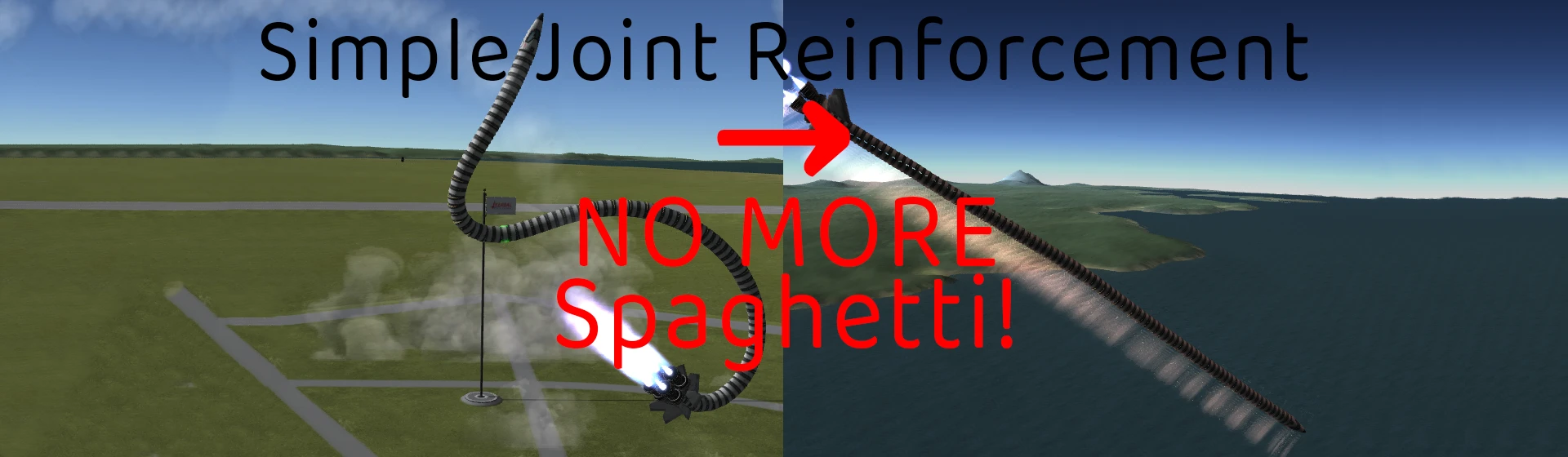
Simple Joint Reinforcement by Bishiba

Utilities · 1,103 dl · ⭐ 9

15.
GalaNet

Vehicles · 256 dl · ⭐ 3

16.
Fawkes

Vehicles · 144 dl · ⭐ 1

❓ Load Order FAQ

What is a mod load order?

The sequence in which your mods load. Foundations (SKSE, patches) must load first; visual mods last. Wrong order = crashes, missing textures, broken quests.

Should I use a mod manager?

Yes. Use CKAN mod manager. Most mods go in /GameData/ folder. A mod manager sorts your load order automatically and flags conflicts.

How many mods should I install?

Start with the foundations above, then add gameplay and visuals gradually. Test after each batch so you can identify what breaks.