Volumetric Fog Enabler
⚪ Last updated 2018Preview
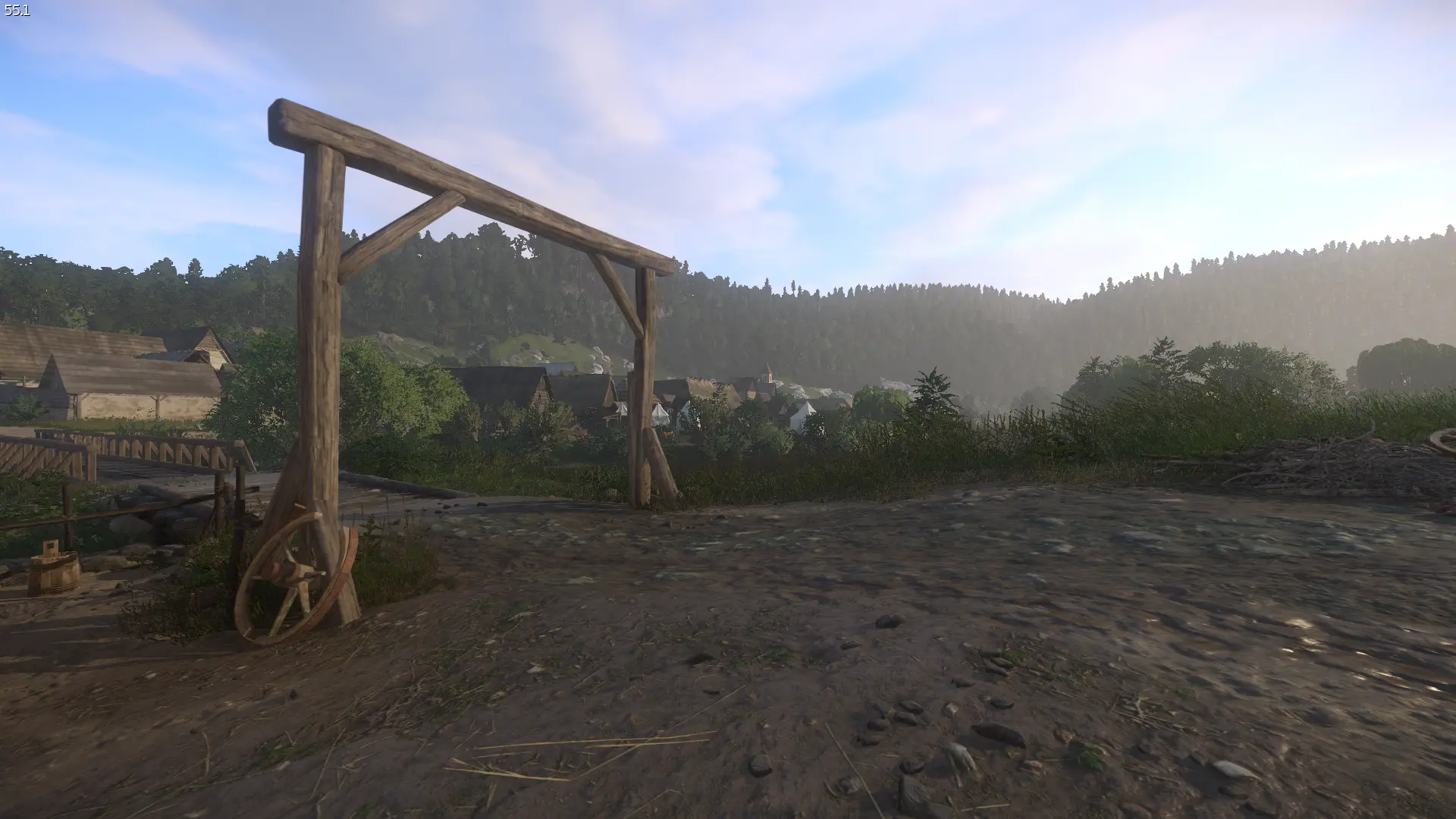
🔍 Analysis
- 👍 2.7% endorsement rate — high engagement, a strong quality signal
- 🏆 #16 of 72 Visuals and Graphics mods in this game by downloads
📋 About This Mod
This is a simple .cfg file download that allows volumetric fog to appear.
To install just put the user.cfg file into the main Kingdom Come: Deliverance directory (e.g Program Files (x86)\Steam\steamapps\common\KingdomComeDeliverance)
If you already have a file named user.cfg then you can add the line "e_VolumetricFog=1" to it. This command also works when typed into the in-game console.
A simple .cfg file that enables volumetric fog in Kingdom Come: Deliverance. Just drop it in the main directory or add the line 'e_VolumetricFog=1' to your existing user.cfg. Works via console too. Popular with 1,229 endorsements, though last updated in 2018.
✨ Key Features
📊 Pros & Cons
✅ Pros
- Simple and effective—one line of config and you're done
- Community-approved with 1,229 endorsements and 45,830 downloads
- No mod manager needed, just drop the file in the game directory
⚠️ Cons
- Last updated in 2018—may not work with the latest game patches
- Only enables volumetric fog; no other visual tweaks included
- Requires manual file editing if you already have a user.cfg
For Kingdom Come: Deliverance players who want to enhance the atmosphere with volumetric fog without installing a full graphics overhaul. Perfect for purists who prefer a minimal, config-based approach. Skip if you're looking for comprehensive visual enhancements or if you're on a newer game version that might have changed the command.
💡 Beginner Tips
- If you already have a user.cfg, back it up before editing—just in case.
- You can test the effect immediately by typing 'e_VolumetricFog=1' into the in-game console (press ~ to open).
- Make sure the .cfg file is in the main KingdomComeDeliverance folder, not the saves or config subfolders.
📊 Mod Details
- Game
- Kingdom Come Mods
- Author
- Moosan82
- Version
- 1.0
- Downloads
- 45,830
- Endorsements
- 1,229
- Category
- Visuals and Graphics
- Created
- 2/15/2018
- Updated
- 2/15/2018
🔧 How to Install Kingdom Come Mods
Create /Mods/ folder in Data directory. Use Vortex for complex mods.
📖 Full step-by-step install guide for Kingdom Come →
Visit the official mod page for specific installation instructions for this mod.
🎮 Need cheat codes or console commands? Check ur gaming wiki for Kingdom Come commands, item IDs, and more.
Keep browsing — more Kingdom Come mods await