Rudy ENB for KCD
⚪ Last updated 2020⚠️ Install Order · 1 step
Install in this order, then this mod last — most mods fail to load without their framework and dependencies in place.
🖼️ Gallery (7 images)


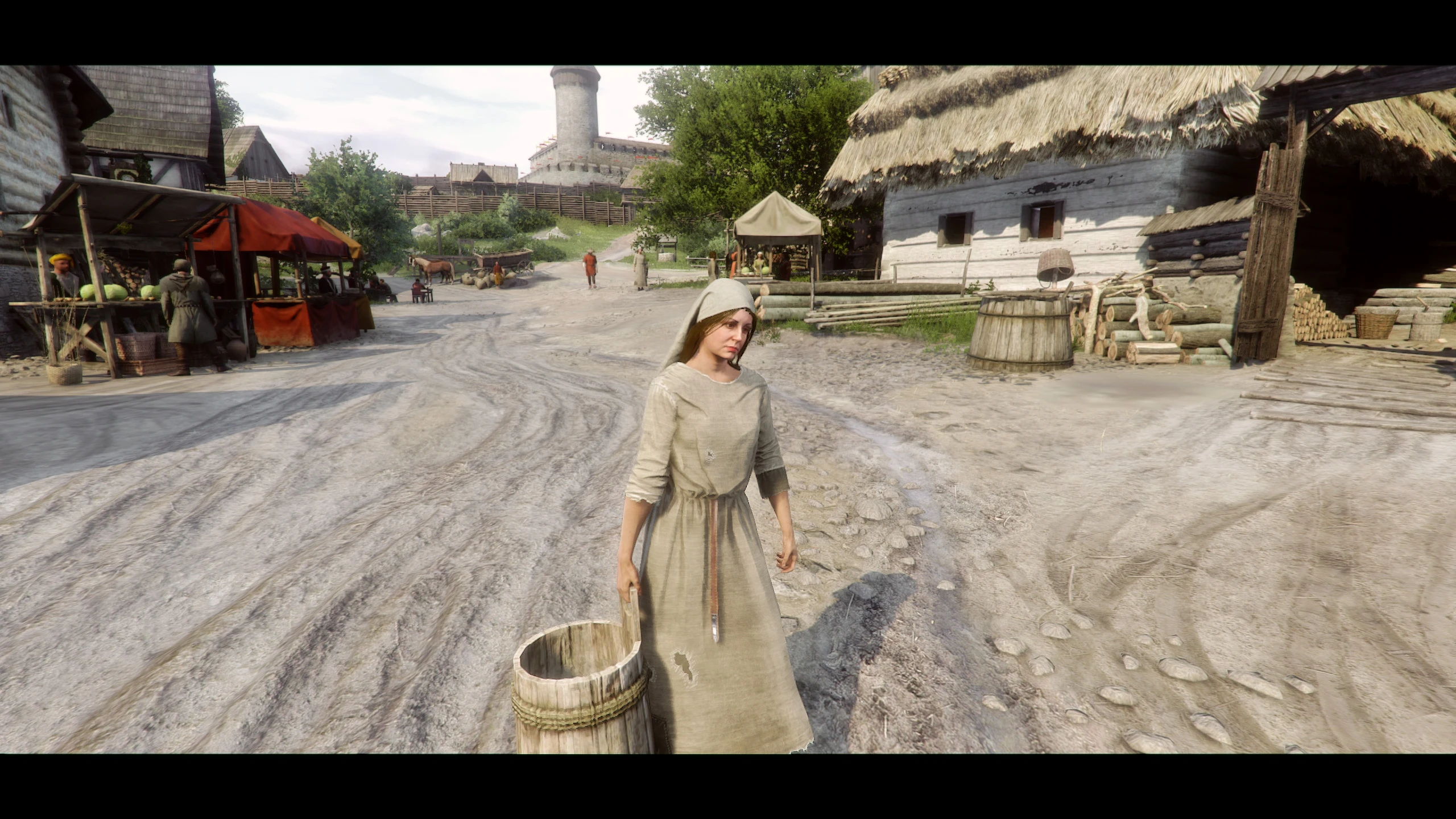
🔍 Analysis
- 👍 3.6% endorsement rate — high engagement, a strong quality signal
- 🏆 #45 of 72 Visuals and Graphics mods in this game by downloads
📋 About This Mod
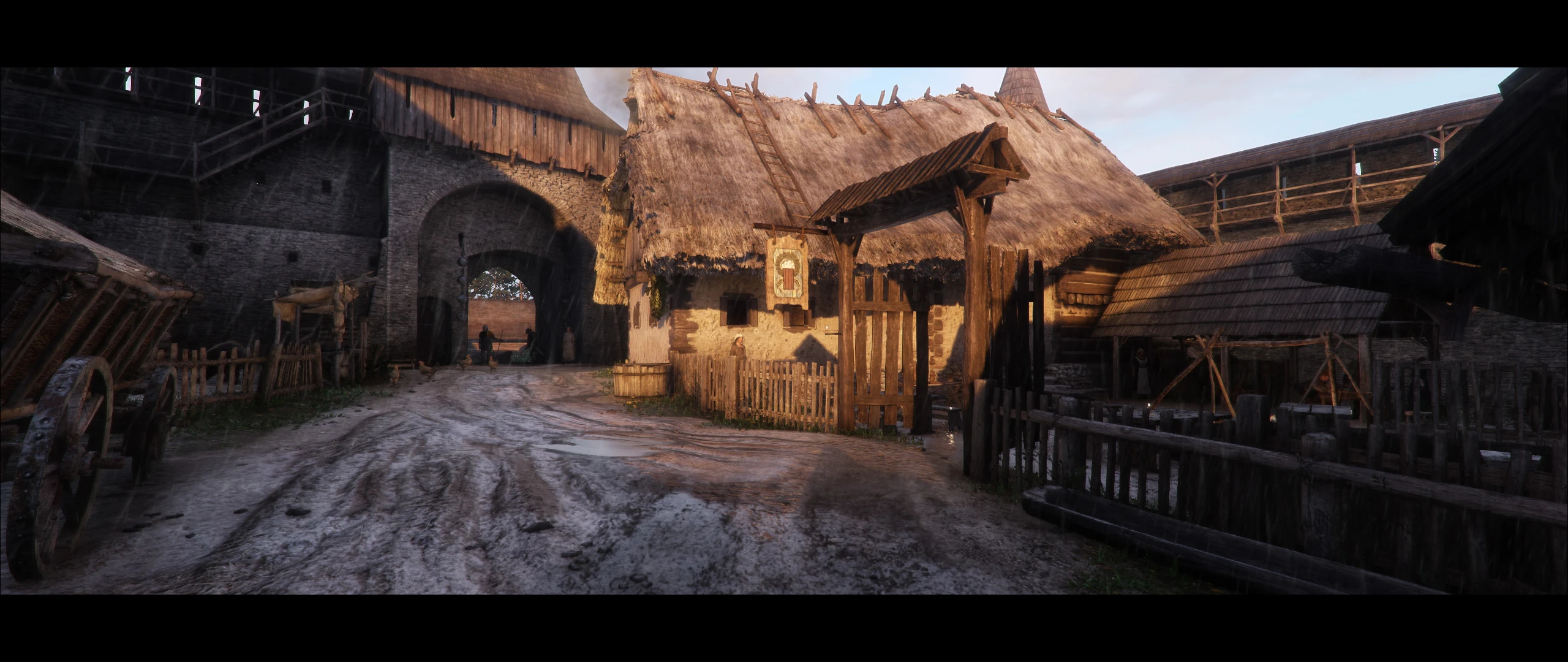
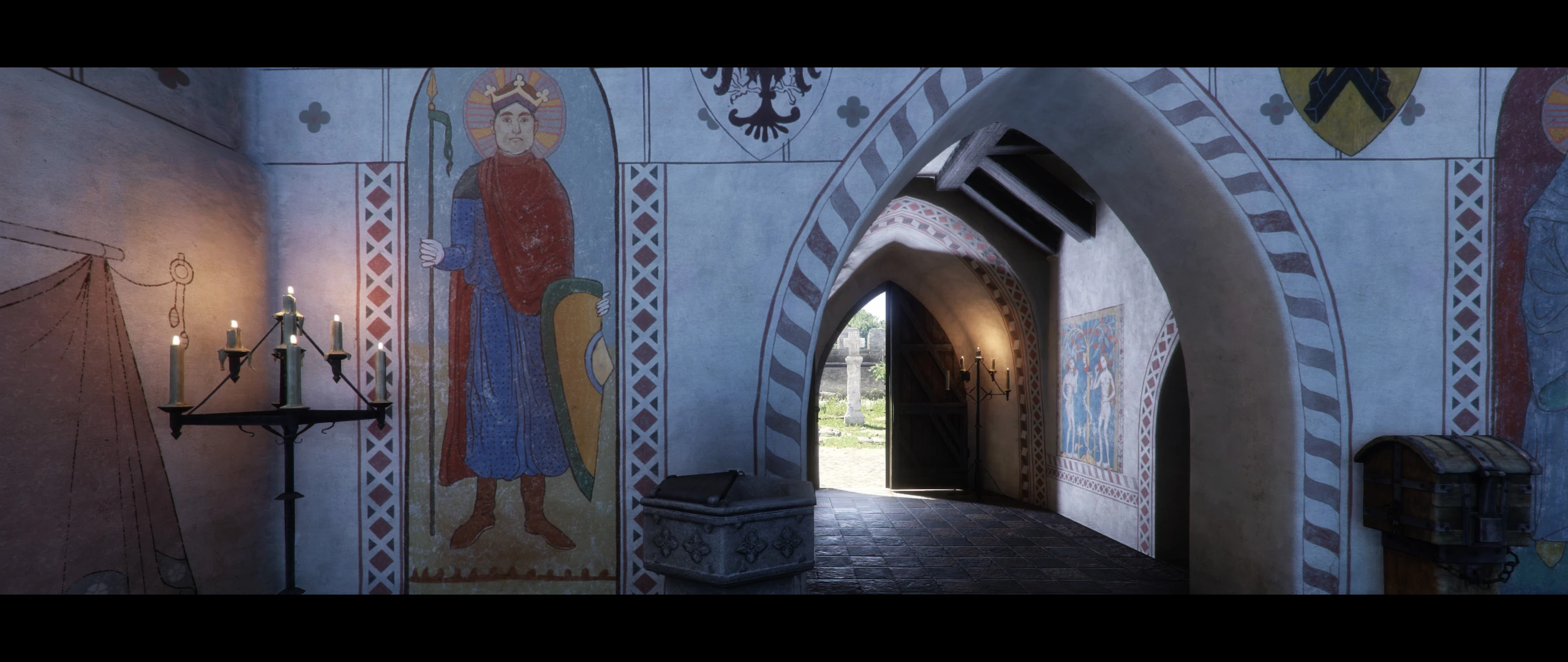
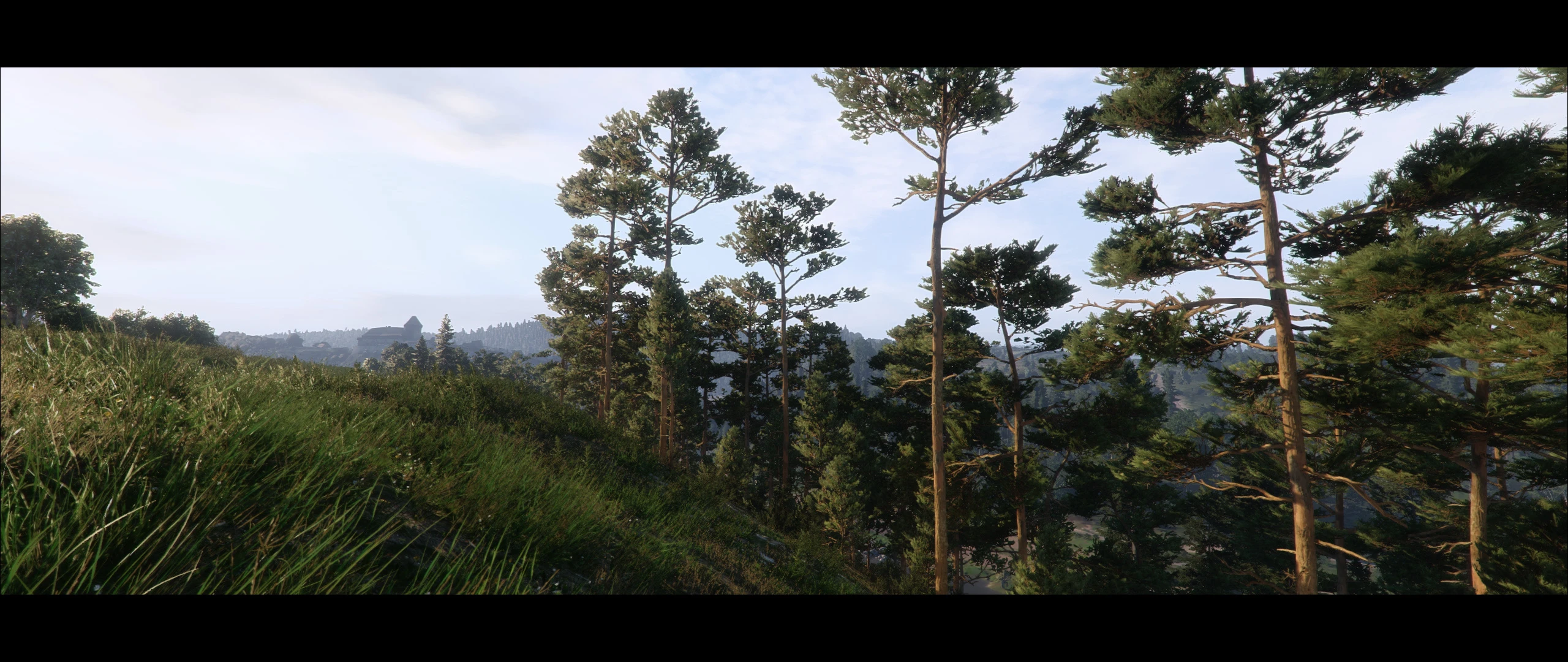
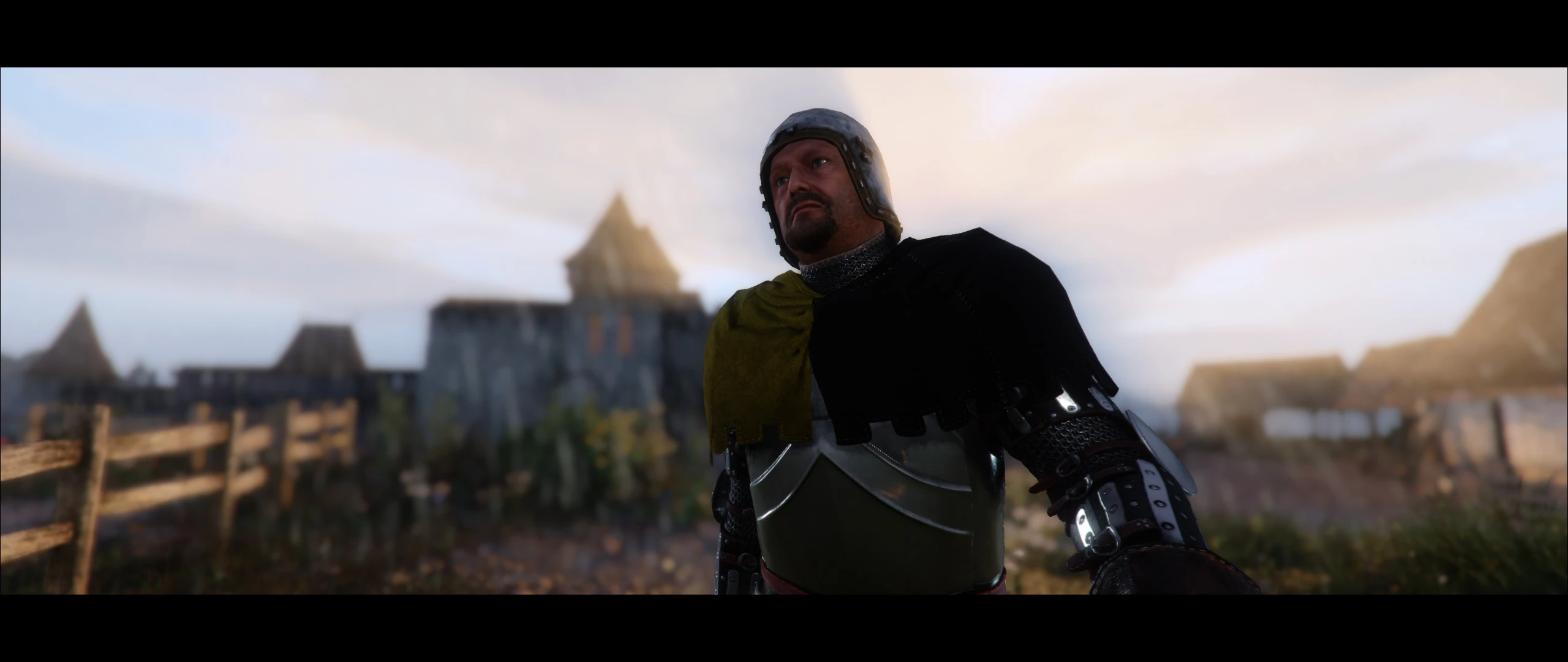
ENB preset for KCD, slightly improves the game's appearance ;)
There is no DoF effect in ENB for KCD. If you want to use ReShade for DoF, Border and CA (only these effects are in my ini). I've prepared the necessary files and short, picture instruction.
You'll find everything in the preset archive.
All effects are disabled by default, you must open the ReShade interface (Shift+F2) and enable the ones you want.
If you are curious how it looks in the game:
Unu81qJ0dO8
bKSZ2pSMjFw
TGLc4YQCbJg
68QfQ760xrQ
Link to my Patreon site:
Installation:
- Download - latest ENB binaries
- Unzip it. Inside you will find two folders : "RegularVersion" and "ExperimentalVersion".
- Copy only "d3d11.dll"and "d3dcompiler_46e.dll" from "ExperimentalVersion\Bin\Win64" folder into your "KingdomComeDeliverance\bin\Win64MasterMasterEpicPGO" directory if you use Epic Store version or "KingdomComeDeliverance\bin\Win64" for the Steam version.
- Download my mod.
- Extract it.
- Select all the files from [ to the KingdomComeDeliverance folder ]
- Copy selected files into the main KCD directory.
- You need to use Very High in-game graphic setting, otherwise ENB will not work properly.
- If you can't play with the Very High settings, you need to add "r_DeferredShadingSSS=1" to the user.cfg
----------------------------------------------------------
!!! - IMPORTANT - !!!
You must use my "user.cfg" file. I've tweaked in-game AO (seems that the ENB parameters for in-game AO have stopped working after one of the patches), values for "Screen Space Directional Occlusion", for game "Voxel Ray Tracing Global Illumination", for Shadows and binded keys (8 and 9) for hiding the game HUD. Of course you can copy my values to your own "user.cfg" file (at least ssdo and svoTI values).
Need to be placed in KCD root folder.
You can add "+exec user.cfg" in launching parameter for the Steam version. In the Steam Library, right click the game and go to Properties. Click the SET LAUNCH OPTIONS... button.
For the Epic Store version: Open up your Epic Games Launcher, open Settings on the left side, scroll down to find the KCD drop down menu, check the box for "Additional Command Line Arguments", add "+exec user.cfg" (without the quotes).
For the GOG 2. 0 version, Use right mouse button on the game in your library - manage installation - Configure - Lunch parameters - Custom executables/arguments and add "+exec user.cfg".
----------------------------------------------------------
!!! - LESS IMPORTANT - !!!
Some ENB effect will not work with "Optimized Graphic Presets"mod, so, you can't use it with my preset.
But I have on my HDD version that looked good with this mod, I have to test it thoroughly.
If you want a good looking contact shadows (especially in the interiors), lighting must be set to Ultra.
ReShade effects is turned off by default in my ini for ReShade, you have to enable it yourself, description of the keys, below.
----------------------------------------------------------
Tune your monitor's BLACK LEVEL, CONTRAST, WHITE SATURATION and GAMMA.
My preset is designed for the white balance - 6500K and Gamma 2. 2
----------------------------------------------------------
MODS
You will find a lot of useful information here - APEX Realistic Modding Guide tweaks and fixes
The first mod to start with - Bushes- Collision Remover
Better clouds - Original clouds KCD no mipmap
Very immersive - Kingdom Come More Puddles
Rudy ENB for KCD is a visual enhancement preset for Kingdom Come: Deliverance that improves the game's appearance. It includes a custom ENB configuration and optional ReShade files for depth of field, borders, and chromatic aberration. Requires manual installation of ENB binaries and specific in-game settings.
✨ Key Features
📊 Pros & Cons
✅ Pros
- Community-trusted author (Rudy102) with 311 endorsements and 8,740 downloads
- Includes optional ReShade effects for extra visual flair, but they're off by default so you control the look
- Detailed installation steps with pictures for ReShade, so you're not left guessing
⚠️ Cons
- Last updated in June 2020 — might not work with the latest game patches, so check compatibility before installing
- Requires manual installation of ENB binaries and editing user.cfg, which is more involved than a simple mod manager drop
- Forces you to use Very High graphics settings or add a config line, which could be a dealbreaker on lower-end PCs
For Kingdom Come: Deliverance players who want a subtle visual upgrade without overhauling the game's look. If you're comfortable with manual file installation and tweaking configs, this preset is for you. Skip if you want a plug-and-play mod or if your PC struggles with Very High settings.
💡 Beginner Tips
- Make sure to copy the ENB files from the ExperimentalVersion folder, not RegularVersion, as instructed for KCD.
- If you can't run Very High settings, add 'r_DeferredShadingSSS=1' to your user.cfg to make ENB work properly.
- Use the provided user.cfg file to get the tweaked AO settings; don't skip it or the preset won't look as intended.
📊 Mod Details
- Game
- Kingdom Come Mods
- Author
- Rudy102
- Version
- 1.0a
- Downloads
- 8,740
- Endorsements
- 311
- Category
- Visuals and Graphics
- Created
- 6/9/2020
- Updated
- 6/10/2020
🔧 How to Install Kingdom Come Mods
Create /Mods/ folder in Data directory. Use Vortex for complex mods.
📖 Full step-by-step install guide for Kingdom Come →
Visit the official mod page for specific installation instructions for this mod.
🎮 Need cheat codes or console commands? Check ur gaming wiki for Kingdom Come commands, item IDs, and more.
Keep browsing — more Kingdom Come mods await