Toggle HUD
🟠 Updated over a year agoPreview
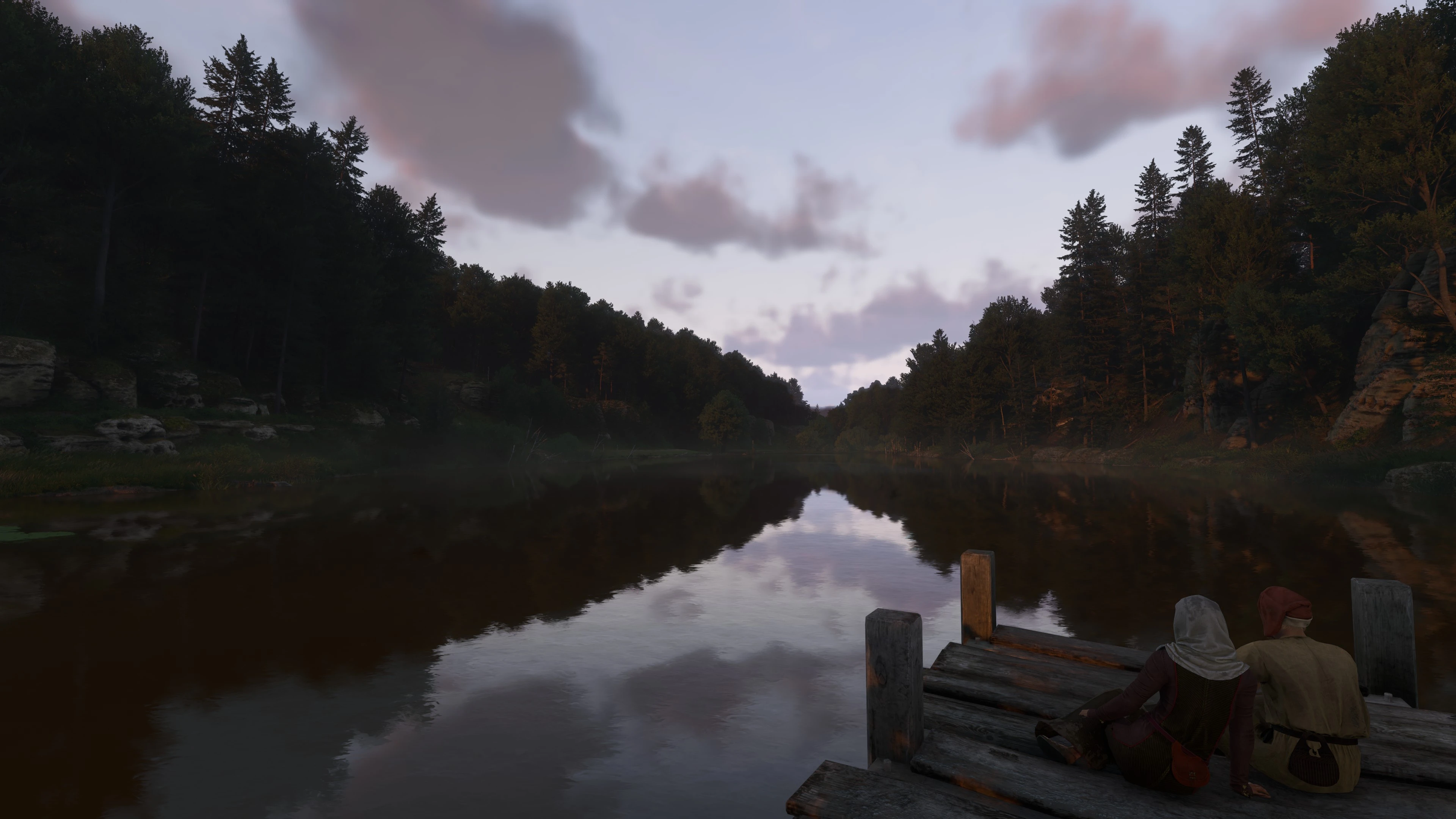
🔍 Analysis
- 👍 2.0% endorsement rate — high engagement, a strong quality signal
- 🏆 #15 of 89 Utilities mods in this game by downloads
📋 About This Mod
Toggles the HUD on/off
This is a simple tweak much like from the original KCD to toggle the HUD on and off
These do not disable achievements like in Bethesda games
Download this mod to make sure all user.cfg commands apply whenever you load a save (some need to be applied every time you load a save unfortunately): "Load CFG After Level"
https://www.nexusmods.com/kingdomcomedeliverance2/mods/927?tab=files
What editing the commands in user.cfg file copy/paste do with individual HUD elements(if you want to individually select the different HUD elements to make your own custom HUD)
wh_ui_ShowStats = 0 (No Health Bar)
wh_ui_showCompass = 0 (No Compass)
wh_ui_ShowBuffs = 0 (No Buff/Debuffs)
wh_ui_showQAMFood = 0 (No Food Quick Slot)
wh_ui_showQAMWeapon = 0 (No Weapon Quick Slot)
wh_ui_ShowCursor = 0 (No Cursor/Directional Crosshair)
wh_ui_ShowTrespassing = 0 (No Bunny)
wh_ui_ShowCrime = 0 (Also No Bunny)
wh_ui_ShowWanted = 0 (No Shield Icon When Wanted)
wh_ui_ShowCommonEvent = 0 (No Perk Activation Notification In Top Right Corner And Reputation Notifications)
wh_ui_ShowFancyEvent = 0 (No "Level Up!" Notification In Top Right Corner)
wh_ui_ShowHints = 0 (Put this if you want to hide all button prompts)
INSTALLATION:
For Steam Users:
1.) Drop the user.cfg file into steam/steamapps/common/KingdomComeDeliverance2 where "system.cfg" is located. Or if you already have a user.cfg with commands in it then just copy and paste "bind f2 wh_ui_showHUD 0" and "bind f3 wh_ui_showHUD 1"
2.) Next right click on KCD2 in steam and select properties. Next copy and paste this into your launch options: +exec user.cfg
3.) Optionally add -devmode to the launch options if you want to be able to open the console
For Epic Games Users:
1.) Place user.cfg in Epic Games\Epic Launcher Games\KingdomComeDeliverance2 where "system.cfg" is located. Or if you already have a user.cfg with commands in it then just copy and paste "bind f2 wh_ui_showHUD 0" and "bind f3 wh_ui_showHUD 1"
2.) For the launch options click on the 3 dots next to your game in the launcher and click manage
3.) Then enable launch options and copy/paste: +exec user.cfg
4.) Optionally add -devmode to launch options if you want to be able to open the console as well
For GOG or No Launcher:
1.) Place user.cfg in your KCD2 directory where "system.cfg" is located, and if you already have a user.cfg with commands in it then just copy and paste "bind f2 wh_ui_showHUD 0" and "bind f3 wh_ui_showHUD 1"
2.) At that same KCD2 folder find the .exe which would be located here: KingdomComeDeliverance2\Bi
📊 Mod Details
- Game
- Kingdom Come 2 Mods
- Author
- Riordan
- Version
- 1.0
- Downloads
- 5,488
- Endorsements
- 111
- Category
- Utilities
- Created
- 2/4/2025
- Updated
- 3/14/2025
🔧 How to Install KCD2 Mods
Use Vortex or manual.
📖 Full step-by-step install guide for KCD2 →
Visit the official mod page for specific installation instructions for this mod.
🎮 Need cheat codes or console commands? Check ur gaming wiki for KCD2 commands, item IDs, and more.
Keep browsing — more KCD2 mods await