Hogwarts Legacy Vulkan Api (Remove Stutter)
⚪ Last updated 2023⚠️ Install Order · 1 step
Install in this order, then this mod last — most mods fail to load without their framework and dependencies in place.
Preview
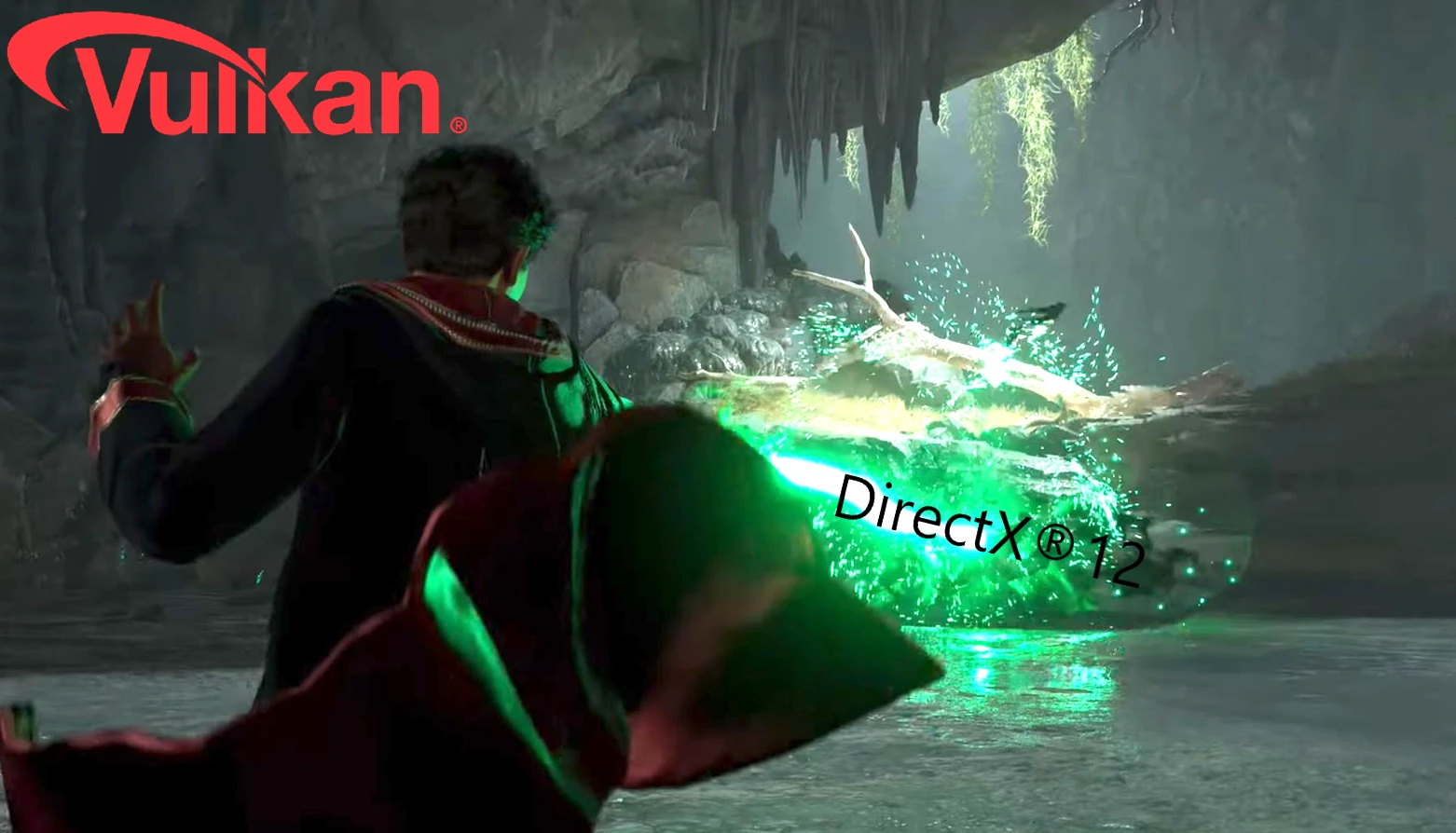
🔍 Analysis
- 👍 2.2% endorsement rate — high engagement, a strong quality signal
- 🏆 #77 of 259 Gameplay mods in this game by downloads
📋 About This Mod
Hogwarts Legacy Vulkan Api
I posted this mod because it may help some people to improve their gameplay and remove the annoying cut scene stutter and other random stutter. it can also stop the game from crashing.
I have only tested it with an Nvidea Card not sure if this will work with an Amd Card, but i think it will work too.
Vulkan makes a setup's GPU do most of the heavy lifting, letting the CPU working less.
- better performance but you will lose some of the bits that are there with DX12.
While using Vulkan as your Graphic Api you cant enable Dlls,RayTracing or HDR.
DXVK is a translation layer you will not lose any Featues.
You have to restart your game after the first Shader compilingand also if you changed any graphic settings!
If you still got much stutter return back to Dx12!
This Mod does not improve everyones Game,but it helps some people from crashing or stuttering.
Installation:
1. Download my rar DXVK and V3D3D–PROTON
2. Both Files got X64 & X86 – If you have 32bit Windows, use X86. To use 64bit Windows, use X64. Mostly u will use X64 !
3. Open DXVK –> X86 or X64 and select file DXGI. DLL nothing more and copy to \Steam\steamapps\common\Hogwarts Legacy\Phoenix\Binaries\Win64
4. Open V3D3D-PROTON —> X64 or X86 and copy file d3d12.dll to \Steam\steamapps\common\Hogwarts Legacy\Phoenix\Binaries\Win64
5. Start your Game and wait for the shaders to compile (When having an Nvidea Card go in to Nvidea 3D Settings and turn your Shadercache to 10gb)
Compiling the Shaders might take some minutes just wait!
Add these lines to your Engine.ini its located in %AppData%\Local\Hogwarts Legacy\Saved\Config\WindowsNoEditor
r.bForceCPUAccessToGPUSkinVerts=True
r. GTSyncType=1
r.javascript-event-stripped1
r. FinishCurrentFrame=0
r. TextureStreaming=1 # thats for not loading every texture with Vram
r. Streaming. PoolSize=3072
r. Streaming. LimitPoolSizeToVRAM=1
r. SSGI. HalfRes=1 ;#half res for ssgi gives up to 10 fps more and does not even look very different
AllowAsyncRenderThreadUpdates=1
AllowAsyncRenderThreadUpdatesDuringGamethreadUpdates=1
AllowAsyncRenderThreadUpdatesEditor=1
https://www.youtube.com/@capetlevrai for the very well made Showcase of the Vulkan Api
GPU SUPPORT:
This mod switches Hogwarts Legacy from DirectX 12 to Vulkan, aiming to reduce stuttering, especially on GTX cards. It supports FSR 2 and works on RTX cards too, but not all GPUs are supported. A performance-focused tweak for PC players.
✨ Key Features
📊 Pros & Cons
✅ Pros
- Community-trusted with 308 endorsements and over 13,000 downloads
- Specifically targets stuttering, a common complaint in Hogwarts Legacy
- Keeps FSR 2 support, so upscaling still works on GTX cards
⚠️ Cons
- Not all GPUs are supported—you must check compatibility before installing
- Last updated in March 2023, so it may not be optimized for the latest game patches
- Switching APIs can cause unexpected visual or performance issues on some systems
For PC players with GTX cards who experience stuttering and want to try an alternative to DirectX 12. Also useful for RTX users looking for a performance tweak. Skip if your GPU isn't listed as supported or if you prefer official support.
💡 Beginner Tips
- Check the mod page's supported GPU list before downloading to avoid crashes
- Make sure to back up your original game files in case you need to revert
- Test the mod in a demanding area like Hogwarts castle to see if stuttering improves
📊 Mod Details
- Game
- Hogwarts Legacy Mods
- Author
- SlowyChad
- Version
- 1.0
- Downloads
- 13,822
- Endorsements
- 308
- Category
- Gameplay
- Created
- 2/19/2023
- Updated
- 3/13/2023
🔧 How to Install Hogwarts Legacy Mods
Download from Nexus.
📖 Full step-by-step install guide for Hogwarts Legacy →
Visit the official mod page for specific installation instructions for this mod.
🎮 Need cheat codes or console commands? Check ur gaming wiki for Hogwarts Legacy commands, item IDs, and more.
Keep browsing — more Hogwarts Legacy mods await