Blueprint Apparate Modloader
⚪ Last updated 2023This mod may not work until the author updates it. Check for an update, or see the rollback guide.
⚠️ Install Order · 1 step
Install in this order, then this mod last — most mods fail to load without their framework and dependencies in place.
Preview
🔍 Analysis
- 👍 1.7% endorsement rate — high engagement, a strong quality signal
- 🏆 #2 of 259 Gameplay mods in this game by downloads
📋 About This Mod
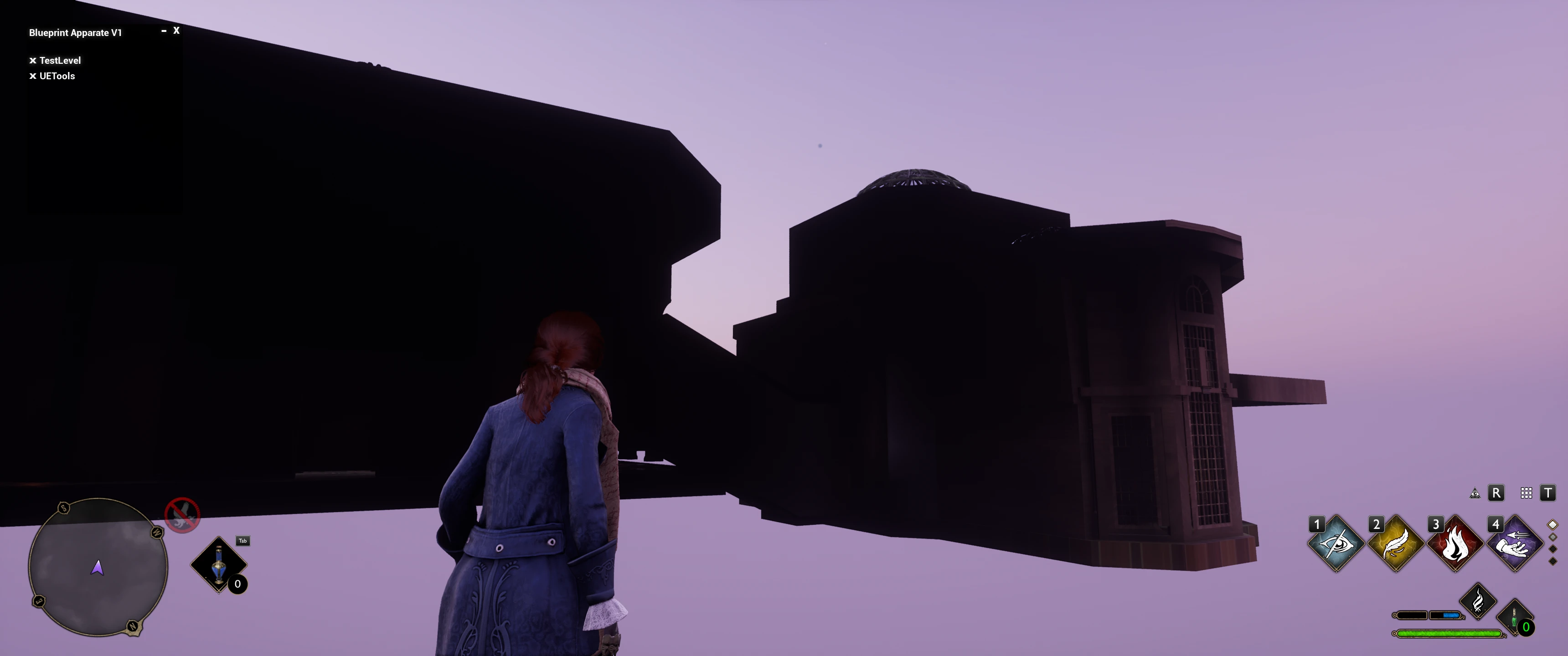
This mod loader will add a menu that you can open with the F1 key, you can add logic mods with this menu and your list of mods will be saved
and automatically loaded every time the level is loaded in.
Installation:
Install by dropping the zBPApparate_P.pak, zBPApparate_P.ucas, and zBPApparate_P.utoc files in your "...\Hogwarts Legacy\Phoenix\Content\Paks\~mods" folder. If you do not have a ~mods folder, create one.
This comes with no built-in mods, this is just a way for mod authors and users to use multiple logic mods without them overwriting and conflicting with each other, and without the need for a DLL.
How to use(users):
To use the menu press the F8 key, and a menu should open up.
With this menu opened you can click in the uppermost white box to enter a mod name and press enter to load the mod.
To exit the menu simply click out of the text box and hit F8 again.
Changing Hotkey:
To change the Hotkey used to open BP Apparate in game, navigate to your Engine.ini file (for Steam this is located in "\Users\Username\AppData\Local\Hogwarts Legacy\Saved\Config\WindowsNoEditor\Engine.ini").
Add the following text with your desired key selected:
[/Game/CustomContent/ModloaderAssets/FloatingModloaderMainWidget. FloatingModloaderMainWidget_C]
Note that number keys and numpad keys must be spelled out (e.g., Zero; NumPadZero). However the "F" keys are basic (e.g., F7).
Known Issues:
Certain mods may not load (pressing Enter will not clear the entered text). This means that the blueprint mod has a conflict or is not loading, it is not related to BP Apparate directly. Try renaming the blueprint mod files to start with ! or ~
How to use(modders):
The mod loader simply loads up custom map instances, and those maps must be placed in this specific UE4 project path;
"/Content/CustomContent/", for example "/Content/CustomContent/MyMod.umap"
Inside that newly created map, Blueprints -> Open Level Blueprint (at the top), and create your logic there or spawn your own blueprint and continue from there.
Pak your level and any related assets, and once in-game just open the mod menu (F8) and type in your mod name (umap name).
Instructions for making BP Apparate-compatible mods can be found here (it's easy): ModLoader Mod Creation
(the guide was made for Stray but the same principles apply)
Make sure you package your mod with IO Store turned on. See: https://github.com/narknon/CCFF7RUproj#to-pak-files-as-ucasutoc
This mod loader is heavily based on YuriLewd from KH3's mod loader.
Blueprint Apparate Modloader is a gameplay mod for Satisfactory that enables loading blueprint mods without DLL hooks, supporting a user-defined list of logic mods to prevent overwriting conflicts. With 11,414 endorsements and 655,982 downloads, it's a widely used utility for modded play.
✨ Key Features
📊 Pros & Cons
✅ Pros
- Huge community trust with 11,414 endorsements and over 655k downloads
- Solves a real headache—logic mods clobbering each other is a pain, and this handles it cleanly
- No DLL hook means less risk of breaking with game updates
⚠️ Cons
- Last updated March 2023—might be behind current Satisfactory versions, so check compatibility
- Requires manual setup of your logic mod list—no auto-detection
- Only useful if you actually run multiple logic mods; casual players might not need it
For Satisfactory modders who stack multiple logic mods and want them to play nice together. If you're just using one or two mods, you can skip this—it's a utility for the mod-heavy crowd.
💡 Beginner Tips
- Place the mod in your Satisfactory Mods folder and make sure you have the mod loader installed.
- Define your logic mod list in the config file—order matters if mods conflict.
- Test with a backup save first to ensure your mods load without errors.
📊 Mod Details
- Game
- Hogwarts Legacy Mods
- Author
- Narknon
- Version
- 1.0.1
- Downloads
- 655,982
- Endorsements
- 11,414
- Category
- Gameplay
- Created
- 2/11/2023
- Updated
- 3/21/2023
🧩 Commonly Used Together
Users add these mods to the same collections — a real compatibility signal, not an AI guess.
🔧 How to Install Hogwarts Legacy Mods
Download from Nexus.
📖 Full step-by-step install guide for Hogwarts Legacy →
Visit the official mod page for specific installation instructions for this mod.
🎮 Need cheat codes or console commands? Check ur gaming wiki for Hogwarts Legacy commands, item IDs, and more.
Keep browsing — more Hogwarts Legacy mods await