Halo 2 Cinematic Graphics Reshade
⚪ Last updated 2020Preview
🔍 Analysis
- 👍 3.6% endorsement rate — high engagement, a strong quality signal
- 🏆 #12 of 81 Visuals and Graphics mods in this game by downloads
📋 About This Mod
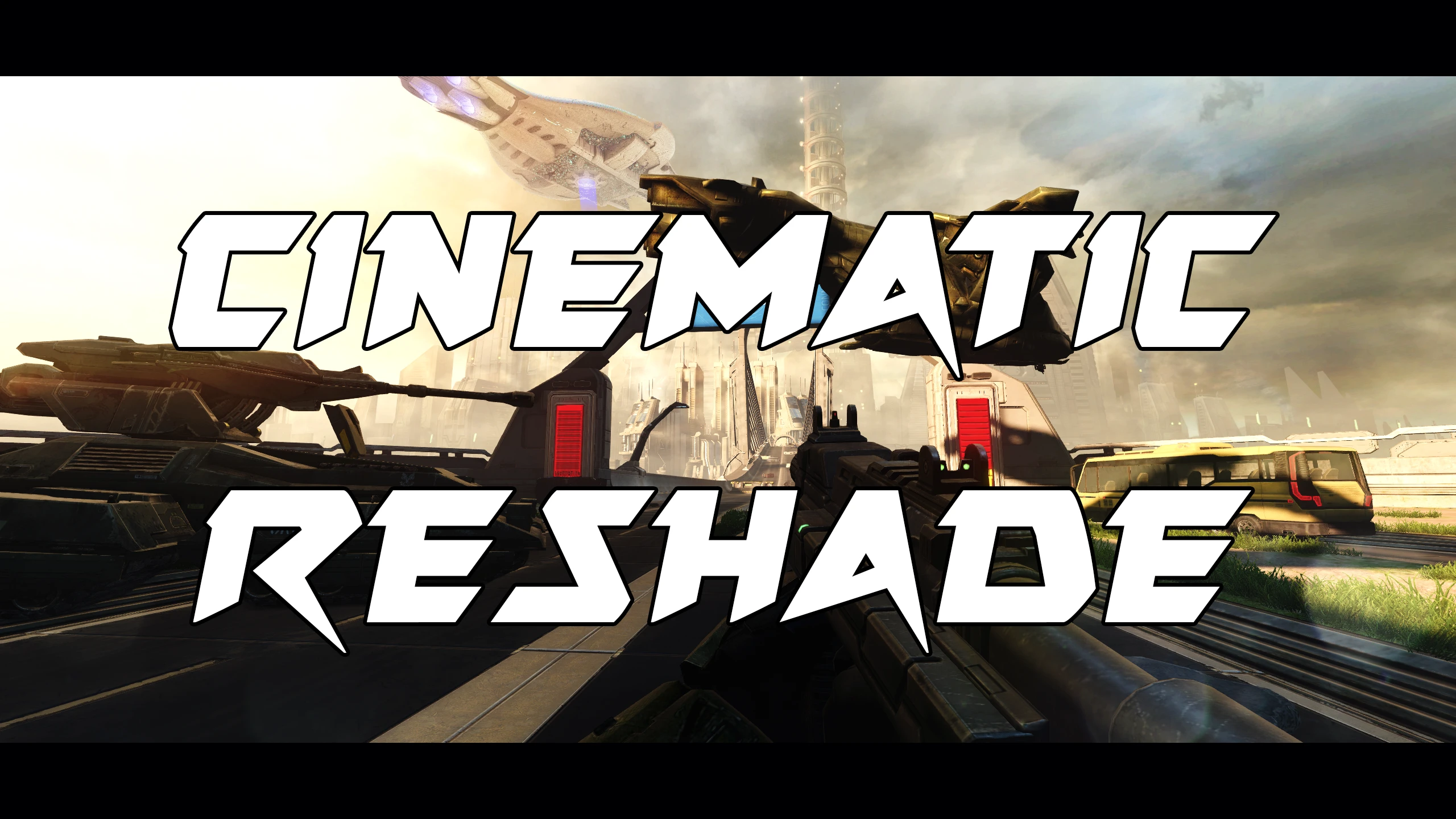
A Reshade meant to make the in-game graphics similar to the Blur Cinematics done for Halo 2 Anniversary.
This reshade is meant to make the in game graphics seem more true to the Blur cinematics. There is 2 versions, one with the borders(which is recommended for most immersion) and one without them. If this isn't your style then use another reshade, I just figured this one might seem cool to some people.
INSTALLATION:
1. Install the Reshade Software
(When installing choose the application MCC-Win64 in the folder below)
C:\Program Files (x86)\Steam\steamapps\common\Halo The Master Chief Collection\MCC\Binaries\Win64
2. Drag the Cinematic Preset into the folder above
📊 Mod Details
- Game
- Halothemasterchiefcollection Mods
- Author
- ProDudeFilms
- Version
- v1.0
- Downloads
- 872
- Endorsements
- 31
- Category
- Visuals and Graphics
- Created
- 5/25/2020
- Updated
- 5/25/2020
🔧 How to Install Halo: The Master Chief Co Mods
Download from Nexus Mods.
📖 Full step-by-step install guide for Halo: The Master Chief Co →
Visit the official mod page for specific installation instructions for this mod.
🎮 Need cheat codes or console commands? Check ur gaming wiki for Halo: The Master Chief Co commands, item IDs, and more.
Keep browsing — more Halo: The Master Chief Co mods await